Why Does My 3D Printer Nozzle Keep Clogging: Causes and Fixes
A clogged nozzle comes from damp filament, dust or heat creep, and each cause has a fix that clears the blockage.

On this page
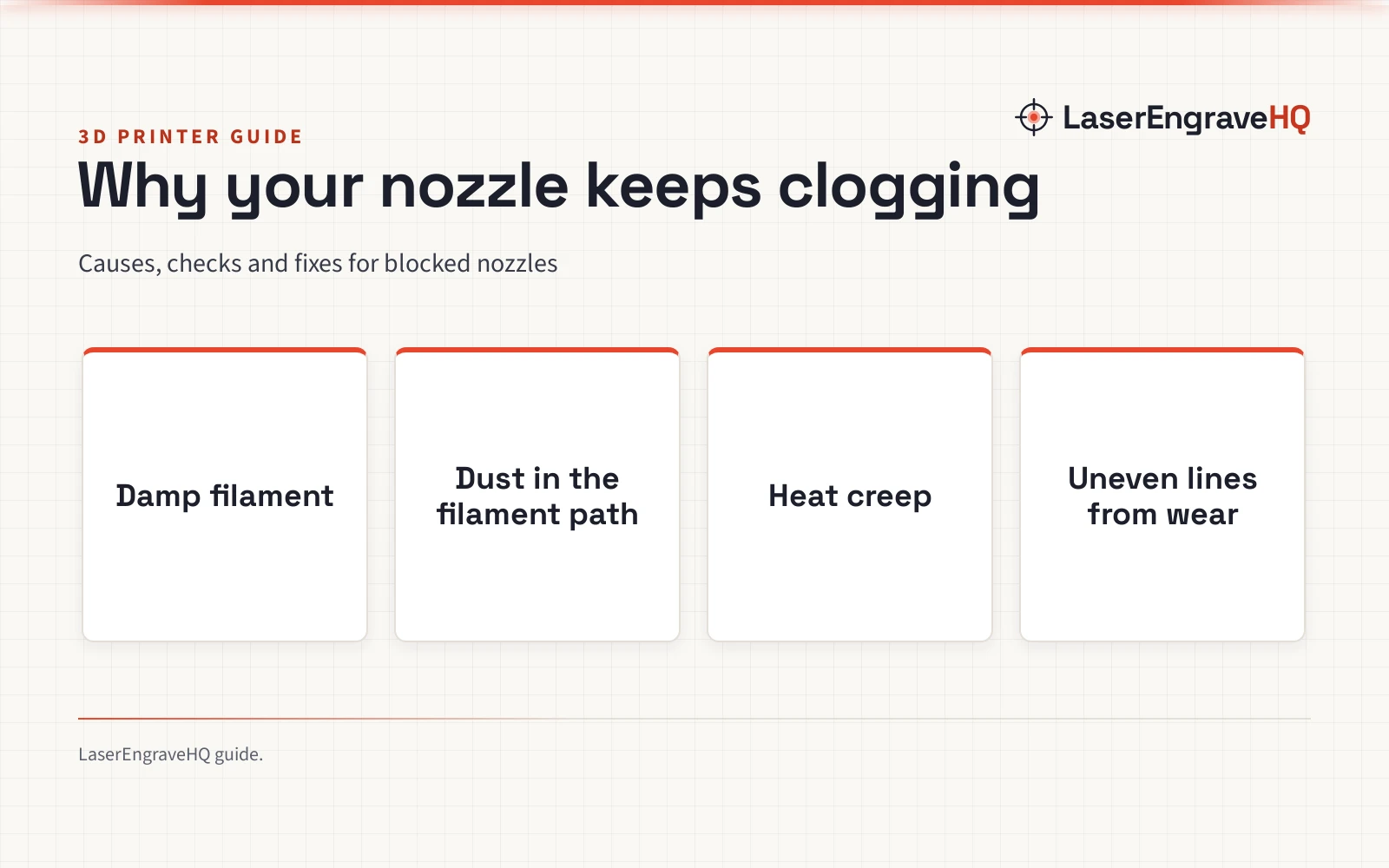
A print starts well, then the lines grow thin, the extruder clicks and the nozzle stops pushing plastic. The question behind that moment is why does my 3d printer nozzle keep clogging, and the answer is almost always in the filament path. Damp filament, dust and heat creep each block flow in a different way, and each cause leaves its own clue. A worn nozzle gives uneven lines instead of a blockage, so it is covered separately below. The sections below walk through each cause, the fix that clears it and the habits that keep the nozzle open.
As an Amazon Associate I earn from qualifying purchases. LaserEngraveHQ earns a commission from purchases made through these links, at no extra cost to you. Read our affiliate disclosure.
This guide gives no figures for temperatures, sizes or times, because settings vary by machine and filament. Check the manual that came with the printer before changing a setting, and treat any figure found online as a starting point, not a rule.
Why does my 3d printer nozzle keep clogging
A nozzle clogs when something stops filament from moving through the hot end in a steady stream. The blockage can sit inside the nozzle tip, in the heat break above it or in the extruder gears that push the filament forward. Where the blockage sits decides the fix, so the work starts with finding the cause rather than forcing filament through. A clog that returns after cleaning points to a cause that cleaning alone cannot remove, such as damp filament or heat creep. The 3D printer extruder problems guide covers the extruder side of the same trouble, and the guide to fixing a clogged nozzle walks through the clearing steps in order.
Damp filament bubbles and breaks flow
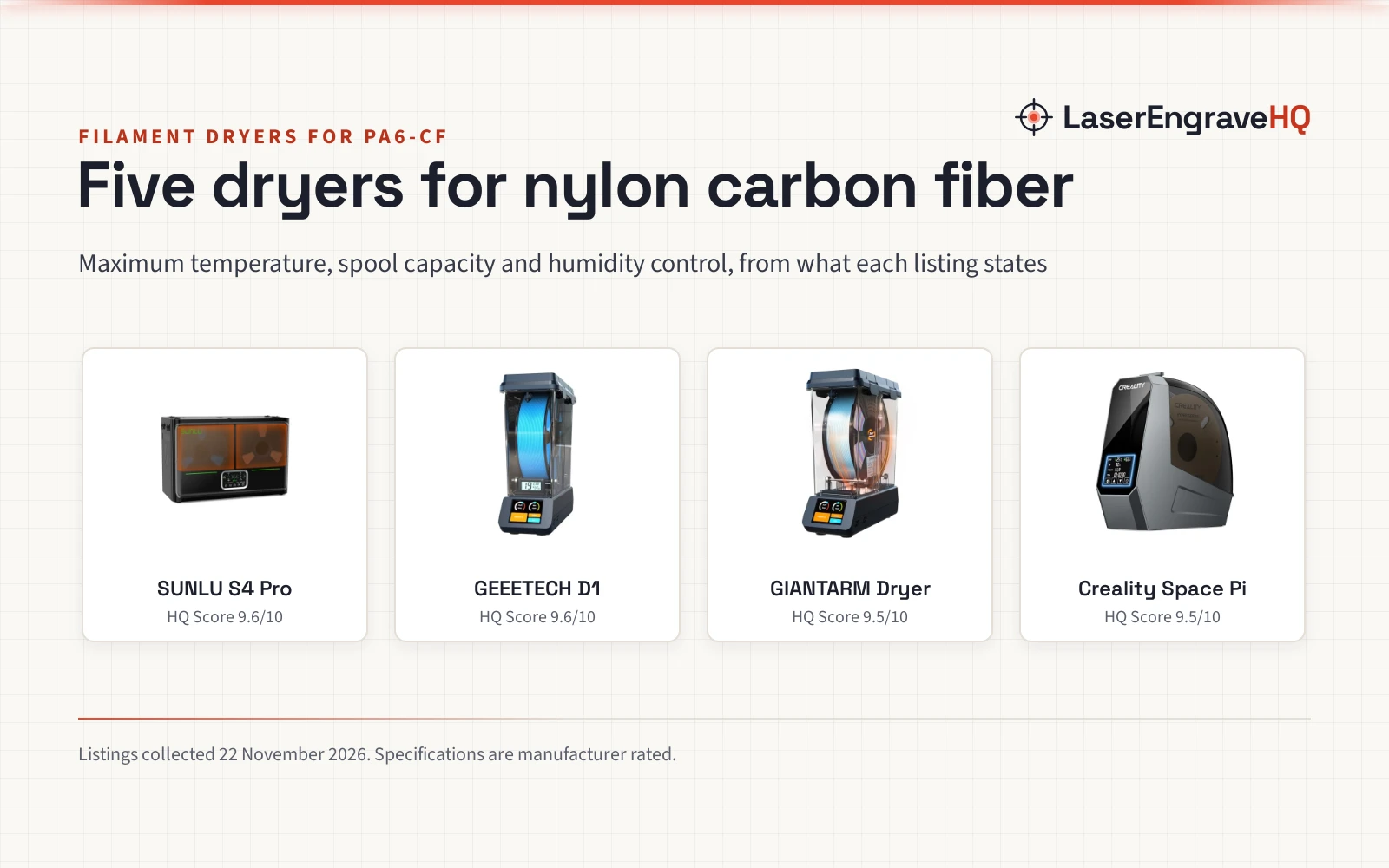
Filament absorbs moisture from the air while it sits on the spool, and damp filament causes trouble when it reaches the hot end. Water in the filament turns to steam, which makes bubbles in the melted plastic and breaks the flow into an uneven stream. Prints from damp filament often show rough surfaces, weak layer bonds and gaps where the nozzle stopped pushing plastic. PLA left out in humid air is a common case, and the guide to leaving PLA filament out explains how storage time affects moisture. Drying the filament restores smooth flow, and a dryer made for filament dries the spool before printing. The filament dryer guide compares dryers that hold a spool at a steady drying setting.
Dust and debris in the filament path
Dust settles on the spool and rides into the extruder with the filament, and small bits of debris can lodge in the narrow nozzle opening. A partial blockage from debris shows up as thin lines and missing sections, while a full blockage stops flow outright. Keeping the spool covered and the work area clean lowers the amount of dust that reaches the filament path. A short length of cleaning filament pushed through a hot nozzle can carry loose debris out with it, and the guide to cleaning filament explains the method. A small foam wiper on the filament path catches dust before it reaches the hot end.
Heat creep softens filament too early
Heat creep happens when heat travels up from the hot end and softens filament above the melt zone, where it should stay firm. Softened filament swells, grips the walls of the heat break and forms a plug that the extruder cannot push through. The sign is a clog that appears after the printer has been running for a while, often with the extruder clicking as it strains against the plug. A cooling fan that is blocked, dusty or failing lets heat creep build, so check that air moves freely around the heat sink and that the fan spins when the printer runs. The hot end parts guide shows how the heat break, heater block and nozzle fit together, and the nozzle temperature guide lists the setting for each filament type.
A worn nozzle and the wrong filament
A nozzle wears from the inside as filament passes through it, and the opening grows wider and less even over time. A worn nozzle gives uneven lines and poor detail, because the opening no longer guides the filament cleanly. Filament with hard fillers, such as carbon fiber, wears a brass nozzle far faster than plain filament does, so a nozzle made for abrasive material holds up longer with that kind of filament. The nozzle types guide explains which nozzle material suits which filament, and the guide to nozzle life covers the signs that a nozzle is due for a change. The carbon fiber printing guide covers what that filament needs from the printer.
How to clear a clogged nozzle
Clear a clog in order, from the gentlest method to the most involved, and check flow after each move before going further.
- Push cleaning filament through: heat the nozzle, feed cleaning filament by hand and let it carry loose material out of the tip.
- Use a nozzle needle: a thin needle made for nozzles can break up a blockage in the tip without removing the nozzle.
- Do a cold pull: heat the nozzle, push filament in, let it cool until it firms up, then pull it out sharply so the plug comes with it.
- Remove the nozzle: take the nozzle off while the hot end is warm, clear the opening by hand and refit it with care so the seal stays tight.
If flow stays blocked after these moves, the cause may sit higher in the filament path, in the heat break or the extruder. The best way to clean a 3D printer nozzle compares cleaning kits for the job, and the guide to changing a nozzle covers removal and refitting.
How to keep the nozzle clear
Prevention comes down to dry filament, a clean path and a nozzle in good shape. Store filament in a sealed box or bag with desiccant, and keep the spool covered while the printer runs. Check the cooling fan and the heat sink for dust, and clear them when they look dirty. Run cleaning filament through the nozzle when changing material, and change the nozzle when lines grow uneven and cleaning stops helping. The print quality guide covers related habits, and the beginner printing guide walks through setup and care for a new printer.
The short version
- Damp filament, dust and heat creep are the causes that block flow.
- Find the cause from the clue it leaves, then clear the clog with the gentlest method that works.
- Store filament dry, keep the path clean and change a worn nozzle.
With the cause fixed, the nozzle should feed a steady stream again.
FAQ: lasers and CNC
Why does the nozzle clog in the middle of a print?
Heat creep and damp filament are the usual suspects when a clog appears after a print has been running for a while. Heat creep softens filament above the melt zone and forms a plug, while damp filament bubbles and breaks the flow. Check the cooling fan and dry the filament before clearing the nozzle again.
Can damp filament clog a nozzle?
Yes. Moisture in the filament turns to steam in the hot end, which breaks flow into an uneven stream. Dry the spool to remove the cause, then clear the nozzle with the steps above.
What are the signs of a worn nozzle?
Lines grow uneven and fine detail goes missing. A nozzle with a visibly widened or uneven opening is due for a change, and the nozzle life guide linked above covers the signs in detail.
Does cleaning filament clear a clog?
Cleaning filament clears loose debris and residue from the nozzle, and it works well as a regular purge between materials. It cannot fix a worn nozzle or a plug from heat creep, so use it for cleaning and look to the cause when clogs keep returning.
When is changing the nozzle better than cleaning it?
Change the nozzle when the opening looks worn or uneven, or when lines stay uneven after cleaning. A fresh nozzle is the fix when the old nozzle has worn past the point where cleaning helps.
Related: the 3D printer hub, how to fix a clogged nozzle and the best way to clean a 3D printer nozzle. Also see 3D printer nozzle types.