How to Use Cleaning Filament in a 3D Printer
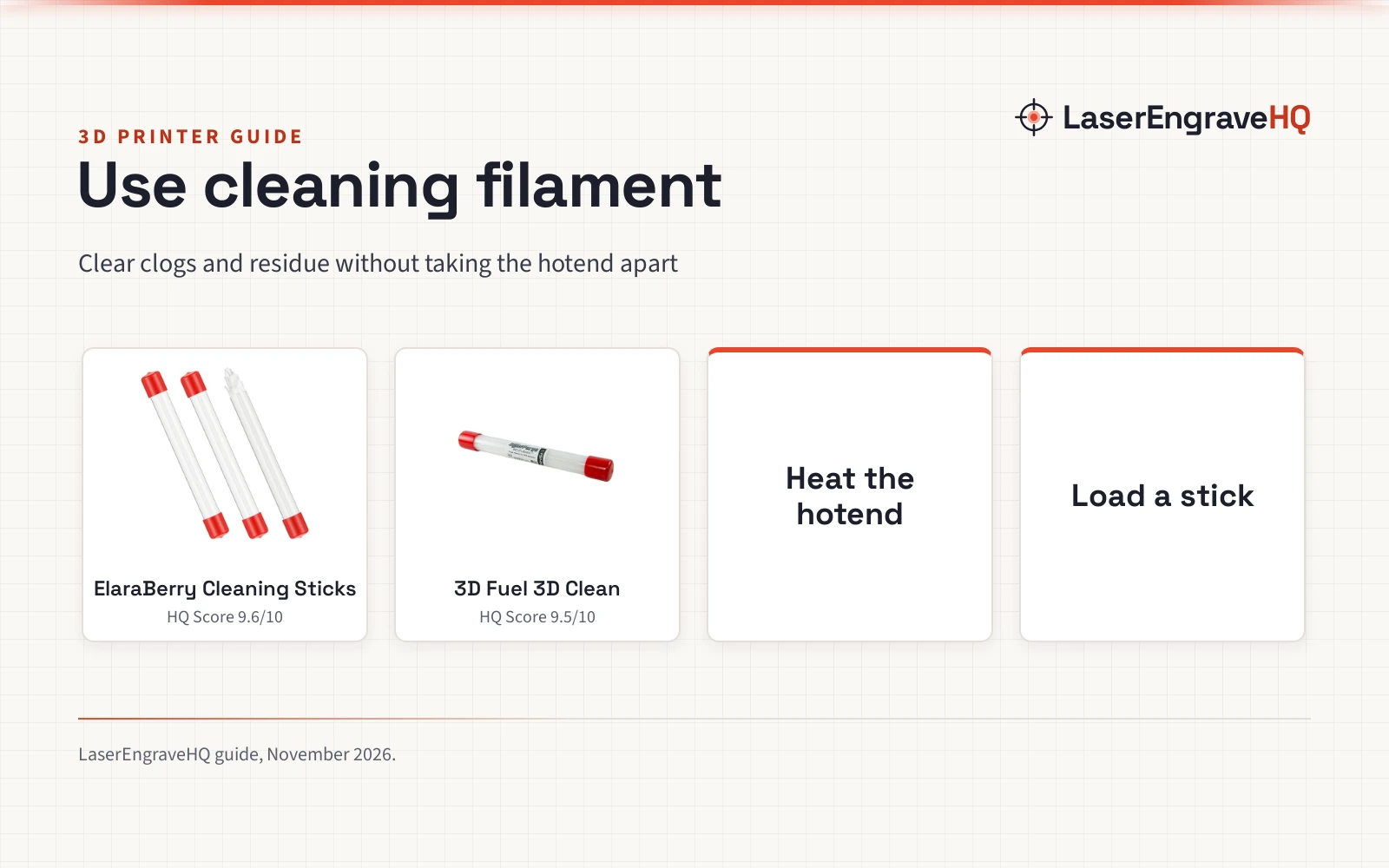
How to use cleaning filament: heat the hotend, load a pre-cut stick, extrude it through to carry out residue, and repeat until the strand runs clean.

On this page
Top picks at a glance
As an Amazon Associate I earn from qualifying purchases.
- 1
 ElaraBerry 150 Pcs 3D Clean Printer Nozzle9.6/10View on Amazon
- 2
 3D Fuel 3D Clean Printer Nozzle Cleaning Filament9.5/10View on Amazon
How to use cleaning filament: load a pre-cut stick into the extruder the same way you load regular filament, bring the hotend up to temperature, and run the stick through so it softens, picks up residue left inside the nozzle and carries it out. That is the whole job. The products in this guide are thermoplastic compounds made to melt and adhere to byproduct and debris from earlier prints, so the residue leaves with the purge strand instead of staying in the extruder. The steps below cover when to run it, how to run it and how to tell the nozzle is clear.
LaserEngraveHQ earns a commission from purchases made through these links, at no extra cost to you. Read our affiliate disclosure.
ElaraBerry 150 Pcs 3D Clean Printer Nozzle
A 150-piece set of 1.75mm cleaning filament sticks in 3 tubes, each stick 8 inches long and individually packaged, stated to work at 230°C.
Pros
- 150 pieces across 3 tubes, so a stick is always on hand for a purge
- Pre-cut 8-inch sticks need no measuring, cutting or spool unwinding
- Maker states a working temperature of 230°C, 5°C above standard printing temperature
- No nozzle disassembly, chemical solvents or needle tools needed
Cons
- No diameter tolerance is stated for the 1.75mm sticks
- No warranty term is stated
- Only fits printers that take 1.75mm filament
- A heavy clog may still need the hotend opened after a purge
3D Fuel 3D Clean Printer Nozzle Cleaning Filament
50 sticks of 1.75mm nozzle cleaning filament with a stated +/- 0.03mm tolerance, made in the USA, in 8-inch segments.
Pros
- Stated diameter tolerance of +/- 0.03mm on the 1.75mm sticks
- Non-chemical, non-abrasive thermoplastic compound, per the maker
- Maker gives a maintenance schedule: every 3 months or 0.5kg of material
- Made in the USA by 3D Fuel
Cons
- 50 sticks is a smaller count than the 150-piece set above
- No working temperature is stated for the compound
- No warranty term is stated
- Only fits printers that take 1.75mm filament
When to use cleaning filament
Run cleaning filament in these situations: a clogged or partly clogged nozzle, routine maintenance, and a change of filament color or material. For maintenance, 3D Fuel recommends a minimum of every 3 months or 0.5kg of material, whichever comes first. Between filament changes, the maker says to run a couple of inches through the printer to prevent color bleed, so the previous color does not contaminate the next spool. If you suspect residue build-up in the nozzle, a purge is the step these products are made for, before you open the hotend; our guide on why a 3D printer stops printing covers the other common causes.
How to use cleaning filament, step by step
Both products in the gear section below come as pre-cut sticks, so there is no spool to unwind and nothing to measure or cut. The routine is the same for either one.
- Heat the hotend. ElaraBerry states its sticks work at 230°C, which the maker describes as 5°C above standard printing temperature. 3D Fuel does not state a temperature for 3D Clean, so follow the maker’s guidance for that product rather than assuming the ElaraBerry figure applies to it. Our nozzle temperature guide lists stated temperatures by filament type.
- Load the stick. Feed the stick into the filament intake or extruder, exactly as you would load regular filament. ElaraBerry states this needs no nozzle disassembly, no chemical solvents and no needle tools.
- Extrude it through. Run the stick through the hotend. 3D Fuel says a couple of inches is enough for a color or material change. For a clog or a maintenance purge, run the full stick: the compound is made to adhere to residue from PLA, PETG, ABS and other filaments and carry it out with the strand.
- Repeat if the output still looks dirty. Load another stick and extrude again if the strand still carries visible residue. Then load your printing filament and run a short length of it through before printing.
- Print as normal. 3D Fuel describes the result as smoother, more accurate models once the residue is gone. Keep the remaining sticks in their packaging for the next change or maintenance run.
Cleaning filament for a clogged nozzle
For hotend clogs, the makers position these sticks as the low-effort option: the compound melts, binds to the byproduct stuck in the extruder and carries it out with the purge strand. 3D Fuel describes 3D Clean as a non-chemical, non-abrasive thermoplastic compound that is safe for both the operator and the printer. ElaraBerry states its compound is made without corrosive ingredients and will not damage brass or stainless steel nozzles during cleaning. If a purge does not clear the blockage, the cause may be something a cleaning compound cannot move, and the hotend may need direct work beyond a purge.
Gear for this job: cleaning filament sticks
The purge step above is where the gear earns its place: each product below is the stick you load and extrude to clear residue between filament changes and at maintenance time.
Choosing between the two
Both are 1.75mm sticks in 8-inch lengths, so the choice comes down to count and stated detail. ElaraBerry gives 150 pieces across 3 tubes, each piece individually packaged, and states a working temperature of 230°C. 3D Fuel gives 50 sticks with a stated diameter tolerance of +/- 0.03mm and a maintenance schedule of every 3 months or 0.5kg of material. Pick the larger count if you change filaments often; pick the 3D Fuel sticks if the stated tolerance and the non-abrasive compound matter more to you. More printer gear and guides live in our 3D printer hub.
FAQ: lasers and CNC
What temperature should I use for cleaning filament?
ElaraBerry states 230°C for its sticks, described as 5°C above standard printing temperature. 3D Fuel does not state a temperature for 3D Clean, so follow that maker’s guidance for its sticks and do not assume the ElaraBerry figure applies.
How often should I run cleaning filament?
3D Fuel recommends a minimum of every 3 months or 0.5kg of material, whichever comes first, plus a short purge whenever you switch colors or materials to prevent color bleed.
Do I need to take the nozzle apart?
No. ElaraBerry states its sticks need no nozzle disassembly, no chemical solvents and no needle tools: you load the stick into the filament intake and extrude it through.
How much cleaning filament does one purge take?
For a color or material change, 3D Fuel says a couple of inches is enough. For a clog or a maintenance clean, run a full 8-inch stick and repeat with another stick if the output still carries debris.
Will cleaning filament damage my nozzle?
ElaraBerry states its compound will not damage brass or stainless steel nozzles during cleaning, and 3D Fuel describes 3D Clean as non-chemical and non-abrasive. Both are thermoplastic compounds made to melt and carry residue out, not to scrub the nozzle.
Which filament diameter do these sticks fit?
Both products are 1.75mm sticks. 3D Fuel states a diameter tolerance of +/- 0.03mm. If your printer takes a different filament size, these sticks will not fit the extruder path.