Lightburn vs Coreldraw: Which One Should You Buy?
LightBurn controls the laser and places art on the bed, while CorelDRAW builds the vector artwork, and this guide shows how the pair fit…

Design and control software for lasers and CNC routers: LightBurn, xTool Creative Space, LaserGRBL and CNC CAM programs. Guides cover which machines each program supports and what it costs to run.
Bare metal points to a fiber laser, clear acrylic to CO2, wood and leather on a budget to a diode, and thick stock or 3D carving to a CNC router. The Machine Finder narrows it down in five questions, and the material guide shows what each type can cut.
LightBurn controls the laser and places art on the bed, while CorelDRAW builds the vector artwork, and this guide shows how the pair fit…
A free-versus-paid laser software comparison, grounded in the machines, camera and beginner guides that actually run LightBurn.
A practical guide explaining how long laser engraving takes, covering machine travel speed, laser optical power, artwork fill density, and job setup.
A practical guide comparing LightBurn vs LaserGRBL: evaluate operating systems, design tools, controller compatibility, camera support, and learning curve to pick the right laser…
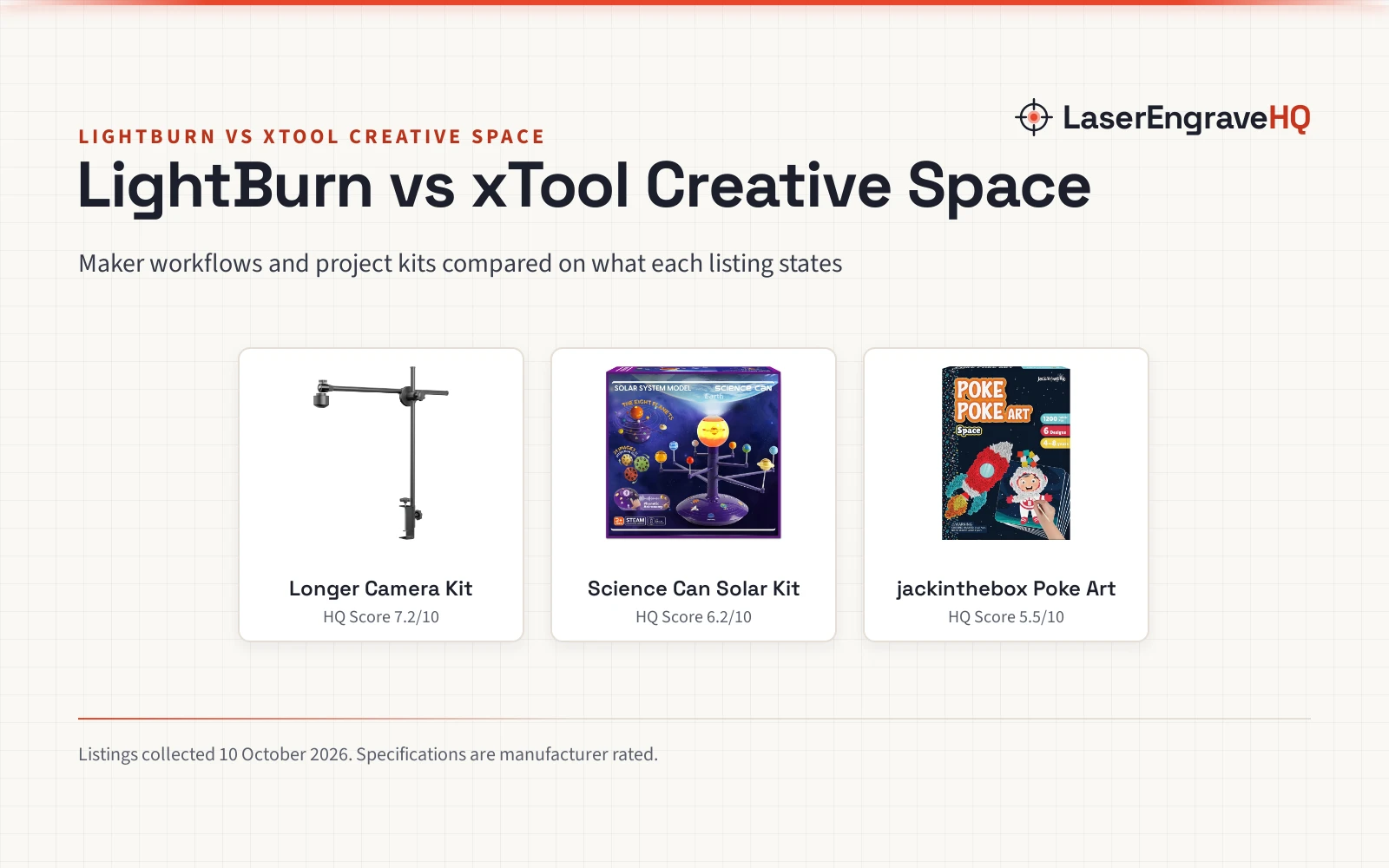
LightBurn and xTool Creative Space compared on software workflows, camera alignment, workspace coverage, accessories, stated specifications and practical maker options.
A practical step-by-step guide on how to convert an image to SVG for laser cutting, clean up vector paths, and prepare cut-ready files for…
A step-by-step guide to tracing images in LightBurn: import bitmap artwork, adjust threshold controls, clean up vector paths, and assign laser layers.
A practical step-by-step guide explaining how to make a material calibration grid in LightBurn, set speed and power axes, frame scrap stock safely, and…
A step-by-step guide on how to set up LightBurn for a diode laser: connect your machine via USB, install drivers, configure GRBL settings, and…
A practical guide to deciding if LightBurn is worth it: compare its core design features, camera alignment, cut controls and license terms against free…
Software decides how your design reaches the machine. Look at the points below before you commit to a license. Feature lists are as the vendors publish them. Design software and control software are sometimes different programs, so check whether a listing covers both, and whether files can move between your design tool and the machine without conversion. Keep a note of the file formats you already own before you choose. Most programs list their supported controllers, file formats and trial length, which makes the choice mostly a matter of matching those lists to your machine and workflow. Many people try a trial before paying.