Cost of a CNC Machine: What to Expect for Desktop Models
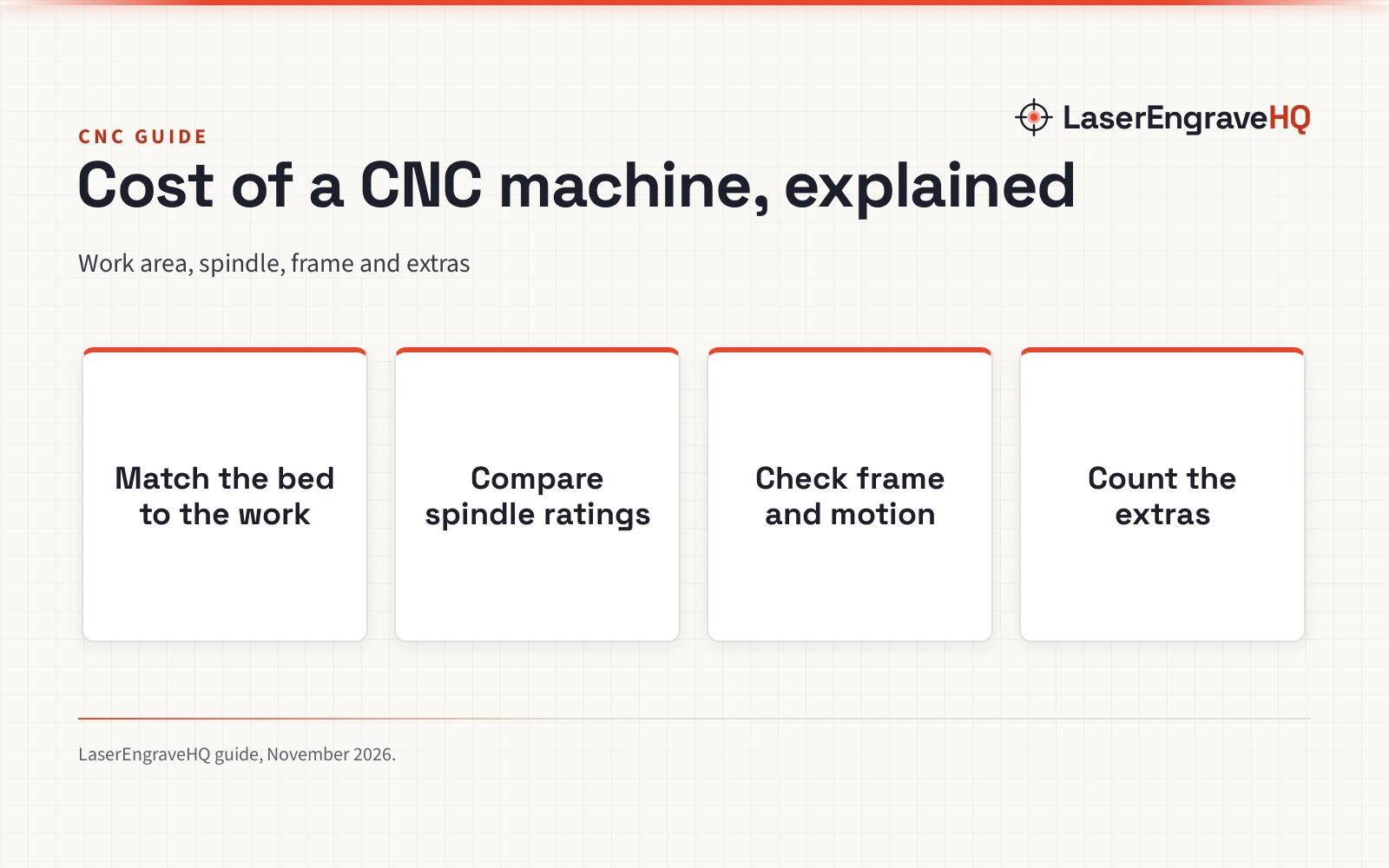
A practical guide to what drives the cost of a CNC machine, from work area and spindle ratings to frame, controls and the extras…

Desktop CNC routers fit on a bench and handle signs, inlays, small furniture parts and engraving. Rigidity, spindle power and workholding decide what they can cut cleanly.
Bare metal points to a fiber laser, clear acrylic to CO2, wood and leather on a budget to a diode, and thick stock or 3D carving to a CNC router. The Machine Finder narrows it down in five questions, and the material guide shows what each type can cut.
A practical guide to what drives the cost of a CNC machine, from work area and spindle ratings to frame, controls and the extras…
A plain comparison of the 3020 vs 3040 cnc router choice, using only the stated work areas, spindles, controls and materials of four desktop…
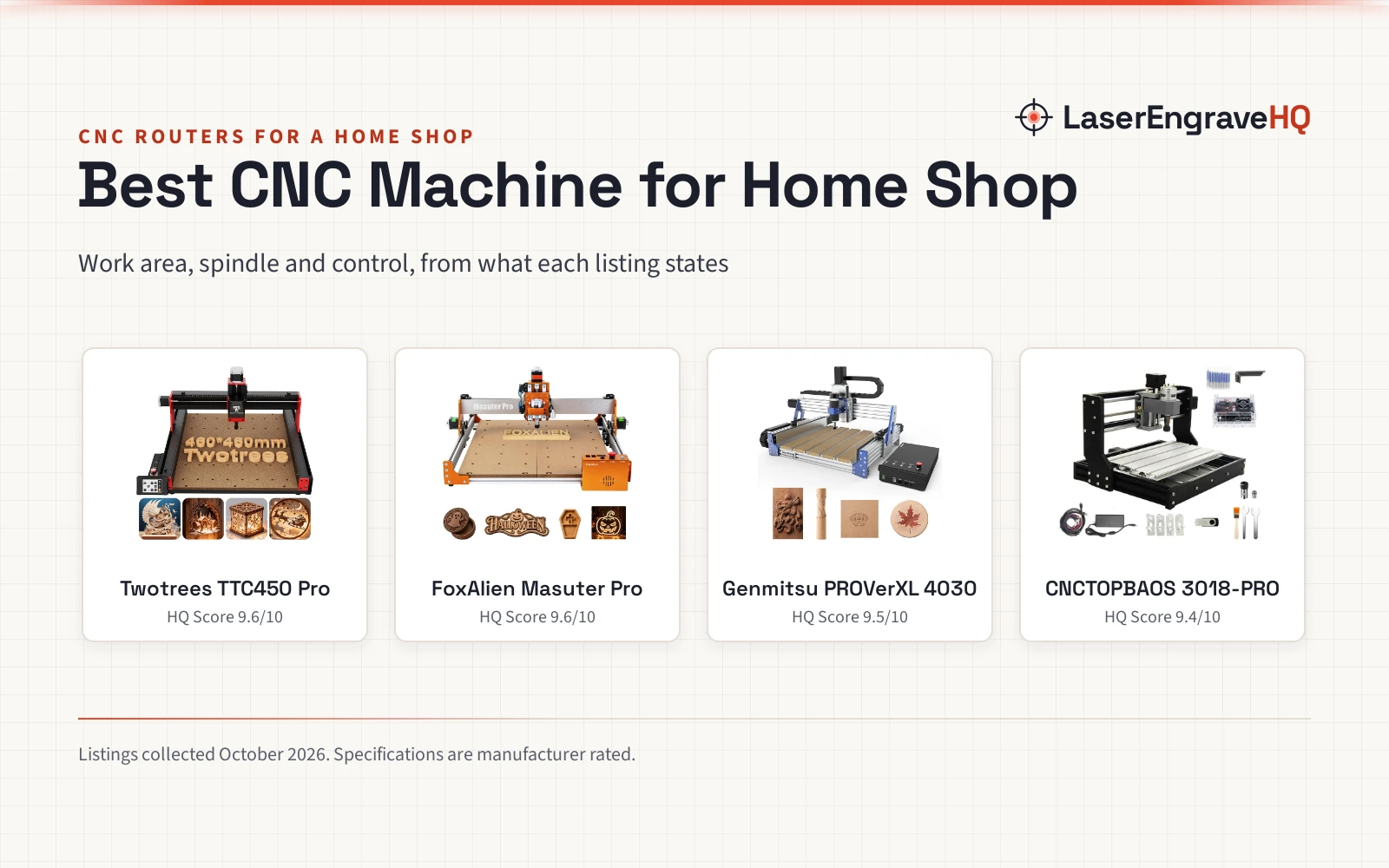
Five desktop CNC routers for a home shop, compared by work area, spindle, motion system, control and stated safety features.
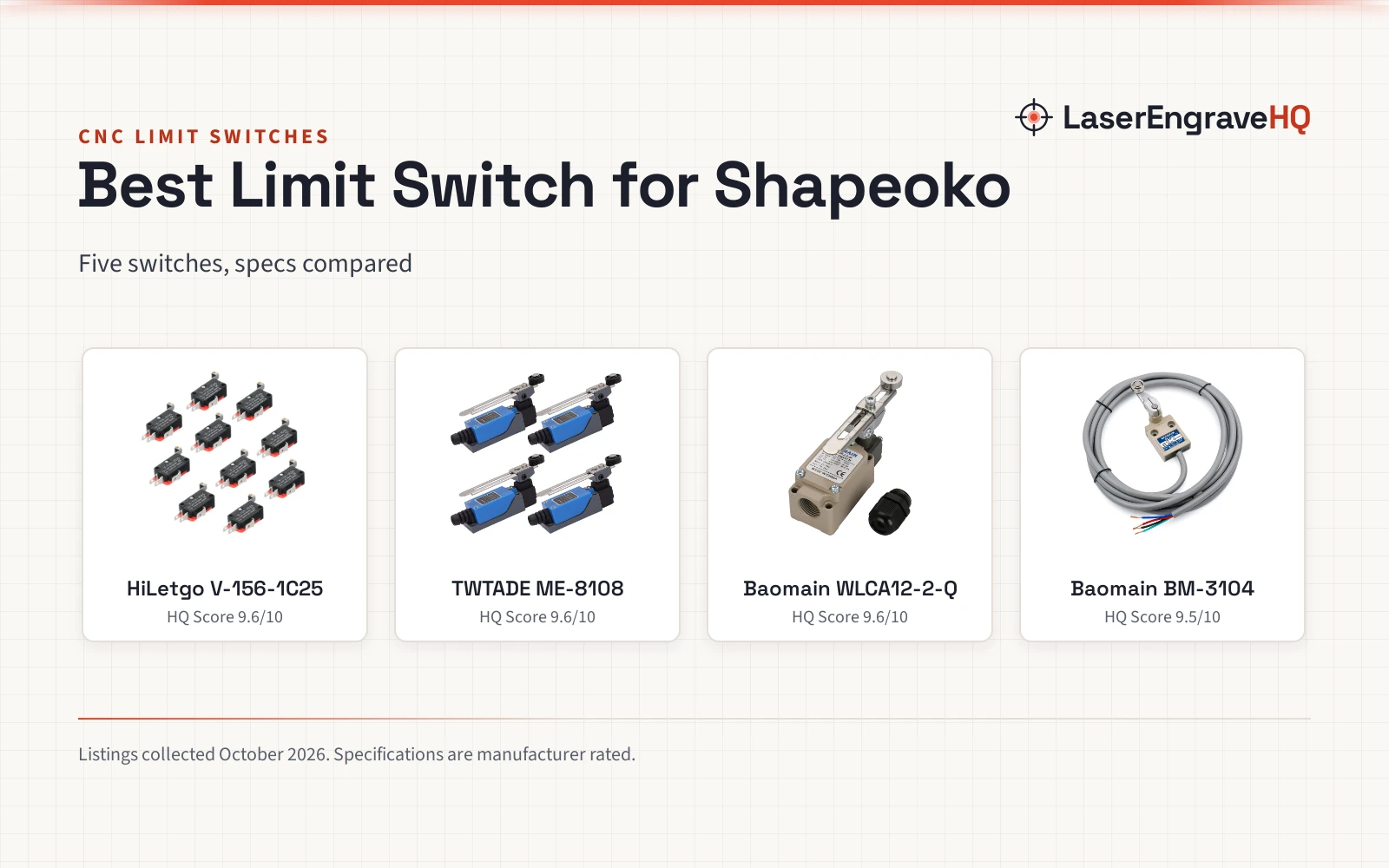
Five limit switches for Shapeoko owners compared on contacts, current figures, sealing and pack count, with every figure taken from the listings.
A 3018 is the desktop learner's CNC router; a 6040 is the full-size step up. We rank four desktop-class listings on stated work area,…
An honest guide to the 3040 vs 6040 cnc router question, comparing three real desktop machines by work area, spindle, structure and control to…
A maker's guide to the 3020 vs 4040 cnc router question, comparing four 30xx-class desktop CNC routers from listing facts.
Stainless vs acrylic tumblers for laser engraving: how powder-coated stainless engraves, with four tumbler packs compared.
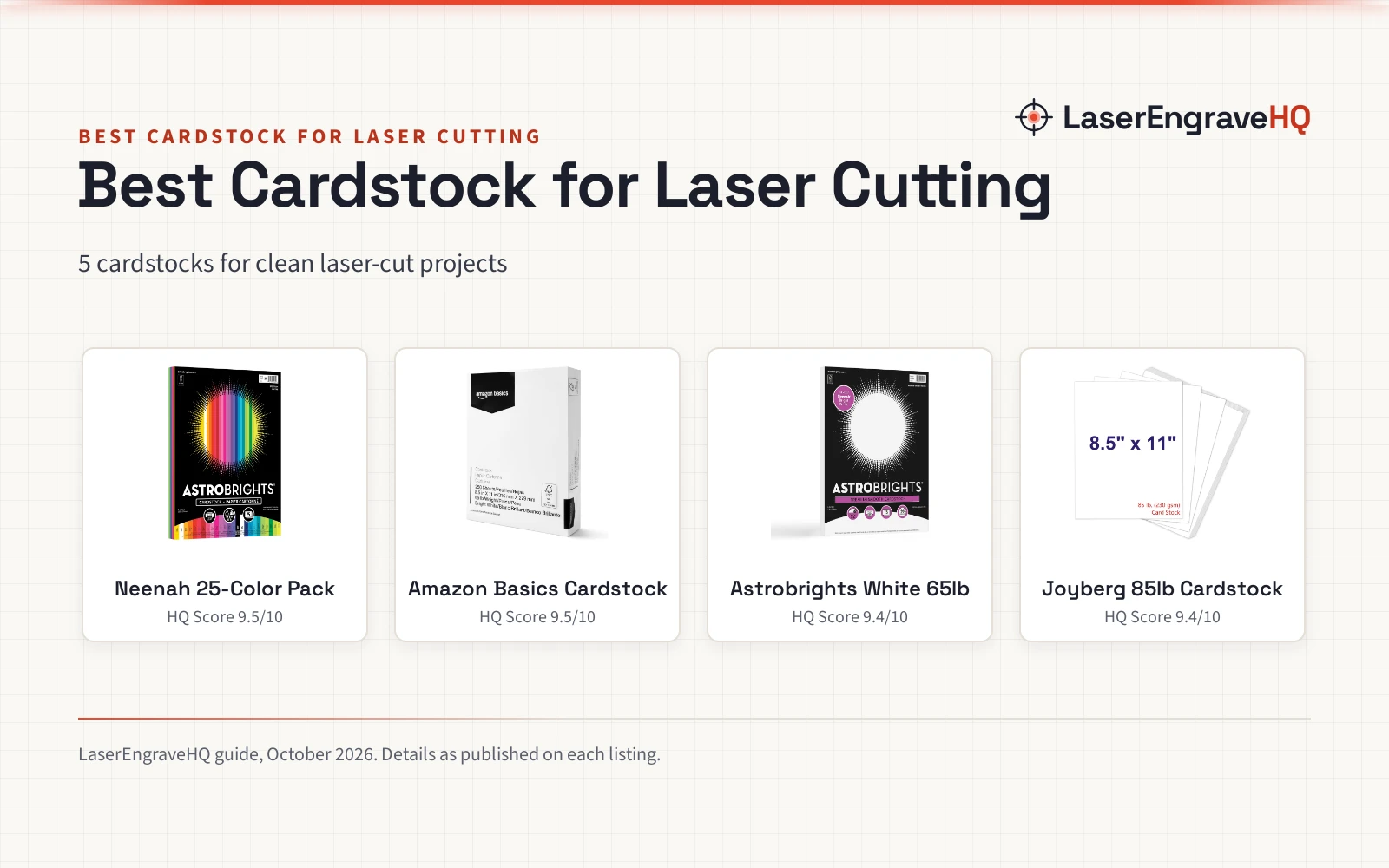
Best cardstock for laser cutting: 5 cardstocks compared on weight, sheet count and brightness for clean laser cuts.
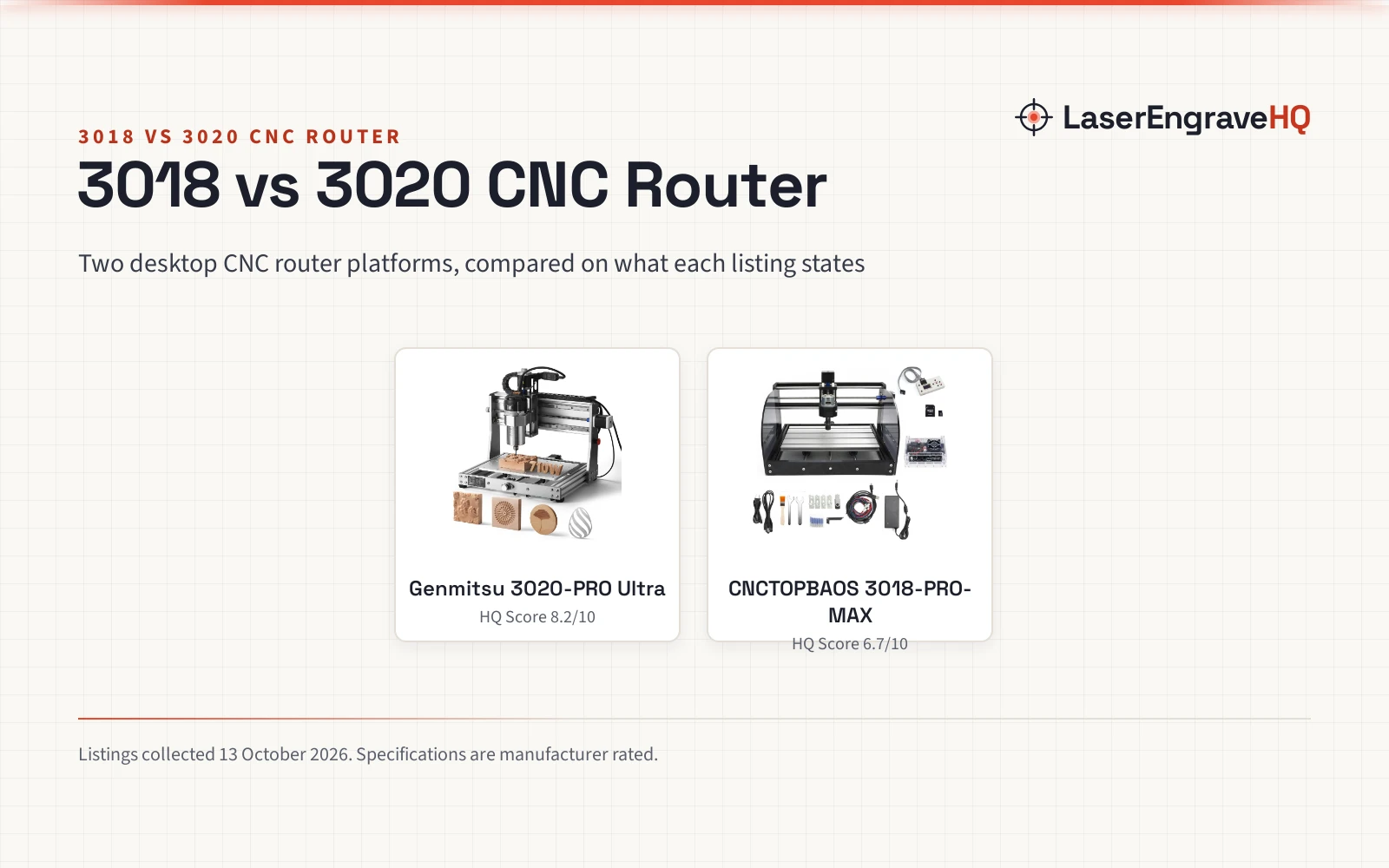
Two desktop CNC router platforms compared on spindle power, cutting depth, frame rigidity, work area, controllers, materials and expansion.
Desktop routers fit on a bench and cost little, but they have limits. Use these checks to see whether the listed travel and spindle suit the work you have in mind. Travel and spindle ratings are as the listing states them. The names 3018, 3040 and 6040 describe travel in millimeters, not quality, so two machines with the same label can differ in frame stiffness and spindle size. Use the guides above to see how the common sizes compare.