3D Scanner Price: What Different Budgets Get You
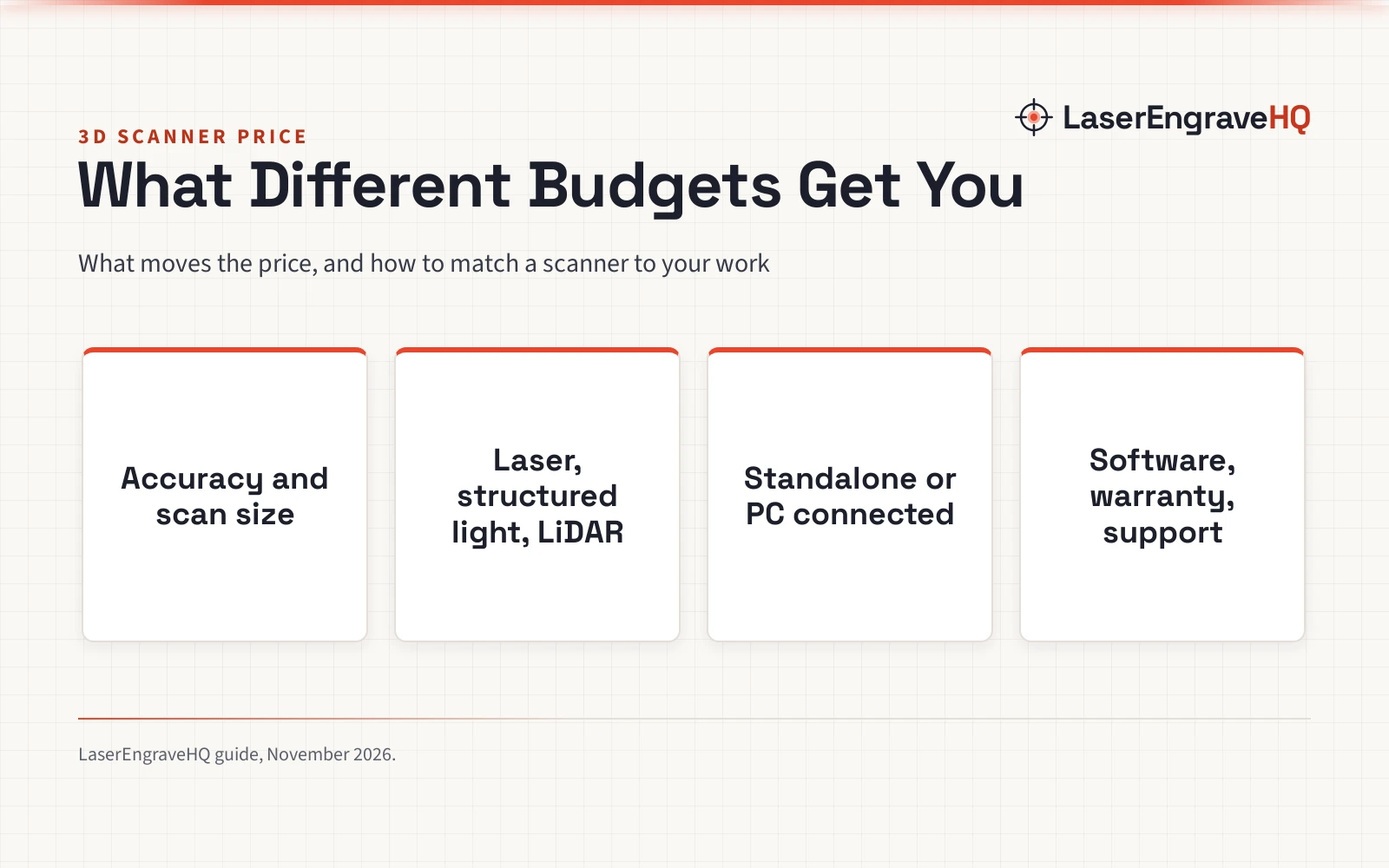
A 3d scanner price follows accuracy, scan size, light source, software and support, and this guide shows what each level covers so you can match a scanner to your work.

On this page
Top picks at a glance
As an Amazon Associate I earn from qualifying purchases.
- 1
 Anycubic Kobra S1 Max Combo9.6/10View on Amazon
- 2
 Anycubic Kobra 3 Max V2 3D Printer Only9.6/10View on Amazon
- 3
 Original Prusa 3D Printer CORE One L HighSpeed Large-Format9.5/10View on Amazon
A 3d scanner price is the question most makers ask before they scan a part for printing, and the answer is never a single figure. The price follows what the scanner has to do: how fine the detail must be, how large the object is, which light source does the measuring, and what software and support come with it. This guide walks through each driver in order, using the figures makers publish for real scanners.
LaserEngraveHQ earns a commission from purchases made through these links, at no extra cost to you. Read our affiliate disclosure.
No verified price list covers every scanner, and listings change, so this guide quotes no prices. It explains what moves 3d scanner price instead, with the figures makers publish for real scanners.
Step 1: Decide what you will scan
Start with the object, not the scanner. A small part for a printed replacement needs fine detail across a small area, while a room or a vehicle needs range and a wide field of view. A scanner built for one end of that range will struggle at the other, so name the largest and the smallest object you plan to scan before you compare models.
Scan size is the first filter. 3DMakerpro lists the Moose Lite for objects from 15mm to 1500mm, with a recommended working distance of 150–400mm. Creality lists the Sermoon P1 for objects from tiny 5mm³ components to large objects up to 1.45 meters wide. SHARE3DCAM lists the SLAM S20 for spatial data from 0.1 to 40 meters at 10% reflectivity and up to 70 meters at 80% reflectivity.
Step 2: Match accuracy to the job
Accuracy is one of the specs that moves 3d scanner price. 3DMakerpro lists up to 0.05mm accuracy and 0.1mm resolution for the Moose Lite, through near-infrared structured light. Creality lists 0.02mm accuracy with blue laser for the Sermoon P1. SHARE3DCAM lists 1cm relative accuracy for the SLAM S20, a LiDAR unit built for spaces rather than small parts.
Resolution is not the same as accuracy. The Moose Lite lists 0.1mm resolution beside its 0.05mm accuracy, so check both figures on any scanner you compare, and read them with the working distance beside them.
Step 3: Pick a light source
Scanners measure with laser lines, structured light or LiDAR, and the light source is one factor in both the price and the use. The Sermoon P1 pairs blue laser with infrared: Creality lists a Deep Hole Scan mode with a single line for cavities, a Detail Scan mode with 7 lines for complex surfaces, and a High-Speed Scan mode with 22 lines for large objects. The SLAM S20 uses LiDAR with a 360° × 59° field of view and dual 16MP cameras, 32MP combined, for large indoor and outdoor spaces.
On the Sermoon P1, blue laser covers fine detail on mechanical parts, prototypes and artifacts, and infrared covers faces, bodies, sculptures and cultural relics. Structured light suits objects in steady indoor light, and LiDAR suits rooms, terrain and architecture, where range matters more than fine detail.
Step 4: Standalone or PC connected
A scanner that works on its own carries its own screen, processor and battery, so compare what is built in with what a PC-connected scanner needs you to supply. The Sermoon P1 runs standalone on a built-in 6-inch touchscreen with onboard storage, and it also connects by USB or Wi-Fi to CrealityScan 4 software on a PC for higher frame rates and heavier processing. The Moose Lite needs a relatively powerful PC for smooth scanning and runs JMStudio on Windows and macOS.
Check the hardware the maker lists before you buy. The Sermoon P1 lists 24GB RAM, 256GB storage, Wi-Fi 7 and a Qualcomm processor, plus a spare battery and a glass calibration board in the box. The Moose Lite lists a 65W charger in the box.
Step 5: Count the software and extras in the price
Software can be a large part of what you pay for, so read what is included and what it exports. JMStudio is included with the Moose Lite, with software updates free for life, and it exports OBJ, STL, PLY and ASC formats. SHARE Capture and SHARE PointClouds Studio are included for SHARE3DCAM users at no additional software license cost, and they export PLY, LAS, PCD, E57 and RCS point clouds, plus DWG floor plan and section drafts.
Accessories add up too. Reflective markers help tracking on featureless surfaces, and matte spray helps on shiny ones; see our guides to magnetic markers for 3D scanning and matte spray for 3D scanning. The Moose Lite comes in Standard, Premium or Luxury kits, with options for rotating platforms, stabilizers or mobile scanning.
Step 6: Check warranty and support before you buy
A scanner is a precision tool, so the warranty and the support behind it are part of the price. SHARE3DCAM includes a one-year warranty and professional technical engineer support with the SLAM S20. 3DMakerpro includes a 1-year warranty and customer service support with the Moose Lite.
Laser safety is part of the same check. The Sermoon P1 complies with Laser Class II and Class I safety standards, so check the laser class on any scanner you compare.
Common mistakes that push 3d scanner price up
- Buying accuracy you will not use. Finer detail tends to cost more, so match the accuracy figure to the smallest feature you need to capture.
- Scanning outdoors with an indoor scanner. The Moose Lite maker recommends indoor scanning for consistent results, so check the maker guidance on where a scanner works first.
- Forgetting the computer. A scanner that needs a powerful PC adds that cost, so check the software and the computer it needs before you buy.
- Skipping the extras. Markers, spray, a spare battery and a calibration board all add to the total, so list them before you compare prices.
- Comparing prices without comparing exports. A scanner that cannot export the format your printer or CAD software needs is the wrong scanner at any price.
3d scanner price: the short version
- Decide what you will scan, largest and smallest.
- Match accuracy and scan size to that job.
- Pick a light source that fits the subject.
- Choose standalone or PC connected.
- Count software, accessories and warranty in the price.
FAQ: lasers and CNC
How much does a 3D scanner cost?
It depends on accuracy, scan size, light source, software and support. List the job first, then compare scanners that cover it.
Do I need a laser 3D scanner or a structured light scanner?
It depends on the subject. On the Sermoon P1, blue laser covers fine detail on mechanical parts, prototypes and artifacts: Creality lists 0.02mm accuracy with blue laser for the Sermoon P1. On the Moose Lite, near-infrared structured light covers medium-sized objects indoors: 3DMakerpro lists up to 0.05mm accuracy and 0.1mm resolution for the Moose Lite. Read our structured light vs laser 3D scanner guide for the full comparison.
What scan size do I need?
Match the range to the objects you scan. The Moose Lite covers objects from 15mm to 1500mm. The Sermoon P1 covers tiny 5mm³ components to objects up to 1.45 meters wide. The SLAM S20 covers spaces from 0.1 to 40 meters at 10% reflectivity and up to 70 meters at 80% reflectivity.
Can a handheld scanner replace a desktop scanner?
For many jobs, yes. A handheld scanner moves around the object, which suits large or fixed subjects, while a desktop scanner suits small objects that turn on a platform. The Moose Lite offers scan-back and anti-shake functions for stable handheld use at up to 10fps.
What software do I need to use a 3D scanner?
Every scanner ships with software for tracking, alignment and export, so check what is included before you buy. JMStudio comes with the Moose Lite, CrealityScan 4 works with the Sermoon P1, and SHARE Capture and SHARE PointClouds Studio come with the SLAM S20. Check the export formats against your printer and CAD software before you buy.
Is a 3D scanner worth it for 3D printing?
It is worth it when you need to copy a real object into a printable model, repair a part with no drawing, or check a printed part against the original. Start with the objects you already print, and read our 3D scanner for beginners guide and best 3D scanner for Fusion 360 guide for scan-to-print workflows.
Related: the best 3D scanner guide, best low cost 3D scanner and best laser scanner for 3D printing. Also see our low cost 3D scanning guide. Also see our 3D printer price guide.