What Is the Best 3D Scanner for 3D Printing
A step-by-step guide to choosing a 3D scanner for 3D printing: accuracy, object size, color capture and file formats, with figures from current scanner listings.

On this page
What is the best 3D scanner for 3D printing? It depends on the object: small detailed parts need fine accuracy, large objects need a wide scan range, and textured models need color capture. There is no single winner for every job, so the right choice follows the size of the object, the detail it carries and the file the printer needs. The steps below compare accuracy, scan range, color and workflow, with figures from current scanner listings.
As an Amazon Associate I earn from qualifying purchases. LaserEngraveHQ earns a commission from purchases made through these links, at no extra cost to you. Read our affiliate disclosure.
This guide names no single winner, because the right scanner follows the object. Compare the stated figures for accuracy, scan range and color capture.
What is the best 3D scanner for 3D printing, step by step
A 3D scanner builds a digital model of a real object, and the printer builds that model from the file. The scan has to carry enough detail for the print to look right, and the file has to open in the software that prepares the print.
Step 1: Decide what you will scan
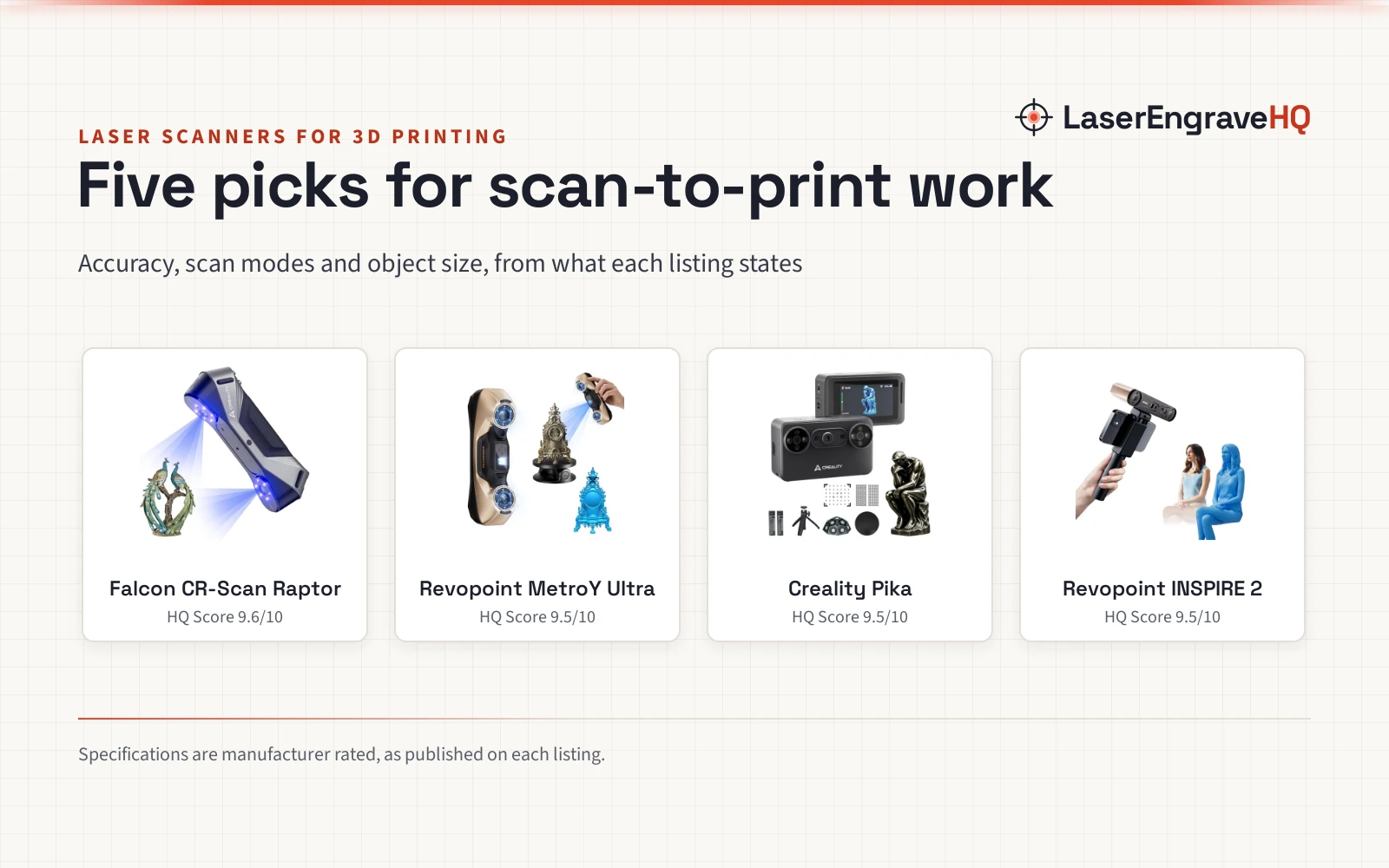
Start with the object, not the scanner. The 3DMakerpro Fox lists objects from 40 to 1200mm, and the 3DMakerpro Toucan lists scan sizes from 135mm to 1000mm, from jewelry and figurines at 135 × 185 mm up to larger pieces such as sofas at 1000 × 750 mm. The Creality Sermoon P1 lists a wide range from 5*5*5 mm³ up to 4000*4000*4000 mm³. A wide maximum range does not cover small objects by itself: check the smallest object against the scanner’s minimum scan size too. The 3D scanner for small parts guide covers the small end in more detail.
Step 2: Compare accuracy figures
Accuracy is the figure that decides how much detail survives the scan. The Revopoint MetroY Ultra lists 0.01mm single-frame precision and 0.015mm + 0.04mm/m volumetric accuracy, and the Creality Sermoon P1 lists 0.02mm accuracy. The 3DMakerpro Toucan lists up to 0.03mm accuracy with 0.05mm resolution, the 3DMakerpro Fox lists precision up to 0.07mm, and the Creality CR-Ferret SE lists 0.1mm precision. Finer figures suit small parts with fine detail, while a coarser figure suits large objects where shape matters more than surface. Check whether the figure is single-frame precision, volumetric accuracy or resolution, because each one measures something different.
Step 3: Choose how the scanner sees the object
Scanners read the surface with laser lines or structured light. The Revopoint MetroY Ultra lists 5 scanning modes: 34 laser cross-lines for rapid scans, 15 parallel lines for fine details, a single-line mode for deep holes, full-field blue structured light for marker-free scans, and one-click automatic turntable scanning. The Creality Sermoon P1 lists 22 cross laser lines, a single-line blue laser for deep holes and narrow gaps, and a 7-line blue laser, each 0.1mm thick. The 3DMakerpro Fox uses near-infrared structured light and scans by the object’s natural surface features, with no marker stickers needed. Dark, glossy and metallic surfaces need care: the Revopoint MetroY Ultra and Creality CR-Ferret SE scan black and metallic parts without spray, while the 3DMakerpro Fox asks for scanning spray on transparent, black or flat surfaces without geometric features.
Step 4: Check color capture and the export file
Color matters when the print should show the original surface. The Creality CR-Ferret SE lists 24-bit full-color capture from a built-in 2MP color camera, and the 3DMakerpro Toucan lists a 48MP color camera with a 9-axis position sensor. The 3DMakerpro Fox lists mono color texture, so it records shape with limited color. For the print, the file format matters: the 3DMakerpro Fox exports .OBJ, .STL, .PLY and .ASC files through JMStudio, and STL is the usual format for slicing a model for printing.
Step 5: Check the workflow: standalone, wireless or tethered
Some scanners run on their own, and others need a computer beside them. The 3DMakerpro Toucan runs entirely on its own, with an 8-core processor, 32 GB of RAM and 256 GB of built-in storage, and its 6600 mAh battery offers up to 120 minutes of continuous cordless scanning per full charge. The Creality Sermoon P1 is a wireless all-in-one scanner with a 6″ touch screen and two replaceable batteries, powered by a Qualcomm 8-core 3.36 GHz CPU, 24GB LPDDR5X RAM and 256GB ROM. The Revopoint MetroY Ultra supports Wi-Fi 6 and a 5600mAh battery grip with about 2.5 hours of power, and it scans outdoors in harsh sunlight up to 100,000 lux. The Creality CR-Ferret SE weighs 105g and offers one-click scanning.
Step 6: Check the working distance and the room
Every scanner has a distance band where it reads best. The 3DMakerpro Fox lists a working distance of 150–400mm and asks for indoor use whenever possible, and the 3DMakerpro Toucan lists 200–1000 mm. Bright light can disturb a scan, so the Revopoint MetroY Ultra lists outdoor scans in harsh sunlight up to 100,000 lux, and the Creality Sermoon P1 lists sunlight compatibility. Check the software too: Revo Measure only supports Windows 10/11, and the Creality Sermoon P1 recommends a Windows machine with an i7-Gen10 CPU, 8 GB video RAM and 32 GB RAM, or a Mac with M1, M2 or M3 processors and 16GB RAM.
Common mistakes to avoid
- Choosing by accuracy alone, without checking the scan range for the largest object.
- Assuming every scanner captures color: the 3DMakerpro Fox lists mono color texture.
- Scanning black, transparent or flat surfaces without spray where the listing asks for it: the 3DMakerpro Fox asks for scanning spray on those surfaces.
- Forgetting the software: Revo Measure only supports Windows 10/11, so check compatibility before buying.
- Skipping practice: handheld scanning relies on user skill and steady movement, so practice with basic objects first.
What is the best 3D scanner for 3D printing: the short version
- Measure the largest and smallest objects to scan, and match the scan range to both.
- Compare the stated accuracy figures for the detail the print needs.
- Check whether the scanner captures color, and whether it needs markers or spray.
- Check the export formats, and that the slicer opens them.
- Check the workflow: standalone, wireless or tethered, and the software it needs.
- Check the working distance and the light in the room.
Everything after that is repetition: scan, check the model, and print a small part first.
FAQ: lasers and CNC
What accuracy do I need for 3D printing?
It depends on the detail in the part. Listings in this guide state accuracy from 0.01mm for the Revopoint MetroY Ultra to 0.1mm for the Creality CR-Ferret SE, with 0.02mm, 0.03mm and 0.07mm in between. Fine detail calls for a finer figure, while large objects need the scan range more.
Can a 3D scanner scan dark or shiny objects?
Some can, and some need help. The Revopoint MetroY Ultra scans black, high-gloss and metallic parts without scanning spray, and the Creality CR-Ferret SE scans black, dark or metallic objects without spray or markers. The 3DMakerpro Fox asks for scanning spray on transparent, black or flat surfaces without geometric features.
Do I need markers or spray to scan?
Not always. The Revopoint MetroY Ultra offers marker-free scans with full-field blue structured light, and the 3DMakerpro Fox scans by the object’s natural surface features with no marker stickers needed. The 3DMakerpro Toucan ships with markers in the box, and the 3DMakerpro Fox asks for scanning spray on transparent, black or flat surfaces.
What file formats do 3D scanners export for printing?
The 3DMakerpro Fox exports .OBJ, .STL, .PLY and .ASC files through JMStudio for further processing and 3D printing. STL is the usual format for slicing, so check that the scanner exports a format the slicing software opens.
Should I choose a handheld or a standalone scanner?
It depends on where the scanning happens. The 3DMakerpro Toucan runs entirely on its own, with up to 120 minutes of cordless scanning per full charge, so it suits work away from a desk. The Creality CR-Ferret SE weighs 105g and slips into a bag for scanning anywhere.
Related: the 3D printers hub, types of 3D scanners and how to use a 3D scanner. Also see the 3D scanner for beginners guide and the best 3D scanner for miniatures guide.