What 3D Printer Should I Get? A Buyer’s Guide
A practical guide to choosing a 3D printer: match the machine to what you want to print, then weigh build area, material, ease of use and workspace needs.

On this page
What 3D printer should I get comes down to what you want to print, how large the prints run, and how much tinkering suits the routine. Small decorative pieces, functional parts, miniatures and large cosplay panels push the choice in different directions. The sections below walk through each choice in order, with the mistakes that cost new buyers the most time.
As an Amazon Associate I earn from qualifying purchases. LaserEngraveHQ earns a commission from purchases made through these links, at no extra cost to you. Read our affiliate disclosure.
This guide gives no sizes, speeds or prices. Treat any number seen online as a claim to check before buying, and measure the space and prints first.
Decide what you will print
Start with the prints, not the machine. Decorative pieces for the home, functional parts that must fit and hold, detailed miniatures and large cosplay panels all need different machines. Helmets and armor panels need a generous build area, while miniatures need fine detail more than size. Write down the prints planned for the months ahead, then match the machine to that list. The best 3D printer for helmets guide covers full-size prints, and the best 3D printer for cosplay armor guide covers large panels.
FDM or resin: how they differ
FDM printers melt filament and lay it down layer by layer. Resin printers harden liquid resin with light, which suits fine detail such as miniatures and small figures. FDM suits larger functional parts and easy materials, while resin suits detail work that needs smooth surfaces. Resin also needs washing and hardening after the print, plus ventilation while it runs. The resin 3D printer for beginners guide explains where to start with resin.
Check the build area
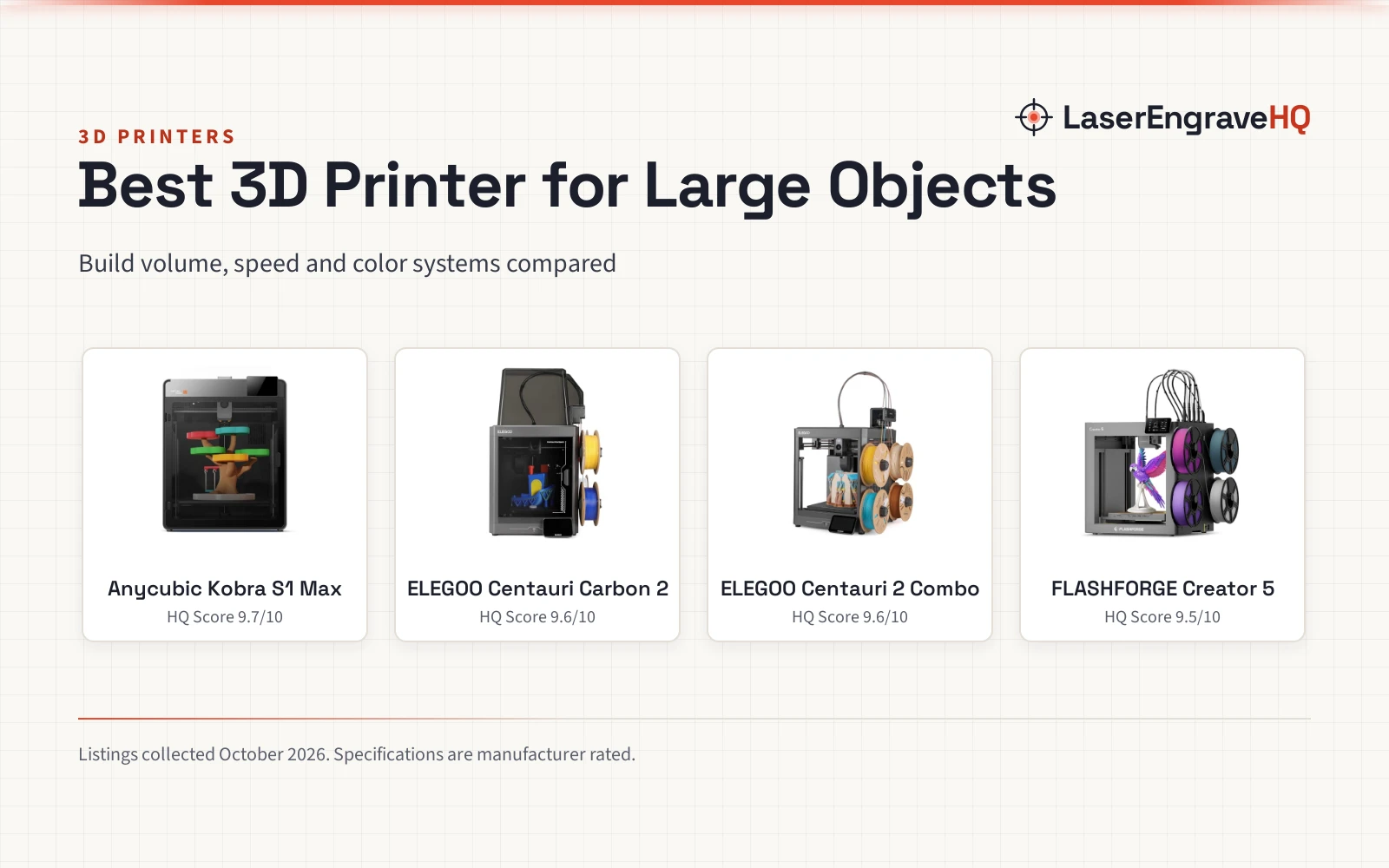
Build area sets the largest print the machine can make as a whole piece. A helmet or armor panel needs a large area to print as a whole piece, while a miniature or small part fits a compact machine. Measure the largest print planned, then compare it with the build area the machine states. A large area also lets more parts print together in a batch, which helps when the same part is needed again and again. The large 3D printer price guide explains what changes with size.
Filament and material choice
Filament choice follows the print. PLA suits easy prints and learning the workflow. PETG suits tougher parts that see wear. ABS suits parts that need heat resistance, but it needs ventilation while printing. TPU suits flexible parts such as grips and seals. Check what the printer supports and what the filament maker states before buying. The best 3D printing filament guide compares the types, and the best FDM 3D printing filament guide lists picks for FDM machines. For color work, the multi color 3D printer for beginners guide explains where to start.
Ease of use and upkeep
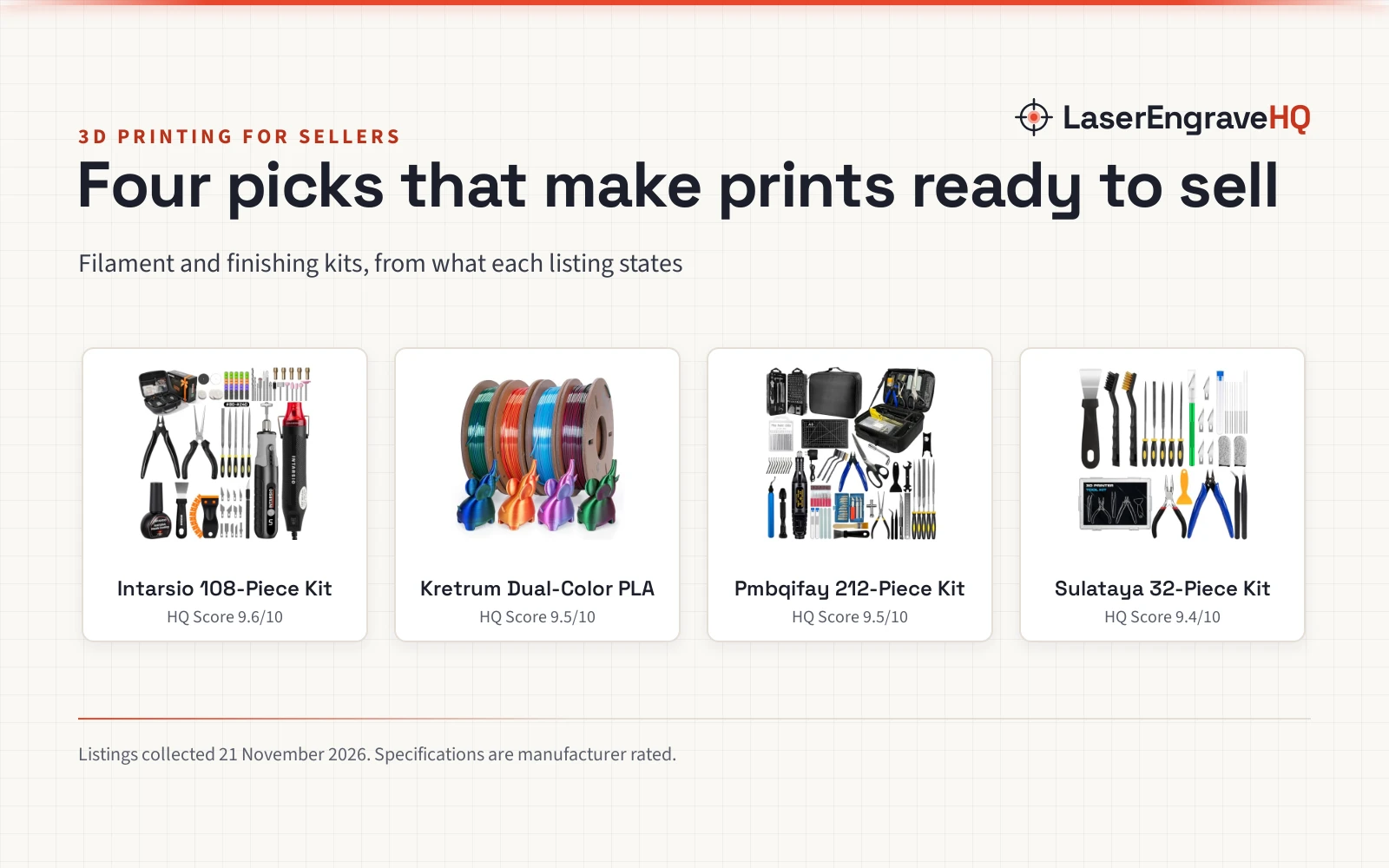
Start with ease of use. Look for automatic bed leveling, a clear screen and a filament path that is easy to reach. Nozzles wear and need swapping, and the bed needs cleaning between prints. Keep a maintenance kit nearby with the tools the manual names. The 3D printer first layer problems guide covers bed adhesion, the how to change 3D printer filament guide covers filament swaps, and the 3D printer maintenance kit guide lists what to keep on hand. For faults, the 3D printer repair guide covers common fixes.
Set up a safe workspace
Give the printer a stable table in a ventilated room, away from drafts and dust. Resin and ABS need more care with fumes, so vent the room and follow the printer manual. Keep the workspace clear of clutter and keep filament dry between prints. Noise varies by machine, so place the printer where the sound will not disturb work or sleep; the are 3D printers loud guide covers noise and quieting tips.
Common mistakes to avoid
- Buying the biggest machine before deciding what to print.
- Ignoring the build area until a print will not fit.
- Skipping ventilation, then living with the fumes.
- Choosing a printer for a material it cannot handle.
- Promising prints before knowing the real output.
What 3D printer should I get: the short version
- Decide what to print and which material it needs.
- Pick FDM or resin.
- Match the build area to the largest print.
- Check ease of use, upkeep and workspace needs.
- Start with a small batch of prints and learn the workflow.
FAQ: lasers and CNC
Should I get an FDM or a resin 3D printer?
FDM suits larger functional parts and easy materials, while resin suits fine detail such as miniatures. Resin needs washing, hardening and ventilation, so weigh the extra steps before choosing.
What filament should a beginner start with?
PLA is a common starting point for easy prints, while PETG suits tougher parts. Check what the printer supports and what the filament maker states before buying.
How large a build area do I need?
Match the build area to the largest print planned. Helmets and cosplay panels need a large area, while miniatures and small parts fit a compact machine. Measure the prints before buying.
Are 3D printers loud?
Noise varies by machine and by the room. Place the printer where the sound will not disturb work or sleep, and check the noise guide for quieting tips.
Do I need ventilation for a 3D printer?
Yes, ventilate the room where the printer runs and keep the workspace clear. Resin and ABS need more care with fumes, so follow the printer manual and the material guidance.
Can I print a large helmet on a compact printer?
A compact build area cannot fit a helmet as a whole print, so large prints need a large area or prints split into parts. Check the build area against the helmet size before buying.
Related: the 3D printer hub, best 3D printer for helmets and resin 3D printer for beginners. Also see the best 3D printing filament guide. Also see the how to change 3D printer filament guide.