Marble PLA vs Silk PLA: Which One Should You Buy?
Marble PLA gives prints a stone-like finish that can hide layer lines, while silk PLA gives a glossy shine; the right one depends on the look the model needs.

On this page
Top picks at a glance
As an Amazon Associate I earn from qualifying purchases.
- 1
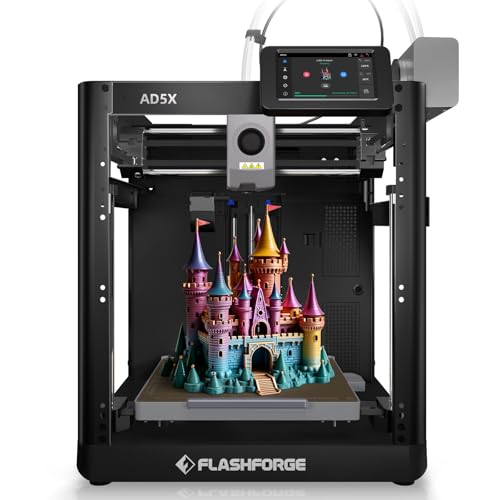 FLASHFORGE AD5X Multi-Color & Material 3D Printer with IFS9.7/10View on Amazon
- 2
 OVERTURE Silk PLA Filament 1.75mm9.7/10View on Amazon
- 3
 SUNLU Silk PLA+ Filament 1.75mm9.7/10View on Amazon
- 4
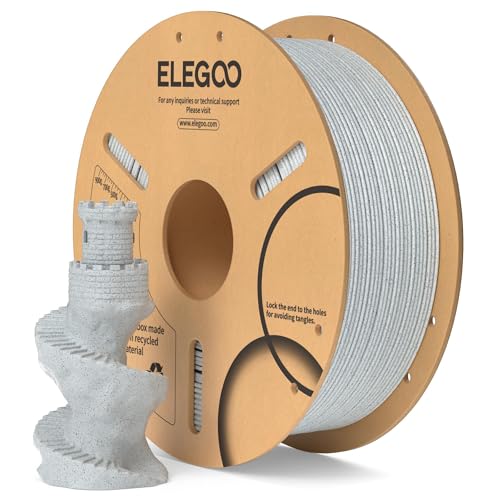 ELEGOO PLA 3D Printer Filament 1.75mm Marble 1KGView on Amazon
- 5
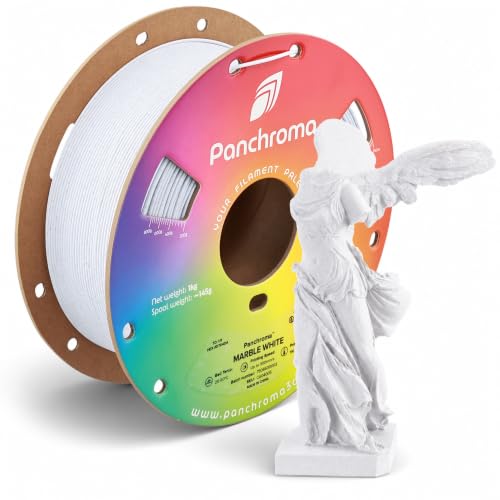 Polymaker Panchroma Matte PLA Filament 1.75mmView on Amazon
- 6
 SUNLU Marble PLA Filament 1.75mmView on Amazon
- 7
 Geeetech Marble PLA Filament 1.75mm Marble Brown Stone ColorView on Amazon
- 8
 Geeetech Marble PLA 3D Printer Filament White-Grey Color forView on Amazon
- 9
 SUNLU 4KG High Speed Marble PLA FilamentView on Amazon
A bust on the shelf, a vase on the desk, a small statue for a gift: the model is the same, but the filament decides how it looks. Marble PLA vs silk PLA is a choice between two finishes: marble PLA prints with a stone-like texture that can soften layer lines, while silk PLA prints with a glossy shine. Both are PLA, so the choice is about the look, not the material family.
Other machines to compare
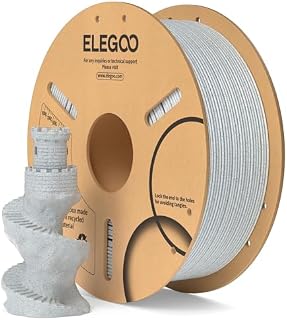 ELEGOO PLA 3D Printer Filament 1.75mm Marble 1KGCheck price on Amazon
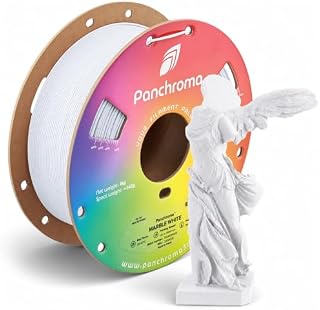 Polymaker Panchroma Matte PLA Filament 1.75mmCheck price on Amazon
 SUNLU Marble PLA Filament 1.75mmCheck price on Amazon
 Geeetech Marble PLA Filament 1.75mm Marble Brown Stone ColorCheck price on Amazon
 Geeetech Marble PLA 3D Printer Filament White-Grey Color forCheck price on Amazon
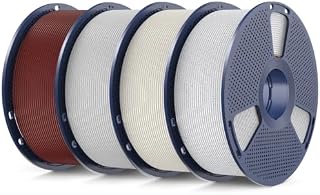 SUNLU 4KG High Speed Marble PLA FilamentCheck price on Amazon
LaserEngraveHQ earns a commission from purchases made through these links, at no extra cost to you. Read our affiliate disclosure.
Marble PLA vs silk PLA: the short answer
Pick marble PLA when the model should look like carved stone: busts, sculptures, architectural models, planters and display pieces. Pick silk PLA when the model should shine: ornaments, vases and display prints where a glossy surface is the point. The listings here cover the marble side in detail, with four marble PLA filaments in 1.75 mm, while the silk side is the glossy finish the site’s best silk PLA filament roundup covers.
Side by side
| Marble PLA | Silk PLA | |
|---|---|---|
| Finish | Stone-like; matte or glossy by listing | Glossy, shiny |
| Layer lines | Softened or hidden, per Polymaker and Geeetech | Shows more on a glossy finish |
| Best prints | Busts, sculptures, architectural models, planters | Ornaments, vases, display prints |
| Diameter stated | 1.75 mm | Not stated in the listings here |
| Print settings stated | Nozzle 190 to 230°C and bed 25 to 60°C, per Polymaker | Not stated in the listings here |
| Speed stated | Up to 300 mm/s, per Polymaker | Not stated in the listings here |
Marble PLA: stone look, matte finish
Marble PLA gets its stone look from mineral particles in the filament: SUNLU states fine mineral particles, and Geeetech states ultrafine marble particles. The listings differ on the surface: Polymaker states a smooth matte look that hides layer lines, Geeetech states its marble particles almost completely hide layer lines, and ELEGOO states a realistic marble-like finish with a glossy surface, without the layer-line claim. The SUNLU bundle adds color to the idea, with four 250g spools in AshenConcrete, ShadowStorm, ForestGreen and BrickRed, each with a stone-inspired finish.
All four marble listings state a 1.75 mm diameter, and all four state an accuracy figure: ELEGOO and Polymaker state plus or minus 0.02 mm, SUNLU states plus or minus 0.02 mm, and Geeetech states plus or minus 0.03 mm in its bullets and plus or minus 0.02 mm in its title. Polymaker also states print settings: a nozzle of 190 to 230°C and a bed of 25 to 60°C, with high-speed printing up to 300 mm/s.
Spool size varies: ELEGOO, Polymaker and Geeetech sell 1 kg spools, while the SUNLU bundle sells four 250g spools. The small spools suit trial prints, accent parts and multicolor models, per the listing, and each spool measures 140 mm in diameter and 36 mm in width, with a 53 mm center hole. For a Bambu Lab AMS or AMS lite, the listing says to search MakerWorld for a compatible 250g spool adapter before use.
Silk PLA: shine without the stone
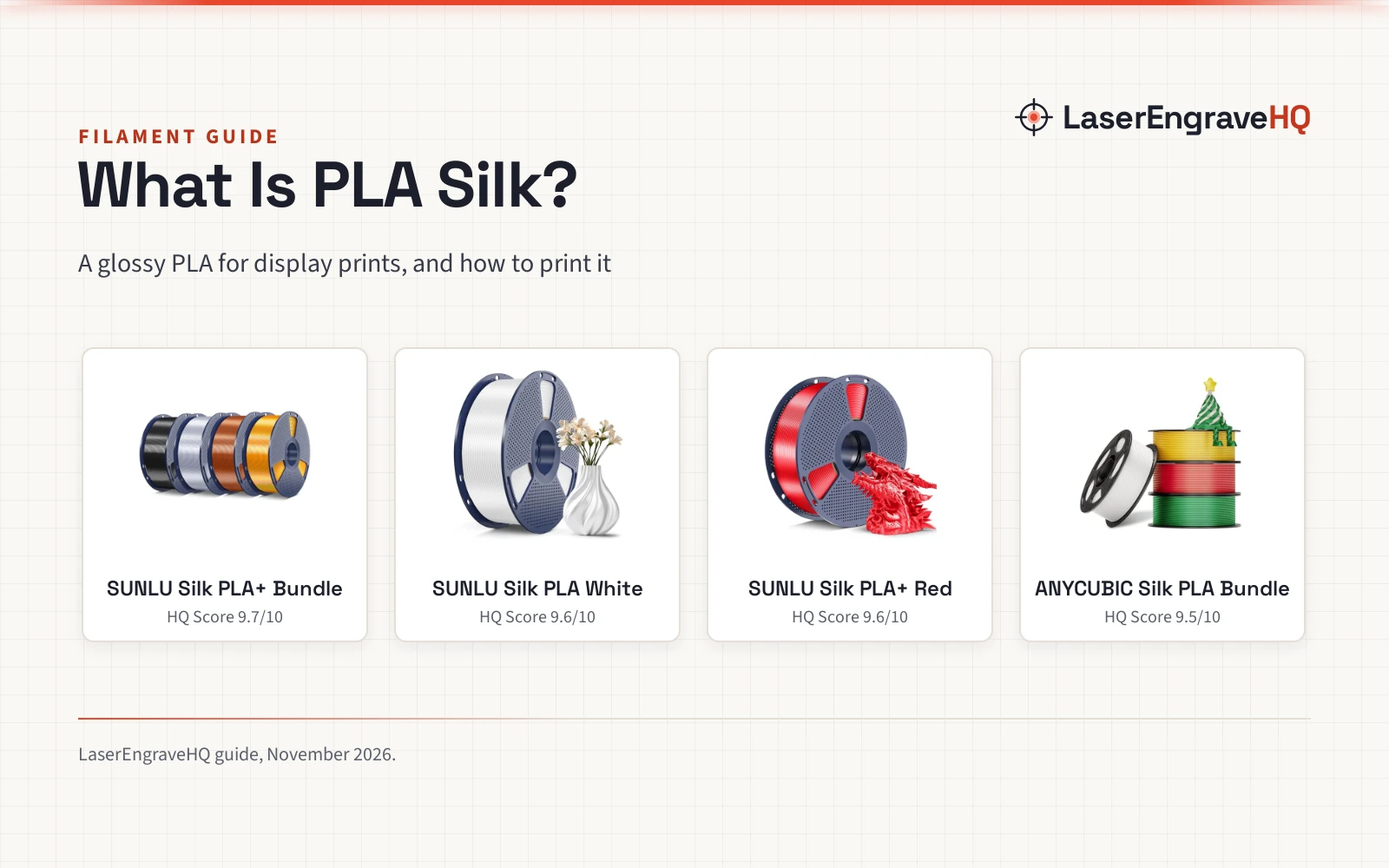
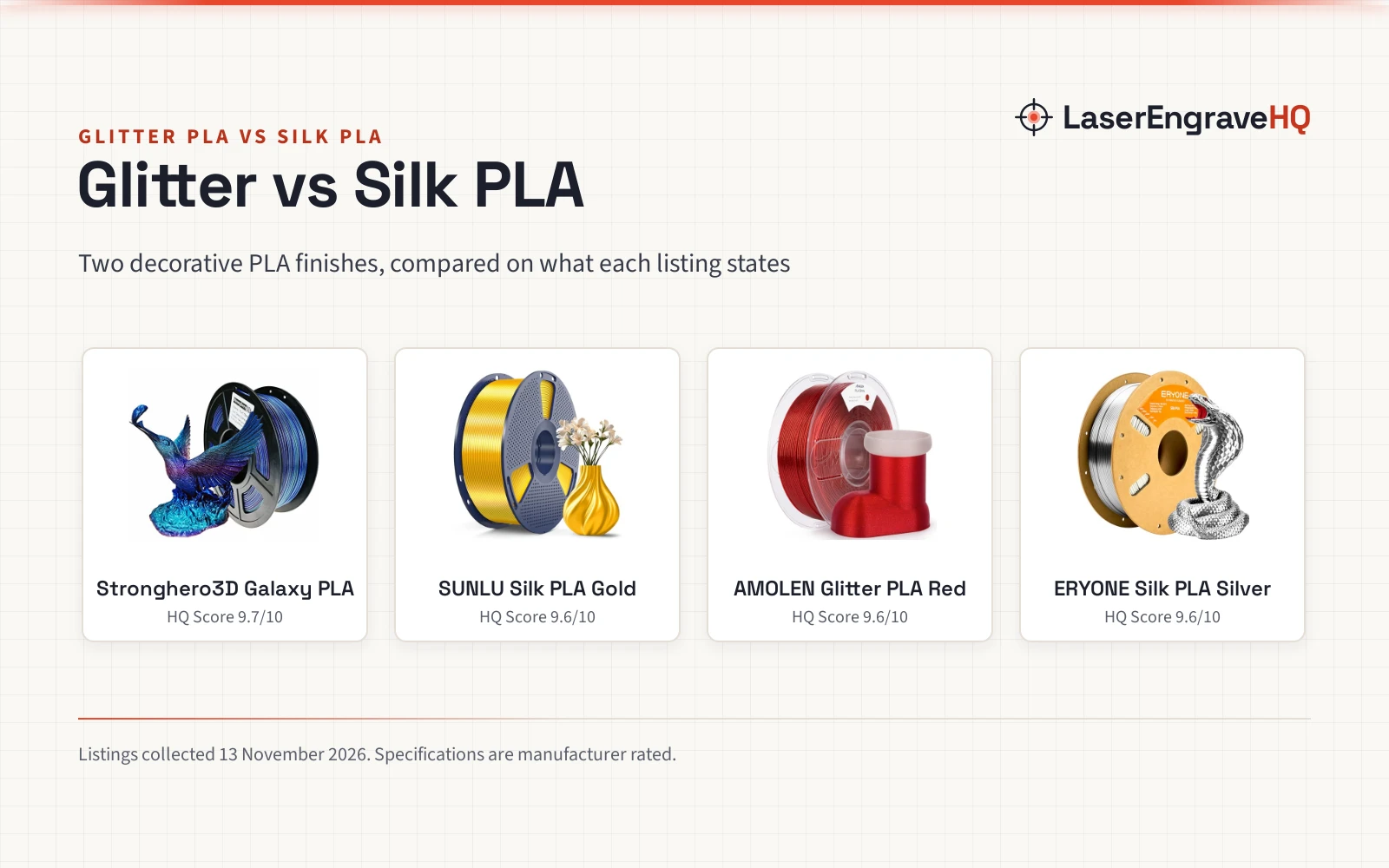
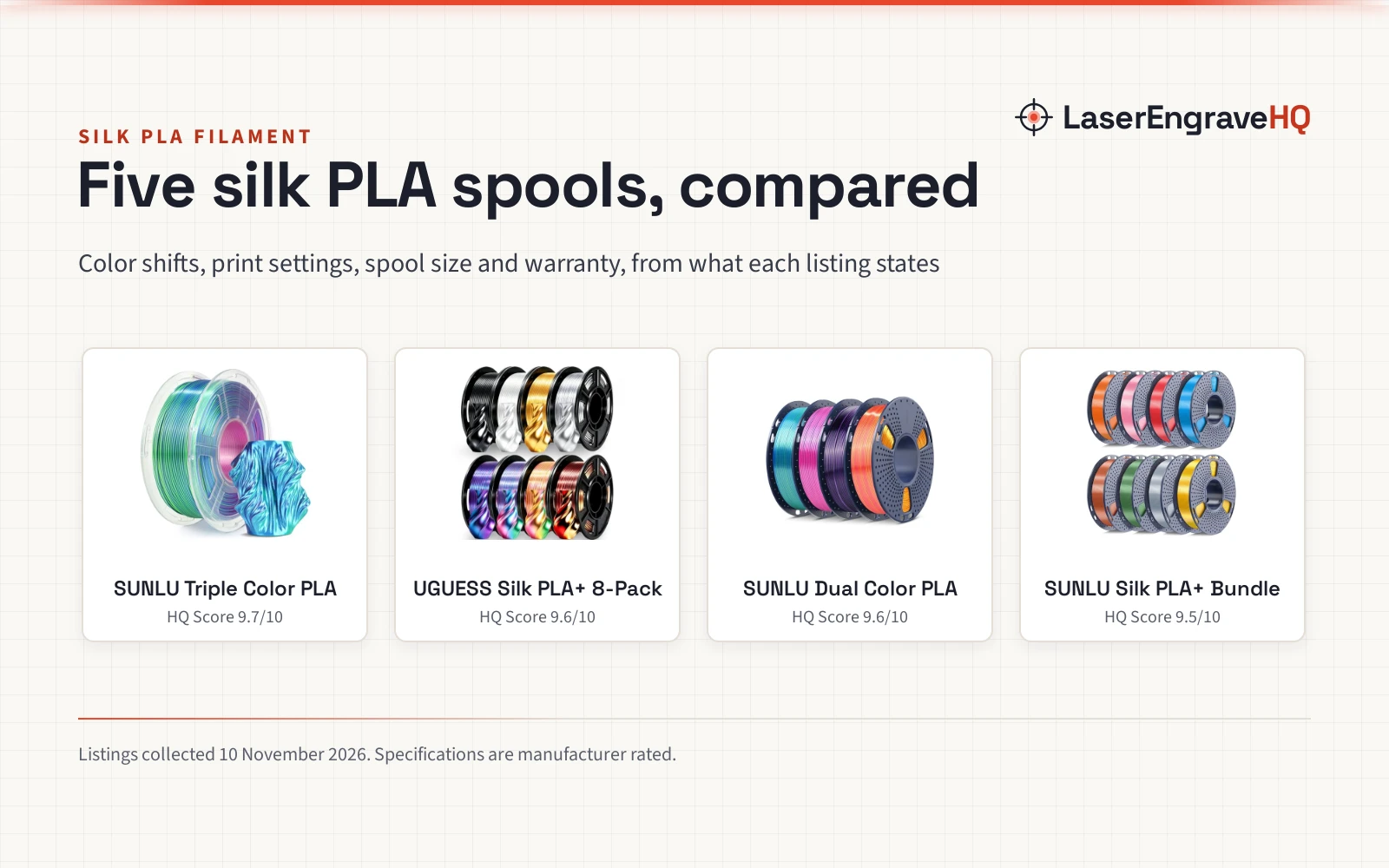
Silk PLA trades the stone texture for shine: a glossy, almost metallic surface that catches the light. It suits display prints where the finish is the feature. The shine has a cost: a glossy surface shows layer lines and small flaws more than a matte one, so silk suits models where the shape is smooth and the print is clean. No silk PLA listing is included here, so no silk figures appear in this guide: follow the filament maker’s label for settings.
Which one should you buy?
Match the finish to the model. For busts, sculptures, architectural models, planters and anything that should look carved, marble PLA is the pick: Polymaker and Geeetech state it hides layer lines, and the listings suit exactly those prints. For ornaments, vases and display pieces where shine sells the model, silk PLA is the pick. When the model is small or a color is unproven, the 250g bundle lets you try four stone colors without opening a full 1 kg spool of each.
Common mistakes to avoid
- Judging marble PLA by the color name alone. Marble White, Marble Brown and the bundle colors print differently, so check the color the listing states.
- Expecting silk shine from marble PLA. Marble is stone-like and usually matte, but ELEGOO states a glossy surface finish for its marble PLA, so check the listing before assuming a matte result.
- Forgetting the spool size. The 250g spools need an adapter for a Bambu Lab AMS or AMS lite, per the listing.
- Assuming every marble PLA hides layer lines. Polymaker and Geeetech state it; ELEGOO states a realistic marble-like finish without the layer-line claim.
- Skipping drying. Filament absorbs moisture, and wet filament prints badly: see how to dry filament.
FAQ: lasers and CNC
Is marble PLA harder to print than silk PLA?
The marble listings here state easy printing: ELEGOO states low warp and shrinkage and clogging-free extrusion, Polymaker states beginner-friendly printing, and Geeetech states its marble PLA is easy to print like regular PLA. No silk listing is included here, so the guide cannot compare silk difficulty from the listings; follow the filament maker’s label for the silk spool.
Does marble PLA hide layer lines?
Two listings here state it does: Polymaker states its matte finish hides layer lines, and Geeetech states its marble particles almost completely hide layer lines. ELEGOO states a realistic marble-like finish without making the layer-line claim, so check the listing rather than assuming every marble PLA hides them.
Can I use marble PLA in a Bambu AMS?
Geeetech states its marble PLA is for Bambu AMS. The SUNLU 250g spools need a compatible adapter for a Bambu Lab AMS or AMS lite, and the listing says to search MakerWorld for one before use. Check the listing for the spool size your AMS takes.
What should I print with silk PLA?
Display prints where shine is the point: ornaments, vases and decorative models. A glossy finish shows layer lines more than a matte one, so it suits smooth shapes printed cleanly. See the best silk PLA filament roundup for picks.
Does silk PLA need different settings from marble PLA?
No silk settings appear in the listings here, so follow the filament maker’s label. For marble, Polymaker states a nozzle of 190 to 230°C and a bed of 25 to 60°C. When switching finishes, run a small trial print before the real model.
Related: the 3D printer hub, 3D printer filament types and best multi color PLA filament. Also see our best PLA Plus filament and how to dry filament.