How to Dry Filament: Methods and Tools
Warm air, moving air and time: this guide covers dryer-box temperatures, drying times and spool sizes for filament that prints cleanly.

On this page
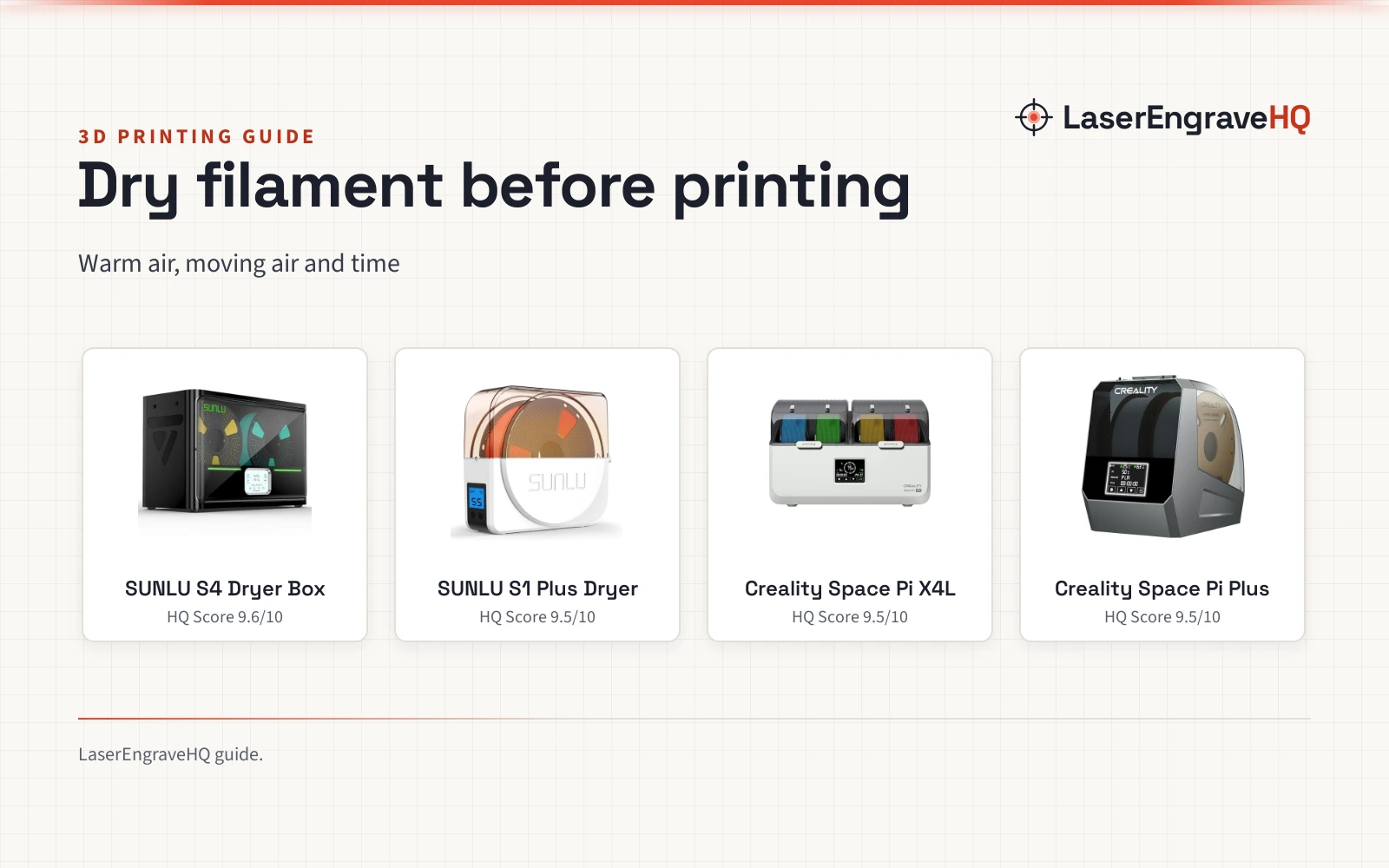
Top picks at a glance
As an Amazon Associate I earn from qualifying purchases.
- 1
 SUNLU S4 3D Printer Filament Dryer Boxer, Black9.6/10View on Amazon
- 2
 SUNLU Filament Dryer S1 Plus, White9.5/10View on Amazon
- 3
 Creality Filament Dryer Box 4 Spools9.5/10View on Amazon
- 4
 2026 New Creality Space PI Filament Dryer9.5/10View on Amazon
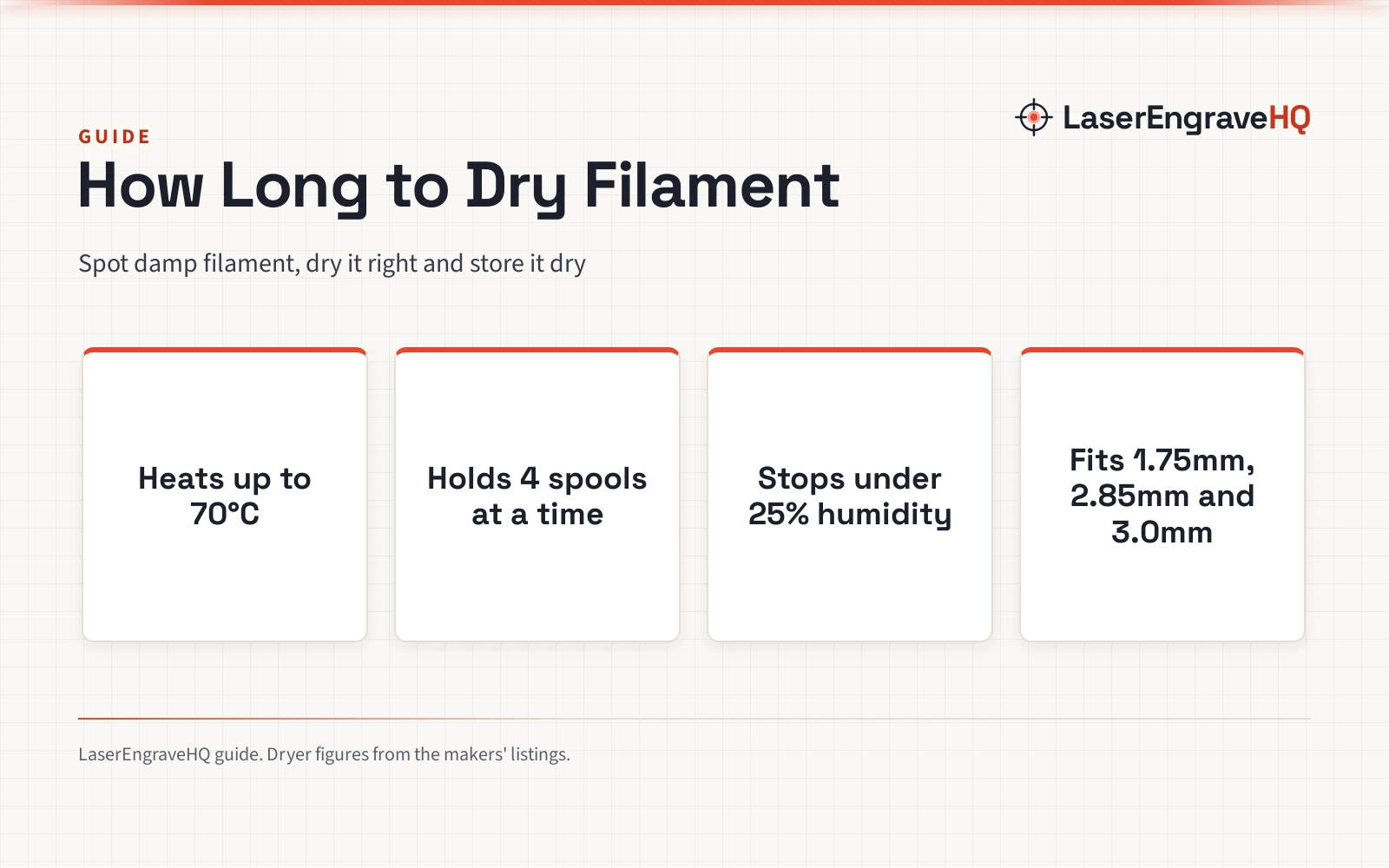
How to dry filament comes down to warm air, moving air and time: a dryer box heats the spool, circulates the air, and holds the filament dry until it goes into the printer. Wet filament strings, clogs and bonds poorly, so drying fixes print quality first. This guide walks through the methods, then shows the dryer boxes that do the work.
LaserEngraveHQ earns a commission from purchases made through these links, at no extra cost to you. Read our affiliate disclosure.
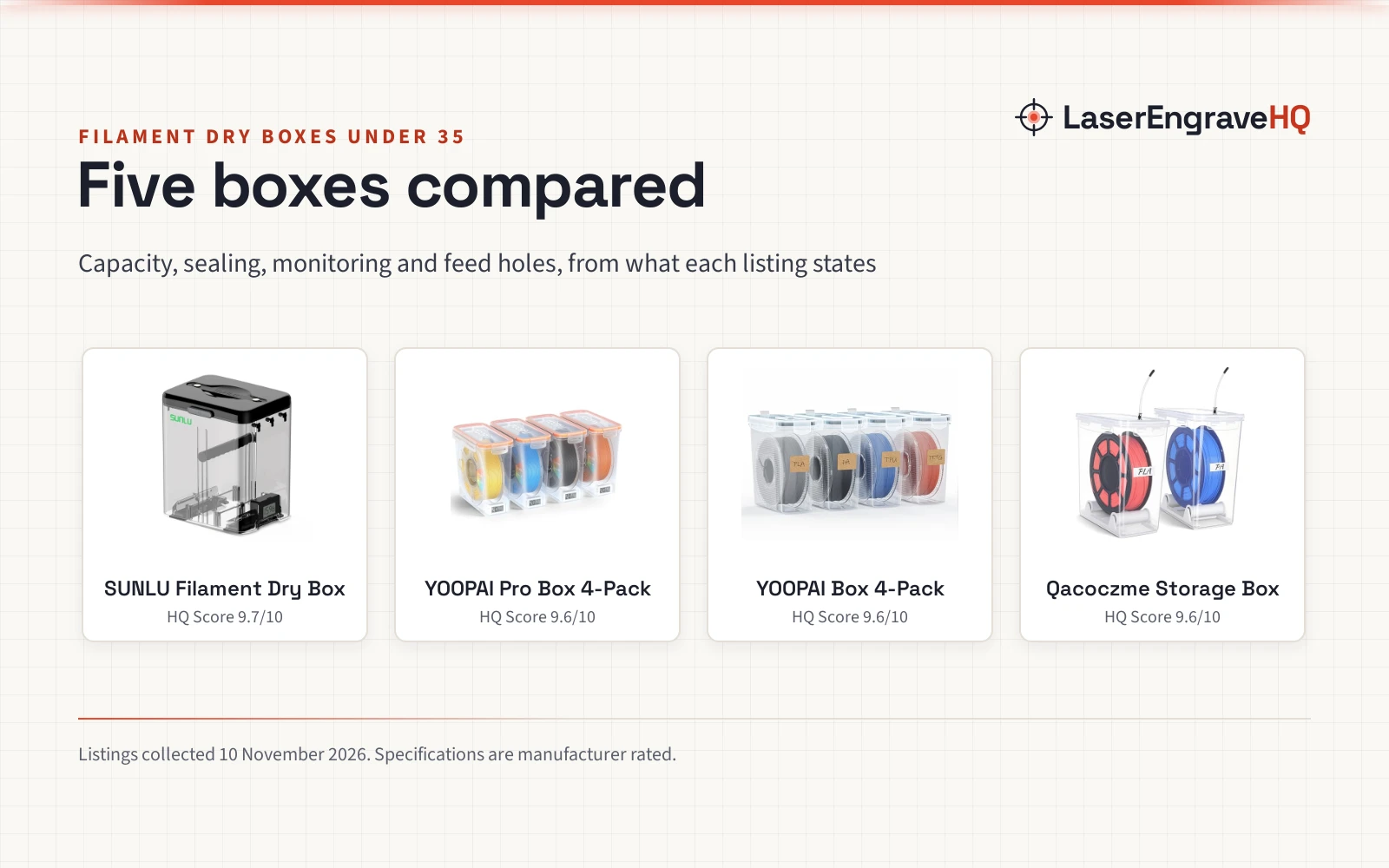
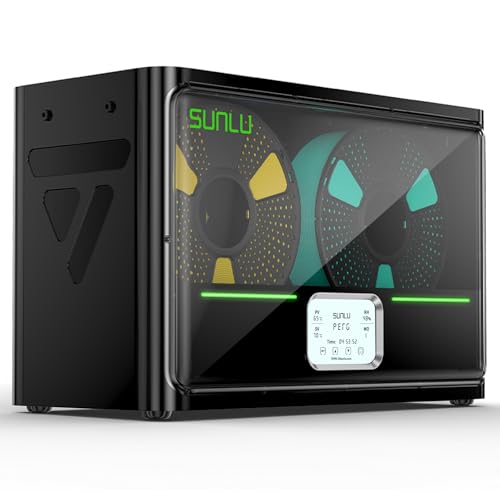
SUNLU S4 3D Printer Filament Dryer Boxer, Black
A 4-spool dryer box with a 350W PTC heater, three fans and auto humidity control, made for drying and storing filament for 4 printers at once.
Pros
- 350W PTC heater, heating from 25℃ to 50℃ in 30 minutes
- Three fans for uniform drying, with temperature balance within ±3℃
- Auto humidity control that starts drying at the set range and stops below 25%
- Connects to 4 printers at once
Cons
- No warranty term is stated
- No spool size beyond 1KG spools is stated
- Only humidity mode 2 is described in the listing
- No dimensions or weight are stated
SUNLU Filament Dryer S1 Plus, White
A single-spool dryer box with a 35℃ to 55℃ range, a 2 inch LCD screen and a 1 year after-sales service.
Pros
- Adjustable temperature range of 35℃ to 55℃ for more than 20 kinds of filament
- Drying time from 1 to 99 hours, with a 6-hour default
- Two rollers inside let the box print while drying
- 1 year after-sales service stated
Cons
- No safety feature is stated
- Maximum spool size is Φ210*85(H)mm
- Humidity monitoring is listed without a stated range
- Sized for one spool at a time, per the stated capacity
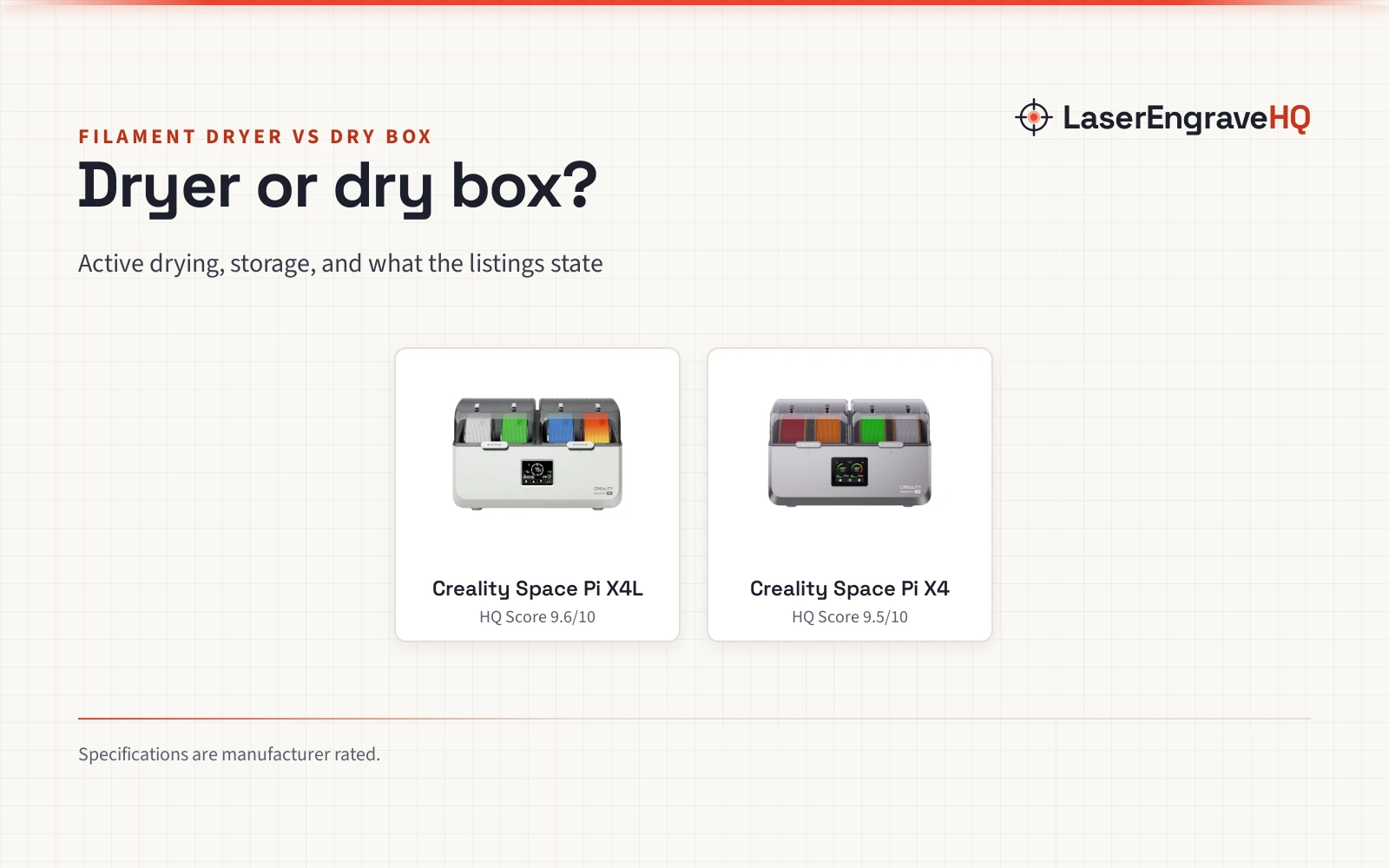
Creality Filament Dryer Box 4 Spools
A 4-spool dryer box with dual independent 200W heating chambers, a silicone-sealed enclosure and an illuminated window.
Pros
- Holds 4 standard 1kg spools or 2 large 2kg spools
- Dual independent 200W heating chambers with a fan
- Silicone-sealed enclosure that holds humidity during printing pauses
- Illuminated window for checking spools without opening the box
Cons
- No warranty term is stated; the warranty field reads 0
- No safety feature is stated
- No box dimensions are stated
2026 New Creality Space PI Filament Dryer
A dual-spool dryer box with a 110W PTC heater, 360° hot air and one-key settings for 12 filament types.
Pros
- One-key settings for 12 filament types, including PLA-CF, PA-CF and ASA
- 110W PTC heater with 360° hot-air circulation from a built-in fan
- Temperature range of 45°C to 70°C on a 3.7-inch touch screen
- Timer from 0 to 48 hours
Cons
- No warranty term is stated
- No safety feature is stated
- No spool size or weight is stated
How to dry filament: the warm-air method
Filament absorbs moisture from the air, and damp filament causes stringing, clogging, poor adhesion and layer shift, per the SUNLU listing. Drying drives that moisture out with warm, moving air, and a dryer box then keeps the spool dry while it prints.
Set a temperature for the filament type, set a drying time, and let the box hold the heat. The Creality Space Pi Plus offers one-key settings for 12 filament types, with a temperature range of 45°C to 70°C and a timer of 0 to 48 hours. The SUNLU S1 Plus sets its own range of 35℃ to 55℃, with a drying time of 1 to 99 hours and a default of 6 hours.
PLA, PETG and TPU dry at 50-60°C, while ABS, PET, PC, ASA, PA and PAHT use 70-75°C, per the Creality X4L (on Amazon) listing.
How long to dry, and what the box does while printing
Drying time depends on the filament and the box. The SUNLU S1 Plus notes that common filament under normal circumstances needs 3 to 6 hours of drying. The Creality Space Pi Plus lets the heating duration run 0 to 48 hours.
Some of these boxes dry while printing. The S1 Plus prints while drying on two rollers inside the box, and the S4 connects to 4 printers at once. The X4L maintains humidity during printing pauses behind a silicone-sealed enclosure.
Gear for drying filament
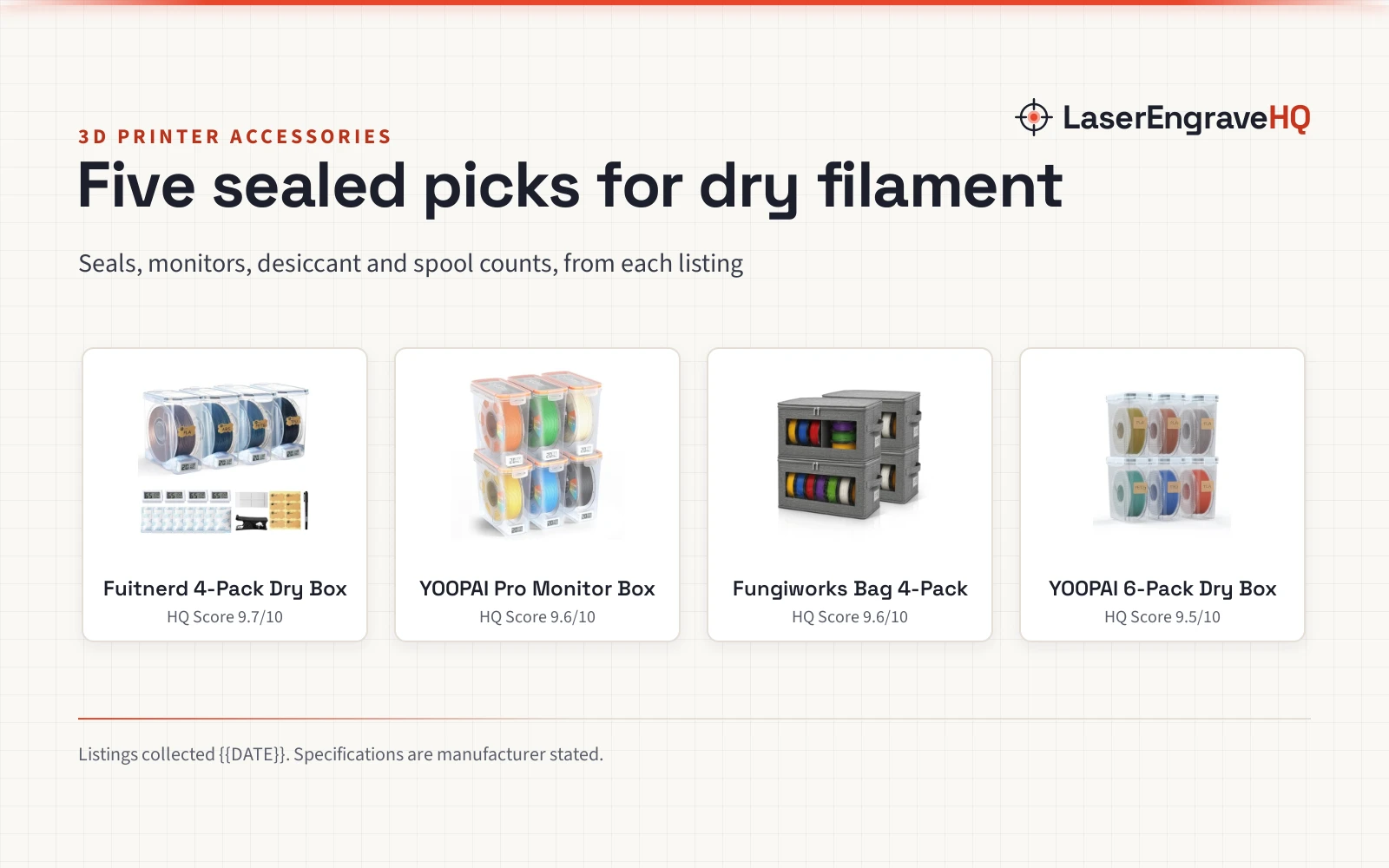
Drying is the step where the box earns its place: a heater, a fan and a humidity readout decide whether the spool comes out dry or just warm.
What to check before you buy
Check the temperature range against the filament you print. The S4 tops out at 70℃. The Space Pi Plus runs 45°C to 70°C. The S1 Plus runs 35℃ to 55℃. The X4L title states a max of 85°C while its bullets state 75°C max, so read each figure before buying.
For filament types and their needs, see the 3D printer filament types guide.
FAQ: lasers and CNC
What temperature dries PLA filament?
The Creality X4L listing puts PLA, PETG and TPU at 50-60°C.
How long does filament take to dry?
The SUNLU S1 Plus notes that common filament under normal circumstances needs 3 to 6 hours. The Creality Space Pi Plus lets heating run 0 to 48 hours.
Can a dryer box hold more than one spool?
The Creality X4L holds 4 standard 1kg spools or 2 large 2kg spools. The SUNLU S4 holds 4 spools of 1KG each.
Do these dryers work while printing?
The S1 Plus prints while drying on two rollers inside the box, and the S4 connects to 4 printers at once. The X4L maintains humidity during printing pauses behind a silicone-sealed enclosure.
Which dryer has a warranty?
The SUNLU S1 Plus states a 1 year after-sales service. The Creality X4L warranty field reads 0, and the S4 and Space Pi Plus listings state no warranty term.
Related: the 3D printers hub and 3D printer filament types guide.