How to Clean Build Plate: 3D Printer Guide
A short routine for cleaning a 3D printer build plate: wipe off dust, wash away adhesive residue, dry the plate, and add fresh adhesive only when the next print needs it.

On this page
Top picks at a glance
As an Amazon Associate I earn from qualifying purchases.
- 1
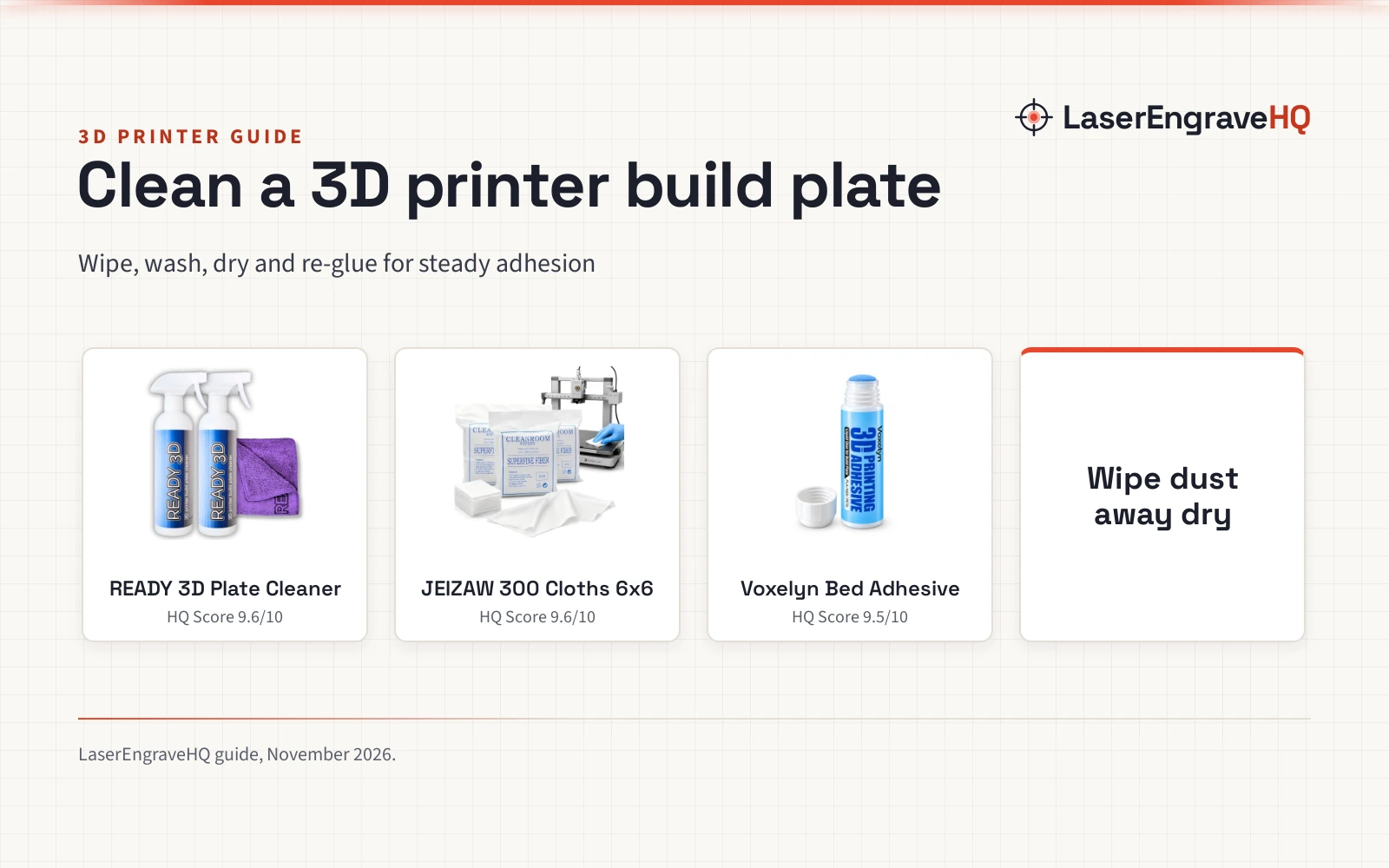
 READY 3D Printer High Quality Build Plate Cleaner9.6/10View on Amazon
- 2
 3D Printer Cleaning Kit, 300PCS Lint Free9.6/10View on Amazon
- 3
 Voxelyn 3D Printer Bed Adhesive Glue9.5/10View on Amazon
How to clean build plate surfaces is a short routine: clear the loose dust, wash away adhesive residue with a cleaner made for build plates, let the plate dry, and put fresh adhesive down only if the next print needs it. A dirty plate can keep prints from sticking, and the fix takes a wipe and a wash rather than a new plate. The steps below work for PEI sheets, smooth plates, glass beds and magnetic build surfaces.
LaserEngraveHQ earns a commission from purchases made through these links, at no extra cost to you. Read our affiliate disclosure.
READY 3D Printer High Quality Build Plate Cleaner
A rinse-free, zero-VOC build plate cleaner in a 2-pack with a 12 x 12 inch microfiber towel.
Pros
- Rinse-free formula removes adhesive and glue stick residue with no follow-up rinsing
- Zero-VOC formula with no alcohol, no harsh chemicals and no odor
- Safe for all build plate surfaces and will not erode or dull the surface
- The 2-pack includes a 12 x 12 inch non-abrasive microfiber towel
Cons
- No warranty term is stated
- Made for adhesive residue, so dust on rails, screens and frames needs a separate cloth
- The towel holds the residue it wipes off, so it is not a fresh wipe each time
- Only one towel size, 12 x 12 inch, is included in the pack
3D Printer Cleaning Kit, 300PCS Lint Free
A pack of 300 lint-free 6 x 6 inch microfiber cloths for wiping build plates and printer parts dry or damp.
Pros
- 300 lint-free microfiber cloths for dust, fingerprints, grease and light residue
- Safe for PEI sheets, smooth plates, glass beds and magnetic build surfaces
- Use dry for daily dust, or lightly dampened with water or a plate cleaner for deeper cleaning
- Also wipes rails, lead screws, screens, enclosure glass and camera lenses
Cons
- No warranty term is stated
- Disposable cloths, so the pack needs replacing once the 300 cloths are used
- No cleaning liquid is included; the cloths work dry or dampened with water or a cleaner
- Each cloth is 6 x 6 inch, so wiping a large plate takes more than one pass with a single cloth
Voxelyn 3D Printer Bed Adhesive Glue
A 50ml water-based bed adhesive that stops warping and wipes off with clean water after the print.
Pros
- Creates a bonding layer that stops corner lifting and warping on large prints
- Works with PLA, ABS, PETG and TPU on glass, PEI, spring steel and magnetic plates
- Leaves no stubborn sticky residue; wipe the hot bed with clean water after printing
- Water-based, non-toxic formula in a 50ml squeeze bottle for a thin, even layer
Cons
- Adds a glue layer that wipes off with clean water after the print, so the plate needs a wipe-down between prints
- The layer must dry fully before printing, so each print needs prep time
- Made for FDM hot beds, so resin printers gain nothing from it
- The listing names PLA, ABS, PETG and TPU, so less common filaments need a check before use
How to clean build plate surfaces step by step
Start with the plate off the printer if it lifts off, so dust falls away from rails and screens instead of onto them. A dry lint-free cloth takes off loose dust, filament bits and fingerprints. For residue from glue sticks or build plate adhesive, a rinse-free cleaner does the washing, and a dry wipe finishes the job.
Start with a dry wipe
Dust, fingerprints and stray filament bits sit on the surface between prints and keep the next print from gripping. A dry lint-free cloth lifts them and leaves little lint behind, and the same cloth wipes rails, lead screws, screens and enclosure glass while the plate is out. Dampen the cloth only when dry wiping leaves residue behind. A dedicated kit gathers the wipes and tools for this routine; see the best 3D printing cleaning kit guide.
Wash off adhesive residue
Glue sticks and build plate adhesive leave a film that builds up with each print, and a dry cloth will not lift it. A rinse-free cleaner made for build plates dissolves that film without a rinse step. Wipe the cleaner across the plate with the microfiber towel, then wipe again with a clean, dry cloth. For stubborn residue, the best isopropyl alcohol for 3D printing guide covers a stronger wipe.
Dry the plate before the next print
A plate that looks dry can still hold cleaner or water in the texture of a PEI sheet, and a damp plate gives the next print a weak grip. Let the plate air dry, then run a dry cloth across it again.
Put fresh adhesive down only when the print needs it
Not every print needs glue. Small prints on a clean PEI sheet often grip on their own, while large prints lift at the corners without help. When a print needs it, spread a thin, even layer of bed adhesive on the cold plate, wait until it is fully dry, then start the print. The Voxelyn adhesive (on Amazon) in the picks below stops warping and wipes off the hot bed with clean water after the print. For glue stick users, the best glue stick for 3D printer build plate guide compares sticks made for the same job.
The gear that handles each cleaning step
Each step above has a tool made for it.
Mistakes that leave residue behind
- Skipping the dry wipe: washing a dusty plate turns dust into a film that smears across the plate.
- Using an abrasive pad: a rough pad can dull a PEI sheet, so stay with non-abrasive microfiber.
- Printing on a damp plate: cleaner or water left in the texture gives the next print a weak grip.
- Layering fresh glue over old glue: wash the plate before a fresh coat, so the new layer starts on a clean surface.
- Cleaning only the middle: wipe the whole plate, edges included, so no residue is left behind.
How to clean build plate: the short version
- Clear loose dust with a dry lint-free cloth.
- Wash adhesive residue off with a rinse-free plate cleaner.
- Dry the plate fully before it goes back on the printer.
- Put fresh adhesive down only when the next print needs it.
FAQ: lasers and CNC
How often should I clean a 3D printer build plate?
Clean it when prints stop sticking, when residue shows, or when glue stays behind. A dry wipe between prints keeps dust off, and a wash with a plate cleaner takes off adhesive film.
Can I clean a PEI build plate with water?
Yes. A lint-free cloth lightly dampened with water wipes a PEI sheet, and the bed adhesive in the picks below wipes off the hot bed with clean water after a print.
Do I need glue on a clean build plate?
Not for every print. Small prints on a clean PEI sheet often grip on their own. Large prints that lift at the corners benefit from a thin layer of bed adhesive.
What should I avoid wiping a build plate with?
Avoid abrasive pads and harsh chemicals, which can dull or erode the surface. The cleaner in the picks below has no alcohol and no harsh chemicals, and the cloths are non-abrasive microfiber.
Why do prints stop sticking after some prints?
Buildup is one reason: dust, fingerprints and adhesive film build up and keep the next print from gripping. A dry wipe takes off dust, and a wash with a plate cleaner takes off the film.
Related: the best 3D printing cleaning kit, best 3D printer bed adhesive and best tools to clean up 3D prints guides. Also see PEI vs glass build plate and flexible build plate vs PEI sheet.