Best Tools to Clean Up 3D Prints (2026): 5 Picks Compared
5 3D printer tool kits from 51 to 201 pieces, compared by rotary tool, caliper, nozzle cleaning and storage, with the HQ Score for each kit.

On this page
Top picks at a glance
As an Amazon Associate I earn from qualifying purchases.
- 1
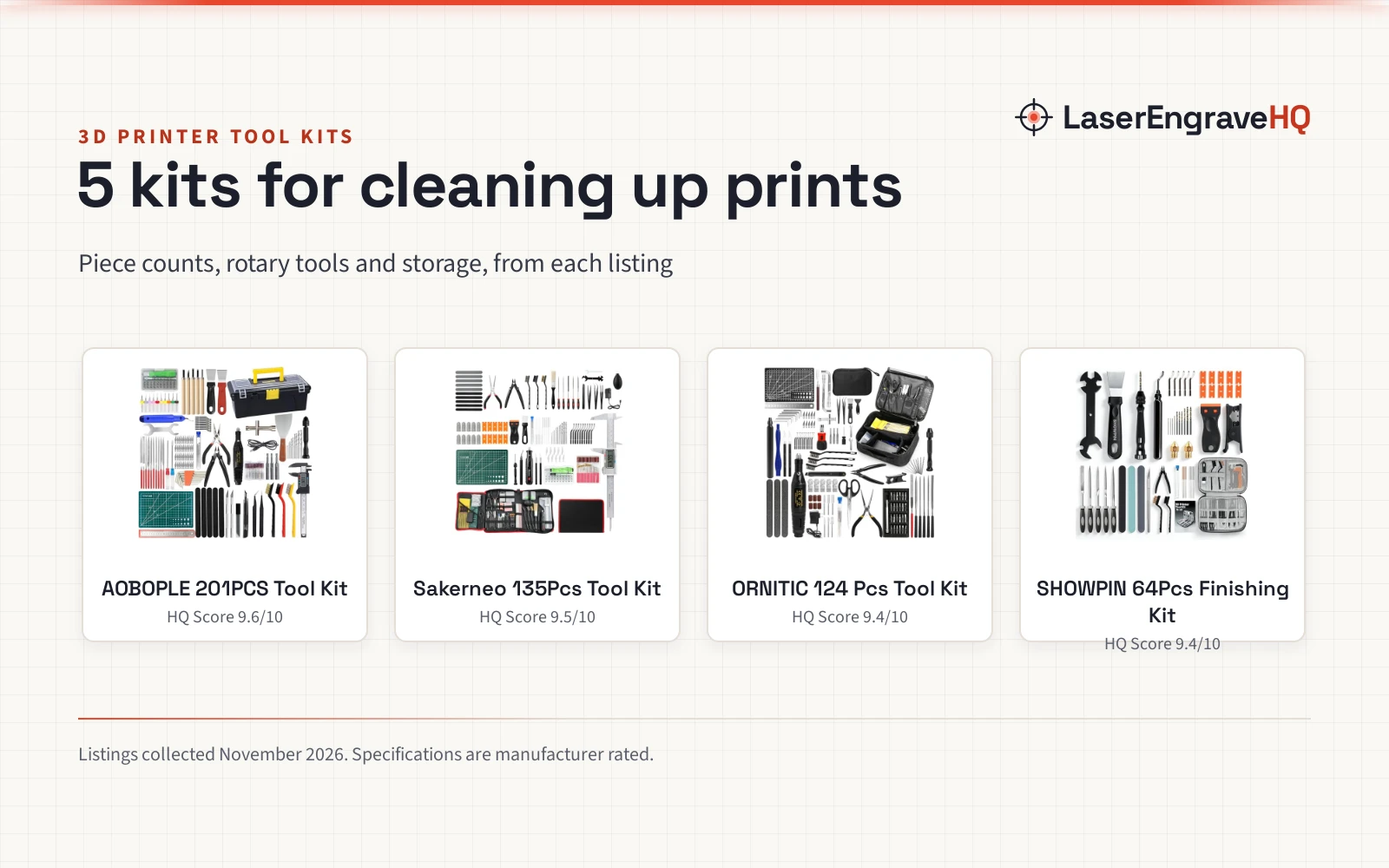
 Best OverallAOBOPLE 201PCS Tool Kit9.6/10View on Amazon
- 2
 Best Corded RotarySakerneo 135Pcs Tool Kit9.5/10View on Amazon
- 3
 Best Electric RotaryORNITIC 124 Pcs Tool Kit9.4/10View on Amazon
- 4
 Best Beginner KitSHOWPIN 64Pcs Finishing Kit9.4/10View on Amazon
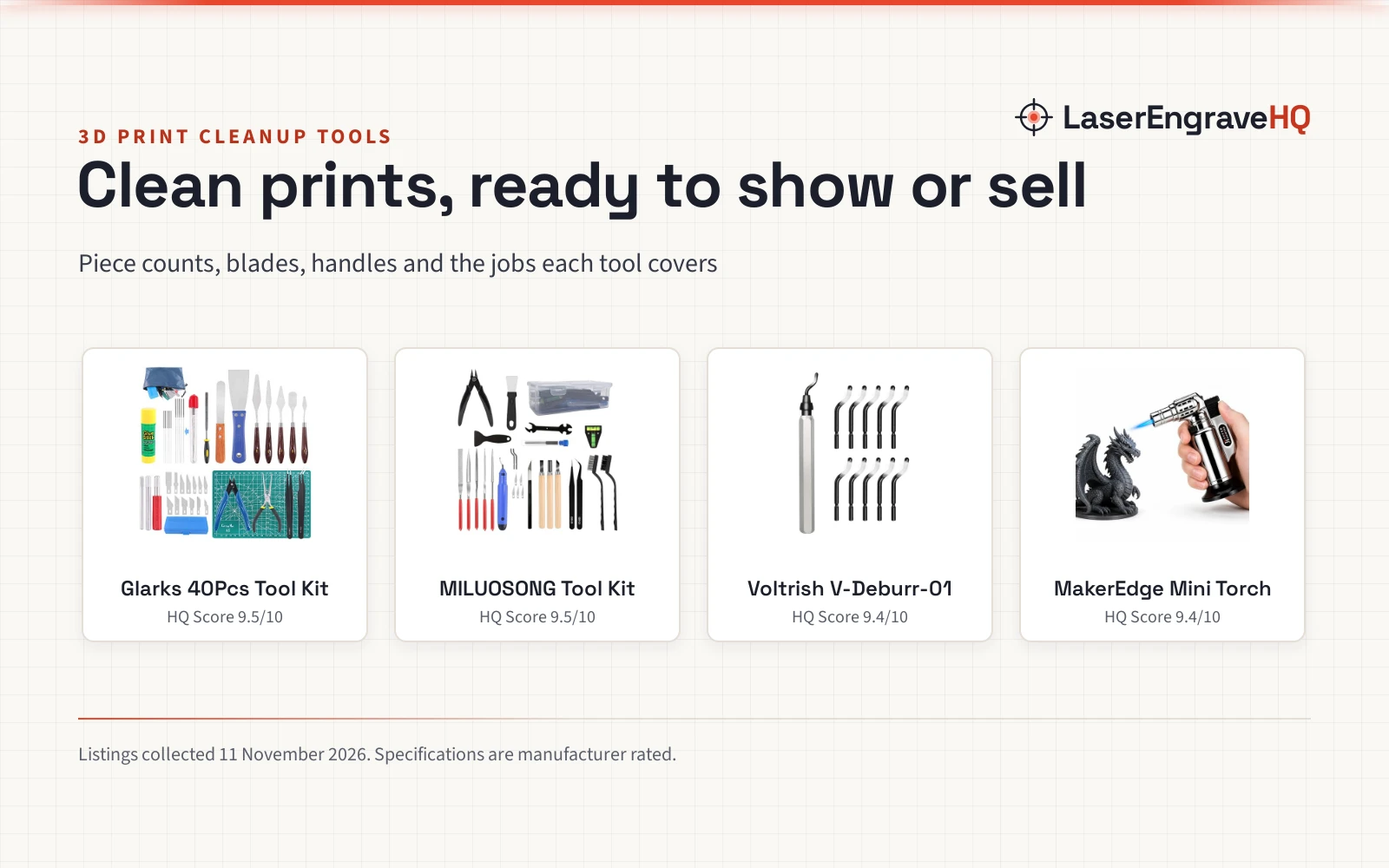
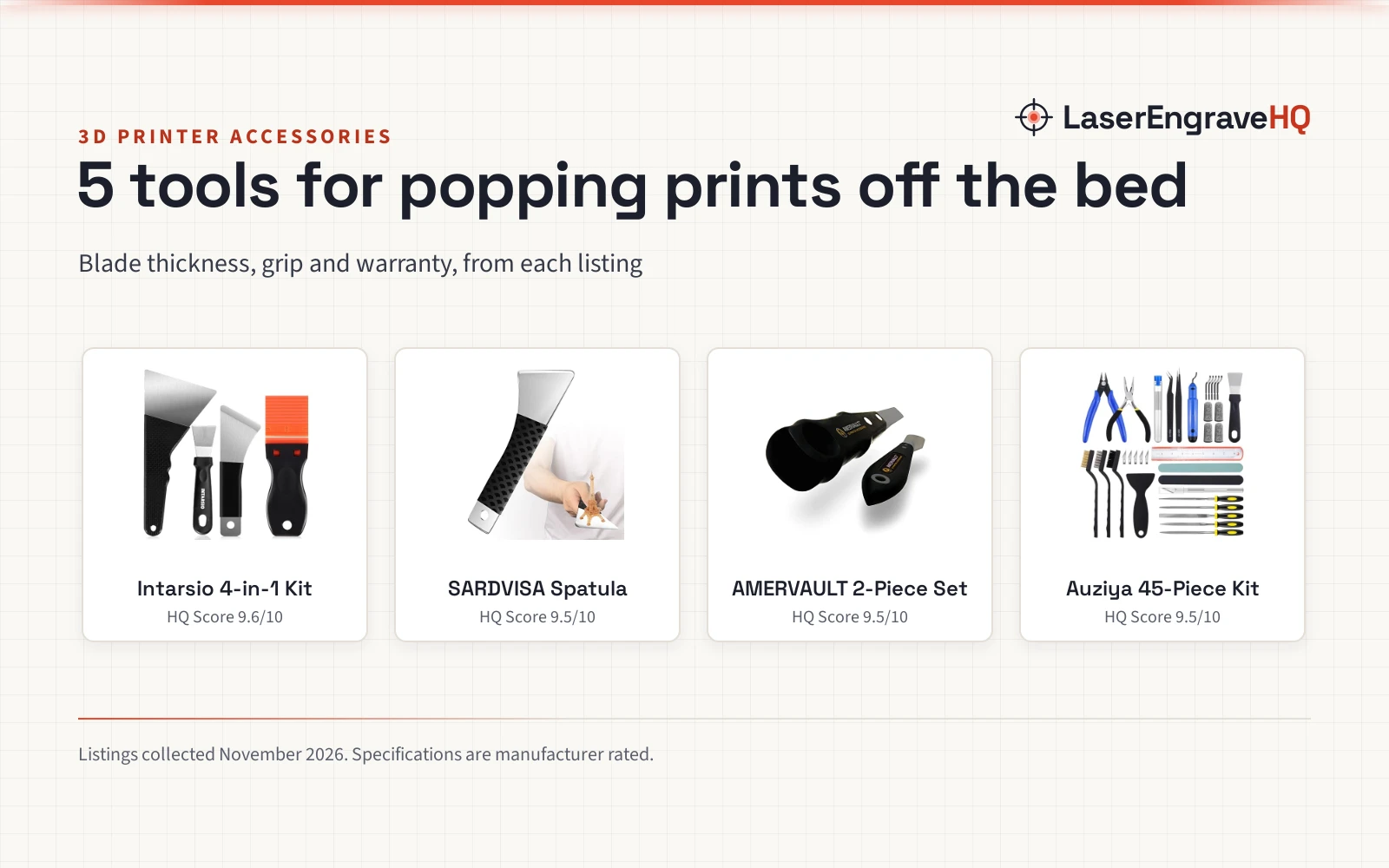
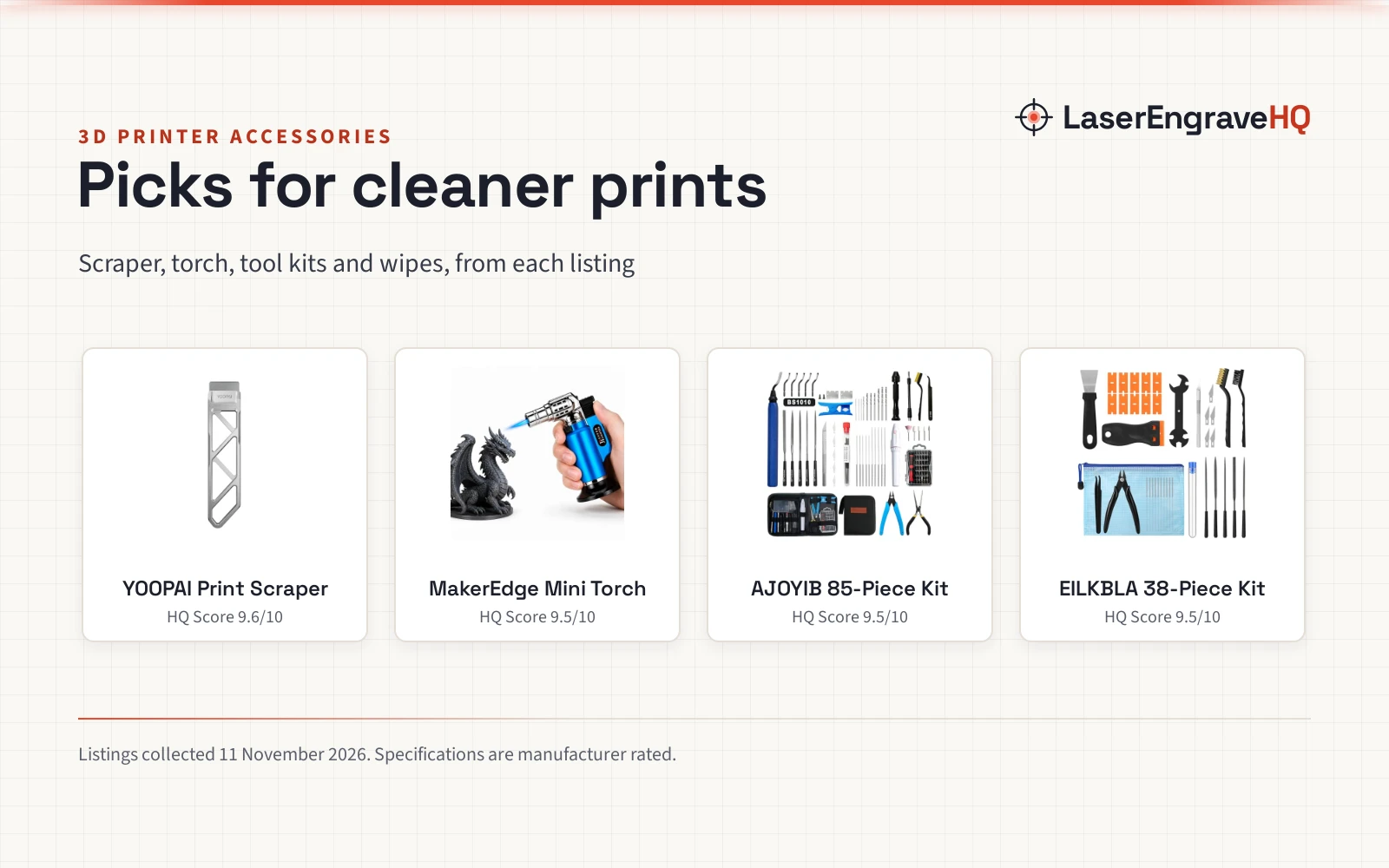
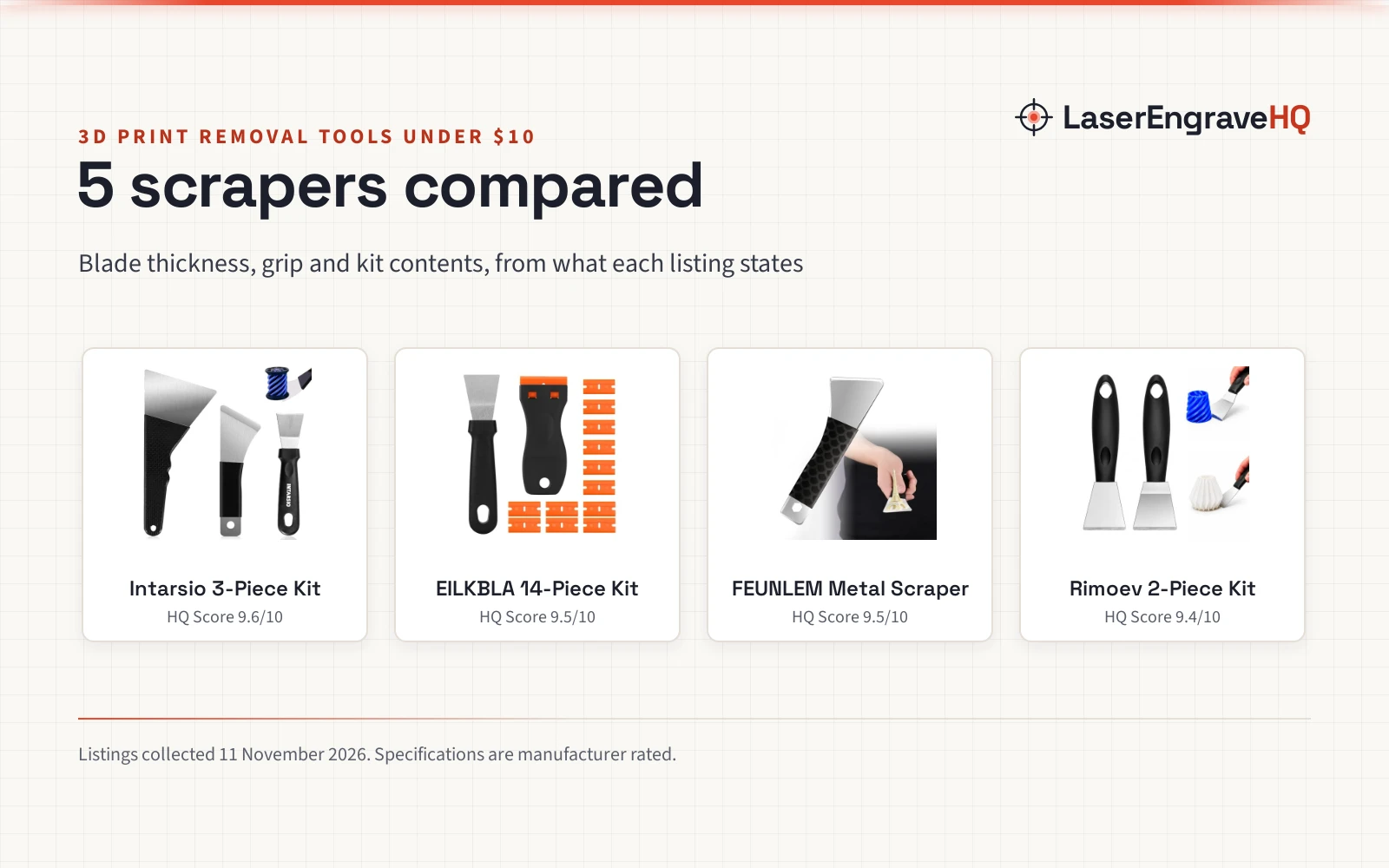
A fresh print off the bed is rarely finished: supports cling to overhangs, brims leave a ridge, and layer lines show on every curve. The best tools to clean up 3d prints are the ones that match the job in front of you, from a deburring tool for edges to a rotary tool for smoothing, so this guide compares the kits here by piece count, rotary tool, caliper and storage, and says plainly what each listing does not state.
LaserEngraveHQ earns a commission from purchases made through these links, at no extra cost to you. Read our affiliate disclosure.
Quick picks
- Best Overall AOBOPLE 201PCS Tool Kit: 201 pieces with a USB cordless polisher, a nozzle wrench for MK8, E3D and MK10 nozzles, and a digital caliper Check price on Amazon
- Best Corded Rotary Sakerneo 135Pcs Tool Kit: 135 pieces with a corded rotary tool, a digital caliper and a pin vise with 10 drill bits Check price on Amazon
- Best Electric Rotary ORNITIC 124 Pcs Tool Kit: 124 pieces with an electric rotary tool, a deburring tool, a scraper and a carry bag Check price on Amazon
- Best Beginner Kit SHOWPIN 64Pcs Finishing Kit: 64 pieces for beginners, with 5 metal files and 3 double-sided sanding sticks Check price on Amazon
Machines on the list
201PCS 3D Printer Tool Kit
A 201-piece kit with a USB cordless polisher, a nozzle wrench for MK8, E3D and MK10 nozzles, and a digital caliper.
Pros
- 201 pieces, the largest kit here, with 66 extra pieces over the classic 135-piece kit
- USB cordless polisher runs from 3,000 to 15,000 rpm for smoothing layer lines
- Nozzle wrench with 3 sleeves for MK8, E3D and MK10 nozzles
- Digital caliper reads to 0.01 mm, and the hand drill has 10 twist bits plus 10 PCB micro bits
Cons
- No warranty term is stated
- No safety certification is stated
- No dimensions or weight are stated on the listing
- Aimed at makers who swap nozzles often, so it may be more kit than a beginner needs
Sakerneo 135Pcs 3D Printer Tool Kit with Storage
A 135-piece kit with a corded rotary tool, a digital caliper and a pin vise with 10 drill bits, in a fitted storage bag.
Pros
- Corded rotary tool with grinding accessories for smoothing edges
- Digital caliper for checking model dimensions
- Pin vise with 10 drill bits, plus 10 sanding pads and a hand-polishing tool
- 10 finger protectors and an A5 cutting mat included
Cons
- No warranty term is stated
- No safety certification is stated
- The rotary tool is corded, not cordless
- No dimensions or weight are stated on the listing
124 Pcs 3D Printing Tool Kit
A 124-piece kit with an electric rotary tool, a deburring tool, a scraper and removal pliers, in a carry bag.
Pros
- Electric rotary tool for removing, trimming and finishing prints
- 124 pieces with a deburring tool, scraper and removal pliers
- Pin vise hand drill for small-hole work
- Dedicated carry bag for storage and transport
Cons
- No warranty term is stated
- No safety certification is stated
- No caliper is listed
- No detail is given on the rotary tool speed or bits
SHOWPIN 3D Printer Tools for Beginners
A 64-piece starter kit with 5 metal files, 3 double-sided sanding sticks, a hand drill and a Bowden tube cutter, in a zippered case.
Pros
- Beginner-friendly kit with a clear first-toolkit focus
- 5 metal files and 3 double-sided sanding sticks in multiple grits
- Bowden tube cutter for clean, square PTFE tube cuts
- Zippered case keeps the tools together beside the printer
Cons
- No rotary tool is included
- No caliper is listed
- No warranty term is stated
- No safety certification is stated

51Pcs 3D Printer Tool Kit with Storage Case
A 51-piece kit with a deburring tool, scraper, wire knife, metal files, brushes, hand drill and tweezers, in a storage case.
Pros
- 51 pieces with a deburring tool, scraper, wire knife and hand drill
- Compatible with all FDM 3D printers
- Sturdy storage case for organizing and carrying
- Made of durable material with a comfortable grip, per the listing
Cons
- Fewest pieces here at 51
- No rotary tool is included
- No caliper is listed
- No warranty term is stated
Other machines to compare
 3D Printer Scraper ToolCheck price on Amazon
 Vertical Heat Set Insert Tool Press for Large Plastic & 3DCheck price on Amazon
 3D Print Stringing Removal ToolCheck price on Amazon
Specs compared
| Model | HQ Score | Pieces | Rotary tool | Caliper | Storage | Warranty |
|---|---|---|---|---|---|---|
| AOBOPLE 201PCS Tool Kit | 9.6/10 | 201 | USB cordless polisher | Yes, 0.01 mm | Hard-shell toolbox | Not stated |
| Sakerneo 135Pcs Tool Kit | 9.5/10 | 135 | Corded rotary tool | Yes | Fitted storage bag | Not stated |
| ORNITIC 124 Pcs Tool Kit | 9.4/10 | 124 | Electric rotary tool | Not stated | Carry bag | Not stated |
| SHOWPIN 64Pcs Finishing Kit | 9.4/10 | 64 | Not stated | Not stated | Zippered case | Not stated |
| DONTRD 51Pcs Tool Kit | 9.4/10 | 51 | Not stated | Not stated | Storage case | Not stated |
We give each product’s specs as its manufacturer rates them; listings read 11 November 2026.
What the listings tell you, and what they leave out
This guide compares 5 tool kit listings. None stated a warranty term, and none stated a safety certification. Piece counts run from 51 to 201, and the two largest kits add a rotary tool or a cordless polisher.
Treat every blade, knife and scraper here as sharp, and store the tools in the case or bag when they are not in use.
Buying guide: best tools to clean up 3d prints
Kit size: piece count
Piece counts here run from 51 to 201. A larger kit covers more jobs in one box, but it also takes more storage space. The 51-piece DONTRD kit covers the basic cleanup jobs, while the 201-piece AOBOPLE kit adds nozzle tools, carving tools and a polisher for advanced work. Pick the count that matches the jobs you do, not the biggest box.
Rotary tool or hand tools
Two kits here include a rotary tool: the ORNITIC kit has an electric rotary tool, and the Sakerneo kit has a corded rotary tool. The AOBOPLE kit has a USB cordless polisher instead, for smoothing layer lines and support scars. The SHOWPIN and DONTRD kits are hand tools only: deburring tools, scrapers, files and knives. A rotary tool or polisher speeds up smoothing on larger prints; hand tools give more control on small details and miniatures.
Nozzle cleaning and maintenance
Clogged nozzles stop a print, so the cleaning tools in a kit matter. The AOBOPLE kit has 20 cleaning needles from 0.2 to 0.4 mm and 3 wire brushes, plus a dual-head socket wrench with 3 sleeves (6, 7 and 9 mm) for MK8, E3D and MK10 nozzles. The Sakerneo kit has 10 cleaning needles, one plastic brush and three wire brushes. The SHOWPIN kit has nozzle needles and brushes for routine cleaning. The ORNITIC title calls it a nozzle cleaning kit, but the bullets list no cleaning needles, so check the parts list before you buy.
Storage: case or bag
Every kit here comes with storage. The SHOWPIN kit has a zippered case, the DONTRD kit has a sturdy storage case, the ORNITIC kit has a carry bag, the Sakerneo kit has a fitted storage bag, and the AOBOPLE kit has a hard-shell toolbox. A case or toolbox keeps sharp tools covered, and a bag is easier to carry to a makerspace or classroom. Check the dimensions if the kit has to fit a drawer or a shelf: the ORNITIC kit measures 8.0 by 7.0 by 3.0 inches, and the DONTRD kit measures 1.4 by 9.92 by 7.2 inches.
The deburring tools, knives and scrapers in these kits are sharp. Keep blades covered in storage, cut away from your hands, and wear eye protection when trimming supports.
How the scores add up
Each kit is scored out of 10 on performance, build, value, safety and warranty, with the weights published on the How We Pick page. A spec the listing does not publish scores nothing.
| Product | HQ Score | Perf. /35 | Build /25 | Value /25 | Safety /10 | Warranty /5 |
|---|---|---|---|---|---|---|
| AOBOPLE 201PCS Tool Kit | 9.6 | 33 | 22 | 22 | 0 | 0 |
| Sakerneo 135Pcs Tool Kit | 9.5 | 32 | 21 | 21 | 0 | 0 |
| ORNITIC 124 Pcs Tool Kit | 9.4 | 29 | 20 | 20 | 0 | 0 |
| SHOWPIN 64Pcs Finishing Kit | 9.4 | 28 | 20 | 20 | 0 | 0 |
| DONTRD 51Pcs Tool Kit | 9.4 | 27 | 19 | 19 | 0 | 0 |
Point totals are scaled so the weakest reads 9.2 and the strongest 9.8, with everything between kept in order.
FAQ: lasers and CNC
What tools do I need to clean up a 3D print?
A deburring tool, flush cutters and a scraper handle most cleanup: removing supports, trimming rough edges and lifting prints off the bed. Metal files and sanding sticks smooth layer lines and support marks, and a hand drill makes small pilot holes. The kits here bundle those tools in one box, with piece counts from 51 to 201.
Do I need a rotary tool to finish 3D prints?
Not for every print. The ORNITIC kit has an electric rotary tool and the Sakerneo kit has a corded rotary tool, and both smooth rough edges faster than hand tools. The AOBOPLE kit has a USB cordless polisher for the same job. For small details and miniatures, the hand tools in the SHOWPIN and DONTRD kits give more control.
How do I remove supports from a 3D print?
Start with flush cutters and a deburring tool to trim the supports, then a craft knife for small imperfections and files or sanding sticks for the marks left behind. The SHOWPIN listing describes exactly that sequence: deburring tool, craft knife and flush cutters for supports and rough edges, then files and sanding sticks for a cleaner finish.
Can these kits clean resin prints too?
Some can. The SHOWPIN listing says its kit works with all FDM and SLA printers, and the Sakerneo listing says it works with Bambu Lab, FDM and SLA printers. The AOBOPLE listing mentions resin models for its carving tools and polisher. The DONTRD listing says it is compatible with all FDM 3D printers, so check the listing before you buy for resin work.
What is the difference between a deburring tool and a scraper?
A deburring tool trims rough edges and removes supports, while a scraper lifts a finished print off the bed. The Sakerneo listing describes both: the metal scraper lifts finished prints, and the deburring tool with 10 replacement blades helps remove supports and clean brims. The ORNITIC and DONTRD kits include both tools.
Related: the 3D printers hub, best hand tools for cleaning up 3d prints, best tools to clean up 3d prints under 15, best 3D printing nozzle, best 3D printer lube and grease, best dual Z axis 3D printer kit, SLA vs DLP 3D printer, and the CoreXY vs bed slinger 3D printer guide.