3D Printer Parts Kit: What Is Included
A 3D printer parts kit bundles the spares that keep a printer running, and this guide explains what each kind holds and how to pick a fitting kit for your machine.

On this page
A 3D printer parts kit is a bundled set of spares for keeping a printer running: the pieces that wear out and the fasteners that come loose. Makers reach for a kit when a nozzle clogs mid-print, when a belt slips, or when a small part breaks and the printer sits idle while a replacement ships. This guide explains what a 3D printer parts kit holds, how a parts kit differs from a tool kit, and how to choose a kit that fits your printer and the work you do with it.
As an Amazon Associate I earn from qualifying purchases. LaserEngraveHQ earns a commission from purchases made through these links, at no extra cost to you. Read our affiliate disclosure.
Parts kits and tool kits are sold under similar names, and the kit used as the worked example here is a tool kit: its stated contents are hand tools and cleaning tools, not spare printer parts. Read the contents list of any kit before you buy, and match it against the parts your printer actually uses.
Step 1: Learn the kinds of kit
A parts kit holds replacement pieces for the printer itself. Nozzles, belts, fans, tubing, springs and fasteners are the usual contents, and they are the pieces that wear out or break with regular use. A tool kit holds the hand tools that fit, clean and adjust those pieces: scrapers, pliers, wrenches, screwdrivers and drill pins for clearing a clogged nozzle. Some kits mix the kinds, so the contents list matters more than the name on the box. Begin by deciding whether your printer needs spares, tools, or a mix of the kinds, and buy the kind that fills the gap in your drawer.
Step 2: What a spare parts kit holds
A spare parts kit is built around the pieces that fail with use. Nozzles clog and wear, so a kit often holds spares in the sizes the printer uses; the nozzle types guide explains how sizes differ, and are 3D printer nozzles universal covers whether a nozzle from a different brand fits. Belts stretch and lose grip over time, fans collect dust and slow down, and PTFE tubing wears where filament passes through it. Springs and fasteners round out a kit, since a loose bed or a missing screw can stop a print as surely as a dead fan. The replacement parts guide lists the pieces worth keeping on hand. When you read a parts kit, compare its contents against your printer model and keep the pieces you actually use; a drawer full of spares for a different machine helps nobody.
Step 3: What a tool kit holds
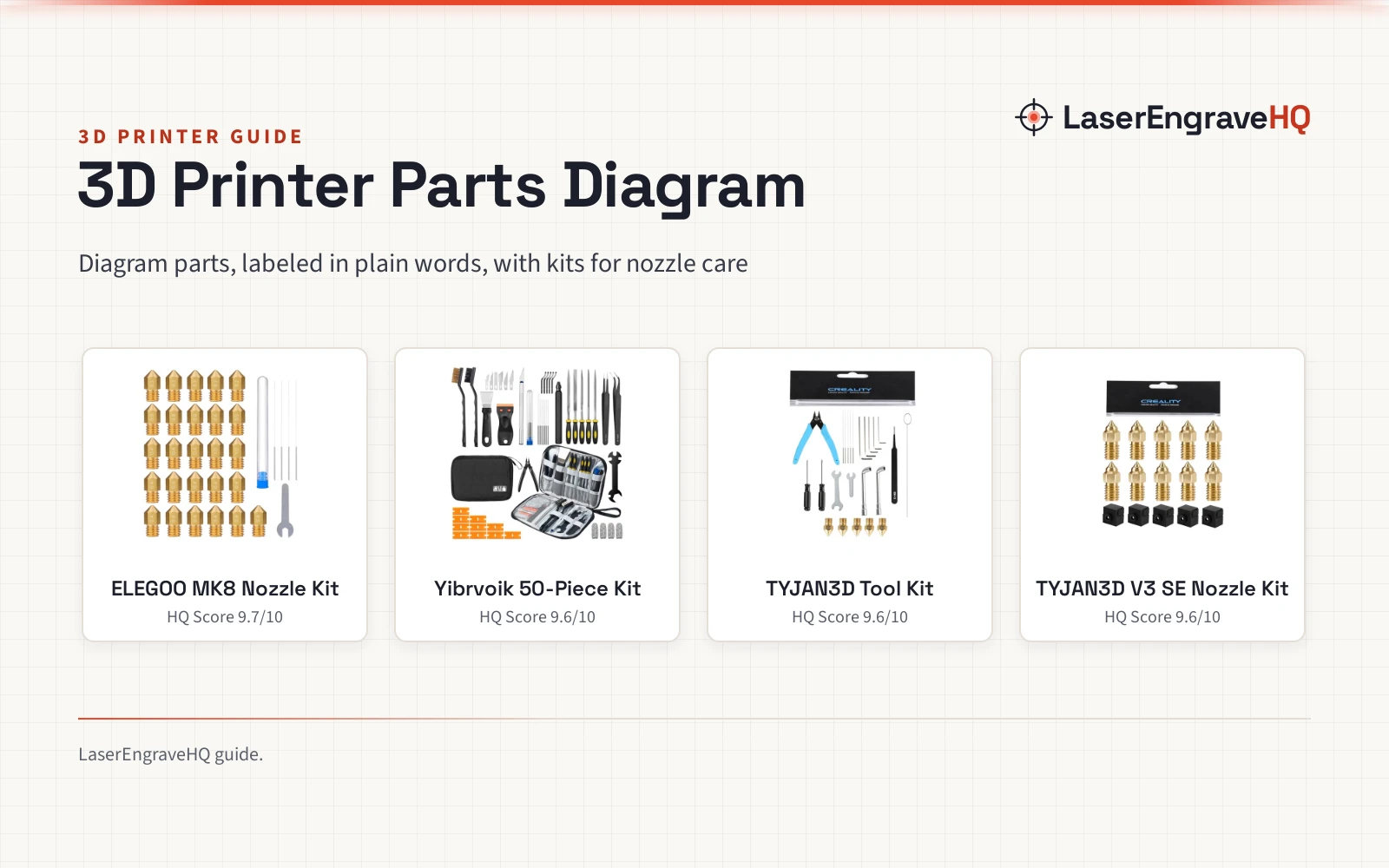
The kit used as the worked example here is the Pmbqifay kit (on Amazon), a 212-piece tool set that shows how much a tool kit can cover. Its contents list names a nylon board brush, a plastic scraper, a wire brush, a stainless steel scraper, a trimming knife kit, an engraving knife, tweezers, an A5 cutting mat, a 5-in-1 wrench, a Phillips screwdriver, a hand drill kit, diagonal pliers, needle-nose pliers, a small file kit, a utility knife, a tubing cutter, a screwdriver set, a polishing strip, black scissors and an L-wrench, plus 0.35mm and 0.4mm stainless steel drill pins for clearing nozzles. The maker also lists a black polishing kit and a carrying case that holds the whole set, so small tools stay together between jobs. Support is part of the package too: the maker answers questions within 24 hours. For nozzle cleaning specifically, the best 3D printer nozzle cleaning kit guide compares dedicated options. A tool kit like this suits a maker who already owns spares and needs the means to fit and clean them.
Step 4: Match the kit to your printer
A kit only helps when its pieces fit your machine. Nozzle threads and sizes differ between brands, belts come in different widths and lengths, and a fan made for a different housing may not mount at all. Read the contents list against your printer model before you order, and check the 3D printer parts diagram to see where each piece sits in your machine. If a kit names no model at all, treat it as a general set and confirm each piece by hand before you rely on it. The are 3D printer nozzles universal page is worth reading before you buy spares for a printer you have not owned for long. A kit that matches your printer saves an extra order; a kit that does not match becomes a drawer of pieces you cannot use.
Step 5: Check what the kit leaves out
A kit can leave something out, and the gap matters more than the contents. The reference tool kit names hand tools and cleaning tools, and it names no spare nozzles, belts or fans, so a maker who needs spares should go with a parts kit as well. Filament, build plates, lubricant and adhesive are also outside the reference kit, and each of them needs replacing on its own schedule. The 3D printer maintenance kit guide covers upkeep sets, and the best 3D printer accessory kit guide compares broader sets that bundle tools with extras. Before you buy, write down the pieces your printer needs over the coming months, then check the kit against that list and buy the missing pieces alongside it.
Step 6: Set up storage and a simple routine
A kit earns its keep when you can find the right piece in the moment you need it. Keep the tools in the carrying case they came in, and keep spares in labeled bags or small boxes beside the printer, away from dust and damp. Put drill pins and small wrenches back after each use, since a lost pin is a clogged nozzle with no fix at hand. After a repair, note which piece you used, so the next order replaces what actually wore out. The 3D printer maintenance guide explains how regular upkeep extends the life of the parts a kit holds. A tidy kit turns a broken printer into a short pause instead of a lost weekend.
Common mistakes to avoid
- Buying a kit without reading the contents list.
- Assuming a kit fits every printer when nozzles and belts differ by model.
- Buying a tool kit when the printer needs spare parts.
- Storing small tools loose, where drill pins and wrenches go missing.
- Ordering spares without checking the parts diagram for your machine.
3D printer parts kit: the short version
- Decide whether you need spares, tools, or a mix.
- Read the contents list and compare it with your printer model.
- Check nozzle sizes, belt types and fan mounts before you order.
- Note what the kit leaves out and buy those pieces alongside it.
- Store tools in the case and spares in labeled bags.
- Replace the pieces you actually use, and keep the kit ready.
FAQ: lasers and CNC
What is included in a 3D printer parts kit?
It varies by kit. A parts kit holds spares such as nozzles, belts, fans, tubing and fasteners, while a tool kit holds hand tools such as scrapers, pliers, wrenches and drill pins. Read the contents list before you buy, since kits with similar names can hold very different pieces.
Do parts kits fit every printer?
No. Nozzle threads, belt sizes and fan mounts differ between brands and models, so a kit made for a different machine may not fit yours. Check the 3D printer parts diagram for your printer before you order.
What is the difference between a parts kit and a tool kit?
A parts kit holds the replacement pieces themselves, and a tool kit holds the tools that fit and clean them. The reference kit in this guide is a tool kit: a 212-piece Pmbqifay set with scrapers, pliers, wrenches, drill pins in 0.35mm and 0.4mm, and a carrying case.
Which parts wear out?
Nozzles clog and wear with use, belts stretch, fans slow down with dust, and tubing wears where filament passes through. The how long do 3D printer nozzles last guide covers nozzle life, and how to change a 3D printer nozzle shows the swap.
What should you check before buying a kit?
Read the contents list, confirm the fit for your printer model, and note what the kit leaves out. A carrying case keeps small tools together, and the maker of the reference kit answers questions within 24 hours.
Related: the 3D printers hub, 3D printer accessories and 3D printer maintenance kit. Also see the best 3D printer accessory kit guide.