Is a 3D Printer Worth It? A Buyer’s Guide
A 3D printer is worth it when you print useful parts on a regular basis and enjoy tinkering, and a print service serves you better when you print rarely.

On this page
Top picks at a glance
As an Amazon Associate I earn from qualifying purchases.
- 1
 Bambu Lab P1S 3D Printer9.7/10View on Amazon
- 2
 Bambu Lab A1 mini 3D Printer + LED Lamp Kit9.7/10View on Amazon
- 3
 FLASHFORGE Adventurer 5M Pro 3D Printer9.7/10View on Amazon
A shelf full of broken brackets, a missing knob, a part that no store stocks anymore. Is a 3d printer worth it? It depends on what you make, how often you make it, and whether you enjoy tinkering with a machine that needs attention. If you print useful parts on a regular basis and like learning how things work, a printer can earn its place; if you print rarely, a print service may serve you better. The sections below walk through the costs, the space, and the learning curve, so you can decide with clear eyes.
LaserEngraveHQ earns a commission from purchases made through these links, at no extra cost to you. Read our affiliate disclosure.
This guide gives no cost or time figures, because figures vary by machine, material and model. Treat figures seen online as stories, not benchmarks, and work out your own figures from your own prints.
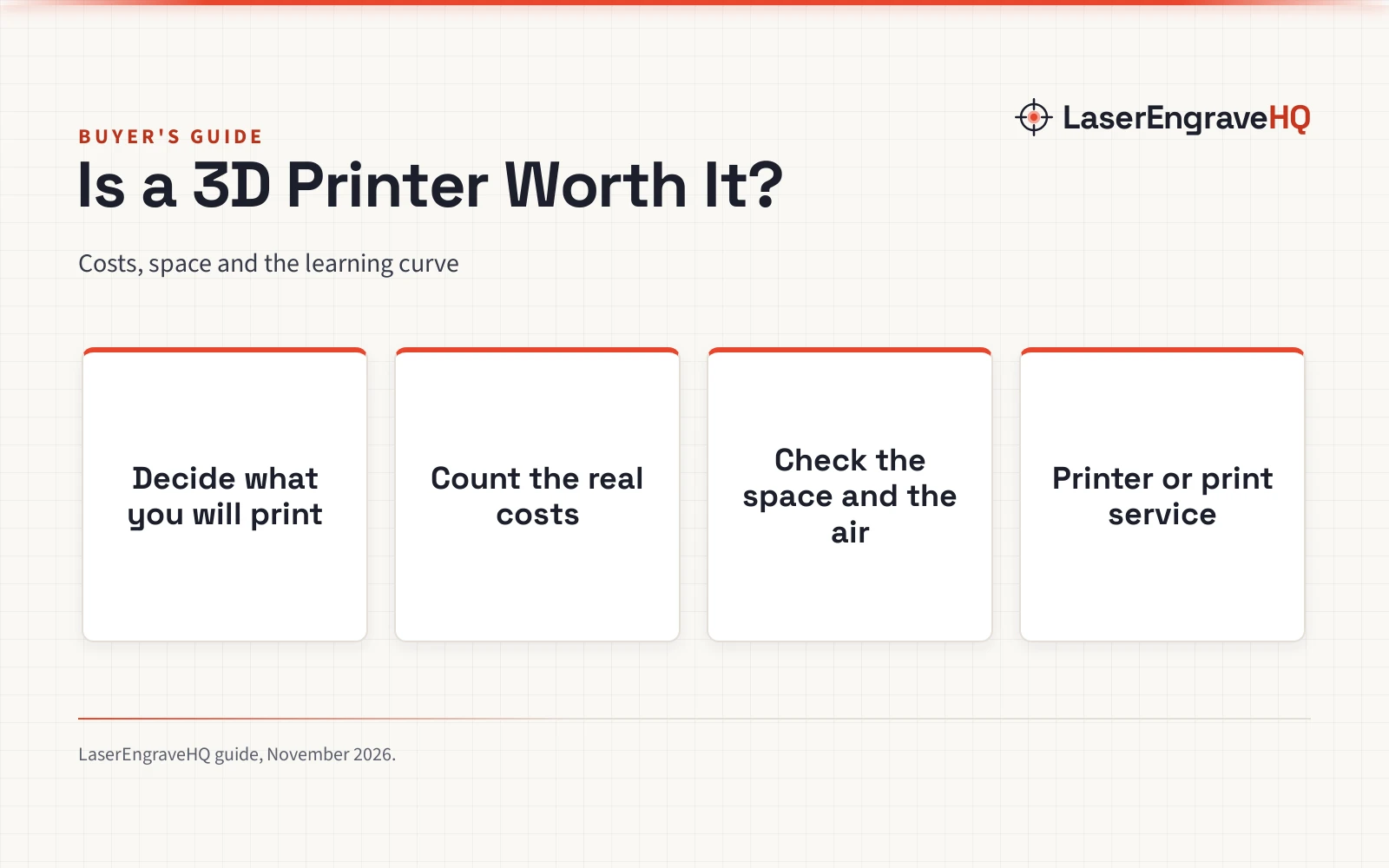
is a 3d printer worth it: decide what you will print
Start from the parts you already wish you had: a bracket, a knob, a hook, a case, a jig, a replacement gear. If the list keeps growing, a printer gets regular use; if the list stops after a handful of items, the printer may sit idle. Home printers fall into broad types, and the type decides the materials you can use. The 3D printer types guide walks through the options.
FDM machines melt filament and lay it down in thin layers, which suits sturdy functional parts and household fixes. Resin machines harden liquid resin with light, which suits small parts with fine detail, though resin handling needs gloves and ventilation. The resin guide explains the difference in plain terms.
Common FDM materials include PLA, PETG and ABS, and the filament types guide covers what each one handles. PLA prints with little fuss and suits models and household parts. PETG handles more stress and outdoor use. ABS prints best in an enclosed machine with good ventilation, so it suits a workshop more than a living room.
Count the real costs
The machine is only the start of the spend. Filament or resin runs through every print, and failed prints waste material and time. Replacement parts add up over the life of the machine: nozzles wear, build plates scratch, and fans and belts wear with use. Electricity runs through every print, too. The 3D printer price guide walks through the cost categories, and the resin versus filament cost guide compares the material costs.
Time is the cost that new owners forget. Learning the slicing software, finding or designing models, leveling the bed and cleaning up failed prints all take time, and the learning curve is steep at the start. If you enjoy the process, the time feels like a hobby; if you want a part in hand with no fuss, the time feels like a chore. Add up the machine, the material, the spares and the time before you decide, and compare that with the cost of a print service for the same parts. A print service charges per part, so a printer wins on parts you print again and again, while a service wins on parts you print rarely.
Check the space and the air
A 3D printer needs a stable table with room around the machine for access and removing prints. Drafts can spoil a print, and a wobbly table can spoil the layers, so pick a spot that stays put. Filament needs dry storage, or it absorbs moisture and prints poorly. Resin needs gloves, ventilation and careful cleanup, and the bottle stays sealed when it is not in use.
Keep the machine where children and pets cannot reach it, and keep the workspace tidy enough to see the print as it grows. A printer makes noise while it works, so a bedroom or a shared office may not suit it. The maintenance guide covers the regular upkeep that keeps a printer running well.
Learn the learning curve
Expect failed prints while you learn. The bed needs leveling, the filament needs the right settings, and the model needs supports in the right places. Each failed print teaches something, and the skill builds with practice. Slicing software turns a model into instructions for the machine, and learning it is part of the craft. If that sounds like fun, a printer will suit you; if it sounds like a chore, a print service handles the learning for you.
Models come from online libraries, where makers share designs for parts, tools and toys, or you can design your own with free modelling software. Starting from a shared model is the easier path: the design work is done, and the community has already found the pitfalls. Designing your own parts takes more skill, but it is where a printer earns its keep, because a part you design fits the exact job in front of you.
Printer or print service
A print service makes sense when you print rarely, when you want a part in a material you do not want to handle, or when you want a result without the learning curve. You send the model, the service prints it, and the part arrives in the post. A makerspace offers the same idea with a machine you can use in person, which suits the odd part and a curious beginner.
A printer of your own makes sense when you print on a regular basis, when you prototype and revise a design through many versions, or when you enjoy the craft itself. Custom parts, replacement parts and prototypes are the strongest case for owning a machine: the parts you cannot buy are the parts a printer makes best.
Common mistakes to avoid
- Buying a printer before listing the parts you want to make.
- Skipping ventilation for resin or ABS.
- Storing filament where it absorbs moisture.
- Ignoring failed prints instead of learning from them.
- Expecting perfect parts from the first print.
is a 3d printer worth it: the short version
- List the parts you want to make before you buy.
- Add up the machine, material, spares and time before you decide.
- Check the space, the air and the storage.
- Learn the software and expect failed prints while you learn.
- If you print rarely, try a print service first.
FAQ: lasers and CNC
Do I need a 3D printer if I only print rarely?
Probably not. A print service or a makerspace lets you print the odd part without owning a machine, buying material or learning the software. A printer earns its place when you print on a regular basis.
FDM or resin: which type should a beginner pick?
FDM is the simpler start: filament is easy to handle, and the machines are forgiving. Resin gives finer detail on small parts, but the liquid resin needs gloves, ventilation and careful cleanup.
What can I print with a 3D printer?
Replacement parts, brackets, knobs, hooks, cases, jigs, prototypes and models. If you design your own parts, the list is limited by your skill and by what the material can handle.
Is a 3D printer safe to run at home?
With care. Ventilate the room, handle resin with gloves, keep filament dry, and keep the machine where children and pets cannot reach it. Follow the manual for your machine.
How much space does a 3D printer need?
A stable table with room around the machine for access and removing prints, plus dry storage for filament and a ventilated spot for resin work.
Can a 3D printer replace buying parts?
Sometimes. A printed part can replace a broken bracket or knob when the material suits the job. For parts that carry heavy loads or face high heat, a bought part may serve better.
Related: the 3D printer hub, best 3D printer for small business and 3D printer types. Also see the 3D printer price guide.