3D Printer Enclosure Temperature: What to Expect
An enclosure traps warm air around a print, and that warmth can fix warping or cause sagging, so this guide explains what changes inside the box and how to manage it.

On this page
3D printer enclosure temperature is the warmth of the air inside the box that surrounds a printer while it works. That warmth shapes how a print sticks to the bed, how clean the layers look and whether tall parts warp as they cool. A closed box holds in heat from the bed and the hot end, so the air inside stays warmer and steadier than the room around it. This guide explains what changes inside an enclosure, how that warmth helps some materials and hurts others, and how to manage it with the setup already in place.
As an Amazon Associate I earn from qualifying purchases. LaserEngraveHQ earns a commission from purchases made through these links, at no extra cost to you. Read our affiliate disclosure.
No fixed temperature suits every print, so this guide gives no fixed target. What matters is how the air inside the box behaves for the material in use, and the signs below show when to change something.
How 3D Printer Enclosure Temperature Works
An enclosure is a box with panels, a door and a roof that sits around a printer. The bed and the hot end give off heat while a print runs, and the panels slow that heat from escaping into the room. With the door closed, warm air gathers around the print and stays there instead of drifting away. That steady pocket of warm air is the whole point of the box, and it is also the thing to watch.
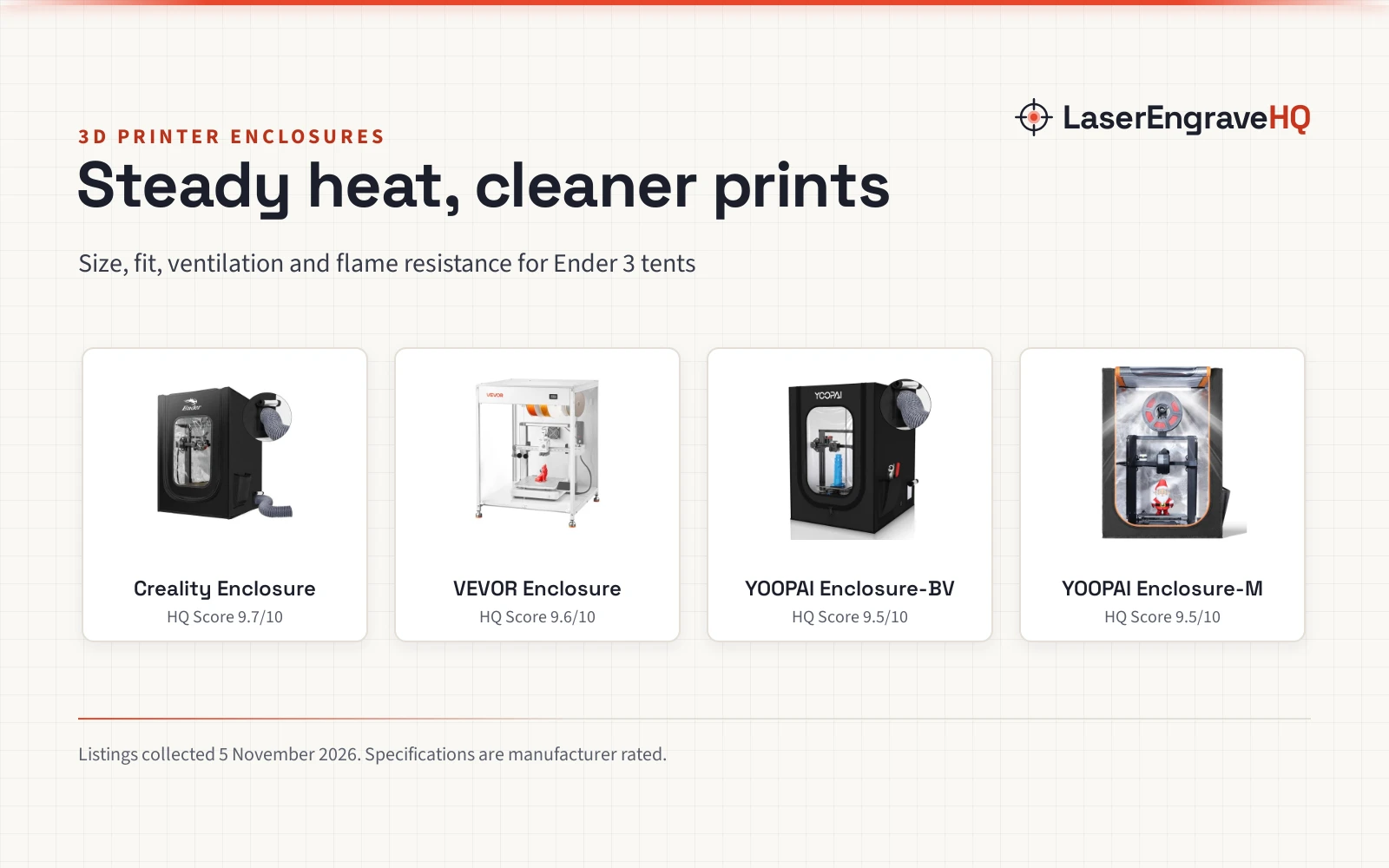
Warm air rises from the bed, cools a little against the panels and the roof, then sinks again. A fan or a vent changes that pattern by pulling air out or pushing room air in. An enclosure with a heater adds warmth on purpose, while a plain tent or cabinet relies only on the heat the printer makes. The room matters too: a printer in a cold garage warms its enclosure more slowly than the same printer in a warm spare room, and drafts from an open window can cool one side of the box. The enclosed 3D printer guide for beginners covers what to look for in a first enclosure.
Why the Air Inside an Enclosure Warms Up
The bed is the main heat source. It stays hot for the whole print, and a large bed gives off more heat than a small one. The hot end adds heat at the nozzle, and the motors and the electronics add a little more. With the panels closed, that heat has nowhere to go, so the air inside climbs until the heat leaking out through the panels matches the heat the printer makes.
Some enclosures hold heat better than others. Solid panels with tight seams keep warm air in, while a fabric tent lets more heat escape through the cloth. A clear front panel lets the maker watch the print without opening the door, which keeps the warm air in place. Gaps around the door and cable holes let warm air leak out, and a small leak can matter on a long print in a cool room.
How Enclosure Temperature Changes a Print
Warm air slows cooling, and slower cooling changes how layers bond. When a fresh layer stays warm, it grips the layer below it more firmly, which helps tall prints hold together and keeps corners from lifting off the bed. That is why materials that shrink as they cool, such as ABS and ASA, print far better inside a warm enclosure than out in the open. The same warmth helps nylon, which warps badly in a draft, and it helps large flat parts stay stuck to the bed. The guide to adhesion problems explains the other causes of lifting and curling.
The same warmth can hurt materials that like cool air. PLA softens at low heat, so a hot enclosure can leave overhangs sagging, bridges drooping and fine detail looking glossy and soft. PETG sits between them: it likes a little warmth to bond well, but a very warm box can make stringing worse. The material decides whether the enclosure helps or hurts, so the right setup for ABS is the wrong setup for PLA, and a maker who swaps materials should change how the enclosure is used.
Signs the Enclosure Runs Too Warm or Too Cool
A box that runs too warm shows it in the print. Overhangs sag, small features lose their edges, and the surface turns glossy where it should look matte. PLA is the first to show it, and the extruder can start to struggle when the filament softens before it reaches the nozzle. Panels that feel hot to the touch are one more sign that the box needs air.
A box that runs too cool shows the opposite pattern. Corners lift off the bed, tall prints split between layers, and cracks appear higher up, where the print sits farthest from the heated bed. ABS and ASA show these signs first, and a print that starts well and fails halfway up often points to heat escaping through a gap or a door that was opened mid-print. The guide to improving print quality covers the other causes of rough layers and weak bonds.
Ways to Manage Enclosure Temperature
The simplest control is the door. Leaving it closed keeps heat in, and opening it a crack lets warm air escape when a PLA print starts to sag. A vent or an exhaust fan gives finer control, and a fan that pulls air out of the box can drop the warmth inside while also clearing fumes. The enclosure with exhaust fan guide covers fan options for makers who want active venting.
A heater made for enclosures adds warmth on purpose, which helps in a cold room or with materials that need a warm box. A heater is worth considering only when the printer alone cannot keep the box warm enough, and it should sit where it cannot touch the print or the filament. The enclosure heater guide compares the options. A plain thermometer inside the box shows what is happening, and watching it during a print teaches more than any rule, since every printer, room and material warms the box differently.
Placement helps too. A printer away from windows, doors and air vents holds a steadier temperature than one in a drafty corner. An enclosure also quiets the printer, as the guide to a quieter printer explains.
Enclosure Temperature and Ventilation
Warm air inside a box carries fumes from the melting filament, and those fumes need somewhere to go. Venting the enclosure outdoors or through a filter keeps the room air fresher, and it matters most with materials that give off a strong smell. A filter made for printer fumes can sit on the exhaust, and a fan that runs during the print and for a while after keeps the air moving. The portable fume extractor guide covers extractor options for a small workspace.
Keep the area around the enclosure clear and stay nearby while a print runs. Filament and finished prints should sit away from the hot bed, and a smoke alarm in the room is a sensible habit for any maker space. A box that is sealed tight holds heat well but traps fumes, while a box that is vented hard stays cool but loses the warmth the print needs, so the balance depends on the material in use.
3D Printer Enclosure Temperature: The Short Version
- Enclosure temperature is the warmth of the air trapped around a running printer.
- Warm air helps ABS, ASA and nylon bond and resist warping.
- Warm air hurts PLA, which sags and loses detail when the box runs hot.
- The door, a vent or a fan controls the warmth; a heater adds it on purpose.
- Watch the print for sagging, lifting and cracking, and change the setup to match the material.
FAQ: lasers and CNC
Does every 3D printer need an enclosure?
No. PLA and PETG print well in the open, and many makers only add an enclosure when they move to ABS, ASA or nylon. An enclosure also helps in a drafty room, and it cuts noise and keeps dust off the print.
Can an enclosure make PLA prints worse?
Yes. PLA softens in warm air, so a closed box can leave overhangs sagging and detail looking soft. Leaving the door open or taking the panels off for PLA prints keeps the air cooler and the detail sharper.
Why do tall ABS prints crack inside an enclosure?
Cracks appear when the upper layers cool and shrink more than the warm lower layers near the bed. A gap that leaks warm air or a door opened mid-print makes it worse, so closing the gaps and keeping the door shut help the layers bond.
Should the enclosure door stay closed during a print?
For ABS, ASA and nylon, yes, because an open door lets the warm air out and invites drafts. For PLA, leaving the door open is often better, since PLA wants cool air around the print.
Is a heater needed inside a 3D printer enclosure?
Not always. The bed and the hot end warm a small box on their own, and a heater only earns its place in a cold room or with a large enclosure that the printer cannot warm by itself.
Related: the 3D printer hub, enclosed 3D printer guide for beginners and best 3D printer enclosure for Ender 3. Also see the enclosure heater guide. Also see the acrylic versus polycarbonate enclosure comparison.