Best Printer to Make Stickers (2026)
4 sticker printers compared for photo stickers, pre-cut craft stickers and shipping labels, by print size, color, app and warranty.

On this page
Top picks at a glance
As an Amazon Associate I earn from qualifying purchases.
- 1
 Best OverallNelko PP019.5/10View on Amazon
- 2
 Best Sticker MakerCricut StickerPix9.5/10View on Amazon
- 3
 Best for Shipping LabelsRongta RP4259.4/10View on Amazon
- 4
 Best Small LabelsPhomemo M1109.3/10View on Amazon
Sticker sheets start as a photo or a design on a phone, and the right printer turns that file into a peel-and-stick label without a trip to a print shop. The best printer to make stickers prints in full color on sticky-back paper or pre-cut sticker sheets, and it pairs with an app that edits, frames and sizes the design. This guide compares machines that print stickers from a phone, from pocket photo printers to a dedicated sticker maker and thermal label printers, and it shows which one fits photo stickers, craft stickers and shipping labels.
LaserEngraveHQ earns a commission from purchases made through these links, at no extra cost to you. Read our affiliate disclosure.
Quick picks
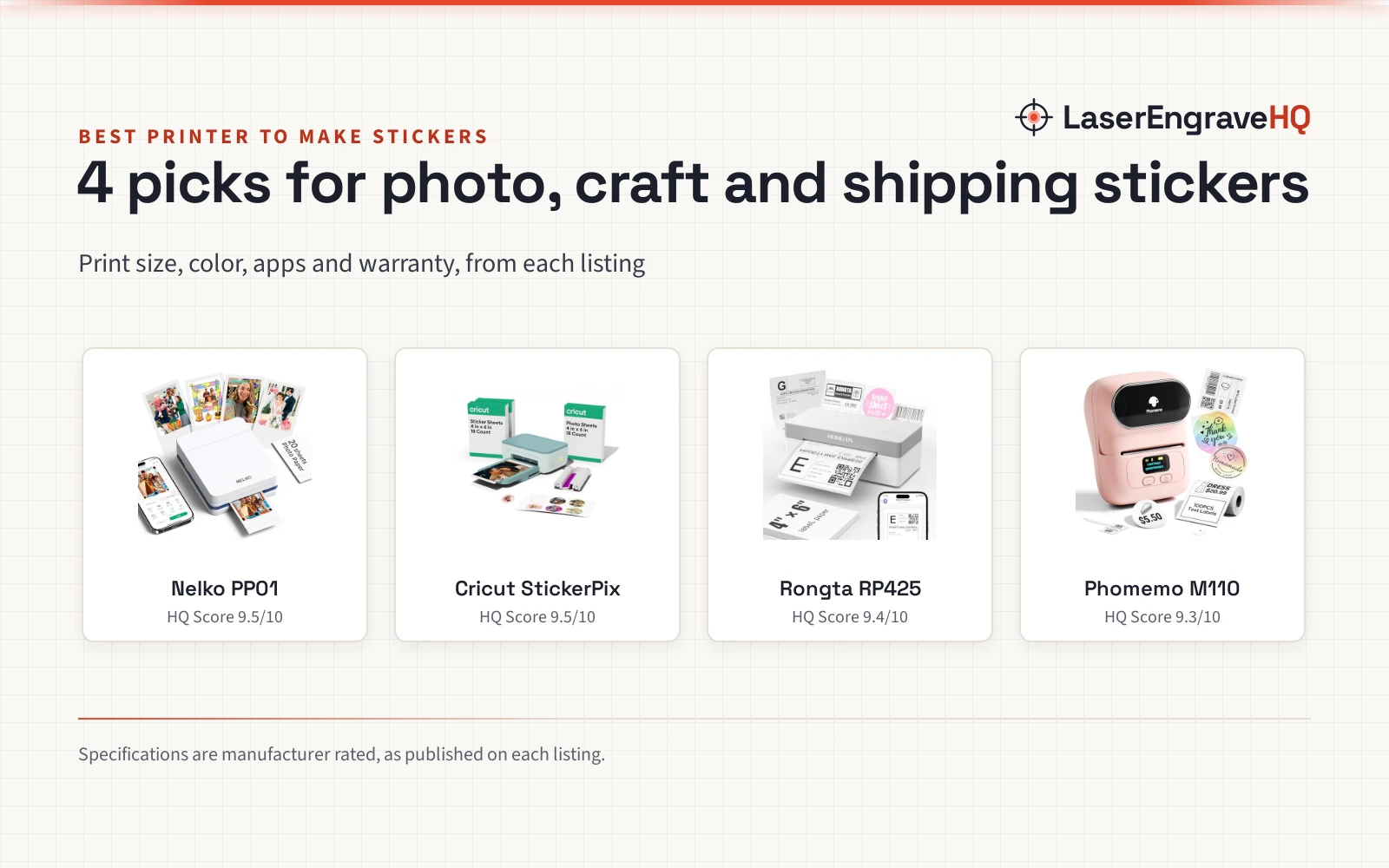
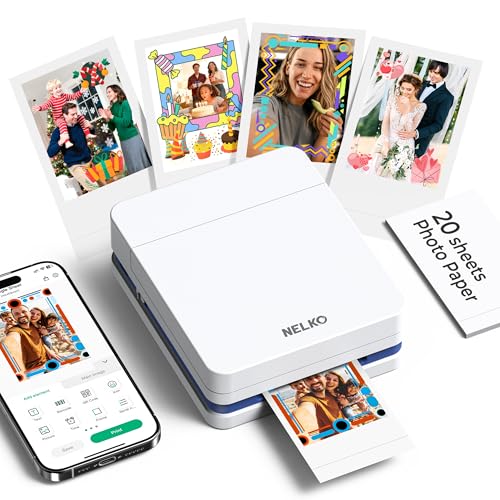
- Best Overall Nelko PP01: 600 DPI full-color prints on sticky-back 2 x 3 in photo paper, 80 prints per cartridge, Bluetooth, and a stated 1 year warranty. Check price on Amazon
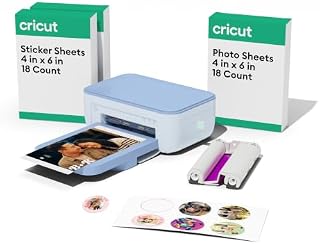
- Best Sticker Maker Cricut StickerPix: A dye-sublimation printer built for stickers, with pre-cut sticker sheets and 1.8M+ sticker images in the app. Check price on Amazon
- Best for Shipping Labels Rongta RP425: Inkless thermal printing for 4 x 6 in shipping labels over Bluetooth or USB, with a stated 1 year warranty. Check price on Amazon
- Best Small Labels Phomemo M110: A pocket thermal label printer with a display, 20 to 50 mm labels, Bluetooth 4.0 and a stated 1 year warranty. Check price on Amazon
Machines on the list
| # | Product | HQ Score | Buy |
|---|---|---|---|
| 1 | Nelko PP01 Photo Printer | 9.5/10 | Buy on Amazon |
| 2 | Cricut StickerPix Print™ Photo Printer for iPhone | 9.5/10 | Buy on Amazon |
| 3 | Rongta Shipping Thermal Label Printer | 9.4/10 | Buy on Amazon |
| 4 | Phomemo M110 Label Printer | 9.3/10 | Buy on Amazon |
Nelko PP01 Photo Printer
A pocket-sized 2 x 3 in inkjet photo printer that prints full-color sticky-back photos over Bluetooth, with 600 DPI resolution and a stated 1 year warranty.
Pros
- 600 DPI full-color prints on sticky-back photo paper
- Each ink cartridge supports up to 80 full-color 2 x 3 in prints
- Bluetooth printing from iOS and Android through the Nelko app, with AI image editing, frames and collages
- Pocket-sized at 308g, with smudge-proof, water-resistant and tear-resistant prints
Cons
- Prints only 2 x 3 in photos, so larger stickers need a different machine
- The adapter is not included; only a USB charging cable is in the box
- Each cartridge covers up to 80 prints, so heavy use means buying cartridges
Cricut StickerPix Print™ Photo Printer for iPhone
An all-in-one dye-sublimation photo printer and sticker maker for iPhone, with pre-cut sticker sheets and 1.8M+ sticker images in the app.
Pros
- Prints photos, cards and invitations, plus pre-cut stickers and labels
- Dye-sublimation prints that are water-, scratch- and fade-resistant
- 1.8M+ sticker images from hundreds of original artists
- The Essential Bundle includes an ink cartridge, photo paper and pre-cut sticker sheets, enough for 18 photo prints and 36 sticker sheets
Cons
- No warranty term is stated; the listing says Limited Warranty, see the Cricut website
- The full content library and certain software features need a paid Cricut Access subscription
- Needs a compatible device with Bluetooth and high-speed internet
- The listing carries a California warning about Bisphenol A exposure
Rongta Shipping Thermal Label Printer
An inkless thermal label printer for 4 x 6 in shipping labels, printing over Bluetooth or USB for Windows, macOS, Android and iOS.
Pros
- Inkless thermal printing, so there are no ink cartridges to buy
- Prints 4 x 6 in shipping labels for small business packages
- Bluetooth for phones and USB for PC and laptop, across Windows, macOS, Android and iOS
- Light at 1.0 pounds, with a stated 1 year manufacturer warranty
Cons
- Thermal printing only; the listing states no color printing
- No print resolution figure in the listing
- The listing is short on detail, with no label roll sizes beyond 4 x 6 in named
- Phones need the RONGTA app and computers need a driver, so setup has 2 paths
Phomemo M110 Label Printer
A pocket thermal label printer with a display, printing 20 to 50 mm labels over Bluetooth 4.0 for home, office and small business sorting.
Pros
- A clear electronic display shows battery level and on-screen prompts
- Label width range of 20 to 50 mm, with over 3000 templates in the app
- Bluetooth 4.0 with a wireless range up to 33 feet, pairing in 2 seconds
- OCR reads text on images in 4 seconds, and Excel batch printing speeds up label runs
Cons
- No color printing, and not for shipping labels
- Templates, icons and fonts marked with a diamond icon need a paid membership
- Only one roll of label paper comes in the box
Other machines to compare
 Phomemo M110 Label MakersCheck price on Amazon
 Cricut StickerPix Print™ Photo Printer for iPhone & StickerCheck price on Amazon
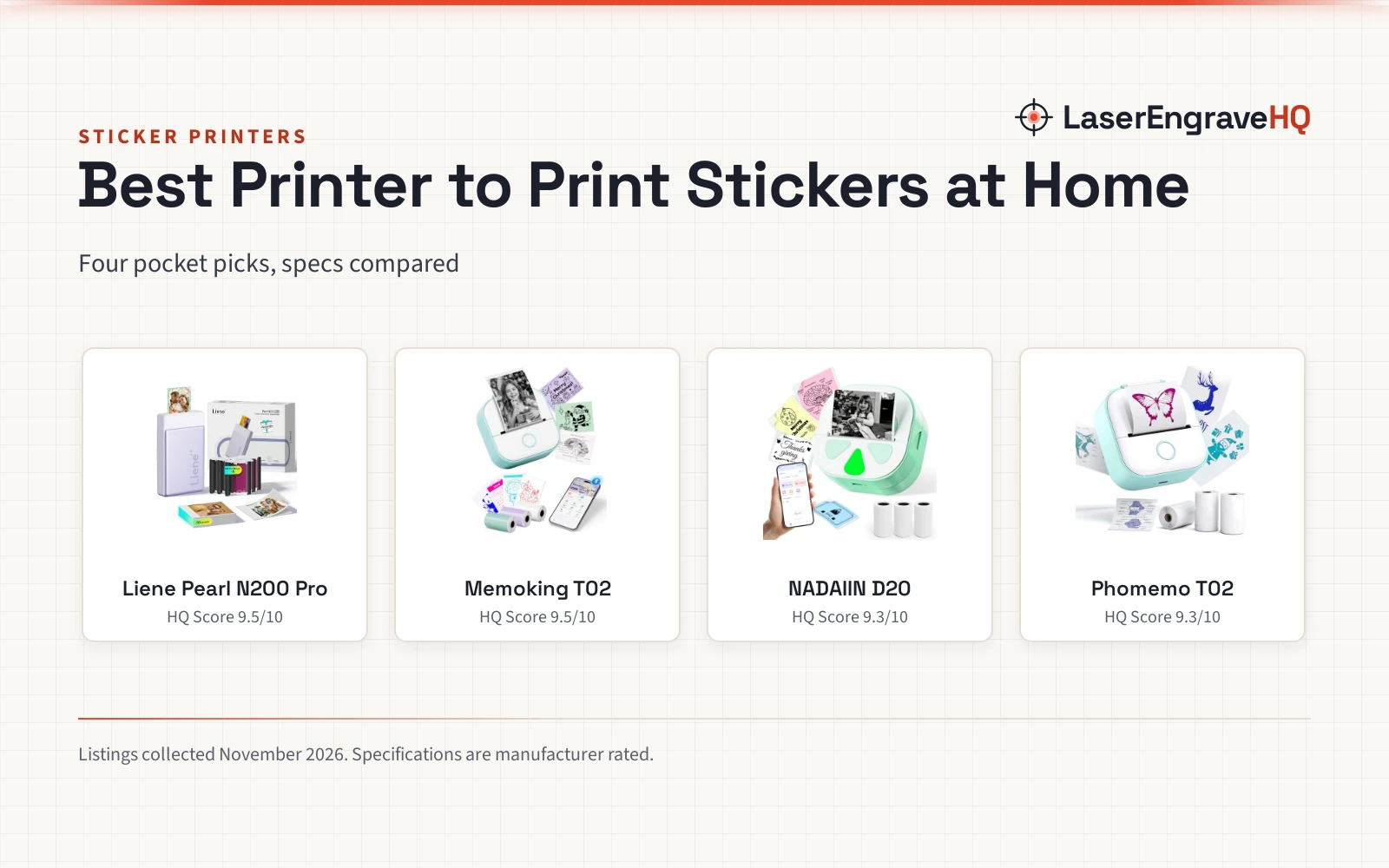
 Mini Sticker Printer-T02 Mini Thermal Printer AI StickerCheck price on Amazon
 TYPONOS Mini Sticker PrinterCheck price on Amazon
 Gloryang JD-23 Sticker Printer Mini Portable Thermal PrinterCheck price on Amazon
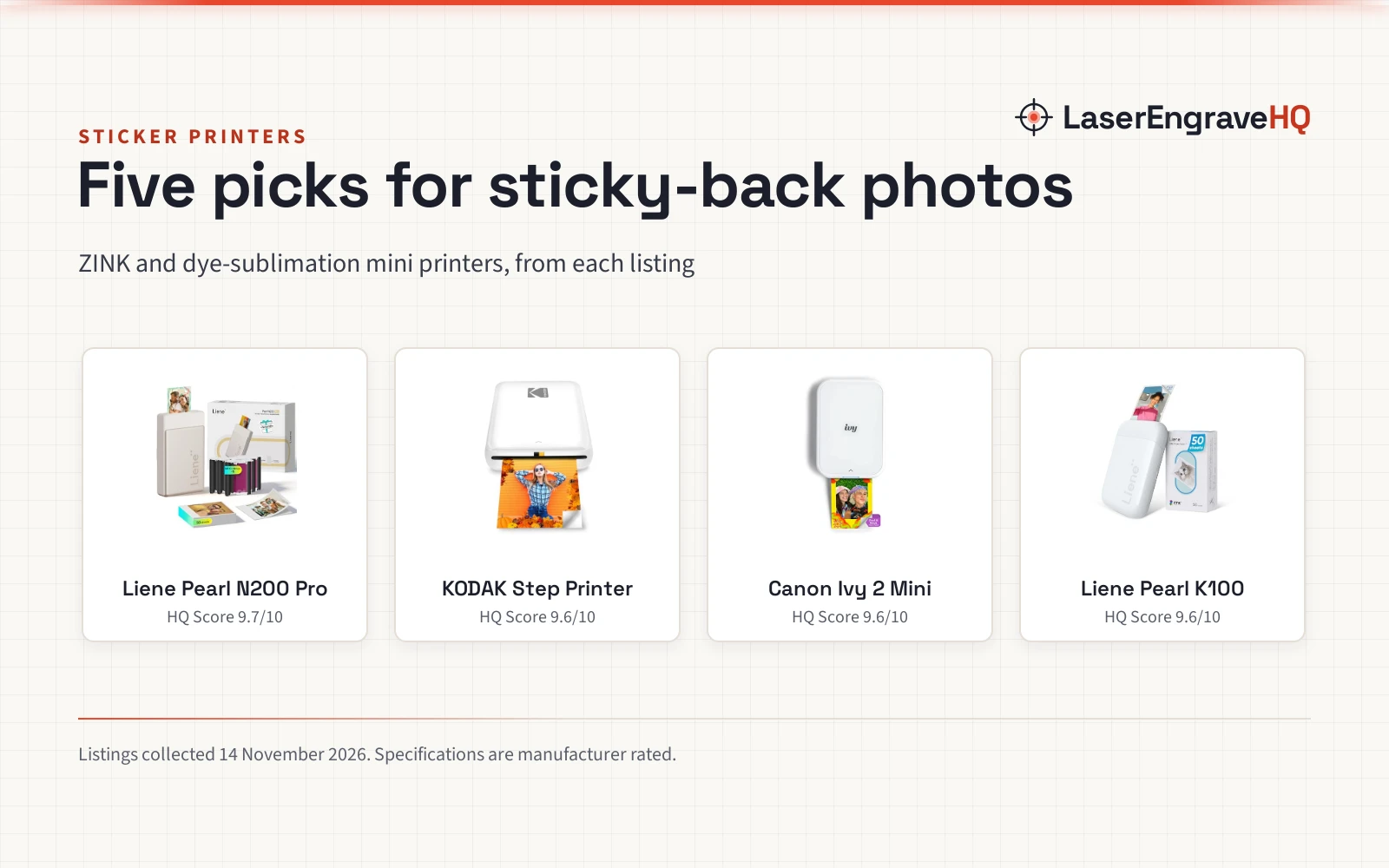
 Liene Pearl N200 Pro Portable Photo PrinterCheck price on Amazon
Specs compared
| Model | HQ Score | Print size | Color | Connectivity | Warranty |
|---|---|---|---|---|---|
| Nelko PP01 | 9.5/10 | 2 x 3 in sticky-back photos | Full color, 600 DPI | Bluetooth, USB | 1 year |
| Cricut StickerPix | 9.5/10 | Pre-cut sticker sheets | Full color, dye-sublimation | Bluetooth | Not stated |
| Rongta RP425 | 9.4/10 | 4 x 6 in labels | Thermal, no color stated | Bluetooth, USB | 1 year |
| Phomemo M110 | 9.3/10 | 20 to 50 mm labels | Thermal, no color printing | Bluetooth 4.0 | 1 year |
Size and performance figures are the brand’s ratings quoted from listings on 13 November 2026. Print size is the sticker or label size each listing states.
How the picks are scored
Each machine is scored on performance, build, value, safety and warranty. A spec the listing does not publish scores nothing.
| Product | HQ Score | Perf. /35 | Build /25 | Value /25 | Safety /10 | Warranty /5 |
|---|---|---|---|---|---|---|
| Nelko PP01 | 9.5 | 30 | 21 | 21 | 0 | 2 |
| Cricut StickerPix | 9.5 | 33 | 22 | 21 | 0 | 0 |
| Rongta RP425 | 9.4 | 26 | 19 | 18 | 0 | 2 |
| Phomemo M110 | 9.3 | 27 | 19 | 14 | 0 | 2 |
We translate weighted points into a score with 9.2 as its floor and 9.8 as its cap; the straight-line conversion keeps the ranking exactly.
What the listings tell you, and what they leave out
4 sticker printer listings were read for this guide. 3 stated a 1 year warranty term, and 1 stated a Limited Warranty with no term. 2 of the 4 print in full color, and 2 print thermal monochrome. Only the Nelko listing states a print resolution, 600 DPI, and only the Cricut listing names a sticker image library, 1.8M+ images. Read the warranty line before you buy: a Limited Warranty with no term is not the same as a stated 1 year warranty.
Best printer to make stickers: buying guide
Color or thermal
Color printers suit photo stickers and craft stickers: the Nelko prints full-color sticky-back photos at 600 DPI, and the Cricut prints dye-sublimation color on pre-cut sticker sheets. Thermal printers suit monochrome labels: the Rongta prints 4 x 6 in shipping labels without ink, and the Phomemo prints 20 to 50 mm labels. The Phomemo listing states it does not support color printing, so pick a color machine for any sticker that needs more than black.
Print size
Match the print size to the sticker. The Nelko prints 2 x 3 in photos, the Cricut prints pre-cut sticker sheets, the Rongta prints 4 x 6 in shipping labels, and the Phomemo prints labels 20 to 50 mm wide. See the shipping labels hub for label sizes. A printer that only prints 2 x 3 in photos cannot print a 4 x 6 in shipping label, and a thermal label printer cannot print a photo sticker.
App and templates
Every pick here prints from a phone app over Bluetooth. The Nelko app edits photos with frames, collages, filters, graffiti, borders, stickers, text and AI image editing. The Phomemo app holds over 3000 templates, and the Cricut app holds 1.8M+ sticker images, though the full Cricut library and certain software features need a paid Cricut Access subscription. Check which templates are free before you count on them.
What a sticker printer will not do
If you want cut vinyl stickers, check that the listing names a built-in cutter; the printers here print on sticky-back paper, pre-cut sheets and label rolls. A thermal printer will not print a color photo, and a 2 x 3 in photo printer will not print a shipping label. For vinyl work, see the best iron-on permanent vinyl guide.
The Cricut listing carries a California warning about Bisphenol A, and it says the machine is not intended for use by children 12 years and younger. Read the warnings on the listing before you buy, and keep the machine and its supplies away from children.
Project Match
- Photo stickers for scrapbooks and planners. Nelko PP01, with 2 x 3 in sticky-back photos at 600 DPI.
- Pre-cut craft stickers from a phone. Cricut StickerPix, with pre-cut sticker sheets and 1.8M+ sticker images.
- Shipping labels for a small business. Rongta RP425, with 4 x 6 in inkless thermal labels.
- Small monochrome labels for home and office. Phomemo M110, with 20 to 50 mm labels and a display.
FAQ: lasers and CNC
Can I print stickers on my printer?
Yes, if it prints in color on sticky-back paper or pre-cut sticker sheets. The Nelko prints full-color 2 x 3 in sticky-back photos, and the Cricut prints pre-cut stickers and labels. A thermal label printer prints monochrome labels, not color stickers.
How much are sticker printers?
This guide does not compare prices. Compare the print size, color, app and warranty in the table above, and check the current listing price before you buy.
How do I make stickers using a printer?
Edit the photo or design in the printer app, load sticky-back photo paper or pre-cut sticker sheets, and print over Bluetooth from a phone. The Nelko app edits photos with frames, filters and AI image editing, and the Cricut app offers editable templates and 1.8M+ sticker images.
Can you make stickers with a printer?
Yes. A color printer with sticky-back paper or pre-cut sticker sheets makes peel-and-stick stickers at home. The Nelko and Cricut picks in this guide print stickers from a phone over Bluetooth.
Do thermal label printers print color stickers?
No. The Rongta and Phomemo picks print with inkless thermal technology, and the Phomemo listing states it does not support color printing. For color stickers, use the Nelko or Cricut picks.
Related: the small business gear hub, craft printers, the best craft machine covers guide, and the best weeding pen for vinyl guide. Also see our best shipping label printer. Also see our shipping scale vs postage scale. Also see our best sticker printer. Also see our best label maker for home use. Also see our best label maker for small business.
More related guides (34)
- shipping vs packing tape
- direct thermal labels vs thermal transfer
- best tape gun dispenser
- poly mailers vs bubble mailers
- best thermal label printer for small business
- best label printer for food packaging
- best moving tape dispenser
- best shipping scale
- best mailing label printer
- poly bubble mailers
- best label maker for home organization
- best label maker for electricians
- best label maker for teachers
- how to print shipping label
- label sizes avery
- shipping label size
- best label maker for peptide vials
- best label maker for cables
- best label maker for clothes
- best label maker for wires
- best poly mailers
- best label maker for crafting
- best label maker for addresses
- label gun
- label barcode
- best label maker for file folders
- best label maker for storage bins
- best commercial label printer
- best desktop label printer
- multimeter small
- best shipping tape dispenser
- best label maker for classroom
- best label maker for network cables
- best label maker for candles