Best Sticker Printer (2026): 5 Picks for Sticky-Back Photos
Five mini printers that turn phone photos into sticky-back prints, compared by print tech, connection, paper in the box and warranty.

On this page
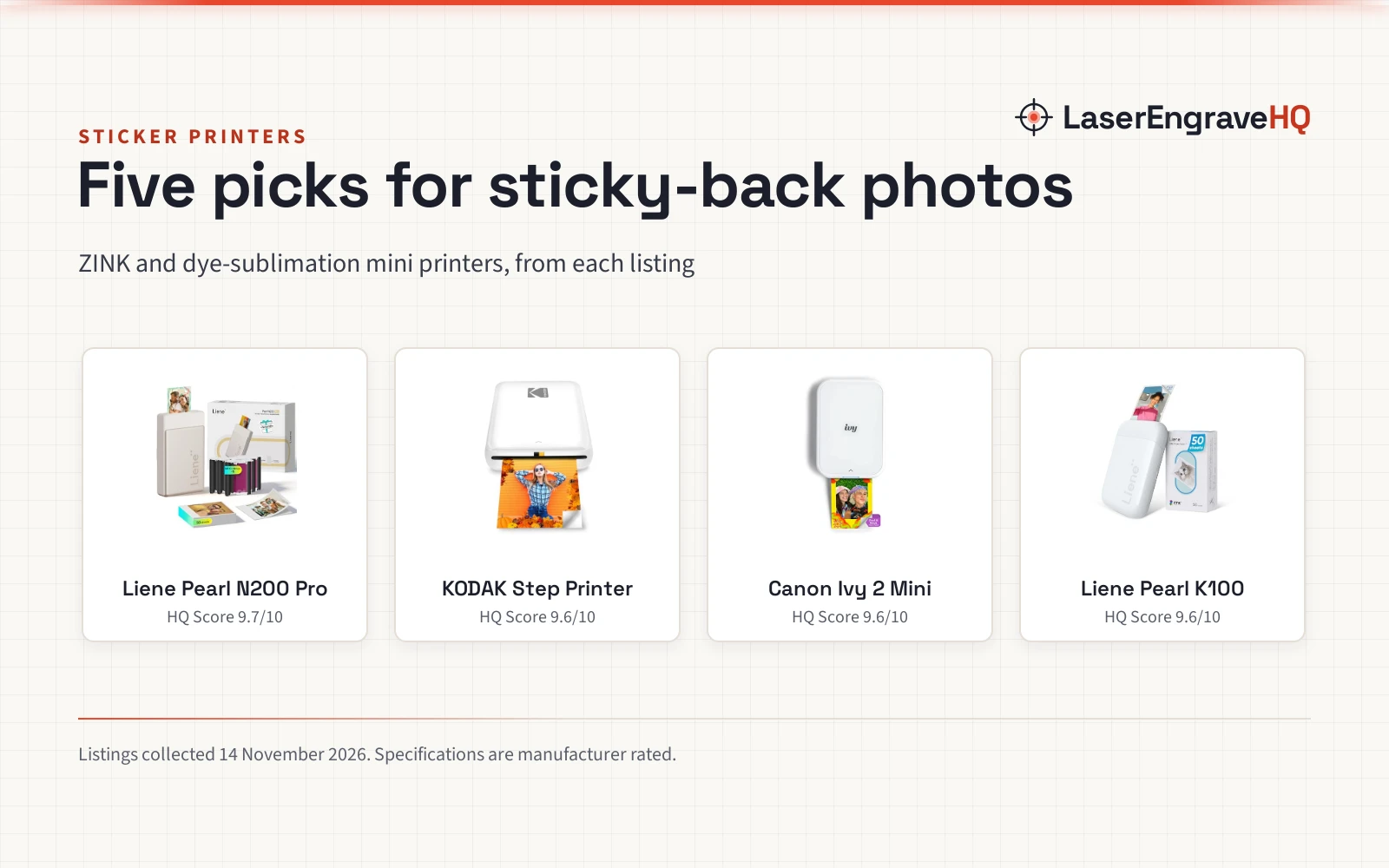
Top picks at a glance
As an Amazon Associate I earn from qualifying purchases.
- 1
 Best OverallLiene Pearl N200 Pro9.7/10View on Amazon
- 2
 Best for GroupsHP Sprocket 2nd Edition9.6/10View on Amazon
- 3
 Best Pocket SizeKODAK Step Printer9.6/10View on Amazon
- 4
 Best Battery LifeLiene Pearl K1009.6/10View on Amazon
A sticker begins as a photo on a phone: a label for a market stall jar, a print for a laptop lid, a gift tag for a friend. The best sticker printer turns that photo into a sticky-back print without a desk, a cable, or a bottle of ink. This guide compares the mini printers that print sticky-back photos from a phone, and shows what each listing states about print tech, connection, paper in the box and warranty.
LaserEngraveHQ earns a commission from purchases made through these links, at no extra cost to you. Read our affiliate disclosure.
Quick picks
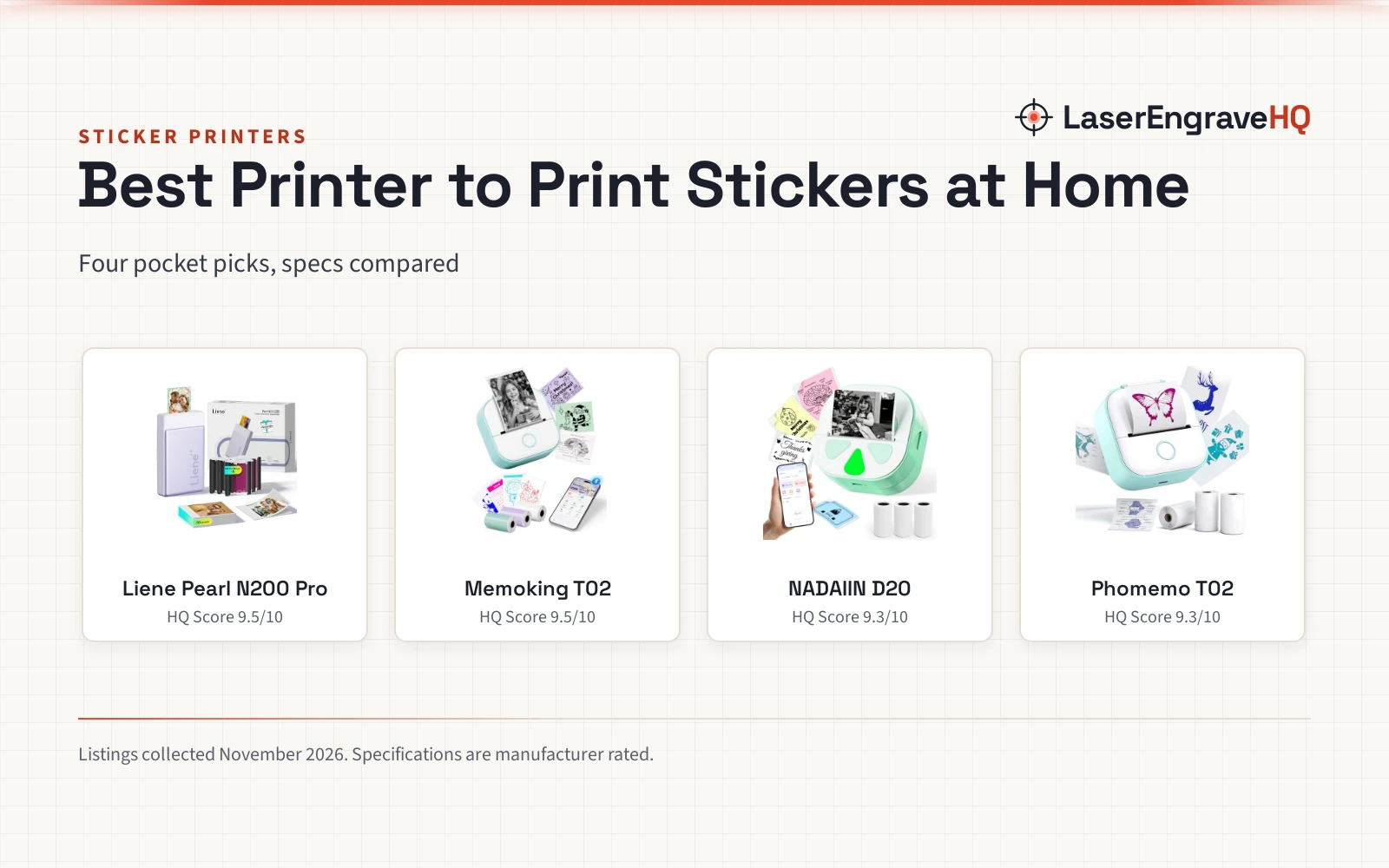
- Best Overall Liene Pearl N200 Pro: Dye-sublimation prints, 50 sheets and 5 cartridges in the box, and up to 27 stickers on one charge. Check price on Amazon
- Best for Groups HP Sprocket 2nd Edition: Connects several phones at once, with an LED light that shows whose photo is printing, and 10 sheets in the box. Check price on Amazon
- Best Pocket Size KODAK Step Printer: Palm-sized and under a pound, with Bluetooth and NFC, and 25 photos on one charge. Check price on Amazon
- Best Battery Life Liene Pearl K100: Prints 30 photos on one charge with 50 sheets in the box, over Bluetooth 5.2. Check price on Amazon
Machines on the list
Liene Pearl N200 Pro Portable Photo Printer
A dye-sublimation mini printer with 50 sheets and 5 cartridges in the box, printing 2x3 sticky-back photos over Bluetooth.
Pros
- Dye-sublimation print tech, with sharper resolution and more vibrant color claimed by the maker
- 50 sheets and 5 cartridges included in the box
- Prints up to 27 stickers on one full charge
- Bluetooth with multi-device pairing, plus AI styles and a one-touch shoot-and-print mode
Cons
- Gold is the only color stated
- No mono photo mode is stated
- No NFC connection is stated
- No stated print count per cartridge
KODAK Step Instant Smartphone Photo Printer
A palm-sized ZINK printer with Bluetooth and NFC, printing 2x3 sticky-back photos, with 25 photos on a full charge.
Pros
- Prints 2x3 sticky-back photos over Bluetooth or NFC
- Palm-sized and less than a pound, with a built-in rechargeable battery
- Prints 25 photos on a full charge
- KODAK App edits photos with filters, borders and stickers
Cons
- The spec table lists a 5-sheet size while the bullets state a starter pack with no count
- No sheet count is stated for the starter pack
- No Bluetooth version is stated
- No mono photo mode is stated

Canon Ivy 2 Mini Photo Printer
A compact ZINK mini printer with Bluetooth 5.0 and the Canon Mini Print App, printing sticky-back photos with improved print quality.
Pros
- ZINK prints with a peel-and-stick backing
- Bluetooth 5.0 for mobile printing from a phone or tablet
- Improved print quality: optimized skin tones, contrast and sharpness
- Canon Mini Print App for printing and customizing photos
Cons
- No sheet count is stated
- No photos-per-charge figure is stated
- No paper is stated as included in the box
- No NFC connection is stated
Liene Pearl K100 2x3” Photo Printer
A ZINK mini printer with 50 sheets of 2x3 adhesive paper in the box, Bluetooth 5.2, and 30 photos on one charge.
Pros
- 50 sheets of 2x3 Zink adhesive paper included
- Prints 30 photos wirelessly on one charge
- Bluetooth 5.2 with one-click connection to a phone
- Mono photo mode and a clean-print-head function in the app
Cons
- No warranty term is stated
- No NFC connection is stated
- Photos print only through the Liene app
- No color beyond white is stated
HP Sprocket Portable Photo Printer (2nd Edition)
A pocket-sized ZINK printer with Bluetooth 5.0, multi-device printing and an LED light, with 10 sheets of 2x3 sticky-back paper in the box.
Pros
- Prints 2x3 sticky-back photos from a phone over Bluetooth 5.0
- Connects several devices at once, so friends can print together
- LED light shows whose photo is printing
- 10 sheets of ZINK paper included, with smudge-proof prints
Cons
- No photos-per-charge figure is stated
- The spec table lists a 5-sheet size while the bullets state 10 sheets
- No NFC connection is stated
- No mono photo mode is stated
Other machines to compare
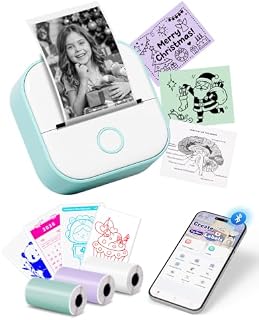 Mini Sticker Printer-T02 Mini Thermal Printer AI StickerCheck price on Amazon
 NELKO 2-in-1 Label Maker & Sticker Printer Machine with 3Check price on Amazon
 MOTCTQVD Portable PrinterCheck price on Amazon
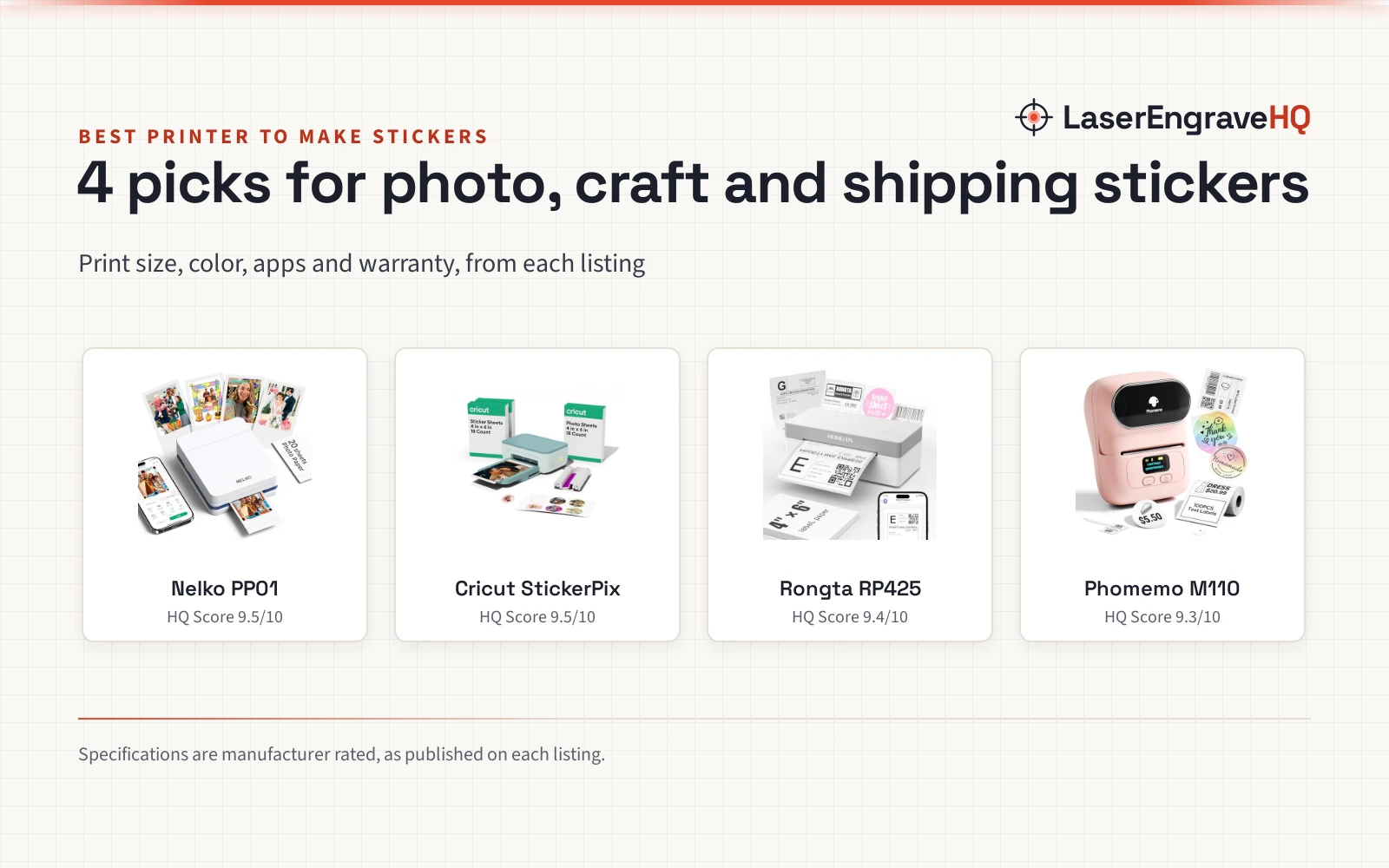
 Nelko PP01 Photo PrinterCheck price on Amazon
 Rongta Shipping Thermal Label PrinterCheck price on Amazon
Specs compared
| Model | HQ Score | Print tech | Print size | Connectivity | Paper in box | Photos per charge | Warranty |
|---|---|---|---|---|---|---|---|
| Liene Pearl N200 Pro | 9.7/10 | Dye-sublimation | 2×3 in | Bluetooth | 50 sheets, 5 cartridges | 27 | 1 year |
| KODAK Step Printer | 9.6/10 | ZINK | 2×3 in | Bluetooth, NFC | Starter pack | 25 | 1 year |
| Canon Ivy 2 Mini | 9.6/10 | ZINK | Not stated | Bluetooth 5.0 | Not stated | Not stated | 1 year |
| Liene Pearl K100 | 9.6/10 | ZINK | 2×3 in | Bluetooth 5.2 | 50 sheets | 30 | Not stated |
| HP Sprocket 2nd Edition | 9.6/10 | ZINK | 2×3 in | Bluetooth 5.0 | 10 sheets | Not stated | 1 year |
These numbers come straight from each maker’s listing and are rated, not measured by us (13 November 2026). Print size is the size of the sticky-back sheet each listing states, and photos per charge is the figure the listing states for one full charge.
What the listings tell you, and what they leave out
All five picks print sticky-back photos from a phone. Four state a 2×3 sheet size, and the Canon Ivy 2 states sticky-back prints with no size stated. Four use ZINK, where dye crystals sit inside the paper and no ink is needed, while the Liene Pearl N200 Pro uses dye-sublimation with cartridges. Three state how many photos one charge prints: the KODAK Step states 25, the N200 Pro states up to 27 stickers, and the Liene Pearl K100 states 30. The HP Sprocket and the Canon Ivy 2 state no figure for photos per charge.
Paper in the box is uneven. The N200 Pro and the K100 each include 50 sheets, and the N200 Pro adds 5 cartridges. The HP Sprocket includes 10 sheets. The KODAK Step includes a starter pack of paper, with no count stated in the bullets. The Canon Ivy 2 states no sheet count at all. Four of the five state a 1 year warranty; the K100 states none.
Buying guide: choosing the best sticker printer
ZINK or dye-sublimation
Four picks print with ZINK: dye crystals embedded in the paper make the image when the printer heats the sheet, so no ink cartridge is needed. The N200 Pro prints with dye-sublimation instead, using cartridges, and its listing claims sharper resolution and more vibrant color than other portable photo printers. Pick ZINK for a printer with no cartridge to buy, and dye-sublimation if the cartridge bundle and the print quality claims match the job.
Print size and paper
Four picks state 2×3 sticky-back sheets, and the Canon Ivy 2 states sticky-back prints with no size stated, so the choice is not about size but about paper supply. The N200 Pro and the K100 include 50 sheets each, the HP Sprocket includes 10 sheets, and the KODAK Step includes a starter pack. The Canon Ivy 2 states no sheet count, so plan on buying paper with it. For larger vinyl stickers, see the vinyl sticker printer and cutter picks.
Bluetooth and the app
All five connect to a phone over Bluetooth, and each has its own app for editing and printing: the KODAK App, the HP Sprocket app, the Canon Mini Print App, and the Liene Photo App. The HP Sprocket and the Canon Ivy 2 state Bluetooth 5.0, the K100 states Bluetooth 5.2, and the KODAK Step adds NFC. The HP Sprocket connects several phones at once, so a group can print together, and the N200 Pro also supports multi-device pairing.
Photos per charge
Three listings state a figure: the KODAK Step prints 25 photos on a full charge, the N200 Pro prints up to 27 stickers, and the K100 prints 30 photos wirelessly on one charge. The HP Sprocket and the Canon Ivy 2 state no figure. If the printer will run at a market stall or a party, a stated figure matters more than a pocket-sized body.
Project Match
- Market stall labels and product photos: Liene Pearl N200 Pro, with dye-sublimation prints and 50 sheets plus 5 cartridges in the box.
- Party printing with friends: HP Sprocket, which connects several phones at once and shows whose photo is printing with an LED light.
- Pocket printing on a walk: KODAK Step, palm-sized and under a pound, printing 25 photos on one charge.
- Phone photos for journals and gifts: Canon Ivy 2, with peel-and-stick prints and the Canon Mini Print App. Sheet count: Not stated.
- Sticker runs for a small shop: Liene Pearl K100, with 50 sheets in the box and 30 photos on one charge. Warranty: Not stated.
How the scores add up
Each printer is scored out of 10 on performance, build, value, safety and warranty, with the weights published on the How We Pick page. A spec the listing does not publish scores nothing.
| Product | HQ Score | Perf. /35 | Build /25 | Value /25 | Safety /10 | Warranty /5 |
|---|---|---|---|---|---|---|
| Liene Pearl N200 Pro | 9.7 | 32 | 21 | 22 | n/a | 3 |
| KODAK Step Printer | 9.6 | 29 | 20 | 20 | n/a | 3 |
| Canon Ivy 2 Mini | 9.6 | 28 | 20 | 19 | n/a | 3 |
| Liene Pearl K100 | 9.6 | 30 | 21 | 21 | n/a | 0 |
| HP Sprocket 2nd Edition | 9.6 | 29 | 21 | 20 | n/a | 0 |
Scores never fall under 9.2 or rise above 9.8. A machine’s spot between those limits is set purely by its point total. Safety is scored for powered machines and any listing that states safety features; accessories without either are scored over the remaining 90 points.
FAQ: lasers and CNC
What is a sticker printer?
A sticker printer prints on sticky-back paper, so the print peels off and sticks to a surface. The picks here print sticky-back photos from a phone over Bluetooth; four state a 2×3 sheet size, and the Canon Ivy 2 states no size. Four use ZINK paper, and the N200 Pro uses dye-sublimation paper and cartridges.
Does sticker paper work with any printer?
No. The listings describe ZINK paper for the ZINK picks and dye-sublimation paper with cartridges for the N200 Pro, so each paper is matched to its printer type.
Can I use any printer to print stickers?
Only a printer built for sticky-back paper. The picks here are built around sticky-back sheets, with peel-and-stick backing stated in each listing. ZINK sheets carry dye crystals inside the paper and are made for ZINK printers, so the paper and the printer go together.
What type of printer do I need to print stickers?
A mini printer that takes sticky-back paper: a ZINK printer for ink-free prints, or a dye-sublimation printer like the N200 Pro for cartridge-based prints. For larger vinyl stickers, see the vinyl sticker printer and cutter picks. For shipping labels, see the shipping label printer picks.
How many photos can I print on one charge?
The KODAK Step states 25 photos, the N200 Pro states up to 27 stickers, and the K100 states 30 photos. The HP Sprocket and the Canon Ivy 2 state no figure for photos per charge.
Related: the small business gear hub, shipping labels, and craft printers. Also see the mini paper cutter for crafting, die cut machine for card making, craft knife, and 3D printer for small business picks.