Are 3D Pens Worth It? A Buying Guide for Makers
Are 3D pens worth it? For freehand models, small repairs and handmade gifts, a pen earns its place, and this guide shows what to check before buying one.

On this page
Top picks at a glance
As an Amazon Associate I earn from qualifying purchases.
- 1
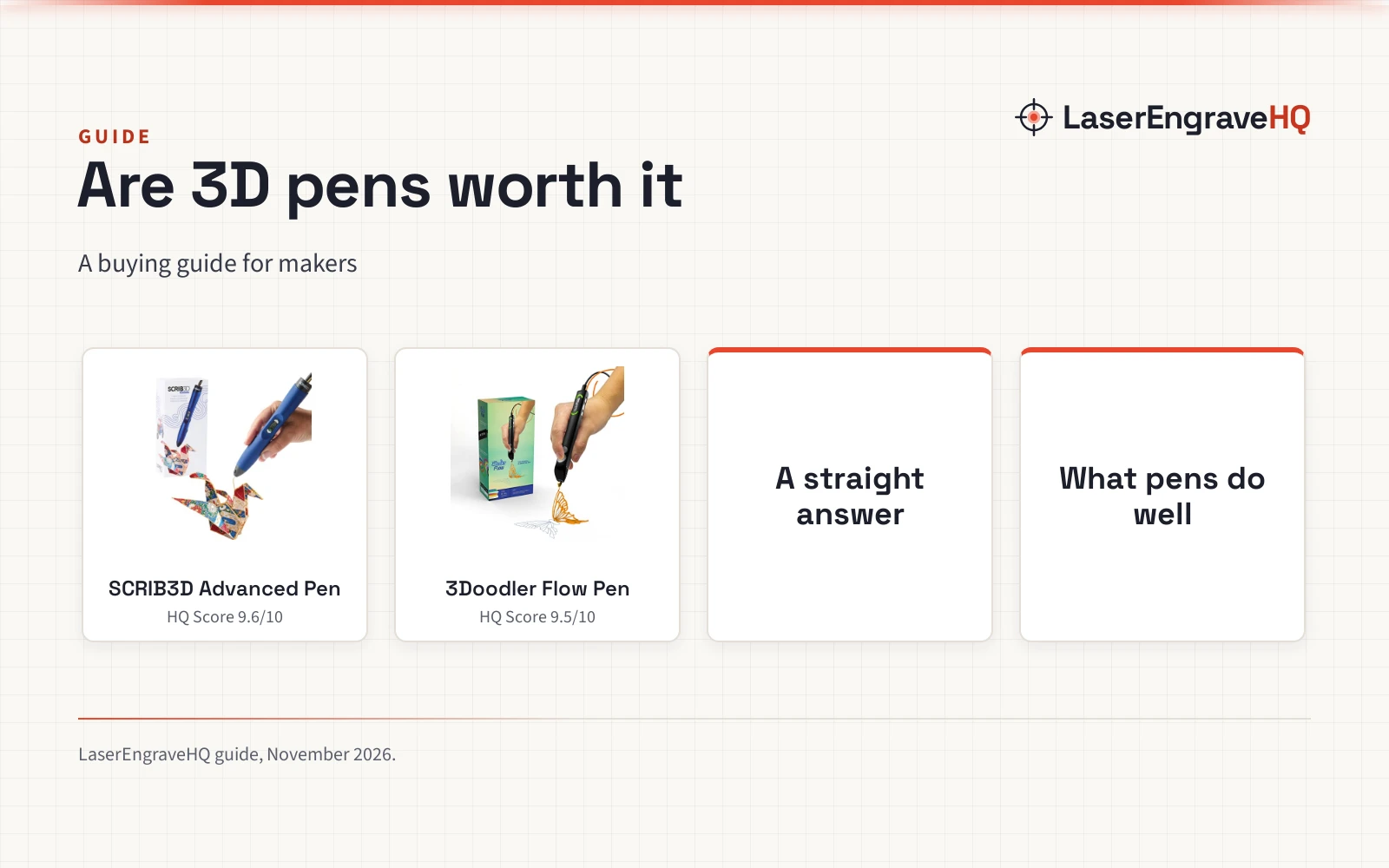
 SCRIB3D Advanced 3D Printing Pen with 20 Feet9.6/10View on Amazon
- 2
 3Doodler Flow 3D Printing Pen for Teens9.5/10View on Amazon
Are 3D pens worth it? For a maker who likes to sketch ideas in plastic, repair a small broken part or make a handmade gift without setting up a printer, a 3D pen earns its place. The pen draws with heated plastic that hardens as it leaves the nozzle, so a flat sketch becomes a raised shape and a broken edge gets a fresh bead of material. The rest of this guide covers what a pen does well, where it falls short and what to check before buying, with two pens that show the range on offer.
LaserEngraveHQ earns a commission from purchases made through these links, at no extra cost to you. Read our affiliate disclosure.
A 3D pen draws freehand, so fine detail depends on a steady hand and practice, not on the pen alone. Treat the first few sessions as practice, and keep the stencil book close until the lines feel natural.
SCRIB3D Advanced 3D Printing Pen with 20 Feet
An advanced 3D printing pen with variable speed control, a large LCD screen, 8 speed options and a stencil book in the box.
Pros
- 8 speed options to regulate speed and flow for line thickness control
- Large LCD screen shows heat and settings while drawing
- 5 colors of PLA plastic in the box, plus a stencil book and project guide
- Ergonomic soft-touch design shaped to fit the hand
Cons
- Warm-up takes 2 to 3 minutes before drawing can start
- Runs on a power adapter, so drawing stays near an outlet
- PLA only in the box; other filament types are not included
- Stencil book and project guide suit beginners; freehand artists get less from them
3Doodler Flow 3D Printing Pen for Teens
A 3D printing pen for teens, adults and creators with an integrated LCD, real-time temperature monitoring and 8 colors of plastic spools in the box.
Pros
- Takes 1.75 filament in PLA, ABS and wood
- Integrated LCD gives real-time temperature monitoring
- 8 colors of plastic spools, 80 feet in total, in the box
- Compact and light-weight for on-the-go use
Cons
- No safety features are stated
- Needs an outlet nearby: the pen plugs in to heat up
- No speed control is stated
- Plastic hardens almost instantly, so mistakes set fast
Are 3D Pens Worth It?
Yes, with a clear limit. A pen is worth it when the job is freehand work: doodles, raised drawings, small models, stencil art, handmade gifts and quick repairs. It is not worth it as a replacement for a 3D printer. A printer builds larger, repeatable parts from a file, while a pen builds whatever the hand can draw in the air. Buyers who want precise, repeatable parts should look at a printer instead, and the easiest 3D printer for beginners guide is the right next read for that path.
The value also depends on who holds the pen. For a hobby maker, a pen is a low-commitment way to work in plastic. For teachers and students, it turns a flat lesson into a tactile object. For a seller, it makes small handmade pieces and repairs that a printer would be slow to set up for.
What a 3D Pen Does Well
A pen shines where the work is freehand and small. Drawing in the air turns a sketch into a model without software, slicing or a build plate, and a stencil keeps the first attempts tidy. The 3D pen ideas for beginners page shows simple projects that suit this kind of making, from raised drawings to small ornaments.
Repairs are the quiet strength. A cracked bracket, a missing clip or a worn edge can take a fresh bead of plastic, and the pen works on the spot instead of waiting for a print queue. Gifts and decorations are the other natural fit: handmade pieces carry a personal touch that a printed part rarely matches.
Where a 3D Pen Falls Short
Freehand work has a ceiling. Lines wobble, layers vary and fine detail depends on the hand, so a pen will not match the repeatable precision of a printer. Scale is limited too: a pen builds small objects one line at a time, and a large piece takes patience.
Speed is another limit. The 3Doodler listing states its extruded plastic hardens almost instantly, so a mistake sets fast and there is little time to correct a line. Warm-up also takes time before drawing can start, and the pen plugs in, so the work stays near an outlet. None of this makes a pen a poor buy, but it sets the right expectation: a pen is a sketching and repair tool, not a production machine.
What to Check Before Buying
Speed control is the first check. A pen with variable speed and several speed options lets the line thickness follow the work, from fine detail to fast fill. A pen without stated speed control still draws well, but the hand has to do all the adjusting.
Filament choice is the second check. Pens that take 1.75 filament in PLA, ABS and wood give more material range than the PLA plastic supplied in the SCRIB3D box, and the types of PLA filament guide explains what each PLA variant is used for. Also check what comes in the box: colors, total length and a stencil book matter more than they look, since the starter supply is the filament a new maker starts with. The best 3D printing filament guide compares filament types for buyers who want to stock up.
A display that shows temperature lets the maker check the heat setting while drawing, and a stated warranty term shows the maker stands behind the pen. Safety features are worth a look too: a pen that states built-in safety features and anti-clogging design gives more confidence than one that states none.
Two 3D Pens for Makers
The two pens below cover the buying checks that matter most here: speed control for line work and filament choice for material range.
FAQ: lasers and CNC
Can a 3D pen replace a 3D printer?
No. A pen is for freehand work, small models and repairs, while a printer builds larger, repeatable parts from a file. A buyer who needs precise, repeatable parts should choose a printer.
What filament does a 3D pen use?
It depends on the pen. The 3Doodler Flow (on Amazon) takes 1.75 filament in PLA, ABS and wood. The SCRIB3D pen ships with PLA plastic in the box.
Are 3D pens good for beginners?
Yes. The SCRIB3D pen is beginner friendly, and the 3Doodler Flow is built to be user-friendly, with an activity guide that teaches the basics. Both ship with a stencil book and a guide in the box, and the pens work by plugging in and heating up, with no software setup.
How long does a 3D pen take to warm up?
The SCRIB3D listing states warm-up takes 2 to 3 minutes. The 3Doodler Flow listing states only to wait for the pen to heat up, with no time given.
What can you make with a 3D pen?
Freehand models and structures, raised drawings, handmade gifts and decorations, stencil art and small DIY and household repairs. The stencil book in each box gives beginners a set of starting projects.
Related: the 3D printers hub, 3D pen ideas for beginners and best FDM 3D printing filament. Also see our how long 1kg of PLA filament lasts.