How to Choose a Laser Engraver: 9 Decisions Before You Buy
A step-by-step way to pick a laser engraver: start from your materials, then choose the laser type, power, work area, enclosure and accessories, and read the listing for red flags.
 By LaserEngraveHQ Editorial
Updated October 5, 2026
By LaserEngraveHQ Editorial
Updated October 5, 2026
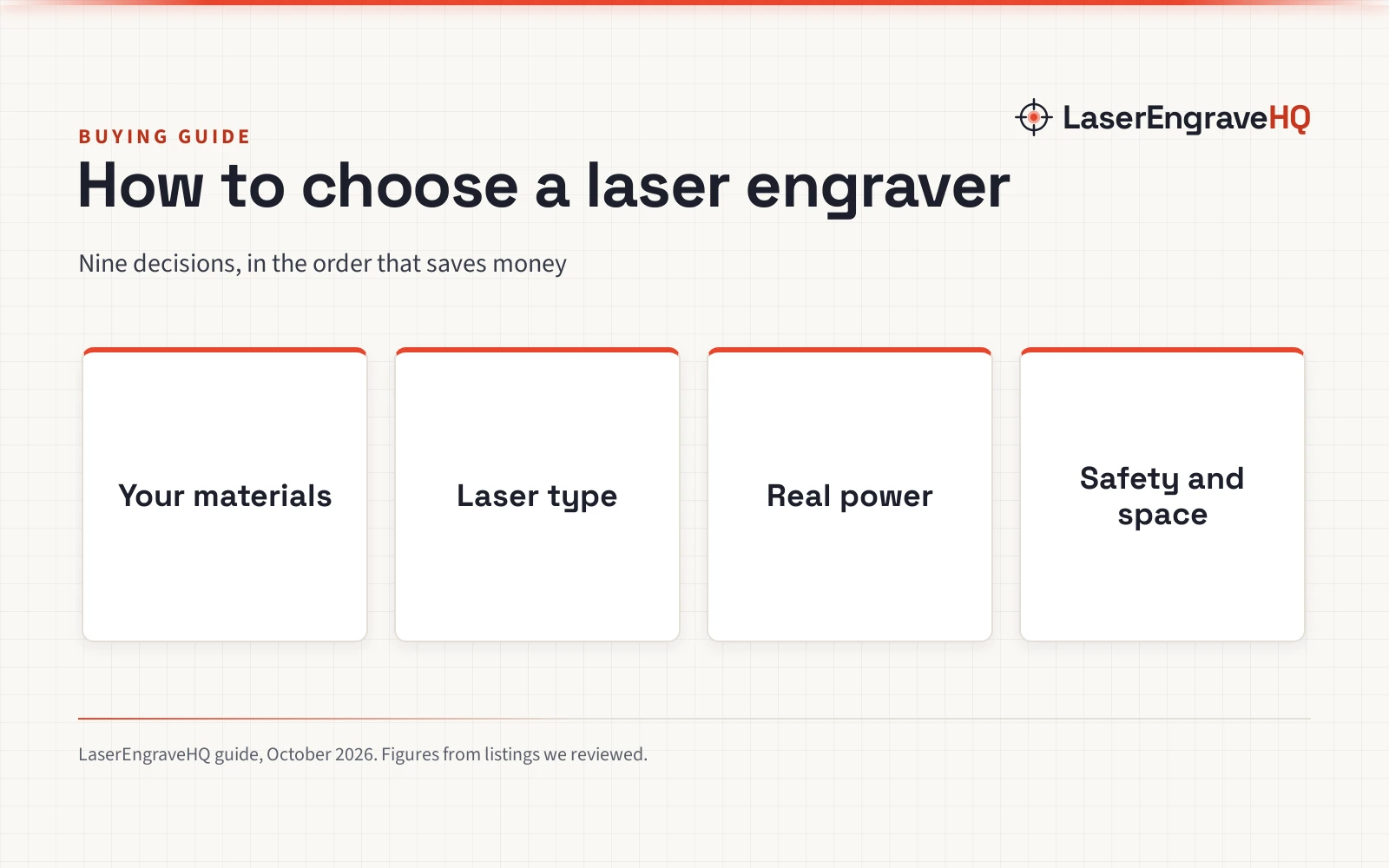
Most people choose a laser engraver backwards: they compare wattage first. The better order is to start with what you want to make, which decides the laser type, which decides what power and space you need. This guide walks through nine decisions in that order, with what we have learned from reviewing more than 150 laser listings, and links to the roundup that fits each answer.
LaserEngraveHQ earns a commission when you buy through links on our product pages, at no extra cost to you. Read our affiliate disclosure.
The Machine Finder asks five questions and suggests a machine type, with the guides to read next.
1. Start with your materials
The material decides the laser. Wood, leather, slate, paper and powder-coated tumblers work on any common type. Clear acrylic and glass need CO2. Bare stainless steel, brass and silver need fiber or infrared. Some plastics, including PVC and vinyl, must never be lasered at all. Our material guide shows what each type can engrave and cut, with a safety note for every material.
2. Decide whether you engrave, cut, or both
Engraving takes little power: a few watts of diode light marks wood cleanly. Cutting takes much more, and thicker stock takes more again. If you plan to cut plywood shapes, signs or boxes regularly, buy for the cutting job, not the engraving.
3. Choose the laser type
| Type | How it works | Engraves | Cuts | Weak spots | Price tier |
|---|---|---|---|---|---|
| Diode | Blue light around 450 nm. Hobby machines are commonly 5 to 40 W optical output. | Wood, leather, slate, paper, dark acrylic, coated tumblers, anodized aluminum | Thin wood and plywood, dark acrylic, leather, paper, felt | Clear or blue acrylic, glass without coating, bare metal without marking spray | $ to $$ |
| CO2 | Infrared at 10.6 µm from a gas tube or RF source. Desktop machines are commonly 30 to 100 W. | Wood, all acrylic, leather, glass, stone, paper, fabric, coated metal | Wood and plywood (thicker than diode), all acrylic including clear, leather, fabric, paper | Bare metal without marking spray | $$ to $$$$ |
| Fiber | Infrared at about 1064 nm through a galvo head. Marking machines are commonly 20 to 100 W. | Bare and coated metals, anodized aluminum, some plastics, stone | Thin foil and jewelry blanks at most; not a sheet cutter | Wood, clear acrylic and glass | $$ to $$$$ |
| CNC router | A spinning bit, not light. Desktop spindles and routers are commonly 300 W to about 1.5 kW. | V-carving and 3D relief in wood, plastics, soft metals | Thick wood, MDF, plastics that are unsafe to laser, aluminum (slowly) | Very fine detail and photo engraving | $ to $$$$ |
Price tiers: $ under $500, $$ $500 to $1,500, $$$ $1,500 to $5,000, $$$$ above $5,000. Wattages are typical ranges, not limits.
For most first machines the choice is diode or CO2. Our diode vs CO2 guide covers it in detail. If your products are metal, go straight to fiber lasers or lasers for metal.
4. Read the power figure carefully
Laser power should be stated as optical output, the light that reaches the material. Some listings lead with electrical input instead: two diode listings we reviewed put 72W in the title next to a 10W laser. The best listings separate the two (one states 3.5W laser power and 36W machine input) or even publish a measured range. If a listing gives one number with no label, ask the seller.
5. Pick a work area that fits your largest job
Work areas range from about 80 x 80 mm on mini engravers to 400 x 400 mm on typical open frames, and up to 28 x 20 in or 36 x 18 in on large CO2 machines. Bigger beds take signs and batches; smaller ones are lighter and cheaper. Several listings we reviewed did not state a work area at all, or gave the package size instead, so confirm it before you buy.
6. Decide on an enclosure
An open-frame laser exposes the beam: everyone in the room needs glasses rated for the laser’s wavelength, and you need to stay with the machine. An enclosed machine with a lid interlock keeps the beam inside and contains much of the smoke. Around children, pets or other people, an enclosure is the safer choice. See best enclosed laser engraver.
Read the laser class with care. Several open-frame listings we reviewed claimed Class 1, Class II or Class IIIa for multi-watt lasers, which cannot be right: a laser of that power is Class 4. On a properly enclosed machine with an interlock, a low class describes the light that can escape, which is legitimate.
7. Plan for ventilation and fire safety
Every laser makes smoke, so you need an exhaust to the outside or a fume extractor. Keep a fire extinguisher at the machine and never leave a job running unattended. Budget for these before the laser itself, because they are not optional.
8. Check software and accessories
LightBurn and LaserGRBL work with most diode machines, which means tutorials carry across brands; enclosed consumer machines often use their own apps. Then check what is in the box. Air assist cleans up cuts and cuts flare-ups; a rotary is needed for tumblers and glasses; risers lift the frame for taller items. Some bundles include them, for example the machines in our tumbler guide.
9. Look for the warranty and red flags
Many listings state no warranty term at all. In our research only 4 of 16 fiber listings and 2 of 16 CO2 listings stated one. Prefer a listing that states the term and what it covers. Other red flags: a laser class that does not fit the power, cut ratings with no pass count, work areas copied from the box size, and listings that contradict themselves between the title and the bullets.
Where to go next
- First laser: best laser engraver for beginners
- Tight budget: under $500, or more power in under $1,000
- Mostly wood: best laser engraver for wood
- Clear acrylic and glass: best CO2 laser cutter for home use
- Selling online or running a shop: best laser engraver for small business
Whatever you buy, budget for glasses rated for its wavelength, ventilation and a fire extinguisher, and read our safety disclaimer. Official guidance: FDA laser products and OSHA laser hazards.
Frequently Asked Questions
What is the best type of laser engraver for a beginner?
For most beginners a diode laser: it is small, runs from a normal outlet and engraves wood, leather and coated tumblers well. Choose an enclosed model if others share the space.
How many watts do I need in a laser engraver?
For engraving, a few watts of optical power is enough. For cutting plywood, 10W and up on a diode helps, and thick or clear acrylic calls for a CO2 laser.
Is an enclosed laser engraver worth it?
Yes, if children, pets or other people share the room, or if you have no dedicated workshop. It contains the beam and much of the smoke.
What else do I need besides the laser?
Ventilation or a fume extractor, a fire extinguisher, wavelength-rated glasses for open frames, and often air assist and a rotary.
Can one laser engrave everything?
No. Each type works on the materials that absorb its light. Some dual-laser machines combine a diode with an infrared or fiber source to cover more materials.
Related: diode vs CO2 laser, the laser engraver hub, the material guide and the Machine Finder.
About the author
LaserEngraveHQ Editorial is the editorial team behind LaserEngraveHQ. We research product listings, published specifications, material lists, safety statements and warranty terms, score every pick with the published HQ Score method, and correct errors when readers report them. We do not run our own workshop trials; see How We Pick for exactly how picks are made.