UV DTF Printer for Beginners: What to Look For
A UV DTF printer for beginners is an all-in-one A3 machine that prints designs onto film, laminates them and transfers them onto hard surfaces like glass, metal, wood and tumblers.

On this page
Top picks at a glance
As an Amazon Associate I earn from qualifying purchases.
- 1
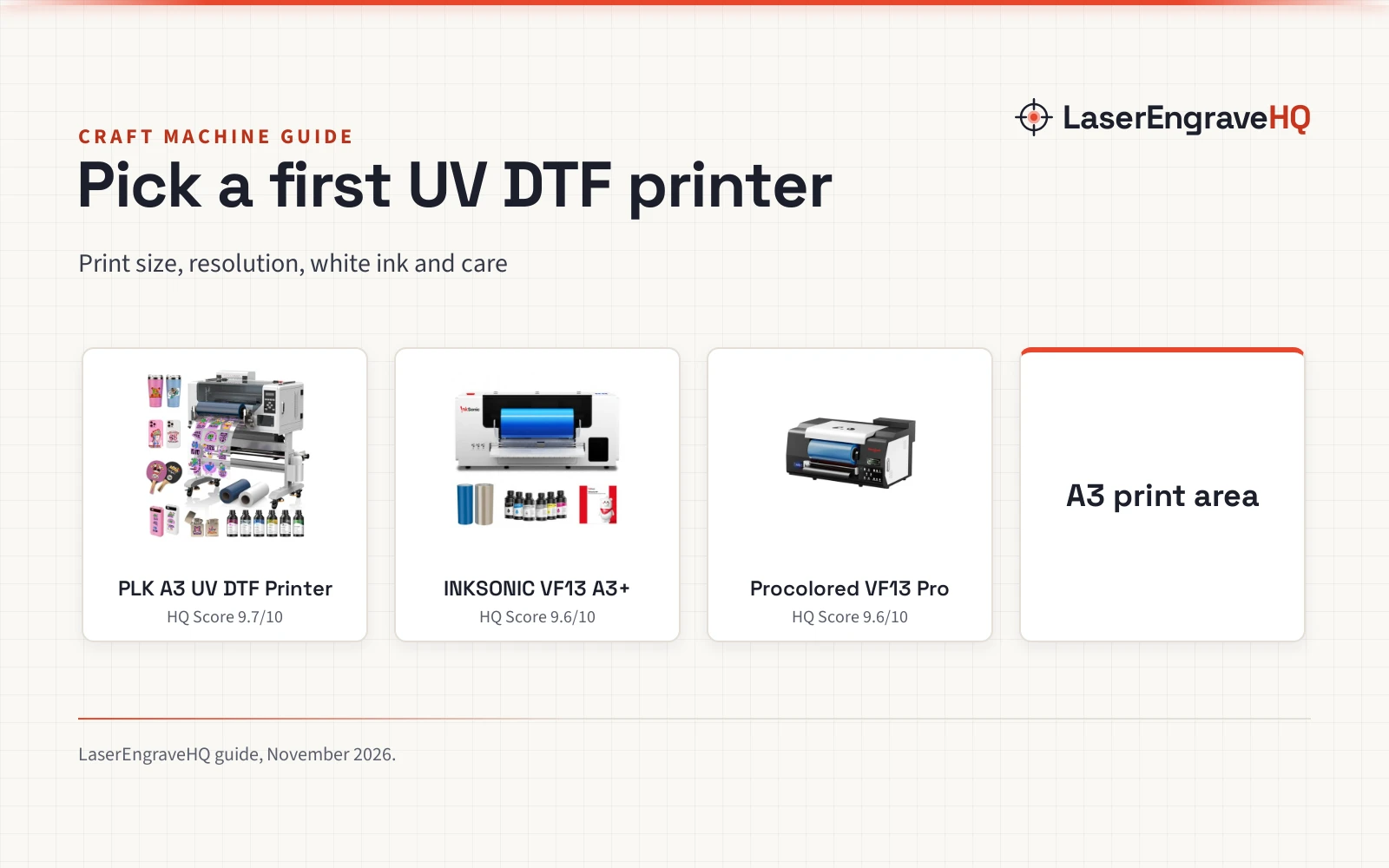
 PLK A3 UV DTF Printer All-in-One,No Laminator9.7/10View on Amazon
- 2
 INKSONIC VF13 A3+ All-in-One UV DTF Printer9.6/10View on Amazon
- 3
 Procolored VF13 Pro Panda UV DTF Printer9.6/10View on Amazon
A UV DTF printer for beginners is an all-in-one machine that prints a design onto film, laminates it and transfers it onto hard surfaces like glass, metal, wood and tumblers. The printer hardens the ink with UV light, so the transfer needs no powder and no heat press. The sections below explain how the process works, what to check before buying, and which machine fits a first shop.
LaserEngraveHQ earns a commission from purchases made through these links, at no extra cost to you. Read our affiliate disclosure.
Print sizes, resolutions and ink details in this guide come from the makers’ listings. Real print quality also depends on the film, the ink and the surface, so treat a listed resolution as a ceiling to work toward, not a promise.
PLK A3 UV DTF Printer All-in-One,No Laminator
An all-in-one A3 UV DTF printer with dual XP600 printheads, up to 2880×1440 DPI, an 11.8 inch print area and a 1 year warranty.
Pros
- Up to 2880×1440 DPI from dual XP600 printheads
- 11.8 inch, 300mm print area for materials up to A3 size
- White ink stirring and circulation plus auto cleaning
- Prints and laminates in one machine, no separate laminator needed
Cons
- 151.0 lb; needs a sturdy bench and help to move
- Print head warranty is 6 months, shorter than the 1 year parts warranty
- No stated print speed figure
- A3 size only; larger designs need a bigger machine
INKSONIC VF13 A3+ All-in-One UV DTF Printer
An all-in-one A3+ UV DTF printer with dual XP600 printheads, automatic laminating and a dense white underbase for vivid stickers.
Pros
- A3+ print area for larger designs or many stickers in one run
- Dual XP600 printheads with dense white underbase
- Automatic laminating keeps film aligned with less manual handling
- Vacuum suction platform, damping shaft and eight-point support
Cons
- No resolution figure is stated
- Only a 6 month warranty
- No print speed figure is stated
- 17.0 x 31.0 inch footprint needs a wide bench
Procolored VF13 Pro Panda UV DTF Printer
An A3 UV DTF printer with dual XP600 printheads, a built-in cutter and printhead auto-cleaning, with ink and film in the box.
Pros
- Printhead auto-cleaning every 10 hours when left on
- Built-in cutter for cutting the printed pattern
- Pro RIP software for resizing, RIP and printing in one place
- Printing and laminating combined in one machine
Cons
- No resolution figure is stated
- Auto-cleaning consumes about 1ml of ink per day
- Stand is optional
- No white ink system is stated
Step 1: How UV DTF printing works
UV DTF printing runs in a set order: print the design on A film, laminate the A film to B film, then transfer the design from the laminated film to the surface. Procolored describes the same working process: printing on A film first, laminating A and B film, then transferring from A film to B film. The printer hardens the ink with UV light as it prints, so the ink sets at once and the transfer sticks to hard surfaces. Unlike traditional DTF printing, UV DTF needs no powder shaking and no curing oven, which keeps the workflow cleaner and saves workspace.
Step 2: Check the print size and resolution
Size and resolution decide what a machine can print. PLK lists an 11.8 inch print area, 300mm wide, for materials up to A3 size, with resolutions up to 2880×1440 DPI from dual XP600 printheads. INKSONIC lists an A3+ print area for larger designs or many stickers in one run, also with dual XP600 printheads. Procolored lists an A3 size, 13 inch A3+, also with dual XP600 printheads. Each machine here uses dual XP600 printheads, so compare them on print area, resolution and what comes in the box.
Step 3: Look at the white ink
White ink makes colors stand out on dark, colored or clear surfaces, and it needs care because the pigment settles. PLK lists an intelligent white ink stirring and circulation system that keeps white pigment moving to reduce settling and improve ink consistency, with automatic cleaning to keep ink delivery stable. INKSONIC lists a dense white underbase that helps designs stay bright and clear after transfer and reduces the effect of the surface color, especially on dark, colored or transparent surfaces. Check how the machine handles white ink before buying, since it decides how vivid the stickers look on dark surfaces.
Step 4: Check cleaning and daily care
The printers here clean themselves on a schedule, and the details differ by machine. Procolored lists printhead auto-cleaning every 10 hours when the printer is left on, using about 1ml of ink per day. PLK lists an auto cleaning system with its white ink stirring, and INKSONIC lists an auto-cleaning system with a low-ink alert and a built-in waste ink bottle. INKSONIC also lists an LCD control panel and a mirror-style printhead viewing system, which make daily checks easier without taking the machine apart. Check what the machine cleans on its own and what it asks the owner to do by hand.
Step 5: Count what comes in the box
The box contents decide how soon a first print can run. PLK lists a full package: the printer, a printer holder, A film, B film, 6 ink bottles in CMYK+WW+VV, software, a USB cable, a power cable, a user manual and maintenance tools. Procolored lists its printer as a 2-in-1 with ink and film, with a cutter for cutting the printed pattern after printing, and an optional stand with an electric rewinder for collecting film. INKSONIC lists 24/7 customer assistance with phone support and a California repair service point. Compare the packages side by side, since a machine that ships with film and ink starts printing sooner.
The UV DTF printers in this guide
The printers below are the three machines from the steps above, so pick the one whose stated figures fit the surfaces and the shop.
Common mistakes to avoid
- Buying a printer without checking the print area against the largest design.
- Skipping the white ink system and wondering why dark surfaces look dull.
- Leaving the printer off so the printhead never runs its auto-cleaning.
- Forgetting film, ink and a stand when comparing packages.
- Judging a printer by resolution alone, without the cleaning and support behind it.
UV DTF printer for beginners: the short version
- Print on A film, laminate A and B film, then transfer to the surface.
- Check the print area: PLK lists 11.8 inch, 300mm, up to A3 size.
- Check the resolution: PLK lists up to 2880×1440 DPI.
- Check the white ink system and the auto-cleaning.
- Count the film, ink and tools in the box before buying.
- Match the printer to the surfaces and the shop.
FAQ: lasers and CNC
What can a UV DTF printer print on?
Hard surfaces. PLK lists glass, metal, wood, leather, tumblers and acrylic, and INKSONIC lists cups, glass, acrylic and metal. The transfer sticks to the surface after UV curing, so the design works on curved items like tumblers as well as flat ones.
Do I need a laminator with a UV DTF printer?
No, not with the printers here. PLK integrates printing and laminating into a single machine, INKSONIC lists built-in automatic lamination, and Procolored combines printing and laminating in one machine. The film is laminated as part of the print run, so no separate laminator is needed.
What is the difference between UV DTF and regular DTF?
UV DTF hardens the ink with UV light at once, while regular DTF needs powder and a curing oven. PLK notes its UV DTF system eliminates powder application entirely, unlike traditional DTF printers that need powder shaking and curing ovens. UV DTF transfers suit hard surfaces, while regular DTF is made for fabric.
How do I keep white ink from settling?
Use the machine’s white ink system. PLK lists an intelligent white ink stirring and circulation system that keeps white pigment moving to reduce settling. INKSONIC lists a dense white underbase for rich white ink coverage. Keep the printer on its cleaning schedule so the ink stays moving.
How much cleaning does a UV DTF printer need?
Most of it runs on its own. Procolored lists printhead auto-cleaning every 10 hours when the printer is left on, using about 1ml of ink per day. PLK lists an auto cleaning system, and INKSONIC lists an auto-cleaning system with a built-in waste ink bottle. Check the waste ink bottle and the ink levels as part of daily care.
Related: the craft machines hub, how DTF transfer works and DTF printer set up. Also see the best sticker printer guide. Also see the best printable sticker paper guide.