How Does DTF Transfer Work? A Step-by-Step Guide
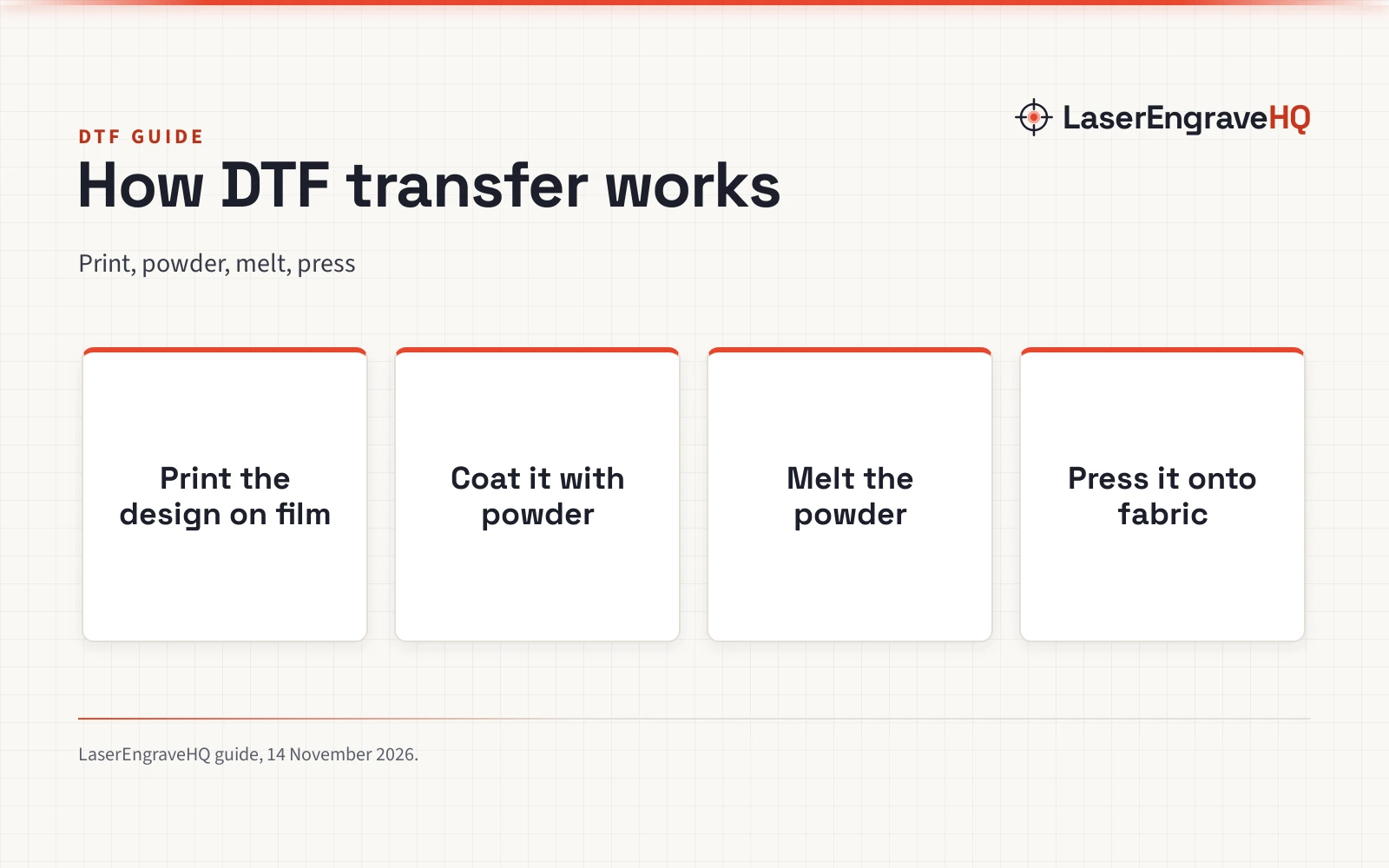
A DTF transfer prints a design onto film, bonds it with powder and heat, then presses it onto fabric.

On this page
Top picks at a glance
As an Amazon Associate I earn from qualifying purchases.
- 1
 CenDale DTF Transfer Film 11"x17"9.7/10View on Amazon
- 2
 CenDale DTF Transfer Film Roll 13"x 65.6ft9.7/10View on Amazon
- 3
 Yitentek DTF Roll9.7/10View on Amazon
A plain shirt becomes a custom shirt when a design moves from a screen onto fabric, and a DTF transfer is one way to make that move. How does DTF transfer work? The design is printed onto a special film instead of straight onto the shirt, the wet ink is coated with a powder adhesive, the powder is melted with heat, and a heat press then moves the design from the film onto the fabric, where it stays after the film is peeled away.
LaserEngraveHQ earns a commission from purchases made through these links, at no extra cost to you. Read our affiliate disclosure.
Press settings differ by film and powder, so this guide gives no temperature or time. Follow the settings the maker of the film and powder states, and keep the manual for the printer and the oven close by.
What a DTF transfer is
DTF stands for direct to film. The design is printed on a coated transfer film, not on the garment, which is what sets DTF apart from printing straight onto a shirt. The film carries the design through the powder and heating steps and gives it up in the press. Because the design travels on film, the same transfer can go onto cotton, polyester, leather, denim, canvas and linen, light and dark alike, as long as the ink set includes a white underbase for dark cloth.
Step 1: Print the design on transfer film
The work starts in software, where the design is laid out and sent to a DTF printer loaded with transfer film. The printer lays down colour ink first, then a white ink layer over the design that acts as the underbase, so the colours stay bright on dark fabric. Starter bundles ship with the ink set in the box: the Qilpho A4 bundle lists 5 inks of 250ml each in CMYK plus white, and the Carbcolords A4 (on Amazon) bundle lists 4 bottles of 250ml colour ink with 500ml of white ink. The print is mirrored, so the design reads the right way round once it is pressed onto the shirt.
Film comes as sheets or on a roll. The A-SUB starter kit lists 30 sheets of A4 film, while the Qilpho A4 bundles list a roll of transfer film at 164ft. The Carbcolords A4 printer lists a maximum print width of 8.27 inches, so check that the design fits the width before printing.
Step 2: Coat the wet print with powder
While the ink is still wet, the film is dusted with hot melt powder, the adhesive that bonds the design to the fabric. The powder sticks to the wet ink and shakes off the bare film, so the coating lands only where the design is. The A-SUB kit (on Amazon) lists 17.6oz of white powder in the box, and the Qilpho A4 bundles list 250g of powder. Shake the sheet gently and tap off the loose powder before moving on, because clumps of loose powder show in the finished print.
Step 3: Melt the powder in the oven
Heat melts the powder into a smooth adhesive layer, and the film is not ready to press until that layer is set. Some starter bundles pair the printer with an oven for this step: the Qilpho A4 bundles and the Carbcolords A4 bundle list an oven in the box, as do the Qilpho A3 bundles sold with one, but not every A3 bundle includes an oven, so check the box list before ordering. The film can then be stored flat until it is pressed, which is handy when a batch of designs is printed ahead of a run of shirts.
Step 4: Press the transfer onto the fabric
The press is where the design leaves the film. The film is laid on the fabric, covered with a Teflon sheet, and pressed with a heat press, and the heat and pressure bond the melted powder to the cloth. A separate heat press is required: the Carbcolords bundle states this plainly, so a printer and oven alone do not finish the job. Follow the temperature and time the film and powder maker states, and peel the film away as that maker directs. The A-SUB kit also lists a roll of heat-resistant tape in the box, which holds the film in place while it is positioned for the press.
What fabrics DTF works on
DTF is built for fabric, and the bundles list cotton, polyester, leather, denim, canvas and linen among the materials they handle. Dark fabric needs the white ink underbase, which is why the Carbcolords printer lists white ink underbase printing for dark fabrics alongside transfers for light fabrics. The A-SUB kit adds a warning worth heeding: its sublimation route suits light-coloured fabrics only, and dark fabrics need DTF ink to print. In short, match the ink to the fabric colour, and the transfer follows.
Keeping the white ink flowing
White ink is the part of a DTF printer that needs the most care, because it settles when it sits. The Qilpho bundles list a white ink circulation system with stirring, circulation and filtration to keep the ink moving and reduce clogging, and the Carbcolords printer lists a built-in white ink mixing system for the same reason. The Qilpho A4 bundles also list one-touch automatic cleaning that starts by pressing and holding the middle button for 5 seconds, so run the cleaning the printer maker describes and keep the ink mixed.
Common mistakes to avoid
- Printing on the wrong side of the film, so the design comes out reversed on the shirt.
- Skipping the white underbase on dark fabric, so the colours sink into the cloth and wash out.
- Pressing with powder that has not melted and set, so the design never bonds and lifts off the fabric.
- Trying to finish the job without a heat press, when the bundle states a separate heat press is required.
- Letting white ink sit until it settles and clogs the printhead, instead of running the cleaning the printer maker describes.
How does DTF transfer work? The short version
- Print the design mirrored on transfer film, colour first, then a white underbase layer.
- Coat the wet print with hot melt powder and shake off the loose powder.
- Melt the powder in the oven until it forms a smooth adhesive layer.
- Lay the film on the fabric and press it with a heat press.
- Peel the film away as the film maker directs and check the print.
FAQ: lasers and CNC
What do I need to start DTF printing?
A DTF printer, transfer film, DTF powder, an oven and a heat press. Starter bundles pack most of that together: the Qilpho A4 bundle lists the printer, the oven, 5 inks of 250ml each, film at 164ft and 250g of powder, while the A-SUB kit lists 30 sheets of A4 film and 17.6oz of white powder. The heat press is the piece the printer bundles leave out, so plan for it separately.
Can DTF go on dark shirts?
Yes. The white ink underbase sits between the fabric and the colour inks, so the design stays bright on dark cloth. The Carbcolords printer lists white ink underbase printing for dark fabrics, and the A-SUB kit warns that dark fabrics need DTF ink rather than its sublimation route.
Does DTF work on cotton and polyester?
Yes, both. The bundles list cotton and polyester first among the fabrics they handle, alongside leather, denim, canvas and linen. The same transfer method covers each of them: print on film, powder, heat, press. Match the ink to the fabric colour and follow the film maker’s press settings.
Do I need a heat press, or will an iron do?
Plan on a heat press. The Carbcolords bundle states that a separate heat press is required, and none of the bundles lists an iron as a substitute. A press gives even heat and pressure across the whole design, which is what bonds the powder to the fabric.
Will a DTF print survive washing?
The A-SUB kit states that its transferred designs withstand repeated hand or machine washing without peeling, with colours staying vibrant and designs resisting cracking. Wash the garment as the film and powder maker directs and the print holds.
What size can I print?
It depends on the printer and the film. The A-SUB kit lists A4 sheets, and the Carbcolords A4 printer lists a maximum print width of 8.27 inches, so small chest logos and sleeve designs fit that width. For larger prints, the Qilpho A3 bundles list A3 film on a roll. Check the width before ordering, and match the film to the printer.
Related: how to make a DTF transfer, the DTF printer prices guide, the DTF transfer size guide and the best 5 in 1 heat press picks.