DTF Printer for Beginners: What to Buy
A plain guide to DTF printing for beginners: how the process works, what a starter kit holds and how to pick a machine that fits a small shop.

On this page
Top picks at a glance
As an Amazon Associate I earn from qualifying purchases.
- 1
 CenDale DTF Sublimation Kit9.7/10View on Amazon
- 2
 A-SUB DTF Transfer Film and Powder Kit for Sublimation & DTF9.4/10View on Amazon
- 3
 Enlite Premium DTF Ink 500ML Combo Pack9.6/10View on Amazon
- 4
 DTF Syringes9.5/10View on Amazon
A DTF printer for beginners is a printer that lays ink on transfer film, so a maker can print a design, dust it with powder, melt the powder with heat and press it onto a shirt. The appeal is simple: full-color art on cotton, polyester and blends, with no weeding and no pretreatment on the fabric. This guide explains how the process works, what a starter kit holds and how to pick a machine that fits a small shop.
LaserEngraveHQ earns a commission from purchases made through these links, at no extra cost to you. Read our affiliate disclosure.
A DTF printer alone does not finish a shirt. A heat press is required to move the print from film to fabric, and the bundles in this guide do not include a press, so plan for the press as part of the setup.
Step 1: How DTF printing works
DTF stands for direct to film. The printer lays ink on a sheet of PET film, powder is dusted over the wet ink, the powder is melted with heat, and the design is pressed onto fabric with a heat press. Because the ink prints on film rather than on the shirt, the same design can go on cotton, polyester, leather, denim and more.
The sublimation hack is a shortcut some beginners use: a sublimation printer prints on DTF film with DTF powder, without white ink. That route works only on white or light fabrics, since there is no white ink to sit under the design on dark cloth. The CenDale kit (on Amazon) notes that the hack suits white fabrics only, and the A-SUB kit (on Amazon) notes that dark fabrics need DTF ink, so a maker who wants dark shirts needs a printer with white ink.
Step 2: What a starter kit holds
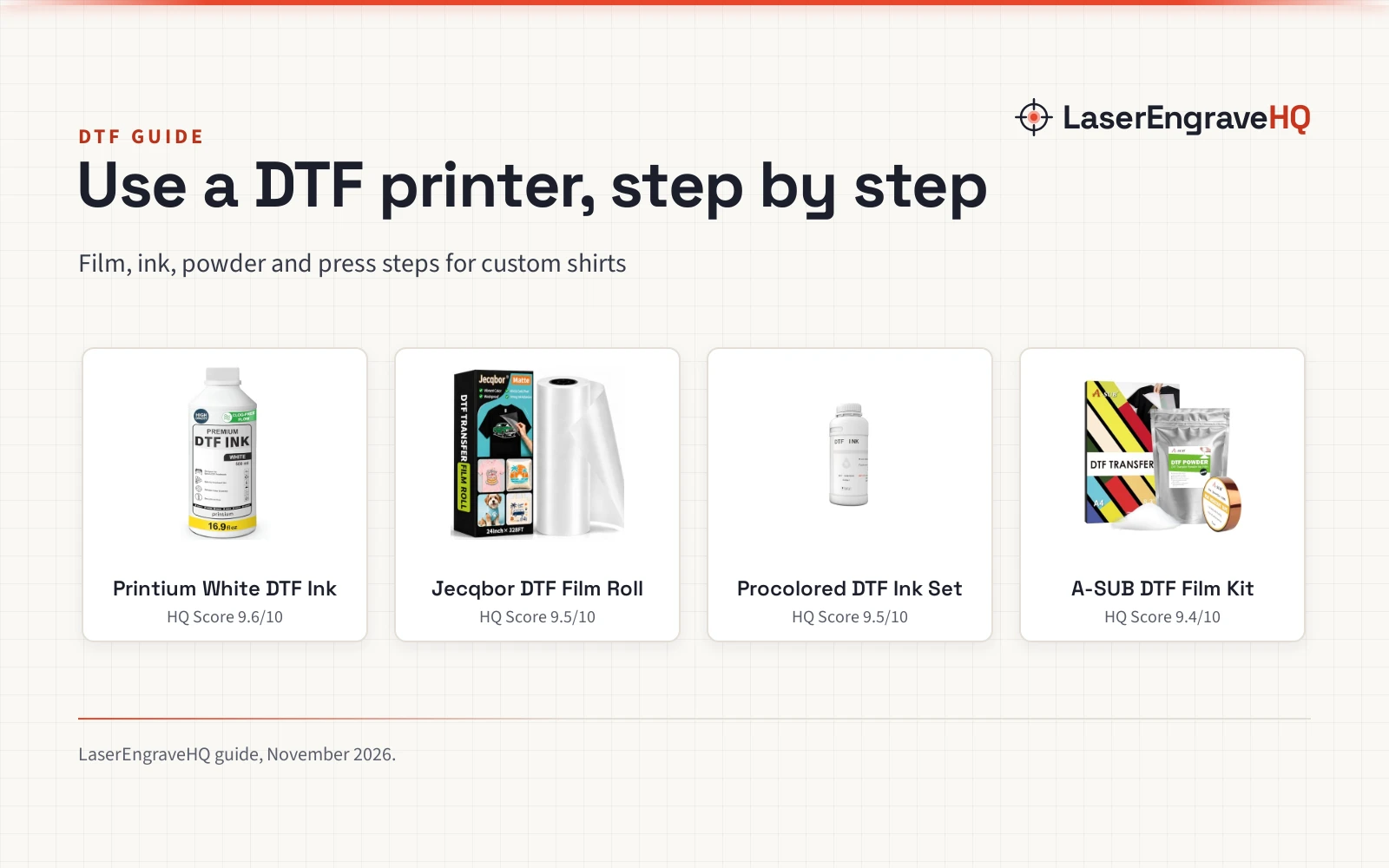
A starter kit bundles the consumables a beginner needs: film, powder and sometimes ink. The CenDale starter kit holds 30 sheets of A4 film at 8.3 by 11.7 inches, 14 oz of DTF powder, a sheet of parchment paper and a roll of sensor stickers. The A-SUB starter kit holds 30 sheets of A4 film and 17.6 oz of white powder, plus a roll of heat-resistant tape.
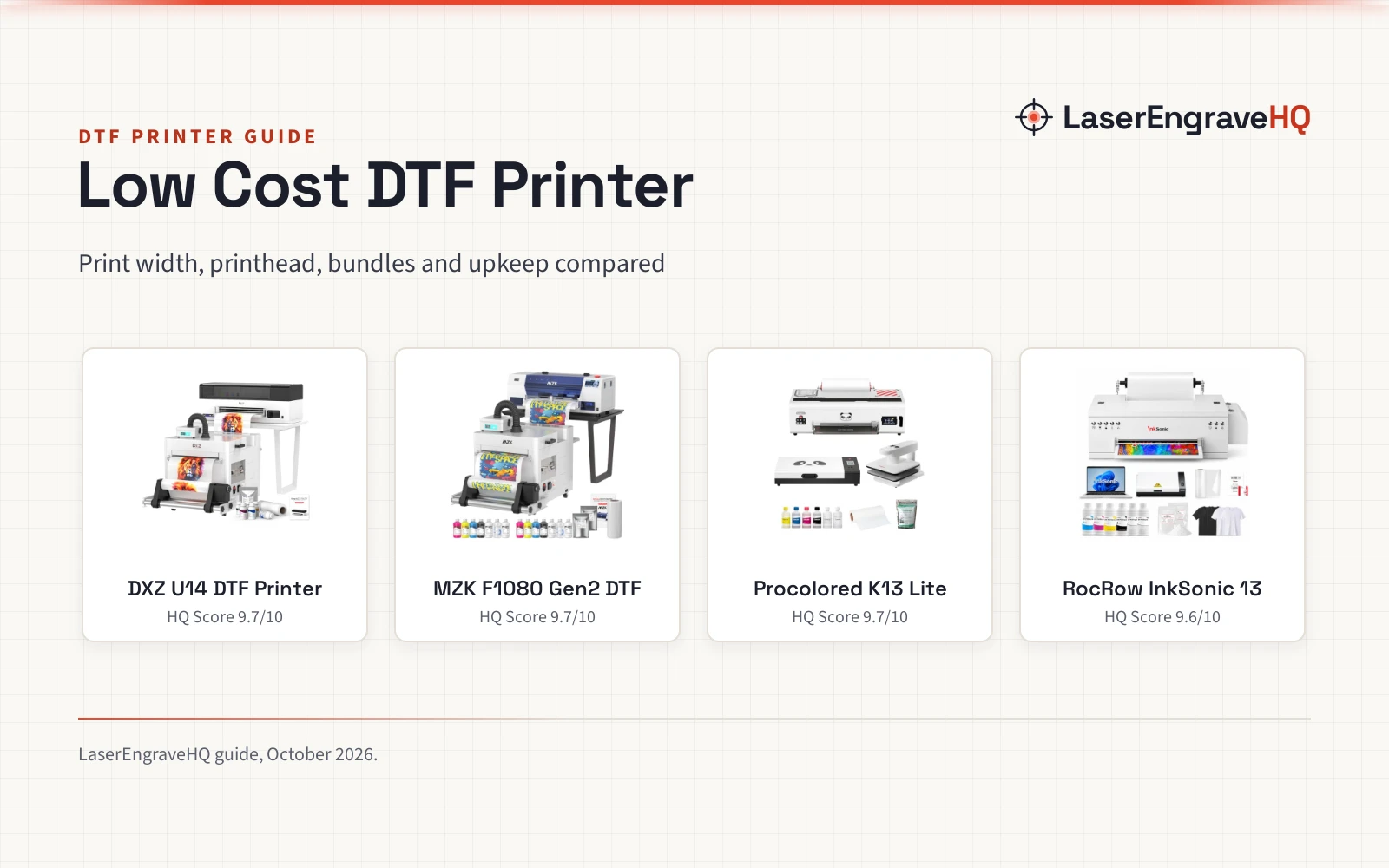
Ink comes in its own pack. The Enlite combo (on Amazon) pack holds 6 bottles of DTF ink at 16.91 oz each, with white, black, cyan, magenta and yellow, plus a manual and gloves. The Qilpho A4 bundle holds the printer, an oven, 5 bottles of 250 mL ink, a 164 ft roll of transfer film and 250 g of powder.
The inkgens set holds 2 bags of 500 g powder, a measuring spoon, gloves and a tray. The EOXMMTOT cleaning (on Amazon) kit holds 6 syringes of 10 mL with tips, for pushing ink through a damper or pulling air out of a tube.
Step 3: Pick a printer size
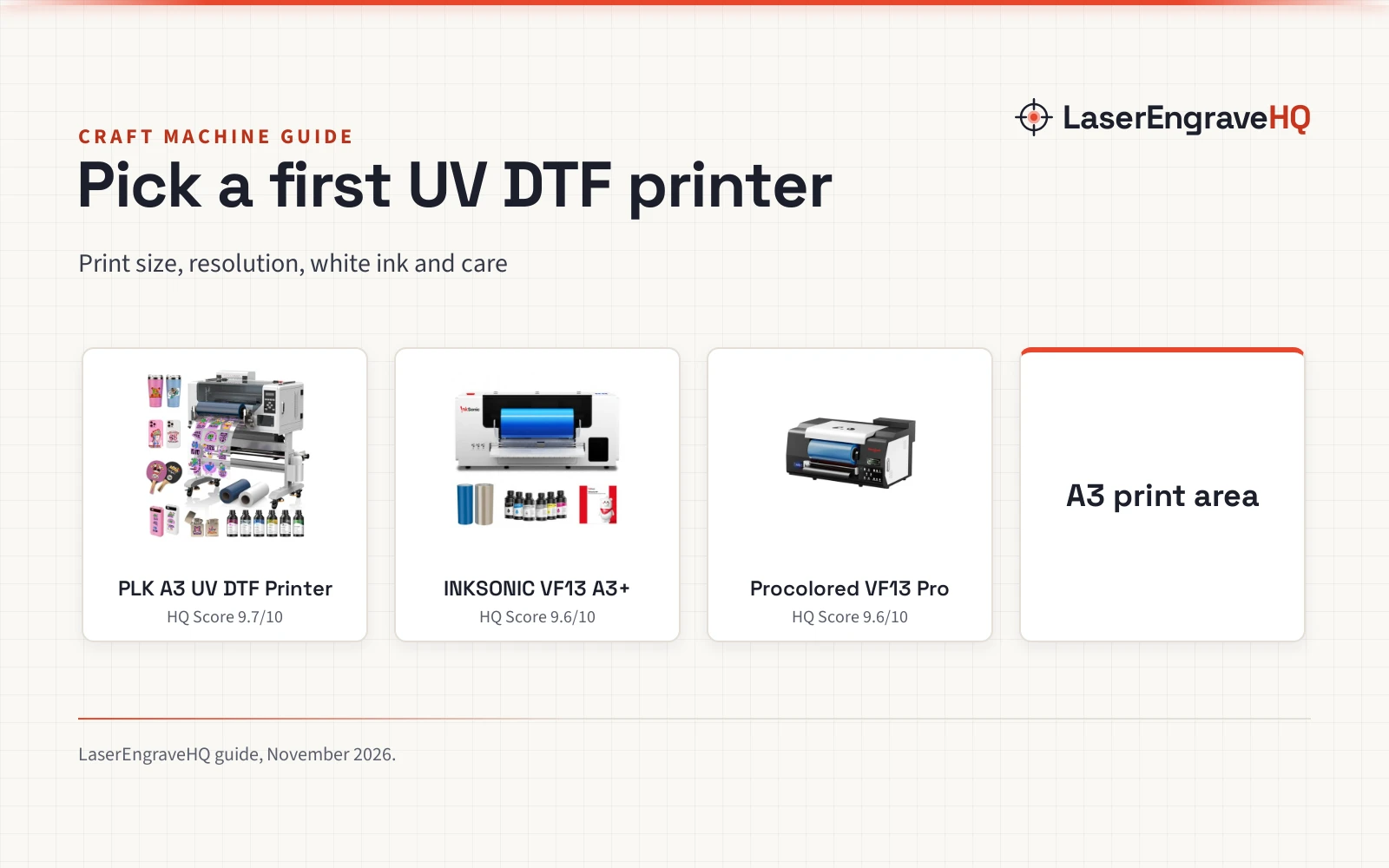
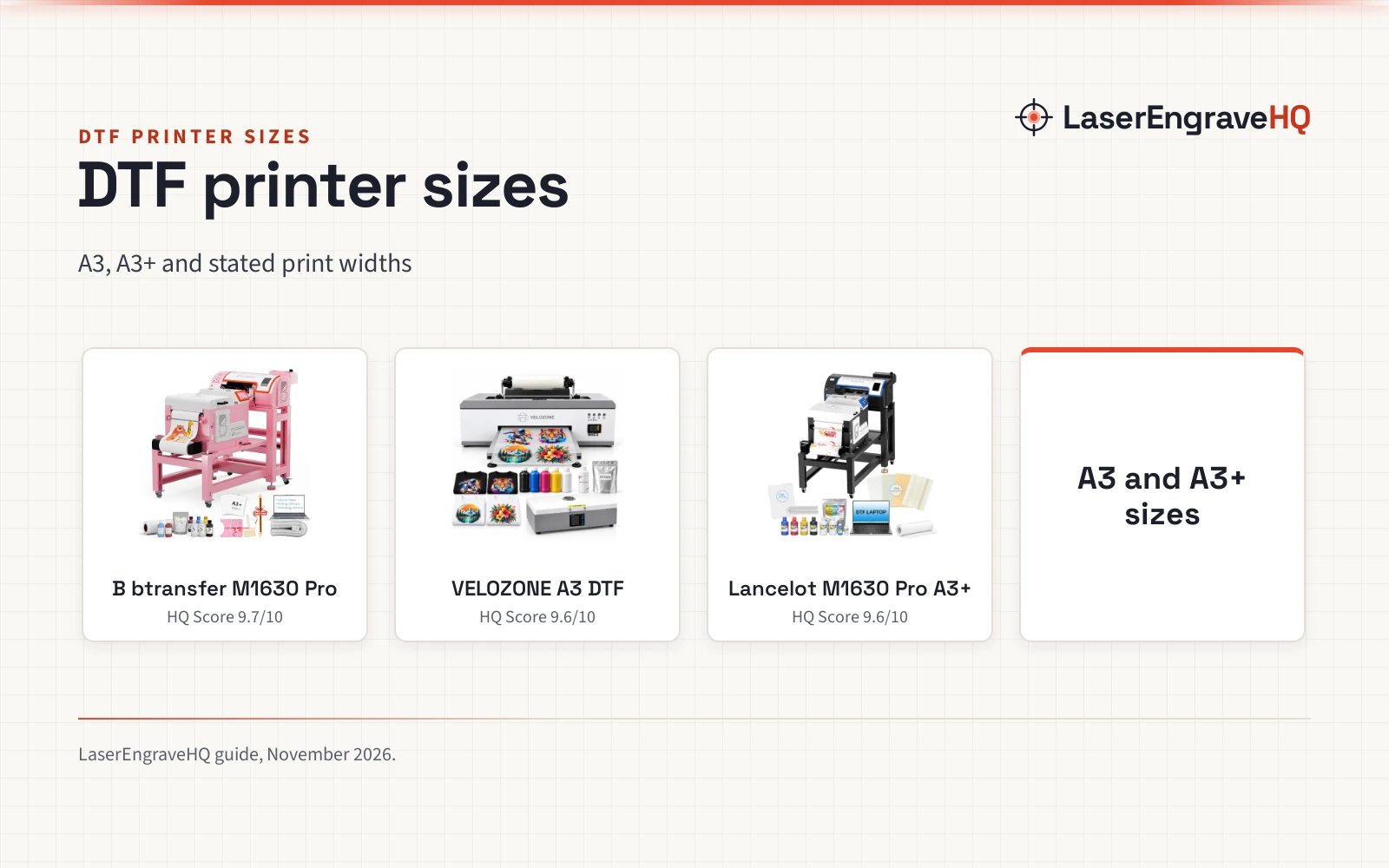
Printers in this guide come in A4 and A3 sizes, and the size sets the largest design the machine can print. The Carbcolords A4 printer (on Amazon) lists a maximum print width of 8.27 inches, and the Qilpho A4 printer lists a print width of up to 200 mm. A maker who prints chest logos, sleeve designs and small runs fits well on A4, while a maker who prints large back designs or runs of shirts gains room on A3.
Size also sets the weight and the space the printer needs. The Qilpho A4 printer with oven weighs 55.0 pounds and measures 26.72 by 19.65 by 11.2 inches, while the Qilpho A3 bundle with oven weighs 110.0 pounds.
Printheads matter as much as size. The Carbcolords A4 printer uses an XP600 printhead for sharp, vivid output. A printer with white ink circulation keeps the white ink moving, which cuts settling and clogging, and the Qilpho printers in this guide list built-in stirring, circulation and filtration for that job.
Step 4: Film, powder and ink
Film, powder and ink work as a set, and a weak link shows in the print. The CenDale film uses a 5-layer coating for ink absorption and color. The A-SUB film uses a matte finish with an anti-static coating.
The CenDale powder uses particles in the 80 to 200 um range for strong adhesion, and the kit holds 14 oz of it. The inkgens powder comes as 2 bags of 500 g, and the A-SUB kit holds 17.6 oz of white powder.
Ink quality shows in the wash. The Enlite ink lists soft prints with strong washability, and the CenDale film lists prints that stay soft, washable and breathable, with scratch and crack resistance. Press a sample shirt and wash it before the design goes on sale.
Step 5: The heat press and the workspace
The heat press turns a printed film into a finished shirt, and it needs its own space on the bench. The Carbcolords bundle states plainly that a separate heat press is required, and the Qilpho A4 bundle and the Qilpho A3 bundle with oven list an oven for melting the powder, which is a different job from pressing.
DTF printing uses inks and powders that give off fumes when heated, so the bench needs fresh air and room to lay out film, powder and finished shirts. Store film flat, powder sealed and ink upright. The cleaning solution guide covers the fluids that keep a printer clear, and the heat press mat guide covers the mat that sits under the press.
Step 6: Keep the printer running
A DTF printer needs steady care, and white ink is the part that needs it most. White ink settles when the printer sits idle, so the Qilpho printers in this guide use built-in circulation to keep it moving, with automatic cleaning that runs when the maker presses and holds for 5 seconds.
The EOXMMTOT kit holds 6 syringes of 10 mL with tips, for pushing ink through a damper or pulling air out of a tube. A maker who cleans on a schedule will see fewer clogs than a maker who waits for a problem.
Warranties in this guide run from a 1-month warranty on the EOXMMTOT cleaning kit to a 2-year warranty on the inkgens powder, with an 18-month warranty on the CenDale kit, 1-year warranties on the Qilpho and Carbcolords printers and lifetime technical support from Qilpho.
Common mistakes to avoid
- Buying a printer before knowing which fabrics the shop will print.
- Skipping the heat press and hoping the oven can do the pressing.
- Using the sublimation hack on dark fabric and wondering why the print looks thin.
- Letting white ink sit until it clogs the head.
- Selling a design before washing a sample print.
DTF printer for beginners: the short version
- Learn how DTF works: ink on film, powder, melt, press.
- Pick a size: A4 for small designs, A3 for larger runs.
- Buy a kit with film, powder and ink in the box.
- Add a heat press, since the printer bundle does not include a press.
- Set up ventilation and space for film, powder and finished shirts.
- Clean on a schedule and keep the white ink moving.
Everything after that is repetition: print, press, wash a sample and add designs as the shop grows.
FAQ: lasers and CNC
What does a DTF printer do?
A DTF printer prints a design on PET film. Powder is dusted over the wet ink, the powder is melted with heat, and a heat press moves the design onto fabric. The same design can go on cotton, polyester, leather, denim and more.
What else does a beginner need besides the printer?
A heat press, film, powder and ink. The printer bundles in this guide hold the printer, film, powder and ink, and most also include an oven, but the heat press sits outside the box.
Can a DTF printer print on dark shirts?
Yes, with white ink. The white ink prints under the design so the colors show on dark fabric. The sublimation hack has no white ink, so it suits white or light fabrics only.
A4 or A3: which size should a beginner pick?
A4 fits chest logos, sleeve designs and small runs, and the Carbcolords A4 printer lists a maximum print width of 8.27 inches. A3 gives room for larger designs and runs of shirts.
How long does a DTF print last?
It depends on the ink, the powder and the press. The listings in this guide state soft, washable prints with strong adhesion and scratch and crack resistance.
Is DTF printing hard to learn?
The steps are simple: print, powder, melt, press. The care is in the routine: keep the white ink moving, clean on a schedule and store film and powder dry.
Related: the craft machines hub, DTF printer paper and DTF powder. Also see DTF printer vs heat press and embroidery machine vs DTF printer.