Types of Resin Printers Compared
A plain guide to the main types of resin printers, how each type hardens liquid resin into a part, and which type fits miniatures, jewelry and larger projects.

On this page
Types of resin printers come down to how light reaches the resin. Masked LCD printers shine UV light through a screen, DLP printers project light through a lens, and laser SLA printers trace a beam across the surface. Each type hardens liquid resin into solid plastic, and the choice shapes detail, print speed, build size and upkeep. This guide explains each type in plain words, then matches each type to the projects it serves.
As an Amazon Associate I earn from qualifying purchases. LaserEngraveHQ earns a commission from purchases made through these links, at no extra cost to you. Read our affiliate disclosure.
How a resin printer builds a part
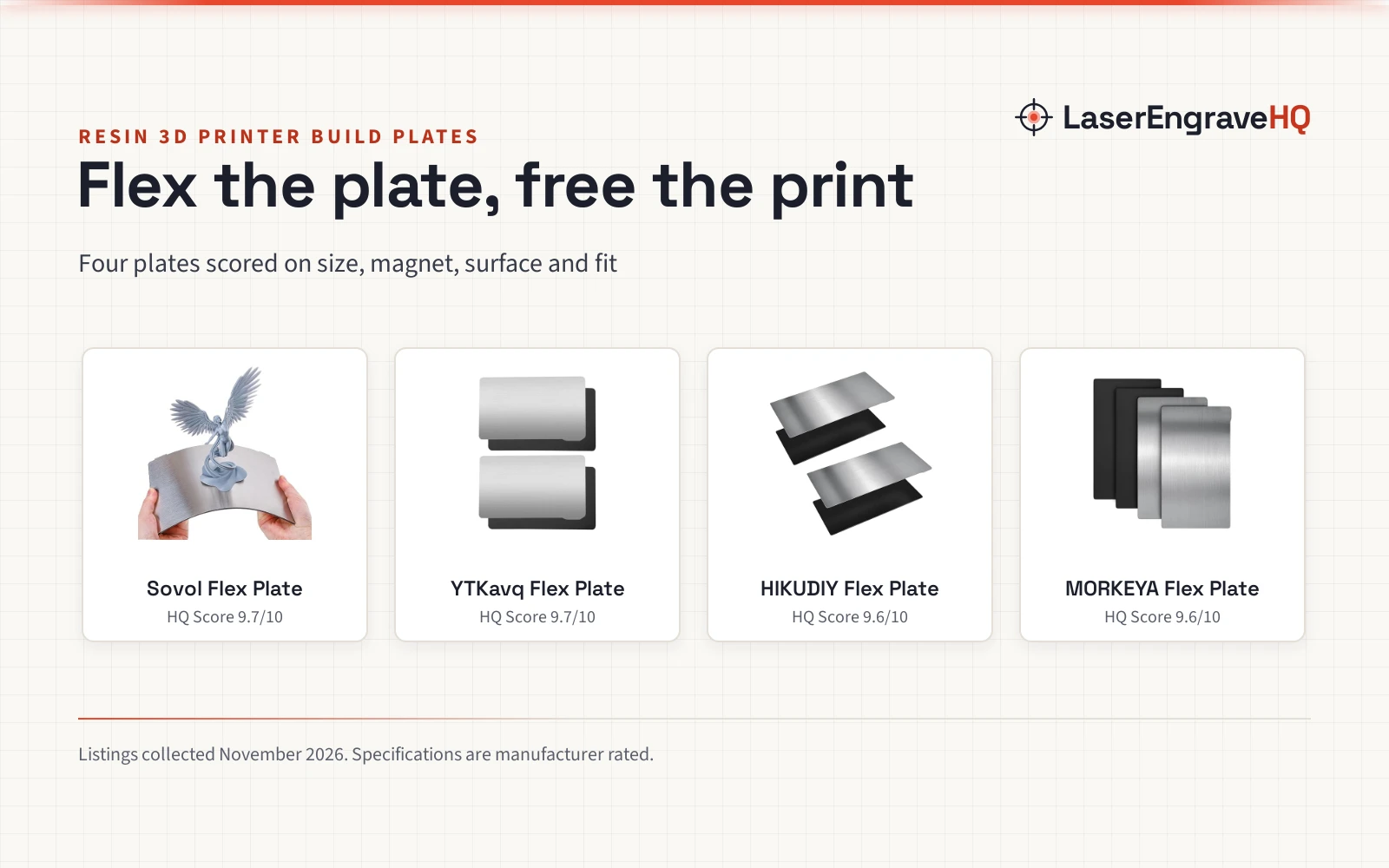
A resin printer works with a vat of liquid photopolymer resin and a build plate that rises as the part grows. Light hardens a thin slice of resin against the plate, the plate lifts, and fresh resin flows in for the next slice. When the print ends, the part leaves the plate soft and sticky, so it needs a wash in cleaning fluid and time under UV light to finish hardening.
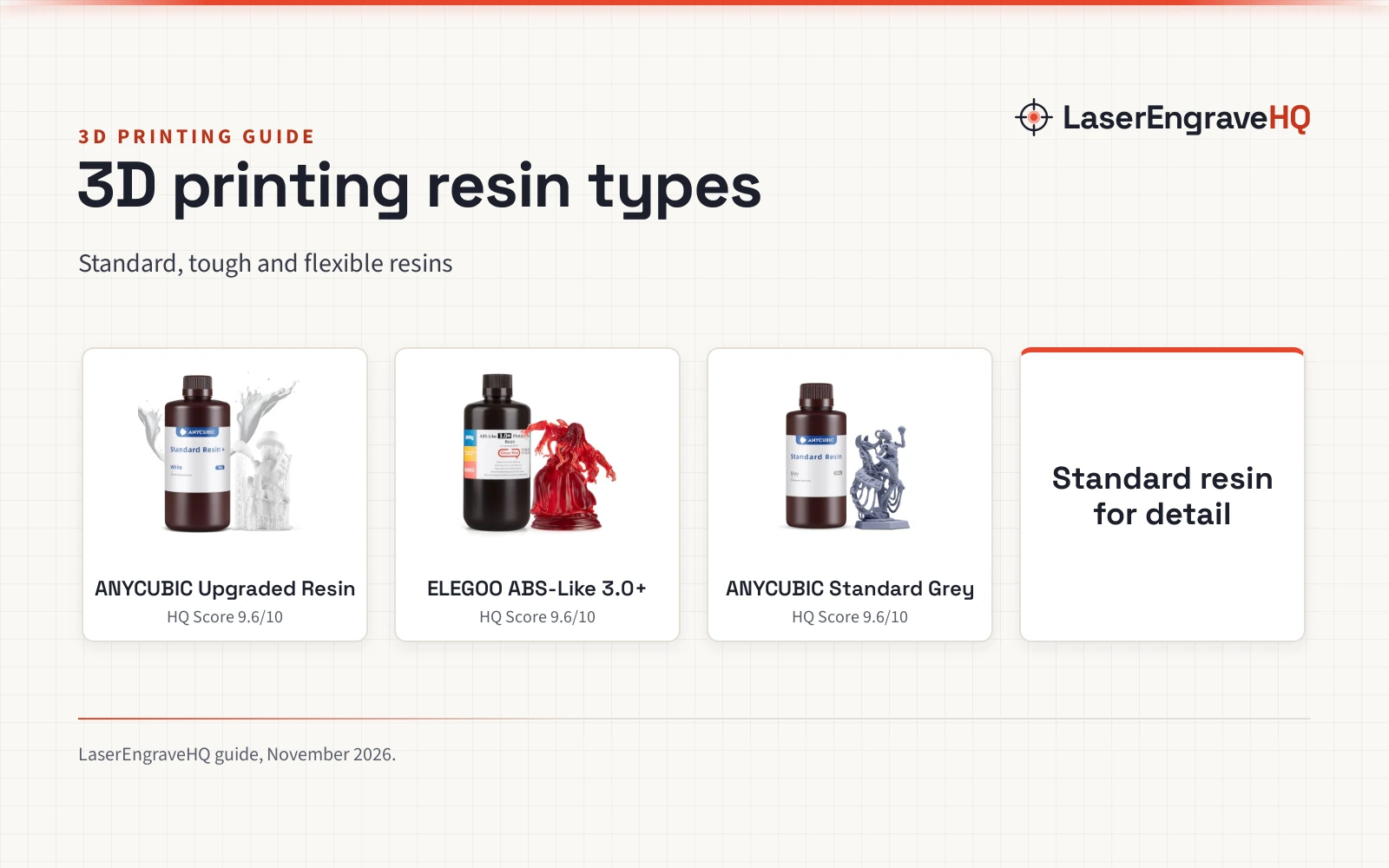
Resin stays messy to handle. Gloves keep it off skin, and a ventilated room keeps fumes moving outdoors. A wash station and a UV light box handle the finishing steps. See the guide to resin types before buying bottles, and the resin printer safety guide covers ventilation and gloves in more depth.
LCD and MSLA printers
An LCD printer, often called MSLA, places a liquid crystal screen between a UV light and the resin vat. The screen shows each slice as a dark and light pattern, and UV light passes through the clear areas to harden that slice. Because the whole slice hardens at once, print time depends on height rather than on how much of the plate is covered.
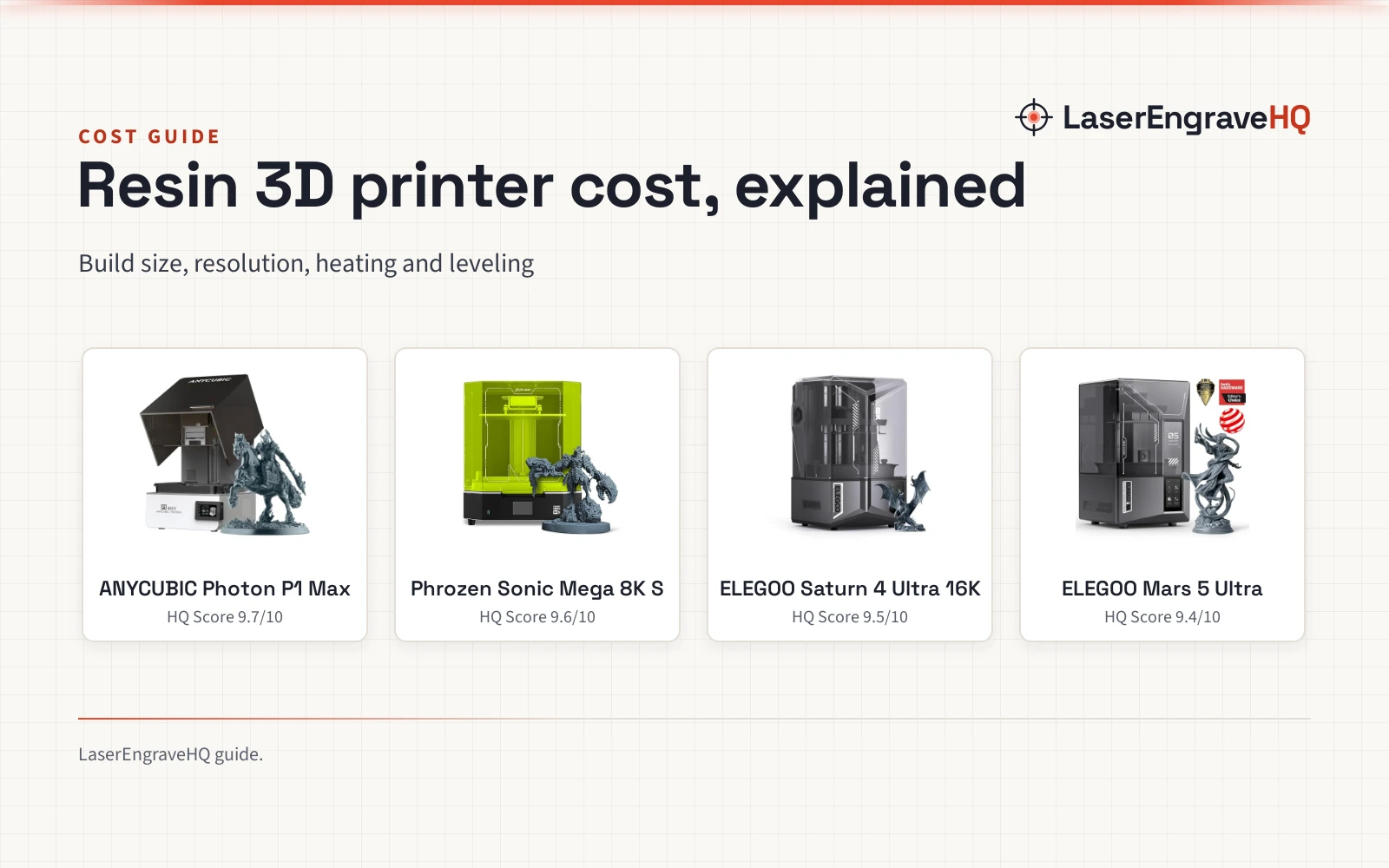
LCD printers are a common choice for miniatures, jewelry masters and small detailed parts. The screen is a wear item and needs replacement after long use, while the light source stays fixed and the screen does the masking. For buyers comparing models, the best resin printers roundup groups current LCD machines with DLP and laser options.
DLP printers
A DLP printer swaps the screen for a projector. The projector throws the slice image onto the resin through a lens, hardening the whole slice at once with crisp edges. DLP machines often give very sharp detail on small parts, which suits dental models, jewelry masters and tiny miniatures.
The projector lens sets the print area, so larger DLP machines need stronger optics to keep detail even across the plate. DLP printers sit at a higher price than LCD machines of similar size, and the projector lamp or light engine is a part that wears with use.
Laser SLA printers
A laser SLA printer traces each slice with a focused beam, drawing the shape point by point instead of flashing the whole slice. The traced edge stays smooth, which suits larger parts, casings and prototypes where surface finish matters. Tracing a full plate takes longer than flashing a whole slice, so laser machines trade speed for smoothness when the plate is full.
Laser SLA machines come in desktop and large-format sizes, so build area varies by model rather than by type. The resin and the finishing steps stay the same: wash, then harden under UV light.
How the types differ
| Type | Light source | How it prints | Suits |
|---|---|---|---|
| LCD / MSLA | UV light through a screen | Whole slice at once | Miniatures, jewelry masters, small detailed parts |
| DLP | Projector through a lens | Whole slice at once | Sharp small parts, dental models, jewelry masters |
| Laser SLA | Traced beam | Slice drawn point by point | Casings, smooth prototypes |
Picking a type for a project
Begin with the part, not the machine. Miniatures and jewelry masters need fine detail, so LCD or DLP machines fit. Larger casings and prototypes need build area and smooth walls, so compare build volumes across types instead of assuming one type covers large parts. A maker who prints often should weigh upkeep too: screens wear on LCD machines, light engines wear on DLP machines, and laser machines avoid screens and projector light engines, while tracing a full plate takes longer than flashing a whole slice.
LCD machines make a common choice for newcomers, since the machines are simple to run and the resin range is wide. The beginner resin printer guide walks through setup, and the entry-level resin printer roundup lists machines suited to newcomers. Makers who also print with filament can compare the approaches in the FDM versus resin guide.
Common mistakes to avoid
- Skipping gloves and ventilation: handle resin with gloves and keep air moving through the room.
- Judging a printer by resolution figures alone: detail also depends on the resin, the slice settings and the finishing steps.
- Forgetting the finishing gear: a wash station and a UV light box belong in the plan from the outset.
- Pouring used cleaning fluid or resin down a drain: collect waste as the local rules require.
- Leaving a print to harden in sunlight with no plan: uneven light leaves soft spots, so use a UV light box for even hardening.
Types of resin printers: the short version
- LCD printers mask UV light with a screen and harden whole slices at once.
- DLP printers project the slice image and give sharp detail on small parts.
- Laser SLA printers trace each slice with a beam for a smooth surface finish.
- Match the type to the part: detail for miniatures, size and finish for prototypes.
- Plan for gloves, ventilation, washing and UV hardening before printing begins.
FAQ: lasers and CNC
What is the difference between LCD and DLP resin printers?
An LCD printer masks UV light with a screen, while a DLP printer projects the slice image through a lens. Each hardens whole slices at once, so the difference sits in the optics: screens wear and need replacement, while projectors hold detail through a lens at a higher price for similar size.
Which type of resin printer suits miniatures?
LCD and DLP machines suit miniatures, since each hardens whole slices at once and holds fine detail. DLP machines edge ahead on the smallest features, while LCD machines cover the same work at a lower price.
Can a resin printer make functional parts?
Yes, with the right resin. Tough and flexible resins suit brackets, clips and housings, while standard resin suits display pieces. The resin types guide covers the grades that fit parts that carry a load.
Do resin printers need ventilation?
Yes. Resin fumes need fresh air, so run the printer in a ventilated room or with an extractor that vents outdoors. The resin printer safety guide covers ventilation and gloves.
What else does a resin printer need besides the machine?
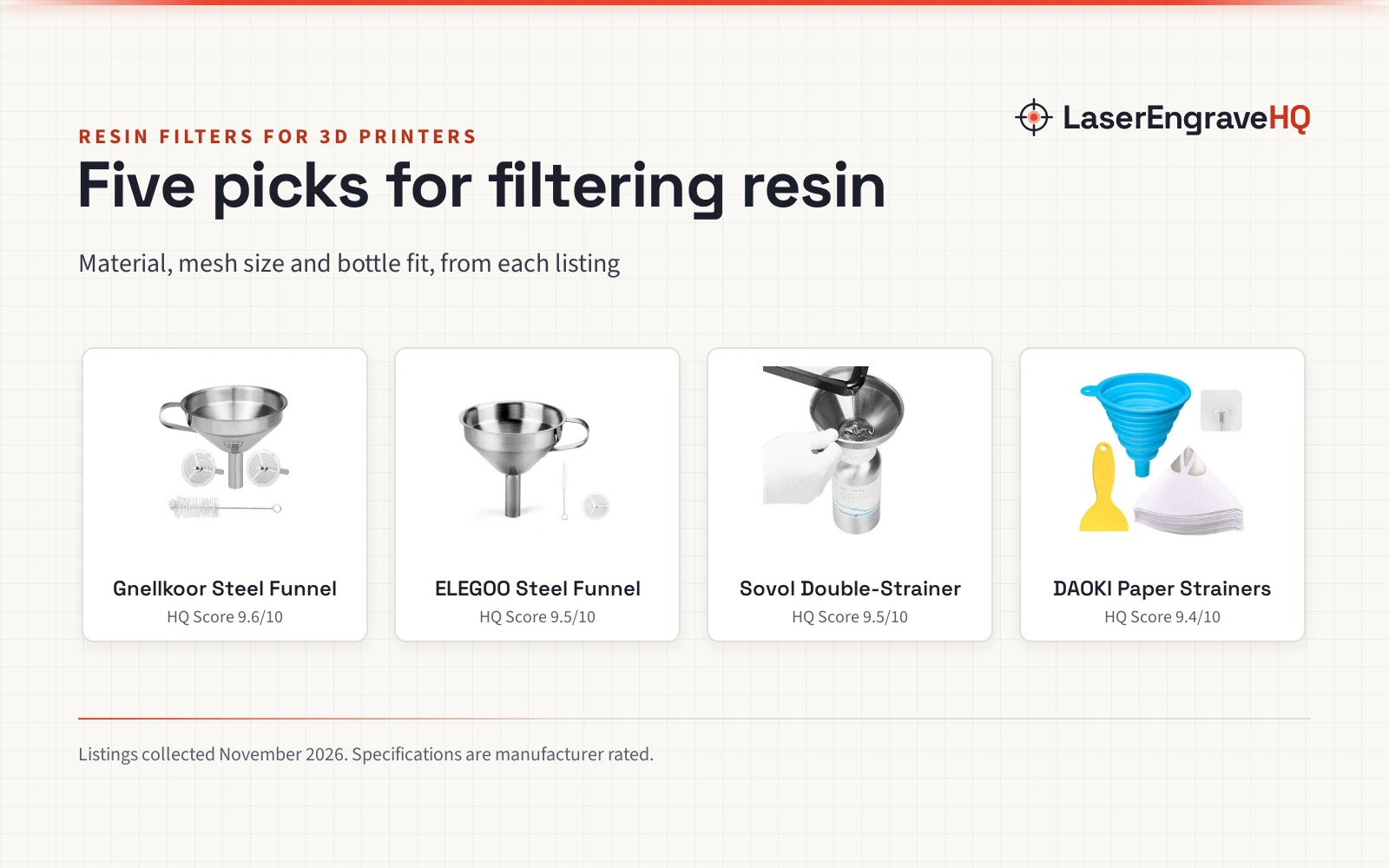
Resin, gloves, cleaning fluid, a wash station and a UV light box for hardening finished parts. A spare screen helps LCD owners, and a resin filter keeps bottles clean between prints.
Related: the 3D printer hub, resin 3D printers and best resin 3D printers. Also see types of 3D printers and FDM versus resin printers.