Can You Use 3D Pen Filament in 3D Printer: What to Check First
Short lengths of 3D pen filament can run in a 3D printer when the diameter and material match, so check the spool, the settings and the feed path before you load it.

On this page
Top picks at a glance
As an Amazon Associate I earn from qualifying purchases.
- 1
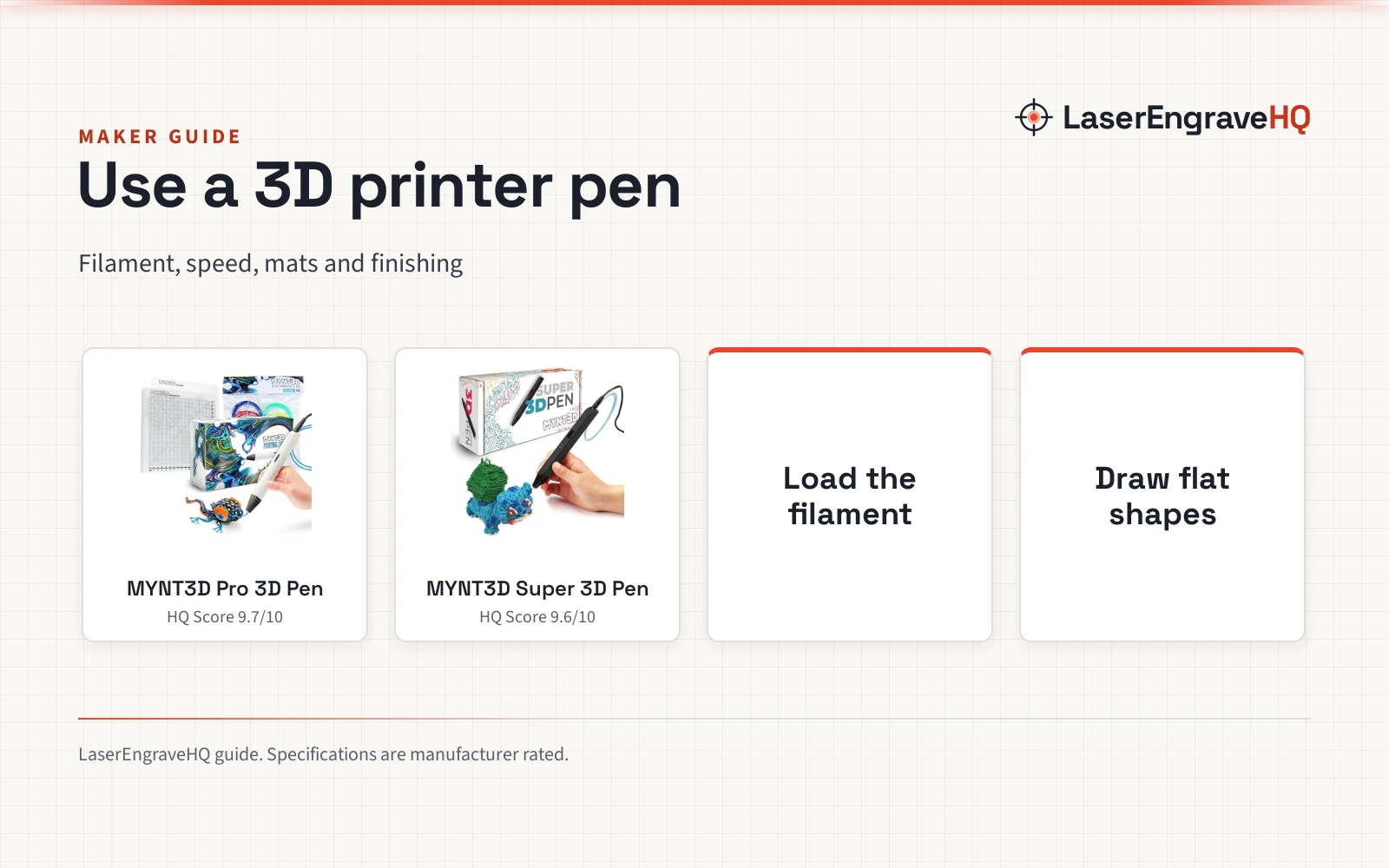
 MYNT3D Pro 3D Pen + 10 Color PLA + DesignPad Mat Kit9.7/10View on Amazon
- 2
 MYNT3D Super 3D Pen9.6/10View on Amazon
- 3
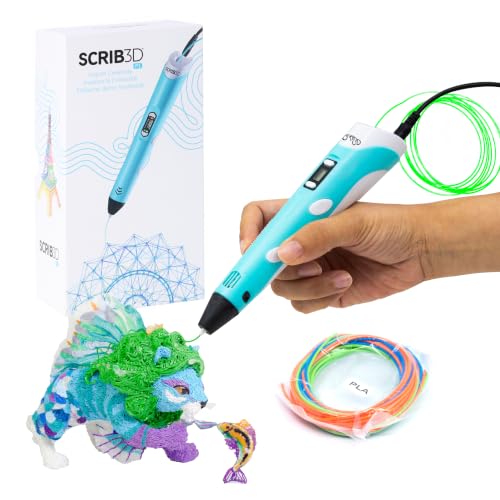 SCRIB3D P1 3D Printing Pen with Display9.6/10View on Amazon
This guide covers can you use 3d pen filament in 3d printer. Can you use 3D pen filament in a 3D printer? Yes, when the filament matches what your printer already uses: the same diameter, the same material, and a length or spool your extruder can feed without stopping. A 3D pen and a 3D printer melt filament and push it through a heated nozzle, and the filament they use is the same kind of stock. The difference is the packaging. Pen filament often comes in short lengths or small spools, and that packaging is where most problems start. Check the diameter, the material, and the feed path before you load it, and print a small piece first.
LaserEngraveHQ earns a commission from purchases made through these links, at no extra cost to you. Read our affiliate disclosure.
Pen filament is sold for hand drawing, so it often arrives in short lengths that a printer cannot feed on its own. The checks below matter more than the brand on the pack.
Can you use 3D pen filament in a 3D printer: can you use 3d pen filament in 3d printer
The short answer is yes, as long as the filament fits the machine. Diameter decides whether the extruder can grip it and push it through. Material decides which settings the print needs. Feeding decides whether the print runs to the end without stopping. When all of those line up, pen filament prints like any filament of the same type.
Match the diameter before anything else
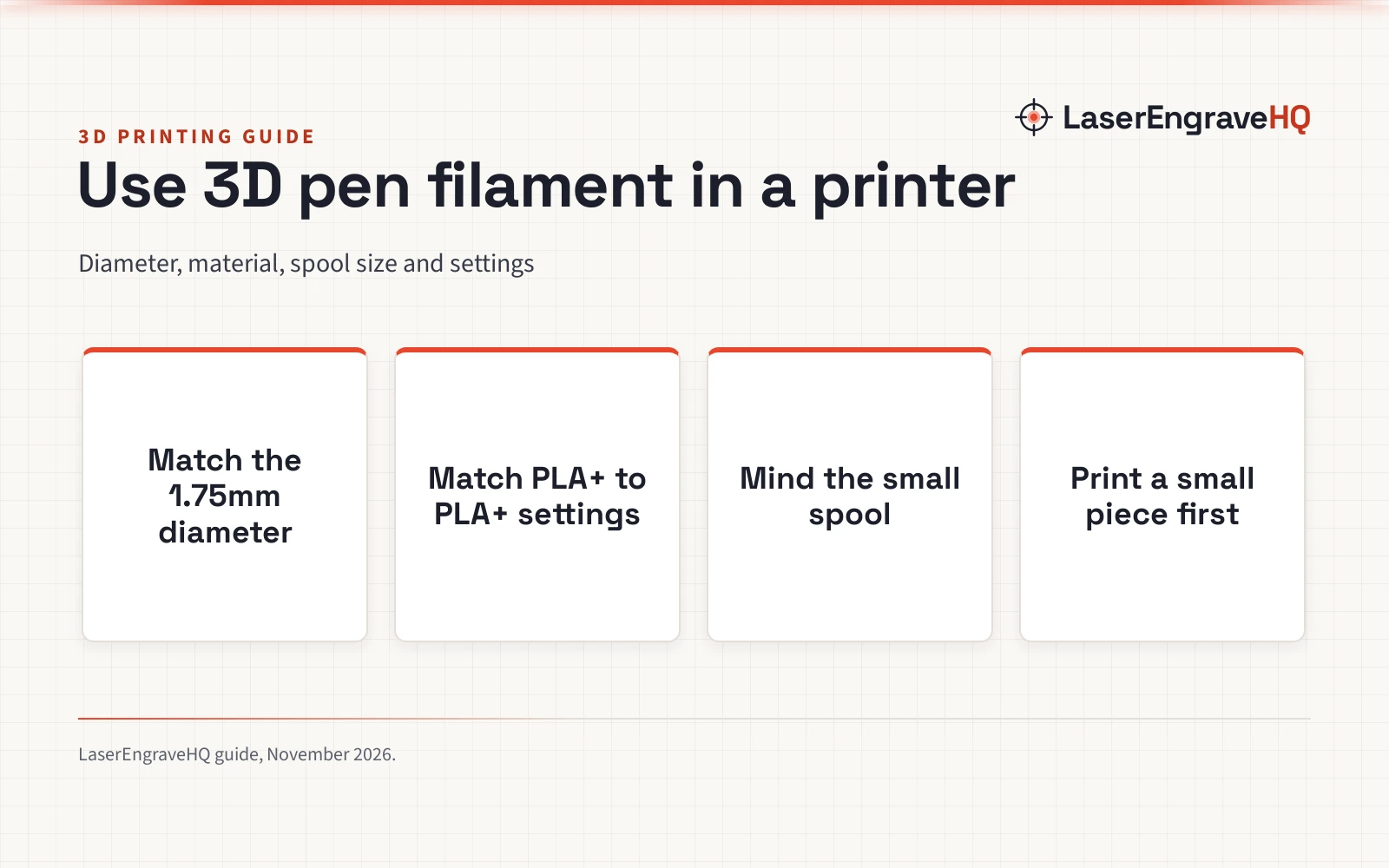
Most desktop printers take 1.75mm filament, and most pen filament is sold at the same 1.75mm diameter, which is why the swap often works. Check the pack before you load anything: the diameter is the figure that must match exactly. UJOY3D lists its Hyper PLA+ and Elite PLA+ bundles at 1.75mm diameter with plus or minus 0.03mm accuracy, a tolerance that suits a 1.75mm extruder. A thicker filament will not enter the feed path, and a thinner one will slip or grind. If the pack states a different diameter, do not force it through the machine.
Match the material and the print settings
Diameter alone is not enough: the material must match the settings your printer is running. Pen filament is commonly sold as PLA or PLA+, and those grades print with the same kind of settings as printer PLA+. UJOY3D lists suggested settings for its Hyper PLA+ and Elite PLA+ filament at a nozzle temperature of 205 to 220 degrees Celsius, with 210 degrees Celsius for the first layer, a heated bed at 55 to 65 degrees Celsius, and a printing speed range of 200 to 400 mm/s. Use the settings the maker of your filament lists, and start near the middle of the stated range when the pack gives a range. Do not mix materials in a print, and do not run pen filament at settings meant for a different material. If the pack states no settings, use the settings for the same material from a filament maker you already trust.
PLA is the usual match for a pen filament swap. Read the Overture PLA vs Polymaker PLA comparison to see how PLA grades differ, and the best FDM 3D printing filament guide for grades that run well on a desktop machine.
Mind the spool and the feed path
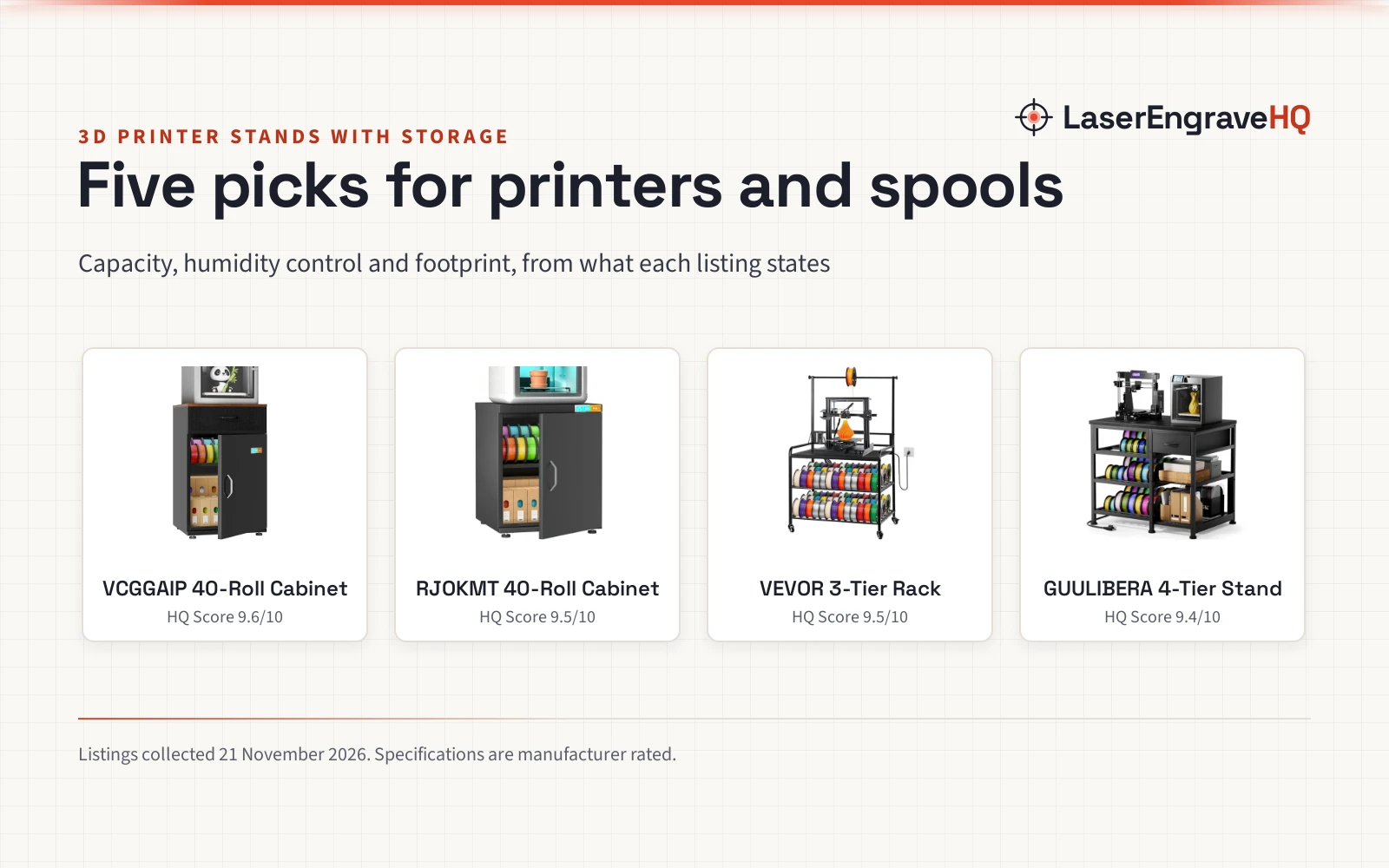
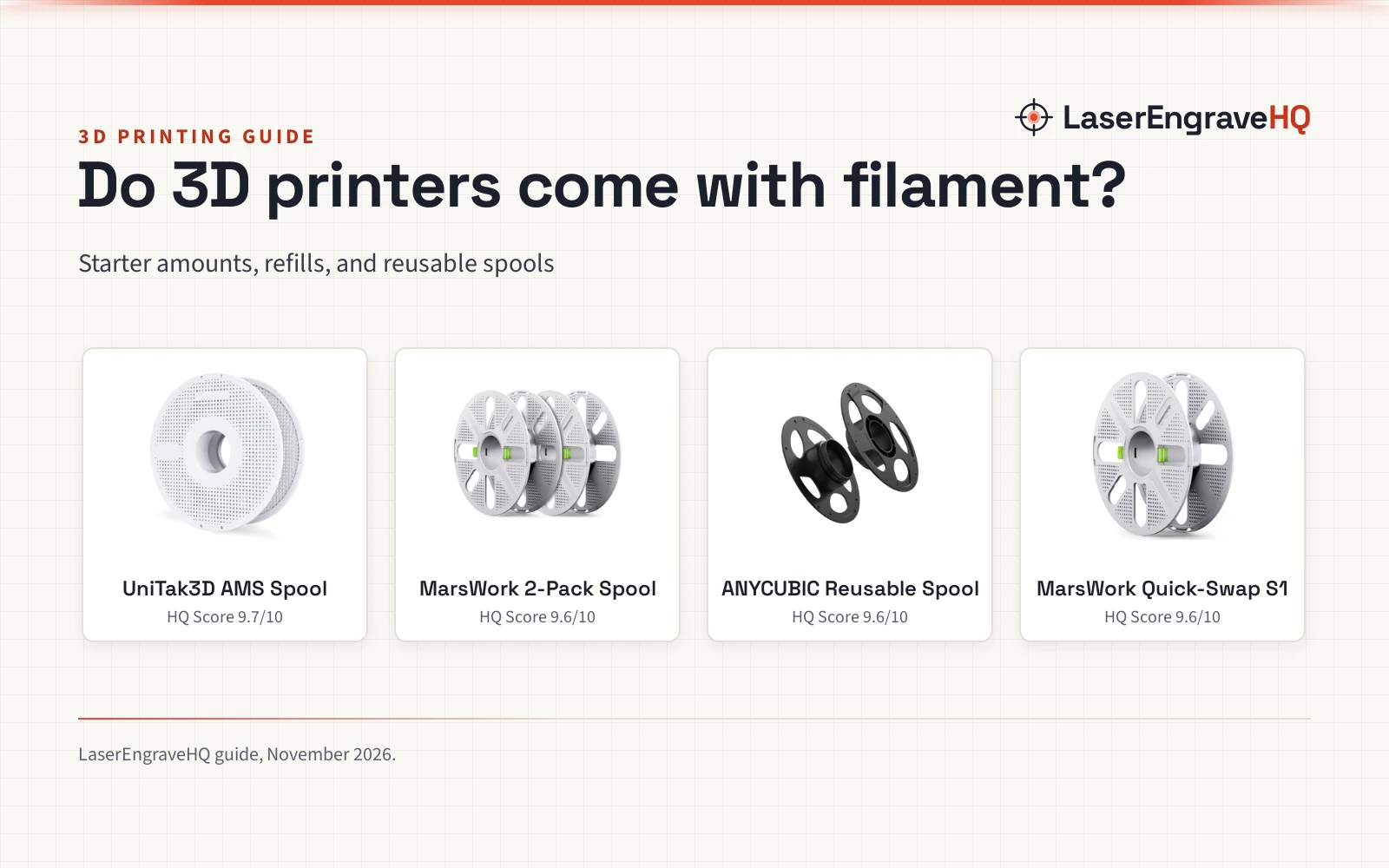
Feeding is the step where pen filament most often fails. Pen filament is sold in short lengths that end mid-print, and a print that runs out of filament stops with an unfinished part. Small spools cause the same trouble in a different way: a spool that is too small for the holder can wobble, drag, or pull unevenly. UJOY3D sells its Hyper PLA+ as a bundle of 8 spools at 0.25kg per spool, 2kg in total, and its Elite PLA+ as a bundle of 16 spools at 0.25kg per spool, 4kg in total. The maker notes that the small spool fits most FDM 3D printers and that users can also print a small spool adapter for a better print experience. Make the adapter before a long print. Keep short lengths for the pen, and load the printer only from a spool or a length long enough to finish the part.
Print a small piece first
Before you commit to a long print, run a small piece with the pen filament and watch the early layers. Look for even lines, clean corners, and layers that bond to the layer below. If the lines are thin or broken, the filament may be slipping in the extruder, which points back to diameter or a worn feed path. If the corners lift, the bed setting or the first-layer setting needs attention, so check the figures the filament maker lists. A small piece costs little filament and little time. When it looks right, run the full part with the same settings. If problems show up, the problems with 3D printing guide walks through the common causes and fixes.
Common mistakes to avoid
- Loading filament without checking the diameter on the pack.
- Running pen filament at settings meant for a different material.
- Starting a long print from a short length that cannot finish it.
- Using a small spool without an adapter, so it wobbles and feeds unevenly.
- Skipping the small trial piece and finding the problem hours into a print.
Can you use 3D pen filament in a 3D printer: the short version
- Check the pack for 1.75mm diameter and a material your printer already runs.
- Use the settings the filament maker lists for that material.
- Load from a spool that fits the holder, and add an adapter for a small spool.
- Print a small piece first and watch the early layers.
- When the small piece looks right, run the full part with the same settings.
FAQ: lasers and CNC
Can you use 3D pen filament in a 3D printer without changing settings?
Only when the pen filament is the same material and diameter your printer is already set up for. UJOY3D lists its PLA+ filament at 1.75mm diameter with a nozzle range of 205 to 220 degrees Celsius, 210 degrees Celsius for the first layer, and a bed range of 55 to 65 degrees Celsius. When the material matches, those figures carry over.
Does 3D pen filament jam a 3D printer?
It can, when the diameter is wrong or the feed path cannot grip the filament. A pack that states 1.75mm diameter with plus or minus 0.03mm accuracy feeds like standard printer filament. Short lengths are the other cause of trouble: a length that ends mid-print stops the print, so load from a spool or a length long enough to finish the part.
Can you use 3D pen filament for a full print?
Yes, when the length is enough for the part. Pen filament is often sold in short lengths or small spools, such as 0.25kg per spool in the UJOY3D bundles, so a small spool may not hold enough for a large part. Check the spool weight against the size of the part before you start.
Is 3D pen filament the same as printer filament?
The plastic is the same kind of material when the material matches: pen filament sold as PLA+ at 1.75mm diameter is PLA+ stock, like printer PLA+ at that diameter. PLA+ is not a fixed recipe, so the exact blend varies by maker, and the settings the maker lists still matter. What differs most is the packaging: short lengths and small spools instead of the large spools printers usually take.
How should you store leftover 3D pen filament?
Keep it dry and sealed. UJOY3D ships its filament in individually vacuum sealed packaging with desiccant to keep moisture out during transit and storage. At home, a sealed bag or box with desiccant works the same way. The best filament storage rack guide covers holders that keep spools dry and ready.
Related: the 3D printers hub, best FDM 3D printing filament and Overture PLA vs Polymaker PLA.