3D Scanner for Car Parts: A Practical Guide
A 3D scanner for car parts turns a broken bracket or trim clip into a digital model that can be measured, repaired in software and printed as a fresh part.

On this page
Top picks at a glance
As an Amazon Associate I earn from qualifying purchases.
- 1
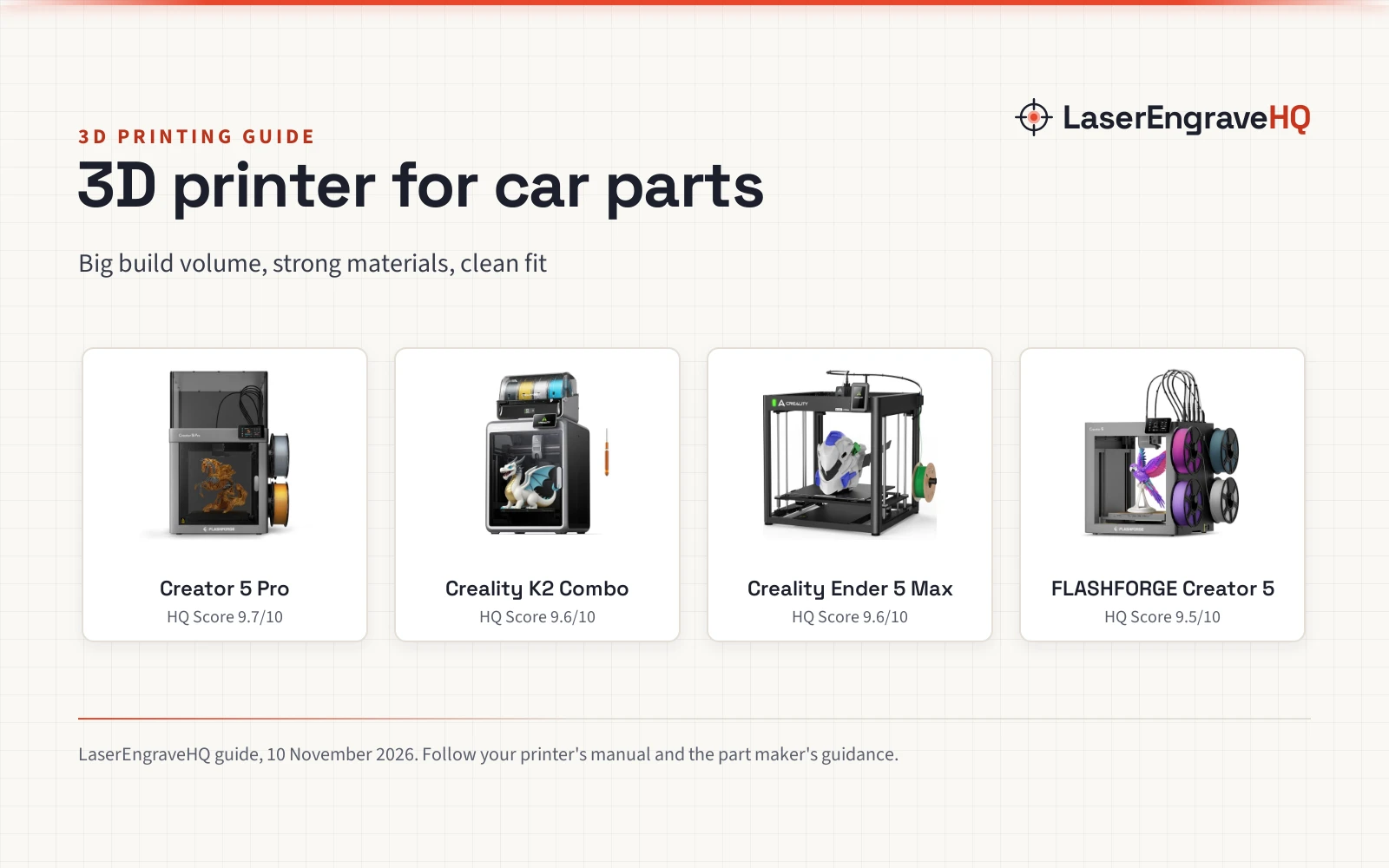
 FLASHFORGE Creator 5 Pro Industrial 3D Printer9.7/10View on Amazon
- 2
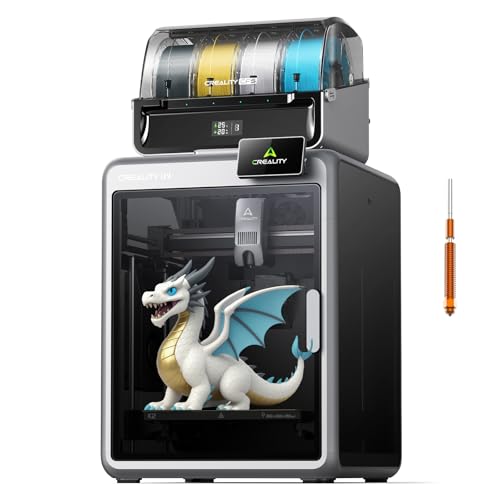 Creality K2 Combo9.6/10View on Amazon
- 3
 Creality Ender 5 Max 3D Printer 400×400×400mm Large Build9.6/10View on Amazon
A cracked bumper bracket, a missing trim clip, a worn gear in an old door handle: small car parts fail, and the replacement is often out of stock or priced like a whole assembly. A 3D scanner for car parts turns the broken piece in hand into a digital model that can be measured, repaired in software, and printed or machined as a fresh part. This guide covers how that works, what to look for, and how to get a clean scan.
LaserEngraveHQ earns a commission from purchases made through these links, at no extra cost to you. Read our affiliate disclosure.
How a 3D scanner for car parts works
Most handheld scanners in the reference listings work the same way: a projector or laser throws a pattern of lines across the part, cameras read how the pattern bends over curves and edges, and software stitches the passes into a mesh. The listings describe blue laser line modes, infrared structured light, and marker-free tracking that locks onto the shape of the part. Small magnetic markers give the tracker fixed points on plain surfaces; the magnetic markers for 3D scanner guide covers the options.
Accuracy is the figure that matters most for parts that must fit. The reference listings state accuracy figures of 0.01mm, 0.02mm, 0.03mm, 0.07mm and 0.1mm depending on the model. Speed is stated as a frame rate: up to 90 FPS on several models, up to 110 FPS on the Pika, and 10 FPS on the entry-level handheld. A higher frame rate means smoother tracking while the scanner moves, which helps on long passes around a bumper or a door panel.
Step 1: Prep the part before scanning
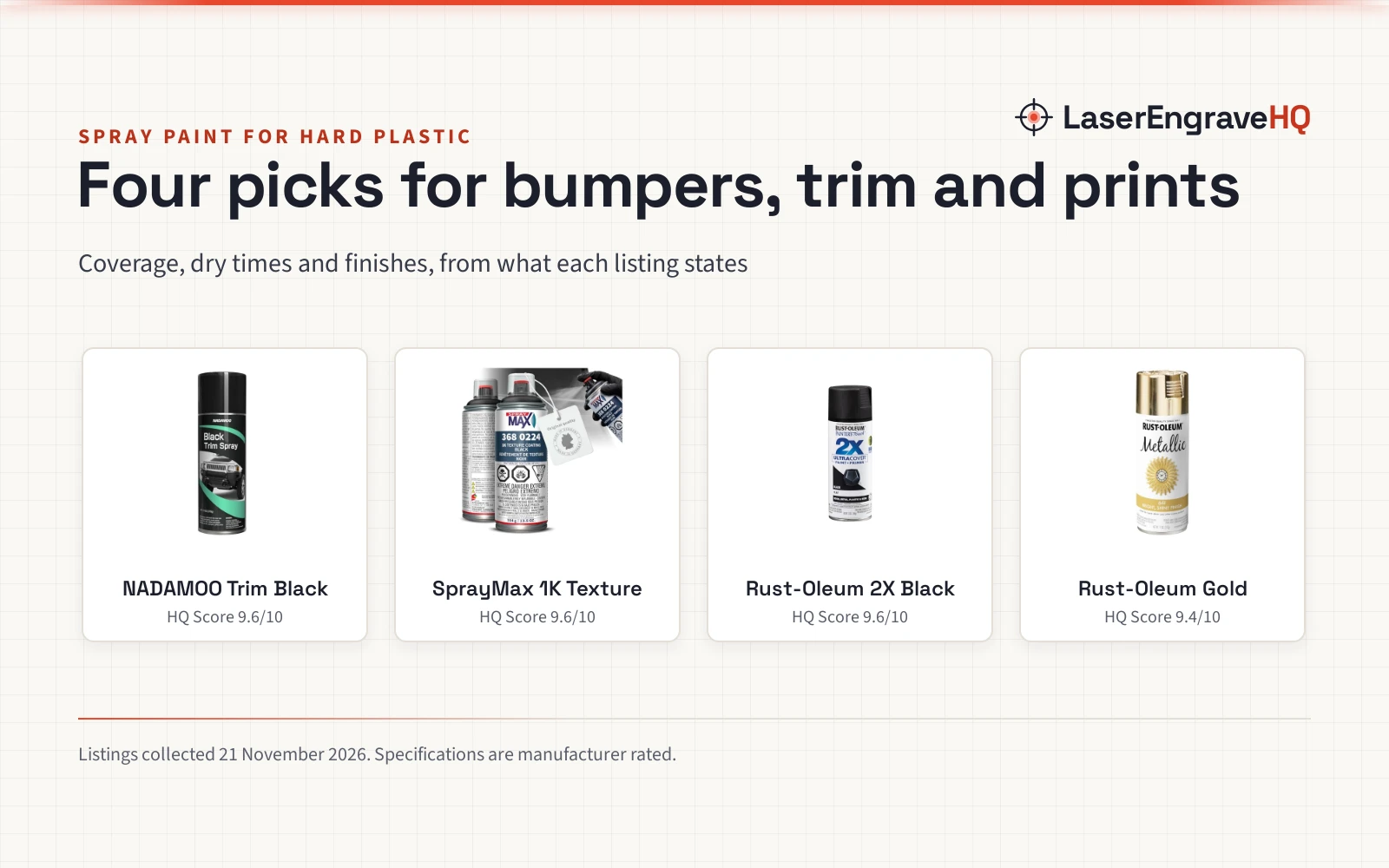
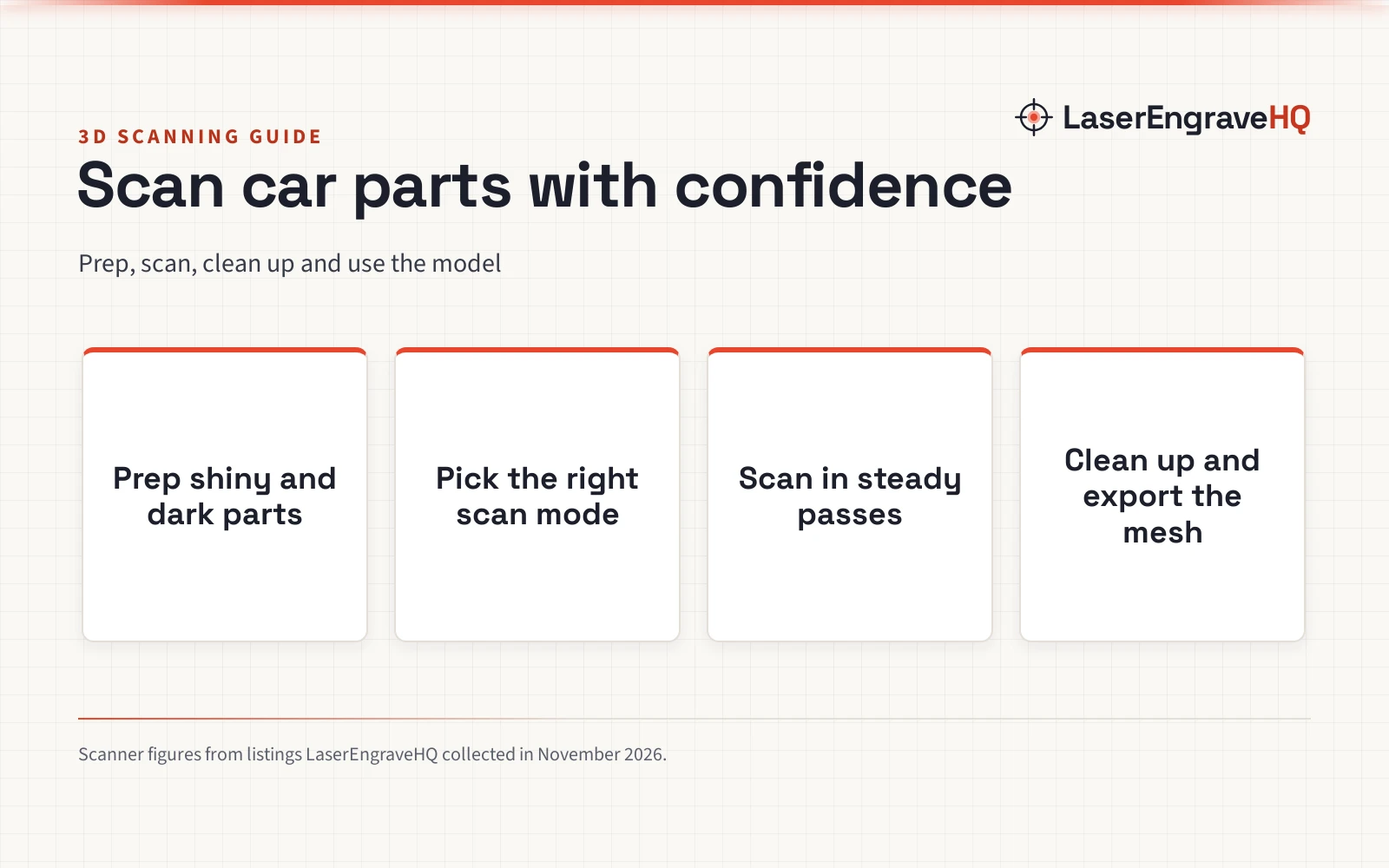
Begin with the part clean and dry, mounted so it cannot wobble. A bracket clamped to a bench scans better than one held in a hand, and a part that moves mid-scan leaves a doubled edge in the mesh. Shiny chrome, gloss black paint and clear plastic are the hard cases, since the pattern slides off them instead of bending over the surface. Some scanners handle dark and metallic surfaces with no spray, and the Creality CR-Ferret SE states it scans black, dark and metallic objects without spray or markers. Where the surface still will not read, a light coat of matte spray fixes it; see the matte spray for 3D scanning guide for the options that suit hard surfaces.
Keep the rest of the prep simple: wipe off grease, tape over holes that do not need to be in the model, and add markers only if the scanner loses track on a plain surface. The EINSTAR 2 listing supports 3mm, 6mm and 12mm markers.
Step 2: Pick the scan mode for the part
Laser line modes suit small, detailed parts: a single-line mode reaches into deep holes and narrow gaps, parallel lines pick up fine detail, and crossed lines cover a larger area fast. The Revopoint MetroY Ultra (on Amazon) lists 5 modes, with 34 laser cross-lines for rapid scans, 15 parallel lines for fine detail, and a single-line mode for deep holes. Infrared structured light suits larger shapes, and the Creality Pika lists dual 7-line blue laser and infrared light in one unit, with a 3-inch touchscreen.
For a whole panel or a body shell, range matters more than line count. The Creality Sermoon P1 and Sermoon S1 both list a scan range from 5 mm to 4000 mm.
Step 3: Scan in steady passes
Move slowly and keep the part in frame. Tracking loss often comes from moving too fast or swinging past an edge and back again, which forces the software to re-lock onto the shape. The Fox handheld lists AI visual tracking that re-locks onto scanned areas when tracking is interrupted, and the Creality Pika (on Amazon) lists up to 110 FPS on a PC link, with 40 fps on laser mode and 20 fps on infrared when connected to a phone. A smooth, overlapping pass beats a fast one.
Sunlight is the other enemy of a clean scan. The Revopoint MetroY Ultra lists outdoor scans in light up to 100,000 lux, and the EINSTAR 2 lists laser HD mode up to 110,000 lux and IR rapid mode up to 70,000 lux. A scanner with a battery grip keeps working away from an outlet: the MetroY Ultra lists a 5600mAh battery grip giving about 2.5 hours of power, while the EINSTAR 2 lists a swappable battery giving up to 3 hours of scanning.
Step 4: Clean up the mesh and export it
Raw scans need cleanup before they become a usable part: align the passes, fill small holes, smooth noise, and cut away the bench or the clamp from the edges. The Fox listing describes one-click processing that aligns the point cloud, fuses it, reduces noise and optimizes the mesh, and several listings export finished models in STL, OBJ, PLY and ASC formats for CAD software and 3D printers. Check the mesh against the real part before printing. For parts that must match a mating surface, the MetroY Ultra lists 11 GD&T measurement types, dimension extraction, and CAD deviation analysis, with a carbon fiber ball plate for on-site verification.
What to check before buying
Match the scanner to the parts, not to the spec sheet. A scanner that lists 0.02mm accuracy and a 6-inch touchscreen suits fine work on small brackets, while one that lists a 4000 mm range and outdoor scanning suits panels and bodywork. Weight matters for long sessions: the Fox lists 210g and the CR-Ferret SE lists 105g. Check the warranty term too: the MetroY Ultra lists a 2 year warranty and the Sermoon S1 lists a 1 year warranty. The Pika lists Wi-Fi 6 for cable-free transfer to a phone or PC. A 24-bit color camera, listed on the CR-Ferret SE with a 2MP sensor, helps when the scan must carry the look of the part as well as its shape.
Shiny, dark and black parts
Car parts are often the worst case for a scanner: gloss paint, chrome trim, black plastic and oily metal. Some scanners handle these surfaces directly: the MetroY Ultra lists no-spray scanning for dark or shiny surfaces, the EINSTAR 2 lists direct scanning of black or reflective objects with no spray, and the CR-Ferret SE lists scanning of black, dark or metallic objects without spray or markers. Where the surface still will not read, matte spray dulls it for the scan and wipes off after; the spray for 3D scanning guide compares the options for reflective, transparent and dark surfaces. Markers are another option; the magnetic markers for 3D scanner guide covers the sets for plain panels.
FAQ: lasers and CNC
Can a 3D scanner copy a car part exactly?
A scanner copies the shape it can see, not the part as a whole. Hidden faces, deep bores and the back of a bracket need more passes or another setup, and the mesh still needs cleanup in software before it prints or machines cleanly. Check the dimensions that matter against the real part.
Do I need spray to scan a shiny car part?
Not always. Several scanners in the listings scan dark, shiny and metallic surfaces with no spray, and the CR-Ferret SE states it directly. If the scan keeps dropping out on chrome or gloss paint, a light coat of matte spray usually fixes it, and the matte spray for 3D scanning guide lists the options for hard surfaces.
How accurate is a 3D scanner for car parts?
It depends on the model. The reference listings state accuracy figures of 0.01mm, 0.02mm, 0.03mm, 0.07mm and 0.1mm, with the smallest figures on the metrology-oriented models. The scan still needs a check against the real part on the faces that must fit.
Can I scan a whole car body with a handheld scanner?
The range figures say yes for panels: the Sermoon P1 and Sermoon S1 list a scan range from 5 mm to 4000 mm. A full body takes many passes and a lot of cleanup.
What file formats do 3D scans export to?
The listings state STL, OBJ, PLY and ASC formats, which cover CAD software, modeling tools and 3D printing workflows. STL suits printing, and OBJ and PLY carry the model into CAD software and modeling tools.
Do I need markers to scan a car part?
Often not. Marker-free tracking is listed on several models, and the Fox lists AI visual tracking that re-locks when tracking is interrupted. Markers help on plain parts, and the EINSTAR 2 supports 3mm, 6mm and 12mm markers.
Related: the tools to clean up 3D prints guide, the PLA filament for 3D printers picks, and the spray for 3D scanning guide.