What to Do If Your Laser Engraver Catches Fire: Emergency Steps and Prevention
A step-by-step guide explaining what to do if your laser engraver catches fire, how to suppress flames safely, and how to prevent future workshop hazards.

On this page
Top picks at a glance
As an Amazon Associate I earn from qualifying purchases.
- 1
 First Alert Fire Extinguisher9.8/10View on Amazon
- 2
 Kidde Basic 110 Fire Extinguisher for Home9.7/10View on Amazon
- 3
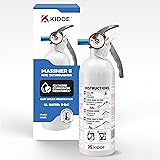 Kidde Mariner 5 Fire Extinguisher for Boats and Watercrafts9.6/10View on Amazon
- 4
 ORTUR Laser Master 2 S2 LU2-10A Laser Engraver LaserView on Amazon
- 5
 ORTUR Laser Rotary RollerView on Amazon
- 6
 Twotrees TTS-10 Pro Laser EngraverView on Amazon
- 7
 Twotrees TTS-20 Max 20000mW Laser Engraver and Cutter MachineView on Amazon
- 8
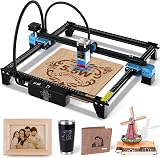 Twotrees TTS-55 Pro Laser Engraver 5500mW Laser EngravingView on Amazon
- 9
 Twotrees TTS-20 Pro Laser EngraverView on Amazon
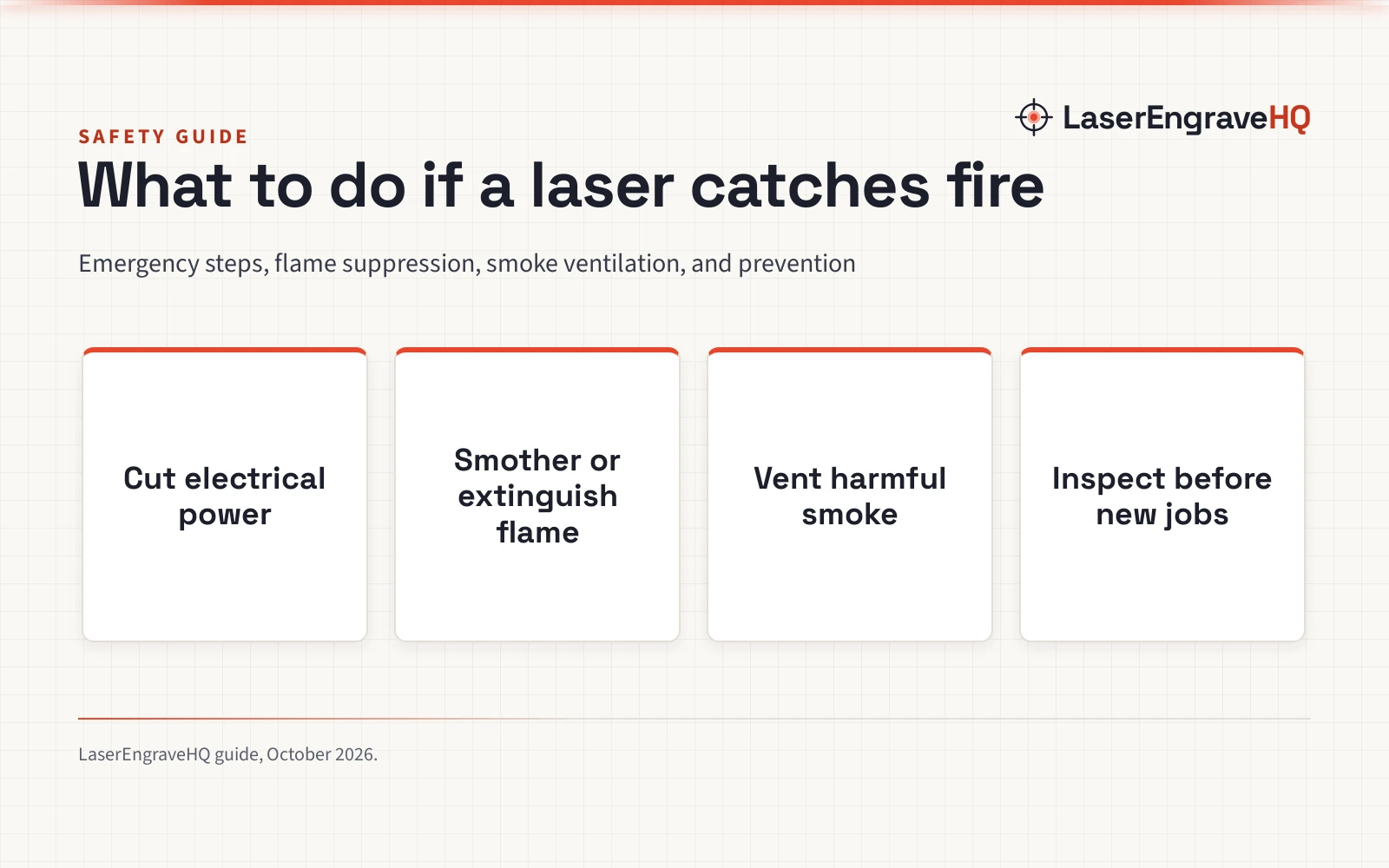
What to do if your laser engraver catches fire comes down to immediate moves: cut electrical power at once, smother or extinguish the flame without spreading burning debris, clear harmful smoke, and inspect the hardware before attempting repairs. Laser cutting concentrates high optical energy onto flammable materials like wood, paper, and acrylic, meaning a small flare-up can become an active blaze if supplied with fresh oxygen. The sections below walk through each emergency action step by step, explain how to handle active flames, and outline practical workshop habits to prevent future fire hazards.
Other machines to compare
 ORTUR Laser Master 2 S2 LU2-10A Laser Engraver LaserCheck price on Amazon
 ORTUR Laser Rotary RollerCheck price on Amazon
 Twotrees TTS-10 Pro Laser EngraverCheck price on Amazon
 Twotrees TTS-20 Max 20000mW Laser Engraver and Cutter MachineCheck price on Amazon
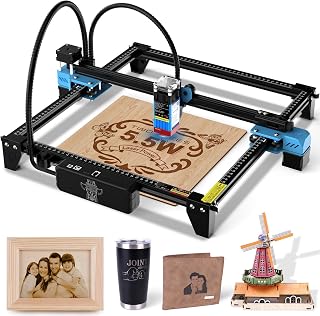 Twotrees TTS-55 Pro Laser Engraver 5500mW Laser EngravingCheck price on Amazon
 Twotrees TTS-20 Pro Laser EngraverCheck price on Amazon
LaserEngraveHQ earns a commission from purchases made through these links, at no extra cost to you. Read our affiliate disclosure.
Never throw water onto an active laser cutter, and never lift an enclosure lid suddenly while open flames burn inside. Introducing fresh oxygen into a contained enclosure can trigger a rapid flare-up, while water creates severe electrical shock hazards and permanently ruins optical lenses and controller circuitry.
Step 1: Cut electrical power immediately
The immediate priority when noticing open flames on the cutting bed is cutting electrical power to the machine. As long as power flows, the laser module continues firing focused energy into the cut line, and the stepper motors continue moving flammable material under the beam.
Hit the physical emergency stop button on the machine frame if your unit includes one. Creality includes a prominent emergency stop button and active stop sensors on its Falcon Pro 10W (drawing 72000mW electrical input), allowing operators to halt all machine motion with a firm push. If your machine lacks an accessible stop button, pull the power plug directly from the wall socket or flip the switch on an emergency power strip positioned away from the cutting bed. Turning off the host computer or clicking pause in software is not enough, as software communication can lag or freeze while the physical hardware remains energized.
Step 2: Smother or extinguish the fire safely
Once the machine is depowered, assess the size of the fire before taking action. For an open-frame machine with small, localized surface flames, depriving the flame of oxygen with a fire blanket or welding mat is an effective method that avoids spraying chemicals across mechanical rails. For workspace protection and spark suppression, Matace lists a 5mm carbon felt welding mat (12×14 inches) meeting ASTM D6413 standards to manage hot slag, sparks, and direct flame exposure. Placing a flexible blanket directly over the workpiece on an open bed cuts off ambient air and extinguishes small flames cleanly.
For an enclosed machine, keep the lid closed so the flame consumes the available oxygen inside the containment space. If flames persist or threaten to breach the enclosure, crack the lid or access port just enough to discharge a fire extinguisher into the chamber rather than throwing the cover wide open.
Keep a CO2 or clean-agent extinguisher mounted right beside your laser workstation. Clean-agent and CO2 extinguishers displace oxygen without leaving corrosive chemical powder across delicate optical mirrors, linear rails, and electronic controller boards. Multi-purpose dry chemical extinguishers will suppress flames, but monoammonium phosphate powder leaves corrosive residues that damage electronic boards and optical coatings.
Step 3: Ventilate the workspace and clear smoke
Laser fires generate dense, acrid smoke and airborne particulate matter that irritate the respiratory tract. When burning organic materials such as plywood, MDF, or solid timber, the blaze releases carbon monoxide and soot. If plastic materials ignite, combustion fumes become far more hazardous.
Once flames are completely extinguished, clear lingering smoke before opening the enclosure fully. ACMER lists a compact protective enclosure constructed from flame-retardant fiberglass fabric specified to withstand temperatures up to 1832°F (1000°C) for machines up to 300x300x230 mm. For larger desktop engravers, Skouphy lists an enclosure measuring 28.3 x 28.3 x 15.7 inches (720x720x400 mm) with a 4000 RPM exhaust fan, while VEVOR lists an enclosure measuring 31.5 x 31.5 x 19.6 inches (800 x 800 x 500 mm) with a 4000 RPM ventilation fan. These flame-retardant enclosures contain smoke and prevent stray sparks from escaping into the wider room.
Run the exhaust fan or open exterior windows only after the fire is fully out, allowing heavy soot and fumes to vent safely outside without drawing active flames into exhaust ducting. An exhaust system or dedicated filter unit helps pull fumes out of the enclosure. Our guide to the best fume extractor for laser engraver setups explains how multi-stage carbon and HEPA filtration captures particulates and smoke.
Step 4: Inspect the machine and workspace for hidden embers
Do not walk away from the workshop as soon as the active flame disappears. Wood, cardboard, and acrylic can harbor sub-surface smoldering embers that re-ignite after fresh air returns to the bed.
Wait until internal smoke clears completely, then carefully open the lid while wearing flame-retardant workshop gloves. Use metal tongs or pliers to lift the burned workpiece off the cutting surface. Inspect the underside of the material, the honeycomb bed, and the waste collection tray below. Small glowing wood fragments or acrylic drops often fall through the honeycomb grid and collect on the metal tray underneath, continuing to smolder unseen.
Transfer charred remnants into an airtight metal container filled with a thin layer of sand or place them into a sealed steel trash bin outdoors. Check the gantry belts, rubber wiring sleeves, and air assist silicone tubing for melted spots or hot residue. Keep a watchful eye on the work area for an extended cooling period after extinguishing any flare-up.
Step 5: Identify the root cause before running new jobs
Never begin a new engraving or cutting job until you determine exactly why combustion occurred. Most laser engraver fires stem from improper parameters, poor air assist delivery, dirty cutting trays, or attempting to process unsuitable materials.
The most frequent operational cause is using excessive laser power combined with an excessively slow travel speed. High optical energy delivered slowly turns organic wood fibers into charcoal, which readily ignites into open flame. High-output heads concentrate intense energy: Laser Tree lists a 60W optical output machine capable of cutting 20mm plywood at 150mm/min or 15mm acrylic at 60mm/min at 100% power, operating as a Class 4 system. When running high-power modules, incorrect focus or repeating multiple slow passes on delicate wood accelerates thermal accumulation.
Air assist delivery also plays a critical role in fire suppression. A constant stream of pressurized air removes combustion gases from the focal point and cools the cut kerf. Read our practical analysis on whether air assist prevents burn marks to understand how proper airflow prevents localized flame propagation.
Another major fire trigger is processing unsafe materials. Review our comprehensive guide to materials you should never laser cut. Never process PVC, vinyl, faux leather made with PVC, polycarbonate, or ABS. Polycarbonate and ABS catch fire readily and melt into sticky, burning puddles, while vinyl and PVC produce hazardous chlorine gas that destroys laser mechanical components and optical coatings.
Step 6: Set up workshop fire prevention equipment
Preventing fires requires active workshop preparation rather than relying on luck. Outfit your cutting station with passive barriers, active safety cutoffs, and verified protective gear.
First, never leave a running laser engraver unattended. Leaving an active job unmonitored allows small flare-ups to spread into surrounding workshop structures. If you must step away from the room, pause the job. For automated protection, xTool lists a safety set with automatic hazard detection and manual control buttons that triggers emergency response when flames appear.
Second, house open-frame machines inside an enclosed structure. Open diode frames present substantial fire and eye risks. Longer lists an acrylic cover for Class 1 eye protection and a door sensor that pauses beam emission when opened on its Ray5 (10W optical output). Compare the practical differences in our guide on open frame vs enclosed laser engraver designs to evaluate enclosure benefits.
Third, verify personal protective equipment. Review our laser safety glasses guide before running any open beam. Eyewear protects vision only when the manufacturer specifies an optical density (OD) and wavelength range matching your machine diode. Tinted plastic shields without verified optical density specifications provide no reliable beam protection. Finally, keep a clean-agent or CO2 fire extinguisher mounted within reach of your cutting bench at all times.
Common mistakes to avoid
- Leaving an active laser engraving or cutting job unattended even for short periods.
- Using water or liquid buckets on an energized electrical engraver.
- Lifting the enclosure cover immediately while active flames burn, which introduces oxygen and causes flare-ups.
- Discharging standard dry chemical powder extinguishers onto sensitive laser optics when a CO2 or clean-agent extinguisher is available.
- Failing to clear wood dust, paper scraps, and acrylic debris from the collection tray beneath the honeycomb bed.
- Attempting to cut flammable synthetic plastics such as ABS or PVC without checking material safety compatibility.
- Relying on software pause buttons instead of cutting main electrical power during an emergency.
What to do if your laser engraver catches fire: the short version
- Cut electrical power immediately by striking the emergency stop button or pulling the wall plug.
- Deprive the fire of oxygen using a fire blanket or carbon felt mat for small surface flare-ups.
- Discharge a CO2 or clean-agent fire extinguisher if flames reach machine frames, wiring, or structural acrylic.
- Keep enclosure covers closed until active flames subside and exhaust fans clear heavy smoke.
- Remove charred pieces with metal tools and inspect the crumb tray for hidden smoldering embers.
- Examine belts, wiring, and optics for heat damage, and fix cutting speed or material issues before running new jobs.
Disciplined workshop habits and calm, methodical action keep small flare-ups from becoming catastrophic fires. Keep safety equipment mounted within reach and never leave an energized beam unmonitored.
FAQ: lasers and CNC
Can I use water to put out a laser engraver fire?
No. Pouring water onto an active laser engraver creates severe electrical shock risks because high-voltage power supplies and mains cords remain energized. Water also causes thermal shock that can crack hot optical lenses and shorts out controller circuitry. Use a fire blanket or a clean-agent extinguisher instead.
What type of fire extinguisher is best for a laser engraver?
A CO2 extinguisher or a clean-agent gas extinguisher offers effective protection for laser cutting workshops. Carbon dioxide and clean gases displace oxygen to smother flames without leaving corrosive chemical powder across optical mirrors, linear rails, and electronic circuit boards.
Why do laser cutters catch fire during cutting jobs?
Laser fires happen when high optical energy concentrates on flammable materials at slow travel speeds, causing localized heat accumulation. Common triggers include lack of air assist, dirty honeycomb beds with accumulated sawdust, repeating multiple slow cutting passes, and processing flammable plastics.
Can a damaged laser engraver be repaired after a fire?
Small surface flare-ups that only char the workpiece usually leave the machine undamaged once the bed is cleaned. However, if flames affect rubber belts, stepper wiring, or optical lenses, those damaged parts must be replaced and aligned before running new jobs.
Does an enclosure prevent a laser fire?
An enclosure does not prevent materials on the bed from catching fire, but a flame-retardant enclosure contains flames, keeps sparks from landing on workshop tables, and traps toxic combustion smoke so exhaust fans can vent fumes out of the room safely.
Is laser smoke dangerous to breathe after a flare-up?
Yes. Laser combustion produces concentrated particulate matter, carbon monoxide, and volatile organic compounds from burned wood resins and binders. Fumes from burning plastics are especially harsh. Keep enclosures closed and vent all smoke outdoors before inspecting the bed.
Related: our laser safety hub, the laser engraver safety checklist and materials you should never laser cut. Also see our best enclosed laser engraver guide. Also see our how to build a laser engraver enclosure guide.