What Is HS PLA Filament?
HS PLA is a PLA filament made to melt faster and flow smoothly at high print speeds, so prints finish faster with steadier extrusion and reliable layer bonding.

On this page
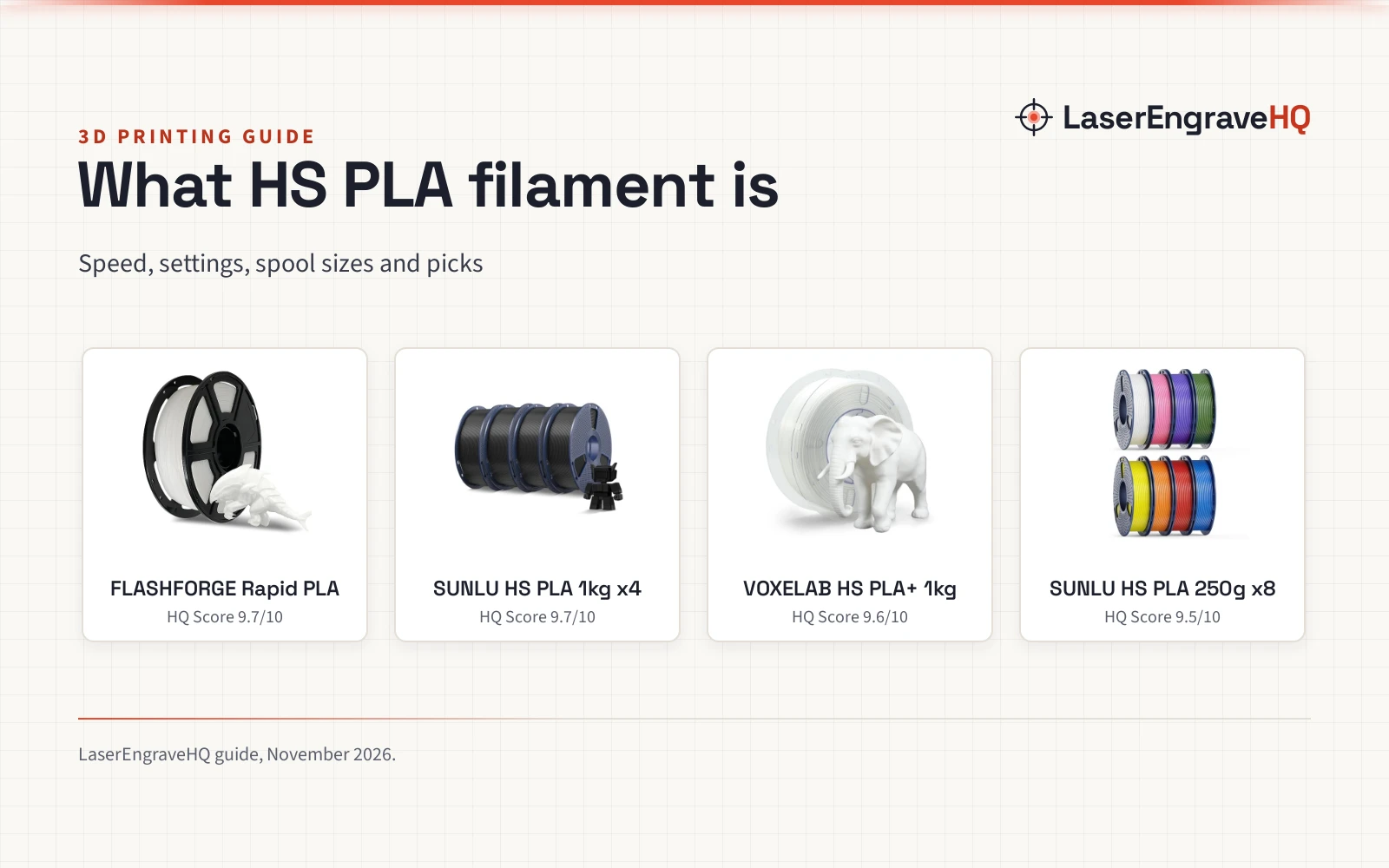
Top picks at a glance
As an Amazon Associate I earn from qualifying purchases.
- 1
 FLASHFORGE Rapid PLA Filament 1.75mm White9.7/10View on Amazon
- 2
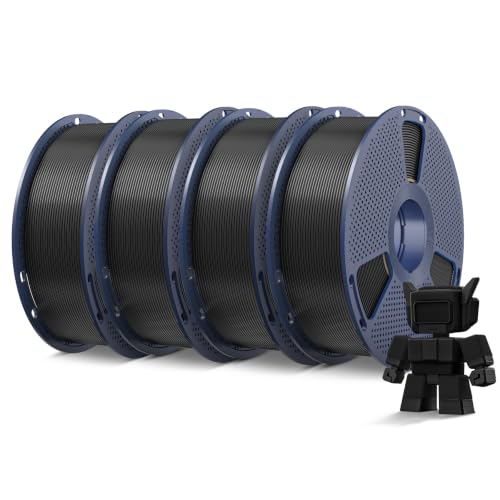 SUNLU High Speed PLA Filament 1.75mm, 4kg9.7/10View on Amazon
- 3
 VOXELAB HS PLA+ Filament 1.75mm9.6/10View on Amazon
- 4
 SUNLU High Speed PLA Filament 1.75mm, 250g Bundle9.5/10View on Amazon
What is HS PLA filament? It is a PLA filament made to melt faster and flow more smoothly at high print speeds, so a printer can run faster with steadier extrusion and reliable layer bonding. Standard PLA can under-extrude when the print head moves fast, leaving gaps or weak layers, while HS PLA keeps the flow steadier at the speeds high-speed printers use. The sections below explain how it differs from regular PLA, what speeds and settings it needs, and which spool to pick.
LaserEngraveHQ earns a commission from purchases made through these links, at no extra cost to you. Read our affiliate disclosure.
Print speeds and temperatures in this guide come from the makers’ listings. Real print speed also depends on the printer model, the nozzle and the slicer settings, so treat a listed speed as a ceiling to work toward, not a promise.
FLASHFORGE Rapid PLA Filament 1.75mm White
A 1kg spool of white Rapid PLA rated up to 500mm/s, with a 1.75mm diameter held to ±0.02mm and a 1 year warranty.
Pros
- Rated for speeds up to 500mm/s with rapid melting and smooth flow
- CCD diameter measurement holds 1.75mm to ±0.02mm
- Low shrinkage for stable dimensions and detailed surfaces
- Prints without pre-drying or parameter tweaks, per the maker
Cons
- White only; other colors need a different spool
- Top speed depends on the printer model and fill rate
- No print temperature range is stated
- 1kg spool; batch printing needs a spare spool on hand
SUNLU High Speed PLA Filament 1.75mm, 4kg
A 4kg pack of black HS PLA, 1kg per spool, with a 30mm/s to 600mm/s print range and a 1.75mm diameter held to ±0.02mm.
Pros
- 30mm/s to 600mm/s print range
- 4 spools of 1kg each for batch printing
- 24-hour pre-packaging drying plus vacuum-sealing
- Consistent 1.75mm ±0.02mm diameter for tangle-free feeding
Cons
- Black only in this pack
- Temperature-sensitive; match speed and temp to the printer
- Stringing calls for a lower print temp
- No print temperature range is stated
VOXELAB HS PLA+ Filament 1.75mm
A 1kg spool of white HS PLA+ rated up to 300mm/s, with a 1.75mm diameter held to ±0.02mm and print temps of 200–230°C.
Pros
- Speeds up to 150–300mm/s, printer dependent, without stringing or under-extrusion
- HS PLA+ toughness: better impact resistance and layer adhesion than standard PLA
- Print temp 200–230°C and bed temp 50–60°C stated
- Vacuum-sealed with a desiccant bag to keep moisture out
Cons
- 300mm/s top speed, below the fastest figures in this guide
- Only a 7 day warranty
- White only in this listing
- Speed and settings depend on the printer
SUNLU High Speed PLA Filament 1.75mm, 250g Bundle
An 8-roll bundle of 250g mini spools in 8 colors, with a 1.75mm diameter held to ±0.02mm for high-speed printing.
Pros
- 8 colors in 250g mini spools for small and multicolor prints
- Formulated for faster melting and smoother flow at high print speeds
- Consistent 1.75mm ±0.02mm diameter for steady extrusion
- Neatly wound for reliable feeding with fewer snags
Cons
- No warranty term is stated
- 250g spools run out faster than 1kg spools on large prints
- No print speed figure is stated
- Needs a 250g spool adapter for Bambu Lab AMS or AMS lite
Step 1: What makes PLA high speed
The 8-roll bundle lists faster melting and smoother flow at high print speeds, with consistent extrusion, sharp details and reliable layer bonding. FLASHFORGE lists rapid melting and smooth flow for its Rapid PLA, and VOXELAB lists smooth and accurate prints without stringing or under-extrusion. The shared point is flow: when the hot end moves fast, the filament must melt and feed at the same pace, or the print shows gaps. A steady diameter helps too, and each spool here lists a 1.75mm diameter held to a ±0.02mm tolerance.
Step 2: Check the speed figures
Speed is where HS PLA spools differ most. FLASHFORGE lists speeds up to 500mm/s for its Rapid PLA, and notes many models reach 600+ mm/s with variable fill rates. SUNLU lists a 30mm/s to 600mm/s print range for its 4kg pack, with smooth printing at speeds over 250mm/s. VOXELAB lists speeds up to 150–300mm/s, printer dependent. The 8-roll bundle lists no print speed, so its case rests on the formula and the diameter. Match the spool to the printer: a spool rated past the printer’s own top speed adds no speed, while a spool rated below it caps the print.
Step 3: Set the temperature
HS PLA prints cooler than regular PLA on some spools and needs its own settings on others. VOXELAB lists a print temperature of 200–230°C and a bed temperature of 50–60°C, with speeds up to 300mm/s. SUNLU notes its HS PLA runs at a lower average print temp than regular PLA and is temperature-sensitive, so set the speed and temp to match the printer. If stringing shows up, SUNLU says to reduce the print temp. Start from the spool’s stated settings, then adjust in small steps and watch the first layers.
Step 4: Pick the spool size and fit
HS PLA comes as mini spools, single 1kg spools and multi-spool packs, and the size decides how much color choice and how much filament a print run gets. The 8-roll bundle holds 250g mini spools in 8 colors, with each spool measuring 140mm in diameter and 36mm in width, with a 53mm center hole. The FLASHFORGE and VOXELAB spools hold 1kg each, and the SUNLU pack holds 4kg as 4 spools of 1kg. Each spool lists a 1.75mm diameter with a ±0.02mm tolerance. The bundle fits most 1.75mm FDM printers with external, top-mounted or open spool holders, and VOXELAB lists its spool for most standard FDM 3D printers. The 250g spools need an adapter for Bambu Lab AMS or AMS lite.
Step 5: Keep the filament dry
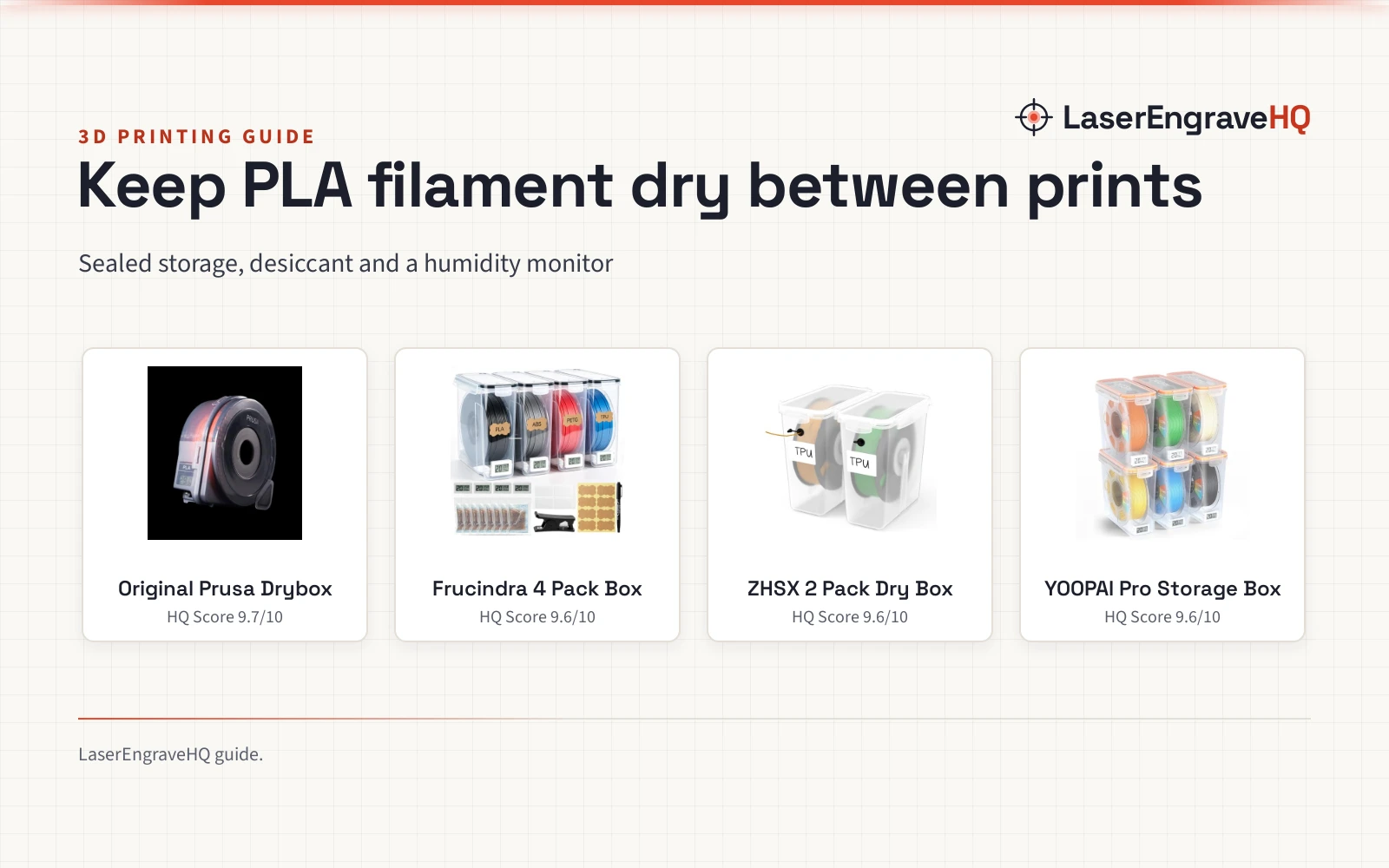
HS PLA prints best dry. SUNLU dries its 4kg pack for 24 hours before packaging and vacuum-seals it, and VOXELAB vacuum-seals each spool with a desiccant bag. FLASHFORGE lists prints without pre-drying or parameter tweaks. When a spool sits open, keep light tension on the filament end while loading or unloading, and tie it off before storage to prevent loose loops. Store open spools sealed and dry, and dry a spool that starts popping; see how long to dry filament for the drying steps.
The HS PLA spools in this guide
The spools below match the speeds, temperatures and spool sizes in the steps above, so pick the one whose stated figures fit the printer and the print.
Common mistakes to avoid
- Running regular PLA profiles at high speed and blaming the spool.
- Skipping the temperature settings the spool states.
- Leaving a spool open so it picks up moisture.
- Forcing a 250g spool into an AMS without an adapter.
- Judging a spool by its top speed alone, without the diameter tolerance.
What is HS PLA filament: the short version
- HS PLA melts faster and flows more smoothly at high print speeds.
- FLASHFORGE lists speeds up to 500mm/s; SUNLU lists 30mm/s to 600mm/s.
- VOXELAB lists a 200–230°C print temp and a 50–60°C bed temp.
- Each spool lists a 1.75mm diameter held to ±0.02mm.
- Pick 1kg spools for long prints and 250g mini spools for color choice.
- Keep spools sealed and dry, and dry a spool that starts popping.
FAQ: lasers and CNC
Is HS PLA the same as regular PLA?
No. HS PLA is PLA with a formula made to melt faster and flow more smoothly at high print speeds. Regular PLA can under-extrude when the print head moves fast, leaving gaps or weak layers, while HS PLA holds a steadier flow at those speeds. At slow speeds the difference matters less, since the flow demands are lower.
What print speed can HS PLA reach?
It depends on the spool. FLASHFORGE lists speeds up to 500mm/s, SUNLU lists a 30mm/s to 600mm/s print range, and VOXELAB lists speeds up to 150–300mm/s. The 8-roll bundle lists no speed figure. Match the spool to the printer’s own top speed.
What temperature should HS PLA print at?
Follow the spool’s stated settings. VOXELAB lists a 200–230°C print temp and a 50–60°C bed temp. SUNLU notes its HS PLA runs cooler than regular PLA and is temperature-sensitive, so set the speed and temp to match the printer, and reduce the print temp if stringing shows up.
Does HS PLA need drying before printing?
SUNLU dries its 4kg pack for 24 hours before packaging and vacuum-seals it, VOXELAB vacuum-seals each spool with a desiccant bag, and FLASHFORGE lists prints without pre-drying. Keep open spools sealed and dry, and dry a spool that starts popping.
Will HS PLA fit my printer?
HS PLA here is 1.75mm filament for FDM printers. Each spool lists a 1.75mm diameter with a ±0.02mm tolerance. The 8-roll bundle fits printers with external, top-mounted or open spool holders, and its 250g spools need an adapter for Bambu Lab AMS or AMS lite.
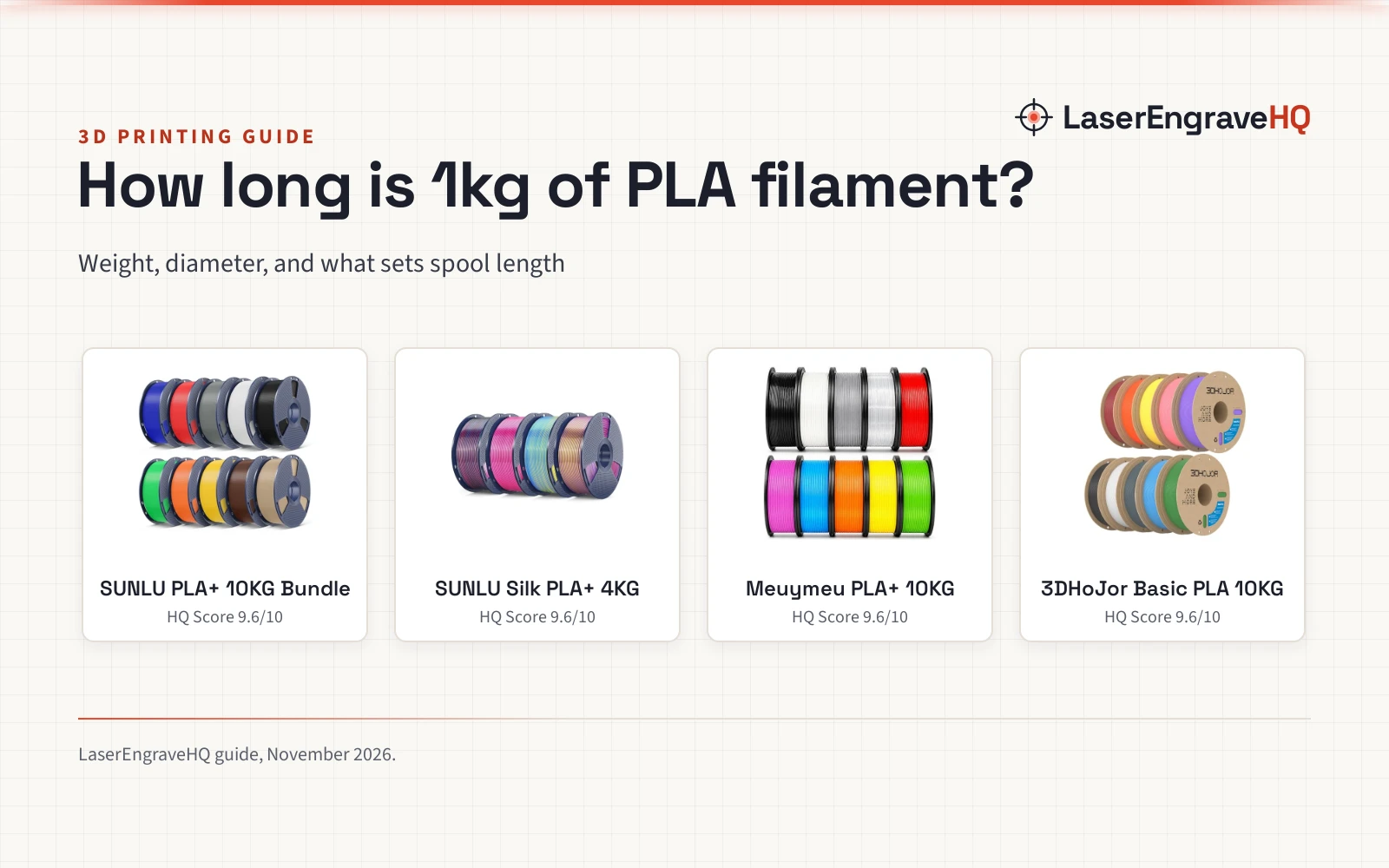
Related: the 3D printers hub, types of PLA filament and how long 1kg of PLA filament lasts. Also see the 3D printer nozzle temperature by filament type guide. Also see the where to buy 3D filament guide.