Soldering Temperature: What Setting to Use
Soldering temperature starts at 356°F on the stations in this guide: how to pick a setting for each joint, and the gear that holds the heat steady.

On this page
Top picks at a glance
As an Amazon Associate I earn from qualifying purchases.
- 1
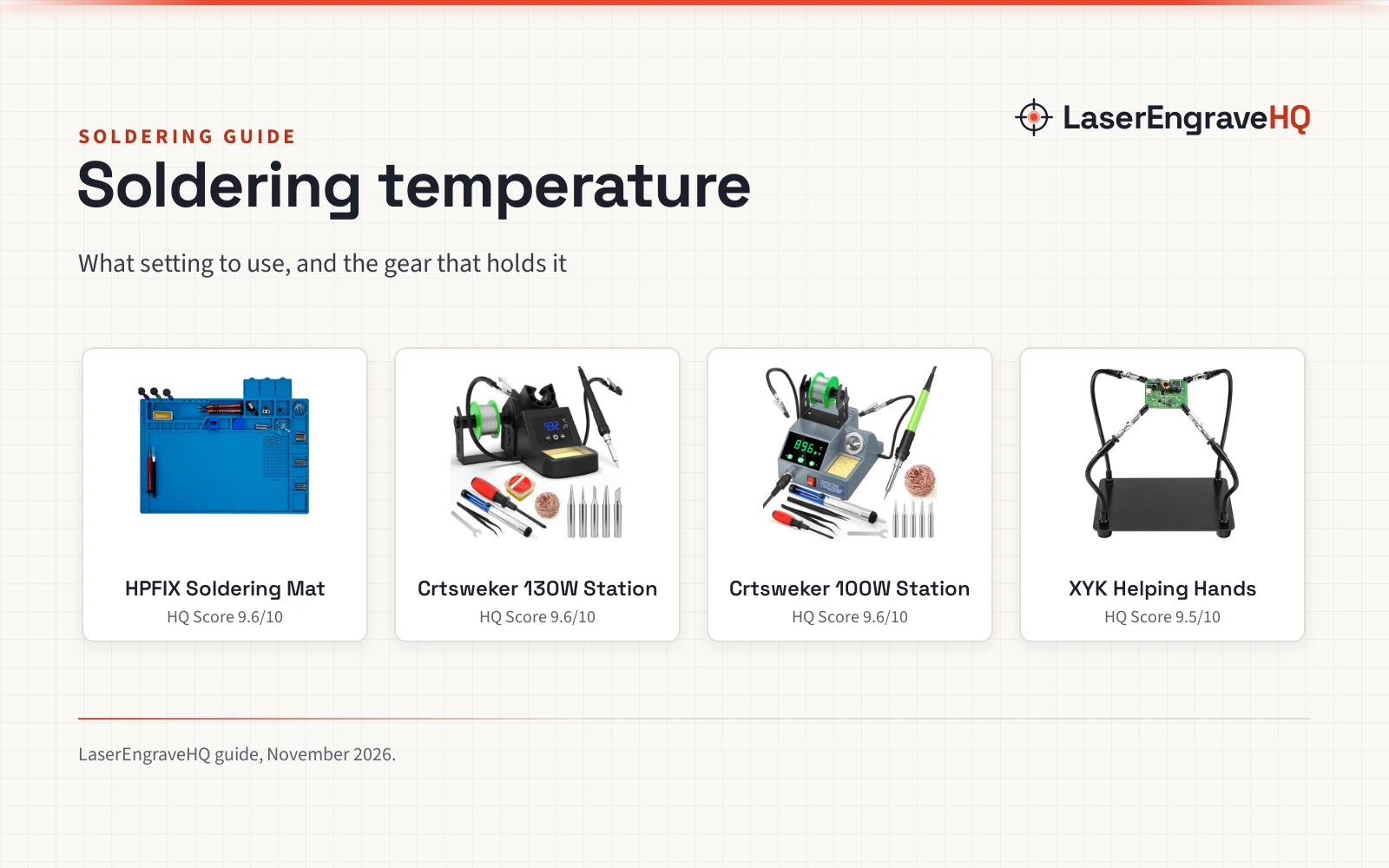
 Premium Heat Resistant 932°F Blue Magnetic Repair9.6/10View on Amazon
- 2
 Soldering Station, 130W Digital Display Soldering9.6/10View on Amazon
- 3
 Soldering Station, 100W Digital Display Soldering9.6/10View on Amazon
- 4
 XYK Helping Hands Soldering Station9.5/10View on Amazon
Soldering temperature is the heat at the tip that melts solder into a joint that holds. The right setting is the lowest one that lets solder flow smoothly over the metal, without scorching the board, lifting a pad or cooking the tip. This guide works from the ranges the makers state, shows how to pick a setting for each joint, and ends with the gear that keeps the heat where it belongs.
LaserEngraveHQ earns a commission from purchases made through these links, at no extra cost to you. Read our affiliate disclosure.
Soldering temperature has no single magic number: the listings in this guide state ranges, not one setting, so the steps below work from the range the station lists and the joint in front of you.
Premium Heat Resistant 932°F Blue Magnetic Repair
A silicone bench mat rated to 932°F (500°C) with a 17.3 x 11.8 in work area, 124 screw slots and a 0-36 cm ruler.
Pros
- Rated to 932°F (500°C), so a hot iron rests on it without harming the bench
- 124 screw slots and magnetic notches keep small parts sorted during a repair
- 17.3 x 11.8 in work area fits phones, laptops, circuit boards and small parts
- Non-slip on both sides, odorless, and made from food grade silicone
Cons
- No iron stand or holder is included in the box
- 17.3 x 11.8 in covers a large share of a small bench
- Protects the bench but sets no temperature of its own
- Only the blue color is listed
Soldering Station, 130W Digital Display Soldering
A 130W digital station with a 356°F to 932°F range, 2 helping hands, 5 tips and a full accessory kit.
Pros
- 130W with a 356°F to 932°F range for small and large joints
- Temperature calibration and °C/°F switching on the display
- Auto sleep with a 60 to 999 second timer, default 300 seconds
- Kit includes 5 tips, solder wire, solder sucker, tweezers and tip cleaner
Cons
- No warranty term is stated
- Helping hands are built into the unit and cannot move to another bench
- No stated weight or bench footprint
- Solder wire, flux and sponge are consumables to replace
Soldering Station, 100W Digital Display Soldering
A 100W digital station with a 356°F to 896°F range, 2 helping hands, 5 tips and an auto hibernate timer.
Pros
- 100W with a 356°F to 896°F range for circuit boards and repair work
- Temperature calibration and °C/°F switching on the display
- Auto hibernate timer sets from 0 to 600 seconds, plus an on/off switch
- Kit includes 5 tips, solder wire, solder sucker, tweezers and tip cleaner
Cons
- Range tops out at 896°F, below the 130W station's 932°F
- Hibernate timer tops out at 600 seconds
- 100W may fall short on large joints that need more heat
- No stated work area or bench footprint
XYK Helping Hands Soldering Station
A third-hand base with 4 flexible arms and insulated alligator clips for holding boards and jewelry steady.
Pros
- 4 flexible arms: 2 at 9.44 in and 2 at 7.08 in
- Clips rotate 360 degrees and lock in place
- 7.87 x 5.51 in steel base with 4 non-slip pads
- Rubber sleeves on the clips guard boards and jewelry
Cons
- No warranty term is stated
- Holds work only; it sets no temperature and supplies no heat
- No magnifier is included
- The 7.87 x 5.51 in base takes bench space on a small desk
What soldering temperature means
Soldering iron temperature is the heat the tip carries to the joint. When the setting is right, solder melts the moment it touches the tip, flows over the metal and leaves a smooth joint. When the setting is too low, solder sits in a dull blob and the joint stays weak. When the setting is too high, flux burns off, boards scorch and tips wear out fast.
The goal is a joint that flows and cools clean, not a hotter iron. A station with a dial and a digital display makes that easier to repeat, because the setting can move with the work.
Set the dial from the low end
Both stations in this guide start at 356°F, so that is the place to begin. Set the dial to the low end of the range, touch solder to the tip and raise the setting in small steps until the solder melts and flows. The 130W station rises to 932°F and the 100W station rises to 896°F, so there is room to climb when a joint needs more heat.
Both stations switch between °C and °F and both list a calibration function, so the number on the display stays close to the heat at the tip. In °C the same ranges read 180°C to 500°C on the 130W station and 180°C to 480°C on the 100W station.
When the iron sits idle, let it rest. The 130W station sleeps at a low temperature after 60 to 999 seconds, with 300 seconds as the default, and the 100W station hibernates on a timer of 0 to 600 seconds.
When to raise the setting
Small joints on thin wire need the least heat. Raise the setting when the joint is large, the wire is thick or the solder refuses to flow at the current setting. A ground plane or a metal case pulls heat away, so those joints need a higher setting and a longer touch of the tip.
Keep the work steady while the joint heats. Helping hands hold the board and the wire in place, so the iron stays on the joint instead of chasing it. A silicone mat under the work guards the bench: the mat in this guide is rated to 932°F (500°C), which covers the full range of both stations.
Work with the window open or a fume extractor running, and keep eyes and skin clear of the tip. The best fume extractor for soldering guide covers extractors sized for a bench, and the best soldering station guide compares stations for electronics work.
Gear that holds the soldering temperature
Temperature is only half the job: the joint also needs steady hands, a bench that can take the heat and an iron that holds its setting, so the 4 picks below cover each of those needs.
FAQ: lasers and CNC
What soldering temperature should a beginner start with?
Start at 356°F, the low end both stations in this guide list, and raise the setting until solder melts and flows. A low setting shows how each joint behaves, and the dial is there to climb when a joint needs more heat.
Is 932°F too hot for soldering?
932°F is the top of the 130W station’s range and the heat limit of the silicone mat, not a starting point. It suits large joints that pull heat away fast; for small joints, a lower setting melts solder cleanly and treats the board and the tip more gently.
How do I switch between °C and °F on a soldering station?
Both stations in this guide switch between °C and °F on the display. The 130W station covers 180°C to 500°C, which the maker pairs with 356°F to 932°F, and the 100W station covers 180°C to 480°C, paired with 356°F to 896°F.
Do helping hands change the soldering temperature?
No. Helping hands hold the board and the wire steady so the iron stays on the joint and the heat goes where it belongs. The temperature comes from the station.
Can a silicone mat take soldering heat?
The mat in this guide is rated to 932°F (500°C), which covers the full range of both stations. It also gives 124 screw slots for sorting parts and a 0-36 cm ruler, and its non-slip sides keep it in place on the bench.
Related: the electronics making hub, best soldering station and best soldering iron for electronics. Also see the best soldering iron for beginners guide.