Scoring Stylus vs Scoring Wheel: Which One Should You Buy?
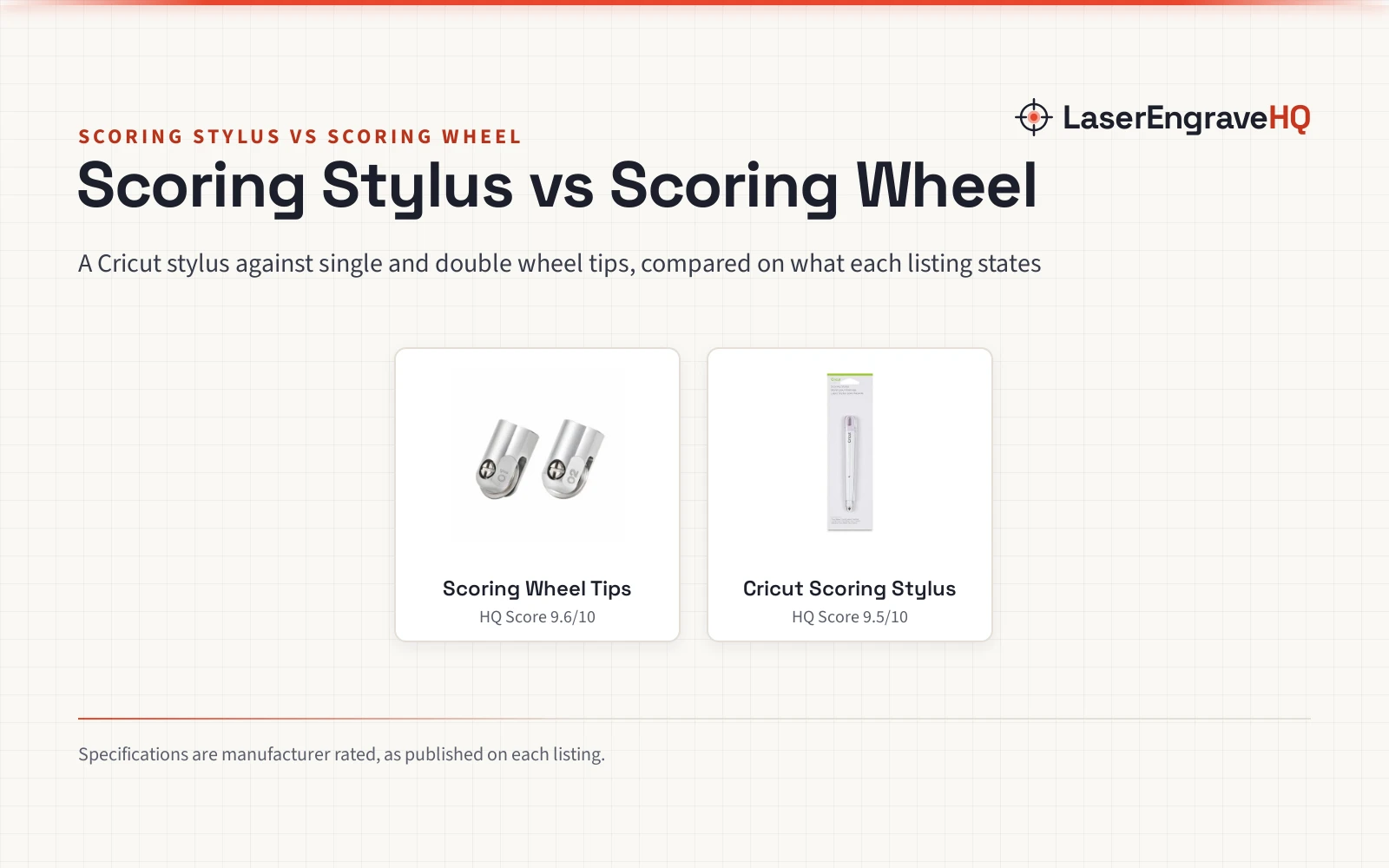
A Cricut scoring stylus and a set of single and double scoring wheel tips, compared on pressure, materials, machine fit and warranty.

On this page
Top picks at a glance
As an Amazon Associate I earn from qualifying purchases.
- 1
 Scoring Wheel Tips Replacement (Single & Double)9.6/10View on Amazon
- 2
 Cricut Tools, Scoring Stylus9.5/10View on Amazon
A card that folds clean, a gift box that closes square, a tag that creases without cracking: the fold is where a paper project either looks made or looks homemade. Scoring stylus vs scoring wheel is the choice that decides how that fold gets made, and each tool takes its own path to the same crease.
LaserEngraveHQ earns a commission from purchases made through these links, at no extra cost to you. Read our affiliate disclosure.
Verdict: the scoring wheel tips are the pick for deeper scores on coated or thicker materials, with single and double tips, a maker claim of up to 10X more pressure than a regular scoring stylus, and a stated 1 Year warranty. The stylus listing states no pressure figure, so that claim stands on the wheel listing alone. The wheel tips are replacement tips only, with no housing, and they are named for Maker 3 and Maker 4. The Cricut scoring stylus is the simpler pick for Explore owners, cutting and scoring in one step without changing mats.
Machines on the list
Scoring Wheel Tips Replacement (Single & Double)
Single and double scoring wheel tips for Maker machines, with a maker claim of up to 10X more pressure than a regular scoring stylus. Housing not included.
Pros
- Single and double tips in one set, for light and for coated or thicker materials
- Maker claims up to 10X more pressure than a regular scoring stylus, for deeper score lines
- 1 Year warranty stated in the listing
- Listed for cards, tags, labels and gift boxes
Cons
- Replacement tips only, with no housing included
- Named for Maker 3 and Maker 4 only, with no stated fit for Explore machines
- No weight is stated in the listing
- The listing gives no score depth or thickness limits for either tip
Cricut Tools, Scoring Stylus
A scoring stylus for the Cricut Explore machine that cuts and scores in one step without changing mats.
Pros
- Cuts and scores in one step without changing mats
- Made for the Cricut Explore machine
- Weighs 0.05 pounds, per the listing
- One tool does the scoring, with no extra tips to keep track of
Cons
- No warranty term is stated in the listing
- The listing names no materials, so the scoring range is left unclear
- No pressure figure is stated in the listing
- One tip only, with no double-line option for coated or thicker materials
Other machines to compare
 Cricut Scoring Wheel Tip + QuickSwap Drive Housing for CricutCheck price on Amazon
 2-Piece Scoring Wheel Set Compatible with Cricut MakerCheck price on Amazon
 Cricut Scoring StylusCheck price on Amazon
 Corey-z Scoring Stylus for Cricut Maker 3/Air 2/AirCheck price on Amazon
Side by side
| Product | HQ Score | Scoring tool | Pressure | Fits | Warranty | Dimensions |
|---|---|---|---|---|---|---|
| Scoring Wheel Tips | 9.6/10 | Single and double wheel tips | Up to 10X more pressure than a regular scoring stylus | Maker 3 and Maker 4 | 1 Year warranty | 1.2 x 1.0 x 2.3 inches |
| Cricut Scoring Stylus | 9.5/10 | Stylus | Not stated in the listing | Cricut Explore machine | Not stated in the listing | 0.6 x 10.43 x 3.07 inches |
Size and performance figures are the brand’s ratings quoted from listings on 12 November 2026.
Scoring Stylus vs Scoring Wheel: How Each One Scores
The stylus listing keeps it brief: it is for the Cricut Explore machine, and it cuts and scores in one step without changing mats. The wheel listing gives more: the single wheel makes one deep, even score line for lightweight materials, and the double wheel makes two parallel score lines for coated or thicker materials.
Pressure and Score Depth
Pressure is the one spec where the wheel listing makes a direct claim: up to 10X more pressure than a regular scoring stylus, for deeper score lines. The stylus listing states no pressure figure, so there is no stated figure to set against the claim. Treat the 10X figure as the maker’s claim.
Materials
The wheel listing names its materials. The single wheel is for lightweight materials like crepe paper, light cardstock and acetate, and the double wheel is for coated or thicker materials like poster board and heavy cardstock. The stylus listing names no materials at all, so it leaves the scoring range unclear.
Machine Compatibility
Machine fit is the sharpest split. The stylus is listed for the Cricut Explore machine only. The wheel tips are listed for Maker 3 and Maker 4, with the bullets adding Maker series cutting machines in general. Neither listing states that its tool fits the other side’s machine.
What Is in the Box
The wheel tips arrive as a set with 1 single scoring wheel tip and 1 double scoring wheel tip, and the title is blunt about the rest: replacement tips only, with no housing. A compatible housing is needed. The stylus comes as a 1 pack: one tool, lilac in color, measuring 0.6 x 10.43 x 3.07 inches and weighing 0.05 pounds, under part number 2002370. The wheel tips measure 1.2 x 1.0 x 2.3 inches and carry part number Z08.
Warranty and Support
Only one listing states a warranty. The wheel tips carry a 1 Year warranty, stated in the spec table as the warranty description. The stylus listing states no warranty term, so there is no stated cover to compare. Neither listing states a support channel.
Choose the Scoring Wheel Tips if
- You own a Maker 3 or Maker 4 and have a compatible housing for the tips.
- You score coated or thicker materials like poster board and heavy cardstock.
- You want a double score line as well as a single line, and a stated 1 Year warranty.
Choose the Cricut Scoring Stylus if
- You own a Cricut Explore machine.
- You want to cut and score in one step without changing mats.
- You want a single tool with no extra tips or housing to buy.
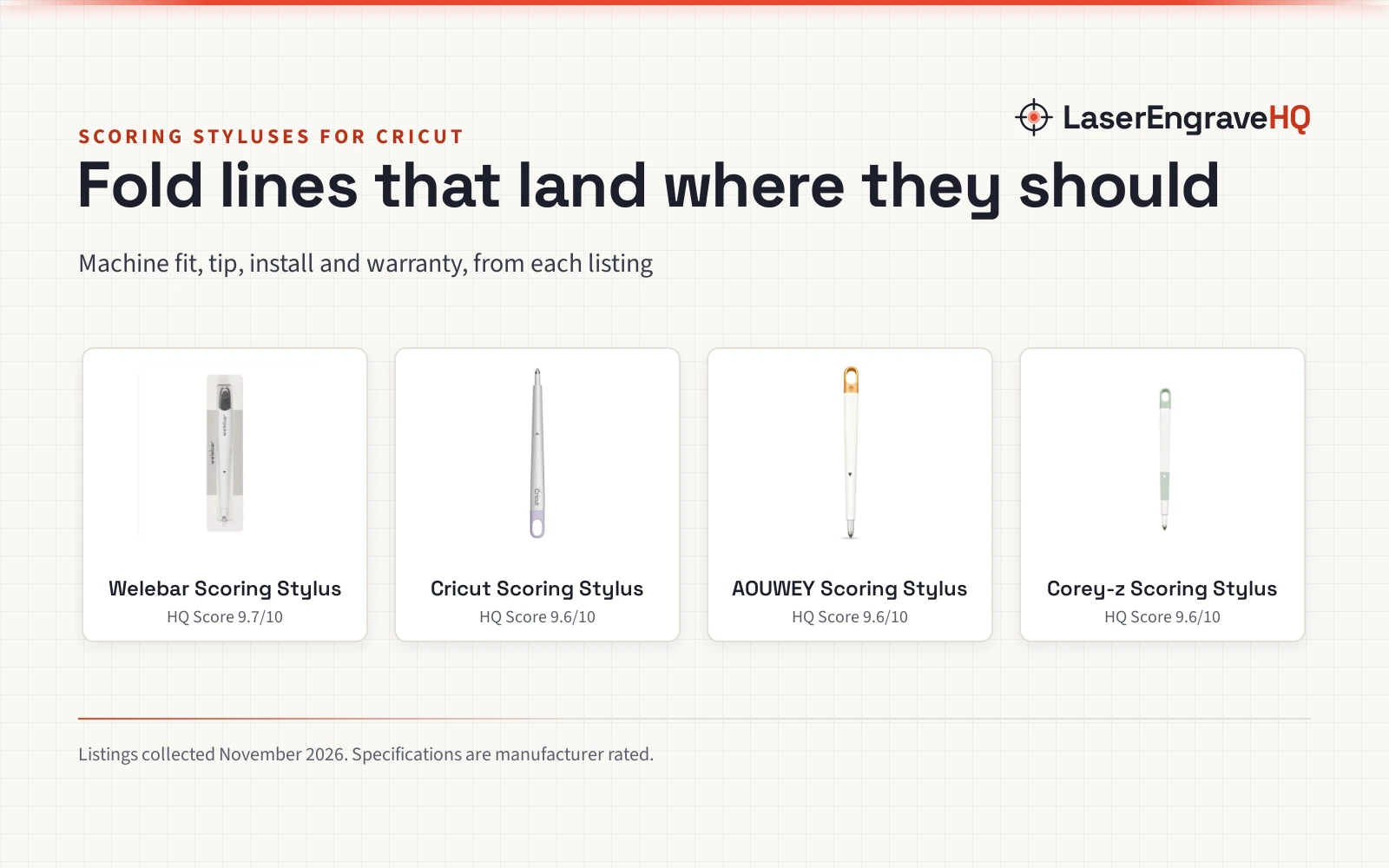
For more scoring options, see best scoring stylus for Cricut.
The wheel tips are replacement tips only, with no housing, and the listing names Maker 3 and Maker 4. The stylus is listed for the Cricut Explore machine. Confirm the machine and the housing before buying.
Project Match
Match the project to the tool the listings describe:
- Cards, tags and labels on light cardstock and acetate: the single wheel tip.
- Gift boxes and 3D decor on poster board and heavy cardstock: the double wheel tip.
- Scoring with an Explore machine: the stylus, which cuts and scores in one step. Materials not stated in the listing.
- Wearable paper art and dimensional paper crafts: the wheel tips, listed for those projects with Maker machines.
FAQ: lasers and CNC
How to use the Cricut scoring stylus
The listing states the stylus is for use with the Cricut Explore machine, and it cuts and scores in one step without changing mats. No further steps are stated.
How to use the scoring stylus with Cricut Maker 4
The stylus listing names the Cricut Explore machine only, and does not state that the stylus fits Maker 4. For Maker 4, the wheel tips are the listed fit, named for Maker 3 and Maker 4, and they are replacement tips only, with no housing.
Is a scoring stylus needed for Cricut?
It depends on the machine. With an Explore machine, the stylus scores in the same step as the cut. With a Maker 3 or Maker 4, the wheel tips are the listed option, and the double wheel covers coated or thicker materials.
How to use the scoring wheel tips
The tips are replacement tips only, with no housing, so they need a compatible housing on a Maker 3 or Maker 4. The single wheel makes one deep, even score line for lightweight materials, and the double wheel makes two parallel score lines for coated or thicker materials.
Related: craft machines, best scoring stylus for Cricut, Cricut Explore vs Cricut Maker and deep cut vs fine point blade.