K40 vs Diode Laser: Differences Explained
A practical guide comparing K40 CO2 and diode laser engravers: understand beam differences, material capabilities, cooling and maintenance demands, and safety requirements before you buy.

On this page
Top picks at a glance
As an Amazon Associate I earn from qualifying purchases.
- 1
 OMTech K40+ 45W Desktop CO2 Laser Engraver & Cutter 12" × 8"9.6/10View on Amazon
- 2
 xTool F2 Ultra 60W MOPA & 40W Diode Dual Laser Engraver 100+9.6/10View on Amazon
- 3
 LaserPecker LP5 Smart Dual 20W Fiber + Diode Laser Engraver9.5/10View on Amazon
- 4
 OMTech K40+ 45W CO2 Laser Engraver & Cutter with Rotary AxisView on Amazon
- 5
 OMTech K40+ 45W CO2 Laser Engraver & Cutter with LaserView on Amazon
K40 vs diode laser comes down to beam source, cutting capability, and workshop setup: a K40 is an enclosed CO2 laser cutter that uses a water-cooled glass tube to cut clear acrylic and thicker wood at higher speeds, whereas a diode laser uses a solid-state semiconductor module that requires no water cooling or mirror alignment, making it simpler to set up and operate for engraving and lighter craft cuts on wood, leather, and dark materials. The sections below compare both machine types across optical technology, cutting performance, workspace footprint, cooling requirements, and routine maintenance to help you choose the right laser for your workshop.
Other machines to compare
 OMTech K40+ 45W CO2 Laser Engraver & Cutter with Rotary AxisCheck price on Amazon
 OMTech K40+ 45W CO2 Laser Engraver & Cutter with LaserCheck price on Amazon
LaserEngraveHQ earns a commission from purchases made through these links, at no extra cost to you. Read our affiliate disclosure.
A K40 requires active water circulation and dedicated ventilation from the start. Operating a CO2 glass tube without active coolant will cause the glass chamber to overheat and crack, whereas a diode laser operates with built-in heat sinks and electric cooling fans.
Step 1: Compare the beam source and optical power
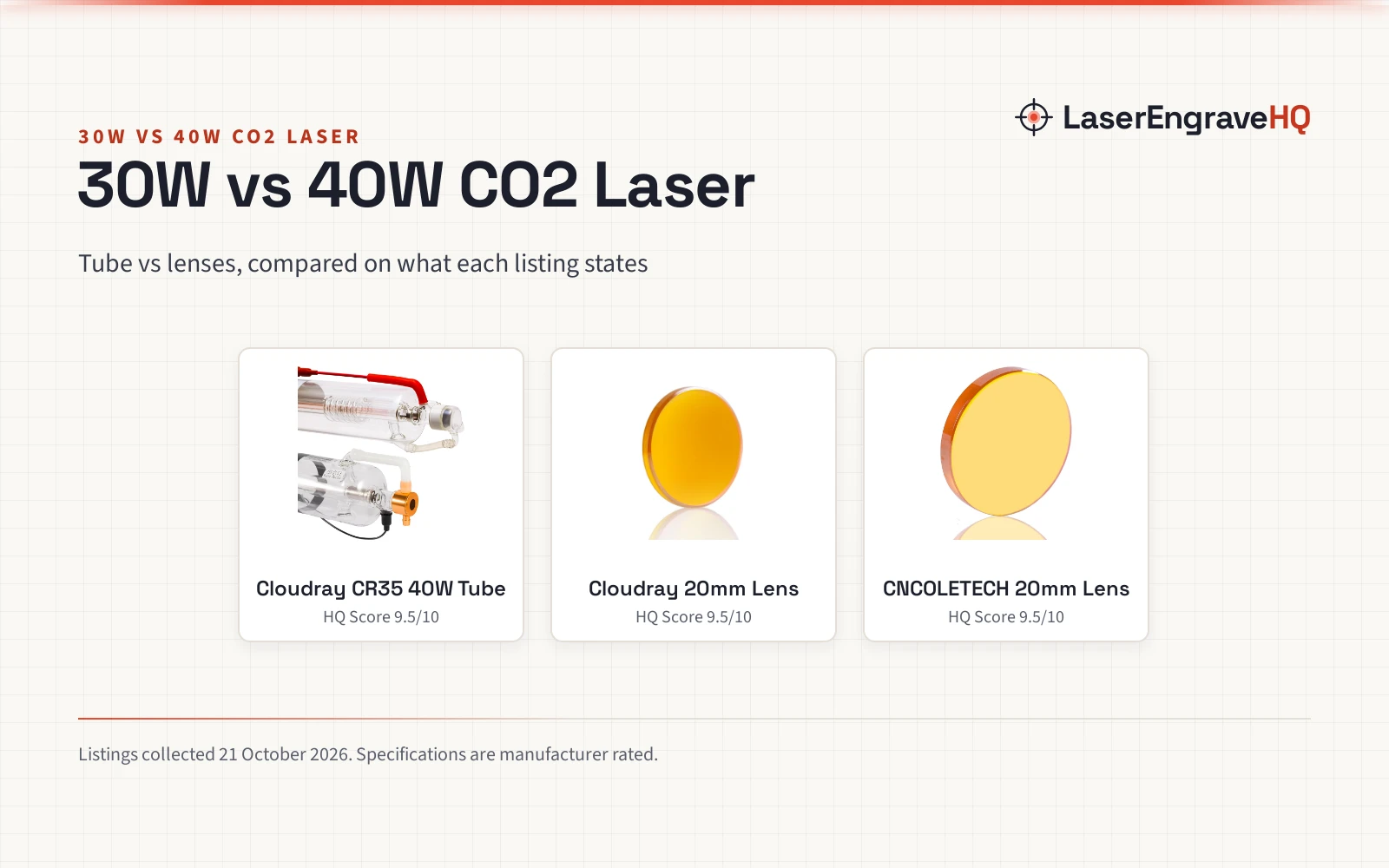
The primary distinction between these tools is how each generates its laser beam. A K40 uses a gas-filled glass CO2 tube excited by high-voltage electricity. For example, TEN-HIGH lists a 40W CO2 laser tube measuring 700mm in length and 50mm in diameter that produces an invisible infrared beam at a 10.6um wavelength. Cloudray lists its CR35 replacement tube with a rated power of 35W and a maximum power of 45W, spanning 720mm in length and 50mm in outer diameter. In contrast, modern upgraded models such as the OMTech K40+ publish an optical output power of 45W.
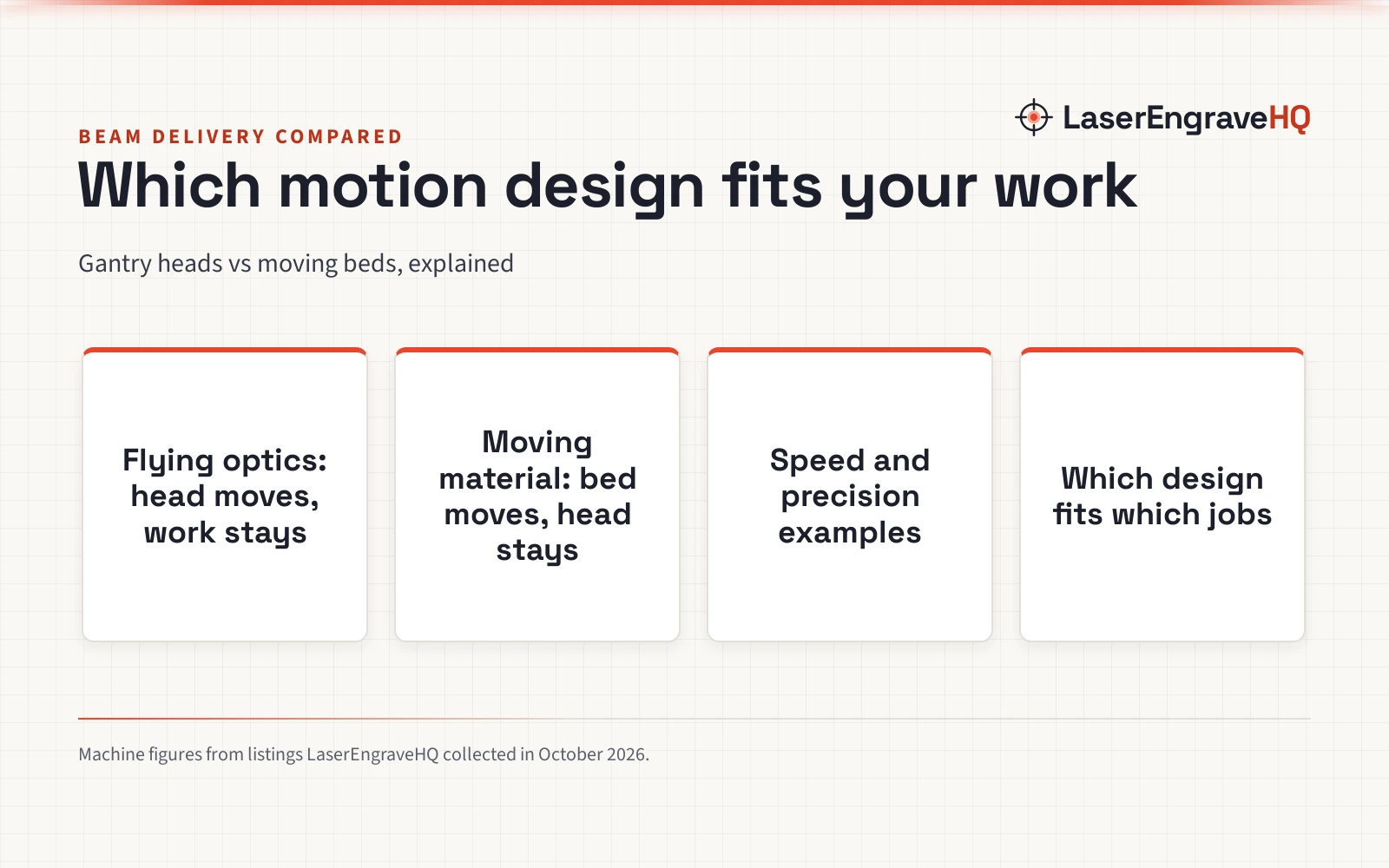
Diode lasers generate their beam through solid-state semiconductor chips mounted directly inside the moving laser head. For example, SainSmart lists its Genmitsu Kiosk portable engraver with a 2.5W (2500mW) optical output. Diode engravers span a wide range of optical power depending on how many diode chips are combined within the module, whereas desktop CO2 machines like the K40 typically center around 40W to 45W from a single glass discharge tube. When evaluating listings, always distinguish true optical output power from electrical wall draw, as input wattage does not indicate cutting capability. For a broader look at gas versus solid-state systems, read our diode vs CO2 laser comparison guide.
Step 2: Check material compatibility and cutting ability
Beam wavelength determines which materials a machine can cut or mark. Because the 10.6um infrared wavelength of a CO2 tube is readily absorbed by organic materials and acrylics, a K40 cuts cast and extruded acrylic with clean, flame-polished edges. OMTech lists the cutting capacity of its 45W K40+ at up to 0.4 inches (10mm) in acrylic and up to 0.31 inches (8mm) in wood.
Diode lasers operate in the visible blue light spectrum. Transparent materials allow visible blue light to pass straight through without absorbing the energy required to melt or vaporize the stock. As covered in our guide on whether you can a diode laser cut acrylic, a diode engraver cannot cut clear or transparent acrylic sheets because the beam passes through without absorption, though it can cut and mark dark opaque acrylic. Both machine types handle wood, dark leather, paper, cardboard, and coated metals. However, never attempt to cut or engrave PVC, vinyl, PVC faux leather, polycarbonate, or ABS on either laser. Burning these materials releases chlorine gas and toxic compounds that corrode machine electronics and harm workshop occupants.
Step 3: Evaluate work area and processing speed
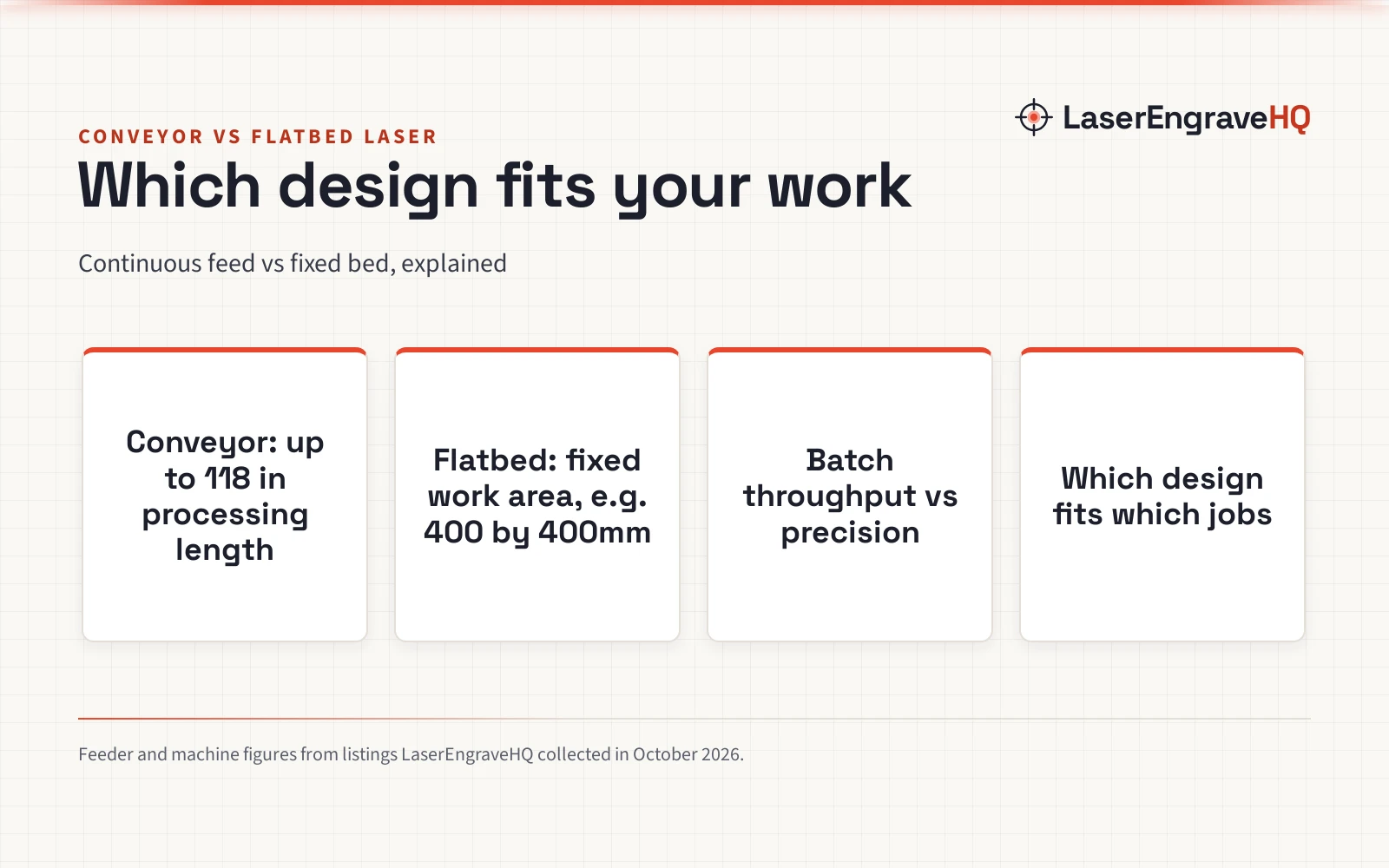
Work area and motion speed shape your daily productivity. A standard K40 offers a modest cutting bed enclosed within its chassis. OMTech lists an internal work area of 12 by 8 inches (12″x8″) on its K40+ model, featuring a removable bed that accommodates flat items or rotary attachments. Upgrading the stock work surface with a dedicated honeycomb bed for K40 laser units improves back-side smoke evacuation and stops scorch marks on delicate blanks.
Diode lasers come in diverse bed sizes, ranging from compact desktop units to large open-frame platforms. SainSmart lists a 100x100mm (3.9 by 3.9 inch) engraving field on the Genmitsu Kiosk, while larger frame diodes provide expanded workspace for sign making and batch jobs. Regarding movement speed, OMTech lists engraving speeds up to 300 mm/s on the K40+, supported by lightweight mirror carriage movement. In comparison, SainSmart lists motion speeds up to 12000 mm/min with 0.01 mm positioning precision on its 2.5W unit. For cylindrical objects such as drinkware, rotary attachments expand capabilities: OMTech lists rotary axis compatibility on its K40+ package, while Creality lists a rotary roller module accommodating cylinders from 5mm to 120mm in diameter for its engravers.
Step 4: Assess cooling and workshop ventilation
Operating requirements represent a significant divergence between K40 and diode systems. A CO2 laser tube requires continuous liquid cooling to dissipate heat generated inside the gas chamber. Operating without coolant will cause the glass to overheat and crack. OMTech lists the CW-3000 industrial water cooler with a 9L (2.4-gallon) reservoir and a 2.6 gpm flow rate that radiates 50W of heat for each 1°C increase in water temperature. Explore our CO2 laser water chiller guide to understand radiator sizing and reservoir setup. A diode laser, by contrast, relies strictly on passive aluminum heat sinks and miniature electric fans mounted directly to the diode housing, eliminating coolant tanks, pumps, and water monitoring entirely.
Both laser types generate smoke, odor, and fine airborne debris that require proper workshop evacuation. Exhausting fumes directly outdoors through sealed ductwork is the safest approach. Additionally, clean cuts benefit from pressurized air blowing directly into the cut groove. OMTech includes a built-in 45-degree air assist nozzle on the K40+, while PYXGLAQ lists a standalone air assist pump delivering 30L/min airflow with operating sound under 36.5 dB to keep focal optics clean and suppress combustion.
Step 5: Account for mirror alignment and maintenance
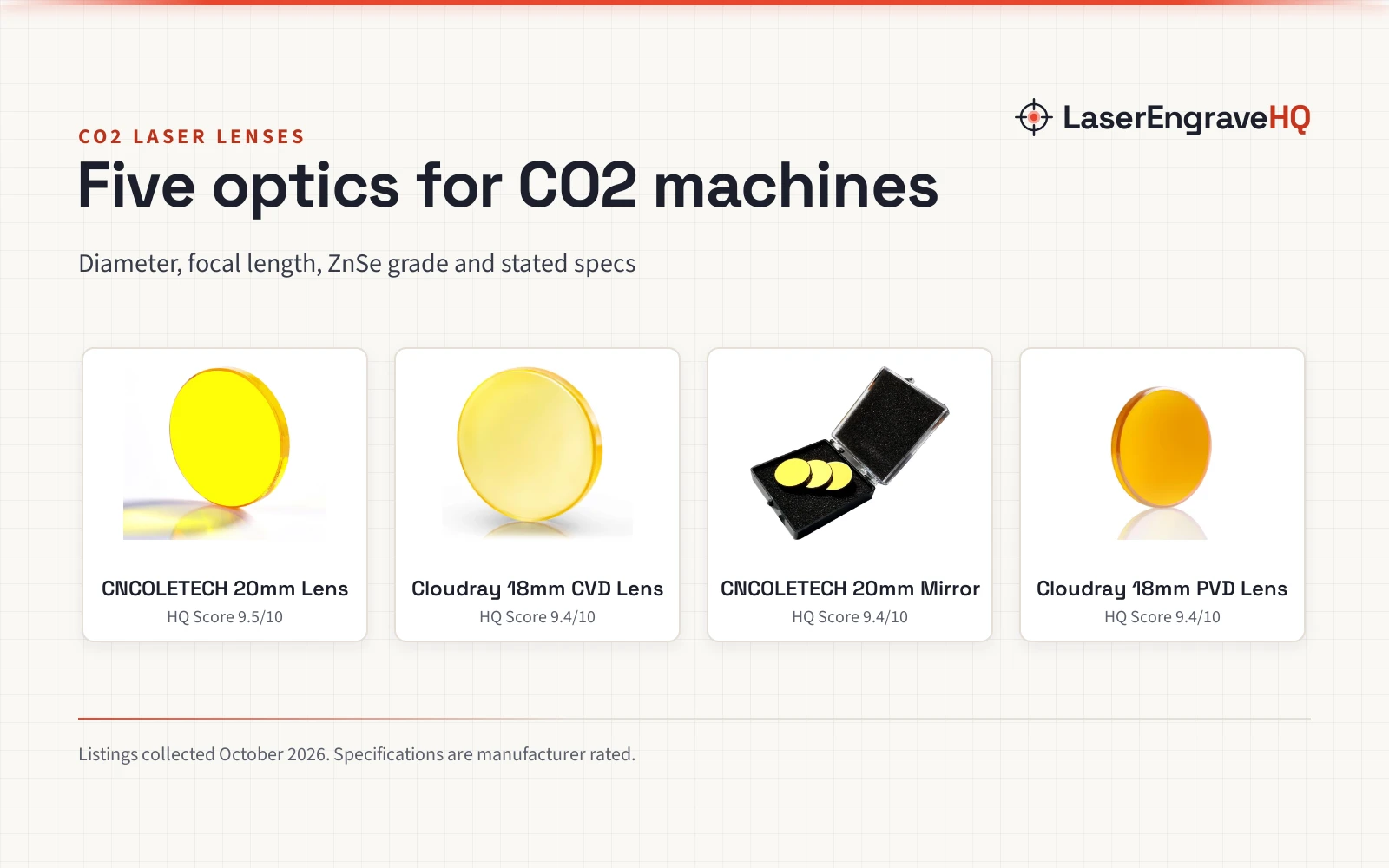
Optical alignment is a routine task on a K40 that diode owners never encounter. A K40 holds its CO2 tube in a stationary rear compartment. The beam must bounce off a first mirror, travel along the Y-axis to a second mirror, reflect across the X-axis to a third mirror on the cutting head, and focus through a downward lens. Cloudray lists mirror mounts and laser heads accommodating 20mm reflective mirrors and 12mm diameter focus lenses. If the machine shifts or vibrates, the beam can drift off-center, causing uneven cuts across the bed. Owners must learn the alignment process outlined in our guide on how to align mirrors on a CO2 laser.
Diode lasers require zero optical alignment because the laser emitter and focusing optics form a single factory-sealed module mounted directly above the workpiece. Maintenance on a diode involves only wiping the exterior lens with optical cleaner and clearing lint from cooling fans. Consider also component lifespan: CO2 glass tubes degrade gradually over time. TEN-HIGH lists a 3 months warranty on its 40W tube, while Cloudray provides a 4 months maintenance term on its CR35 tube. When a tube reaches the end of its life, replacement requires high-voltage wiring and water line plumbing. Diode modules feature long-lasting solid-state emitters, though the entire module must be replaced if electrical failure occurs.
Step 6: Review enclosure design and operator safety
Workshop safety and physical footprint represent another major decision point. A K40 is a fully enclosed machine built within a heavy steel casing. OMTech lists an item weight of 89.8 pounds for its enclosed K40+ cutter, demanding dedicated bench space in a ventilated workshop or garage. An enclosed chassis contains laser radiation and simplifies fume capture, provided the lid features safety interlock switches that stop beam emission when opened.
In contrast, many diode engravers are open-frame desktop systems, though fully enclosed units also exist. SainSmart lists the Genmitsu Kiosk as a certified Class 1 laser with an acrylic enclosure, weighing 6.17 lbs (with package weight of 8.84 pounds). Open-frame diode lasers operate as Class 4 devices, meaning direct and scattered blue light can cause irreversible eye injury. Operators must wear certified protective eyewear specifying optical density (OD) and wavelength coverage that matches the laser. Tinted acrylic shields without verified ratings do not provide eye protection. Consult our laser safety glasses guide for wavelength and optical density selection. To review essential shop precautions, consult our laser engraver safety checklist before firing your first project.
Common mistakes to avoid
- Failing to set up active water cooling before firing a K40 CO2 tube.
- Expecting a visible blue diode laser to cut transparent clear acrylic.
- Operating an open-frame diode laser without certified protective eyewear matching its wavelength.
- Neglecting mirror alignment checks on a K40 when cuts appear weak on one corner of the bed.
- Attempting to process hazardous plastics like PVC, vinyl, or ABS that release corrosive vapors.
- Venting laser exhaust into an enclosed room instead of routing fumes outdoors or through verified filtration.
K40 vs diode laser: the short version
- Choose a K40 CO2 laser if your priority is cutting clear acrylic and thicker wood stock with 40W or 45W of optical power.
- Choose a diode laser if you want an accessible desktop machine for engraving and lighter craft projects on wood, leather, and dark blanks without water plumbing.
- Remember that clear acrylic requires the 10.6um infrared wavelength of a CO2 tube; visible blue diode light passes straight through clear stock.
- Plan for infrastructure: a K40 demands dedicated space for water cooling, high-voltage safety, and mirror alignment.
- Budget for necessary workshop accessories, including outdoor exhaust ducting, air assist pumps, and certified eye protection.
FAQ: lasers and CNC
Can a diode laser cut clear acrylic like a K40?
No. Diode engravers emit visible blue light that passes straight through transparent acrylic without heating or vaporizing the material. A K40 emits an invisible 10.6um infrared beam that transparent acrylic absorbs completely, allowing clean cuts up to 0.4 inches (10mm) as listed on the OMTech K40+.
Does a K40 laser require water cooling?
Yes. A glass CO2 laser tube generates high heat inside its gas chamber and will crack or lose beam power if operated without active coolant. OMTech lists the CW-3000 industrial water cooler with a 9L reservoir that radiates 50W of heat per 1°C increase to keep water within safe operating limits. Diode lasers rely on heatsinks and fans without liquid coolant.
Is a diode laser easier for beginners than a K40?
Yes. Diode modules mount directly on the gantry and require zero mirror alignment. Beginners avoid managing water buckets, coolant pumps, and high-voltage wiring, making diode machines much simpler to assemble and maintain.
How do engraving speeds compare between both machines?
Speed depends on drive systems and carriage weight. OMTech lists engraving speeds up to 300 mm/s on the K40+ for rapid raster engraving. SainSmart lists motion speeds up to 12000 mm/min with 0.01 mm precision on the Genmitsu Kiosk, offering exceptional detail on intricate vector paths.
Can I run LightBurn software on both lasers?
Yes. Modern upgraded machines such as the OMTech K40+ and desktop systems like the SainSmart Genmitsu Kiosk list compatibility with LightBurn and LaserGRBL, giving makers a familiar interface across both technologies.
What safety gear is mandatory before operating either laser?
Both machine types require strict safety precautions. Open-frame diode lasers require operators and bystanders to wear protective eyewear certified for the specific optical density and wavelength of the blue diode beam. Enclosed K40 cutters require functional lid interlocks, water flow alarms, and dedicated exhaust ducting to vent smoke outdoors, as well as protective eyewear matching 10.6um during mirror alignment.
Related: our CO2 laser engravers category and our guide on how to choose a laser engraver. For starter recommendations, review our top picks in the best laser engraver for beginners roundup, or browse the diode laser engravers section for compact workshop options.