Is CO2 Laser Worth It? Costs, Materials and Small Business Output
A practical guide to deciding if a CO2 laser is worth it: compare cutting speed, material capabilities, cooling needs and workshop space before buying.

On this page
Top picks at a glance
As an Amazon Associate I earn from qualifying purchases.
- 1
 xTool P3 80W Flagship CO2 Laser Cutter with Intelligent9.7/10View on Amazon
- 2
 OMTech 100W CO2 Laser Engraver with 4 Way Pass Through Air9.7/10View on Amazon
- 3
 xTool P2S 55W CO2 Laser Cutter9.7/10View on Amazon
- 4
 OMTech K40+ 45W CO2 Laser Engraver & Cutter with Rotary AxisView on Amazon
- 5
 Brilliance Laser Inks Black Metal Liquid-Ready Laser MarkingView on Amazon
- 6
 Brilliance Laser Inks Copper-Tone Red Liquid-Ready MarkingView on Amazon
- 7
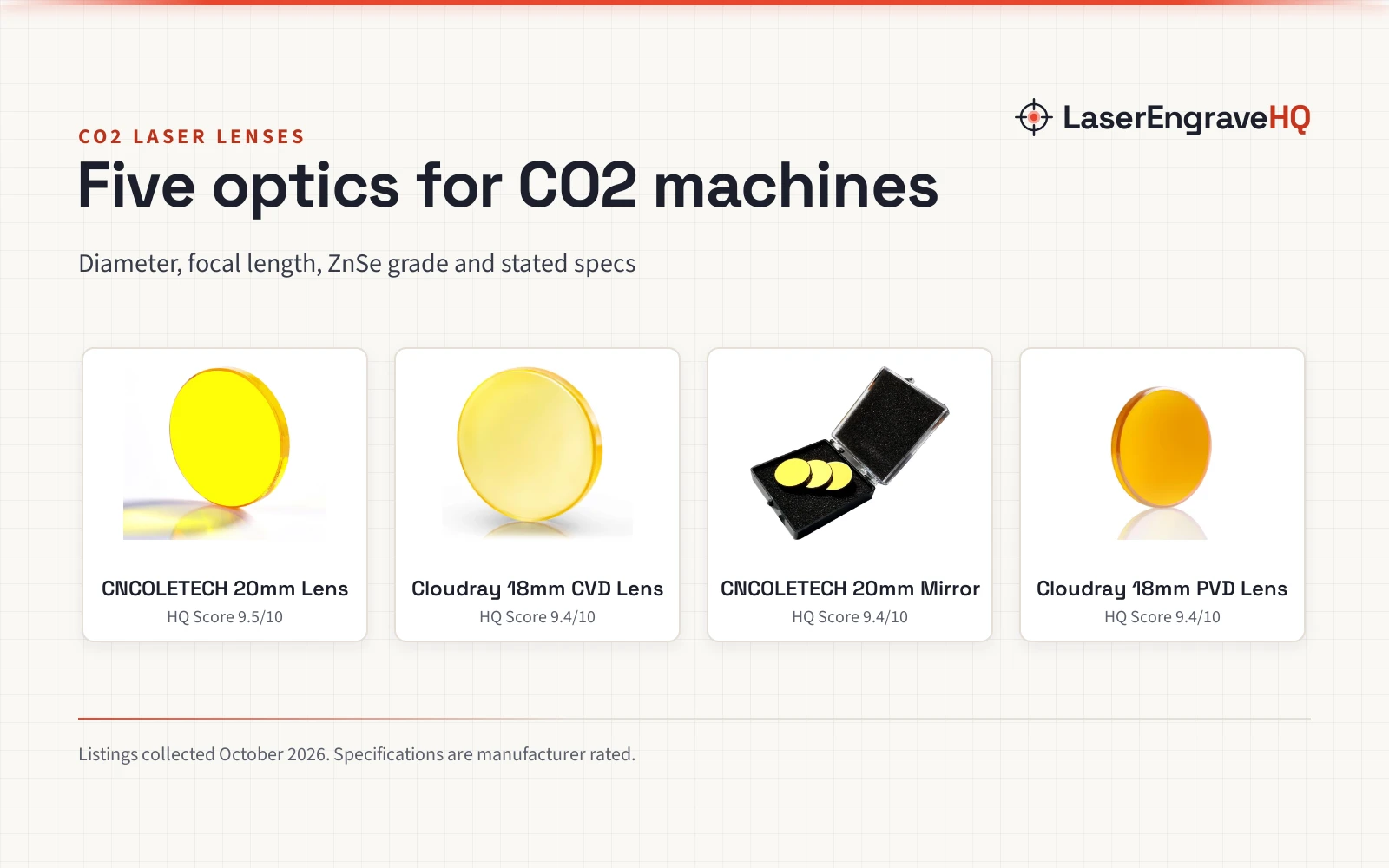
 CO2 Laser Lens 20mm FL:2.5" or 63.5mm Mirror ZnSe Focus FocalView on Amazon
- 8
 Cloudray CO2 Laser Lens Dia 20mm FL50.8mm Mirror Focal LensView on Amazon
- 9
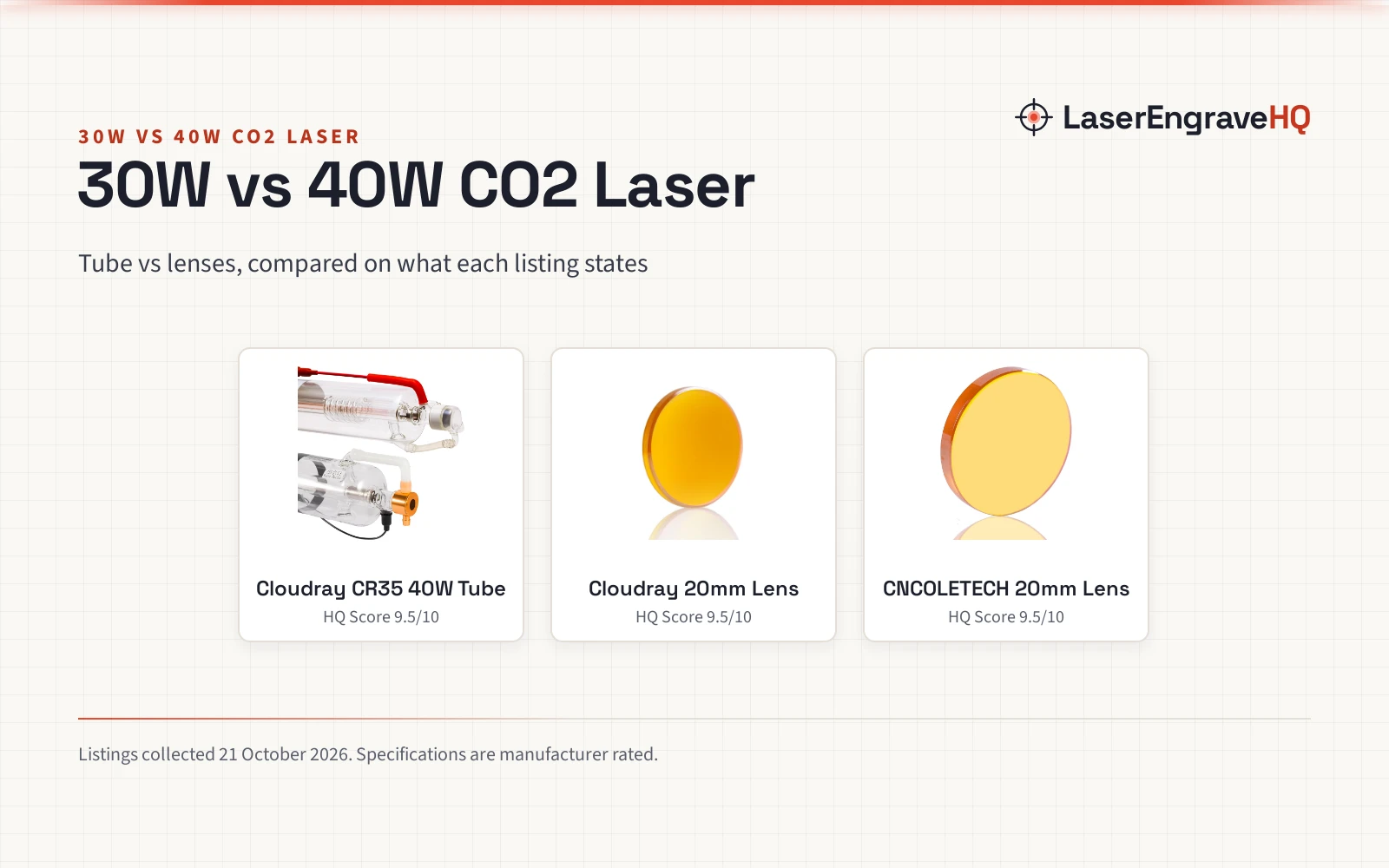
 TEN-HIGH 40W CO2 Laser Tube 700mm D50mmView on Amazon
When deciding is co2 laser worth it for your workshop, the answer comes down to what materials you cut, your production speed and your space. A CO2 laser is worth it if you cut thick wood, work with clear acrylic, engrave glass or run a commercial business that demands rapid job turnaround. It is not worth it if you only engrave occasional craft blanks, mark dark slate or personalize coated drinkware, where a diode laser handles the job with a smaller footprint and simpler setup. The guide below walks through each consideration step by step to help you decide before purchasing equipment.
Other machines to compare
 OMTech K40+ 45W CO2 Laser Engraver & Cutter with Rotary AxisCheck price on Amazon
 Brilliance Laser Inks Black Metal Liquid-Ready Laser MarkingCheck price on Amazon
 Brilliance Laser Inks Copper-Tone Red Liquid-Ready MarkingCheck price on Amazon
 CO2 Laser Lens 20mm FL:2.5" or 63.5mm Mirror ZnSe Focus FocalCheck price on Amazon
 Cloudray CO2 Laser Lens Dia 20mm FL50.8mm Mirror Focal LensCheck price on Amazon
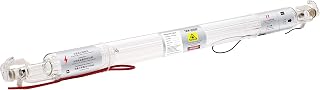 TEN-HIGH 40W CO2 Laser Tube 700mm D50mmCheck price on Amazon
LaserEngraveHQ earns a commission from purchases made through these links, at no extra cost to you. Read our affiliate disclosure.
Every workshop setup is different. We base machine specifications and capacities on published manufacturer listings, but cutting speed and depth always depend on material density, moisture content and optical alignment. Always run small sample cuts on scrap pieces before starting production runs.
Step 1: Evaluate your materials and beam absorption
Material compatibility is the primary factor deciding whether a CO2 laser pays off. A CO2 laser generates an infrared gas beam that interacts differently with materials than visible blue diode beams. See our guide on what is a CO2 laser engraver and our comparison of diode vs CO2 laser machines.
Clear, white and mirrored acrylic absorb CO2 wavelengths directly, creating clean, polished cut edges. Diode lasers emit visible blue light that passes straight through transparent acrylic without marking it. If your work requires clear acrylic signage or displays, a CO2 laser is necessary. OMTech lists its 45W machine cutting through 0.4″ (10mm) acrylic and 0.31″ (8mm) wood. Bare glass also absorbs CO2 energy for direct frosted engraving.
Bare metal reflects CO2 beams without marking. However, OMTech lists a 13oz laser marking spray that allows a 25W and above CO2 laser to fuse permanent black marks onto aluminum, stainless steel and brass. For chemical-free bare metal marking, a fiber laser is required.
Material warning: never laser PVC, vinyl, PVC-based faux leather, polycarbonate or ABS. Heating PVC or vinyl releases toxic chlorine gas and hydrogen chloride that damage optics and health, while polycarbonate and ABS emit hazardous fumes and suffer severe melting.
Step 2: Compare cutting thickness, processing speed and workflow
Cutting power and axis speed determine whether a CO2 laser delivers a commercial return. Compare models in our best CO2 laser cutter for home use guide and our best laser engraver for small business list. Beginners can consult our laser engraver for beginners guide. For revenue planning, see our guides on how to price laser engraving work and how much you can make with a laser engraver.
Cutting power enables single-pass processing. OMTech lists its 40W model engraving up to 1/8″ (3 mm) deep on wood, acrylic and leather, with glass limited to surface etching. In higher brackets, VEVOR lists an 80W machine and a 100W machine cutting materials up to 0.59 in thick in one pass. Furvveerr lists an 80W unit cutting up to 0.59 in/15 mm thick in one pass. For deep wood cutting, OMTech lists its 90W model reaching up to 0.4″ depth. Single-pass cutting reduces charring and eliminates stepped ridges from multi-pass passes.
Engraving speed delivers high commercial value. OMTech rates its 45W desktop units at engraving speeds up to 300 mm/s, while its 40W unit reaches up to 13.8 ips (350 mm/s). Furvveerr rates its 80W machine at engraving speeds up to 500 mm/s, and OMTech lists its 90W machine achieving up to 600 mm/s. Fast engraving accelerates batch orders.
Software compatibility connects design to production. OMTech, VEVOR and Furvveerr support LightBurn, with OMTech including LaserGRBL and VEVOR supporting CorelDRAW and AutoCAD across Windows, macOS and Linux via USB connectivity.
Step 3: Check workshop space and machine footprint
Before buying, evaluate available floor space and doorway clearances. For pre-purchase decisions, see our guide on how to choose a laser engraver.
Work area dimensions dictate job capacity. OMTech lists a 12″ × 8″ work area (also listed as 8″x12″ and 200×300 mm) on its desktop K40+ platform. For larger workpieces, VEVOR lists an 80W machine featuring a 20 x 28 in bed providing 560 in² of workspace. Furvveerr lists an 80W unit with a 28 x 20 in workspace providing 560 in². For large sheet goods, VEVOR lists a 100W machine with a 24 x 35 in (600 x 900 mm) bed providing 840 in² of workspace.
Machine weight demands dedicated support. OMTech lists its 45W desktop unit at 83.6 pounds, with a chiller bundle variant at 89.8 pounds. Floor machines are significantly heavier: VEVOR lists its 80W machine at 282 pounds, Furvveerr lists its 80W unit at 364 pounds, and VEVOR lists its 100W model at 551 pounds. VEVOR and Furvveerr feature 2-way pass-through doors, while OMTech lists 4-way pass-through doors on its 28″ × 20″ 90W model for oversized stock.
Step 4: Account for water cooling and chiller requirements
A CO2 laser relies on an excited gas mixture inside a sealed glass tube, generating heat that requires continuous water cooling to prevent cracking.
Cooling setups scale with wattage. Compact desktop units often use an included water pump, though OMTech lists a K40+ bundle paired with a CW-3000 water chiller. For 80W, 90W and 100W tubes, high-capacity water chillers maintain safe liquid temperatures during long jobs. OMTech includes water sensors that halt laser firing if flow stops.
Tube lifespan is an ongoing operating cost. OMTech lists its 90W DC laser tube providing up to 12,000 hours of operation. Furvveerr lists its 80W tube providing up to 4000 hours of usage, noting that life doubles at lower power settings rather than maximum current. OMTech lists a 1 year general warranty with 6 months for tube and power supply on its 40W bundle, while newer listings cite 2 years of service. VEVOR lists its warranty as “None.” in its 80W spec table.
Step 5: Plan ventilation and exhaust routing
Laser cutting vaporizes materials, producing dense smoke and fumes that require ventilation. See our guides on the best exhaust fan for laser cutter setups and the best fume extractor for laser cutting.
OMTech, VEVOR and Furvveerr include air assist. OMTech specifies a 45° air assist nozzle blowing compressed air at the cut to clear smoke, protect optics and lower fire risk. Always vent exhaust outdoors or route fumes through multi-stage filters.
Step 6: Review safety gear, enclosures and laser classes
Operating a high-power laser requires proper safety features and enclosures.
Laser classifications reflect cabinet design. VEVOR lists its 80W and 100W enclosed machines under Class 1 (IEC60825-1:2014). OMTech lists Class 2 on its SH-K40 desktop units and 90W unit. Furvveerr lists its 80W model as Class 4 under IEC 60825-1:2014 with 5mW accessible output power.
Safety features protect operators. OMTech, VEVOR and Furvveerr include cover interlocks that shut off the laser if opened, plus emergency stops. Furvveerr lists a fireproof viewing window with polyester melting points of 432° to 488° and an ignition temperature over 1000°. When pass-through doors are open, eyewear protects only if its stated optical density and wavelength match the beam. Never leave cutting jobs unattended and keep an extinguisher nearby.
Common mistakes to avoid
- Buying a heavy floor-standing unit without measuring doorways and workspace floor capacity.
- Firing a glass CO2 tube without confirming water flow, coolant temperature and bubble-free tube circulation.
- Attempting to cut prohibited plastics like PVC, vinyl, ABS or polycarbonate that release toxic, corrosive gases.
- Relying solely on internal exhaust fans without venting ductwork outdoors or using a multi-stage fume filter.
- Leaving an operating laser cutter unattended while processing combustible wood or acrylic sheets.
Is co2 laser worth it: the short version
- Materials: Worth it if you must cut clear acrylic, engrave bare glassware or cut thick wood in single passes.
- Volume: Choose CO2 if engraving speeds up to 300 mm/s, 500 mm/s or 600 mm/s are needed for orders.
- Footprint: Confirm space for equipment weighing 83.6 to 551 pounds.
- Cooling: Plan space and maintenance for a water pump or chiller.
- Ventilation: Route exhaust outdoors or through a dedicated fume extractor.
- Wattage: Select 40W or 45W desktop models for craft blanks, or 80W, 90W and 100W floor units for thick stock.
If your work demands clear acrylic, glass, or rapid production, a CO2 laser delivers capabilities diode units cannot match. For occasional wood or leather engraving, a diode laser remains simpler and more compact.
FAQ: lasers and CNC
Is a CO2 laser worth it for a beginner?
A CO2 laser is worth it for beginners who must cut clear acrylic, engrave glass, or handle commercial batch orders. However, mirror alignment, water cooling and exhaust routing create a steeper learning curve than desktop diode setups. For occasional wood crafts, a diode laser is simpler to start with.
Can a CO2 laser cut clear acrylic?
Yes. Clear, mirrored and cast acrylic absorb CO2 wavelengths directly, leaving clean cut edges. OMTech lists its 45W machine cutting through 0.4″ (10mm) acrylic in one pass. Diode lasers emit visible blue light that transmits through clear acrylic without cutting.
What materials should never be cut in a CO2 laser?
Never laser PVC, vinyl, PVC-based faux leather, polycarbonate or ABS. PVC and vinyl release toxic chlorine gas and hydrogen chloride that damage lungs and corrode equipment. Polycarbonate and ABS emit dangerous fumes and melt heavily.
How long does a CO2 laser tube last?
Glass CO2 tubes are consumable components. OMTech lists a 90W DC laser tube providing up to 12,000 hours of operation, while Furvveerr lists an 80W tube providing up to 4000 hours of usage. Running below maximum current and keeping water cool maximize tube life.
Do I need a water chiller for a CO2 laser?
Yes, continuous water cooling is mandatory for glass-tube CO2 lasers. Running without coolant cracks the glass within seconds. While 40W and 45W desktop models can run with a water pump or compact CW-3000 unit, 80W, 90W and 100W lasers require high-capacity water chillers to manage heat.
Can a CO2 laser engrave bare metal?
Standard CO2 beams reflect off bare metals without marking. However, OMTech lists a 13oz marking spray that allows a 25W and above CO2 laser to fuse permanent black designs onto bare aluminum, stainless steel and brass. Direct bare metal etching requires a fiber laser.
Related: the laser engraver hub, CO2 laser cutters and diode vs CO2 laser. Also see our best CO2 laser cutter for home use. Also see our how to choose a laser engraver.