How to Test a Limit Switch with a Multimeter
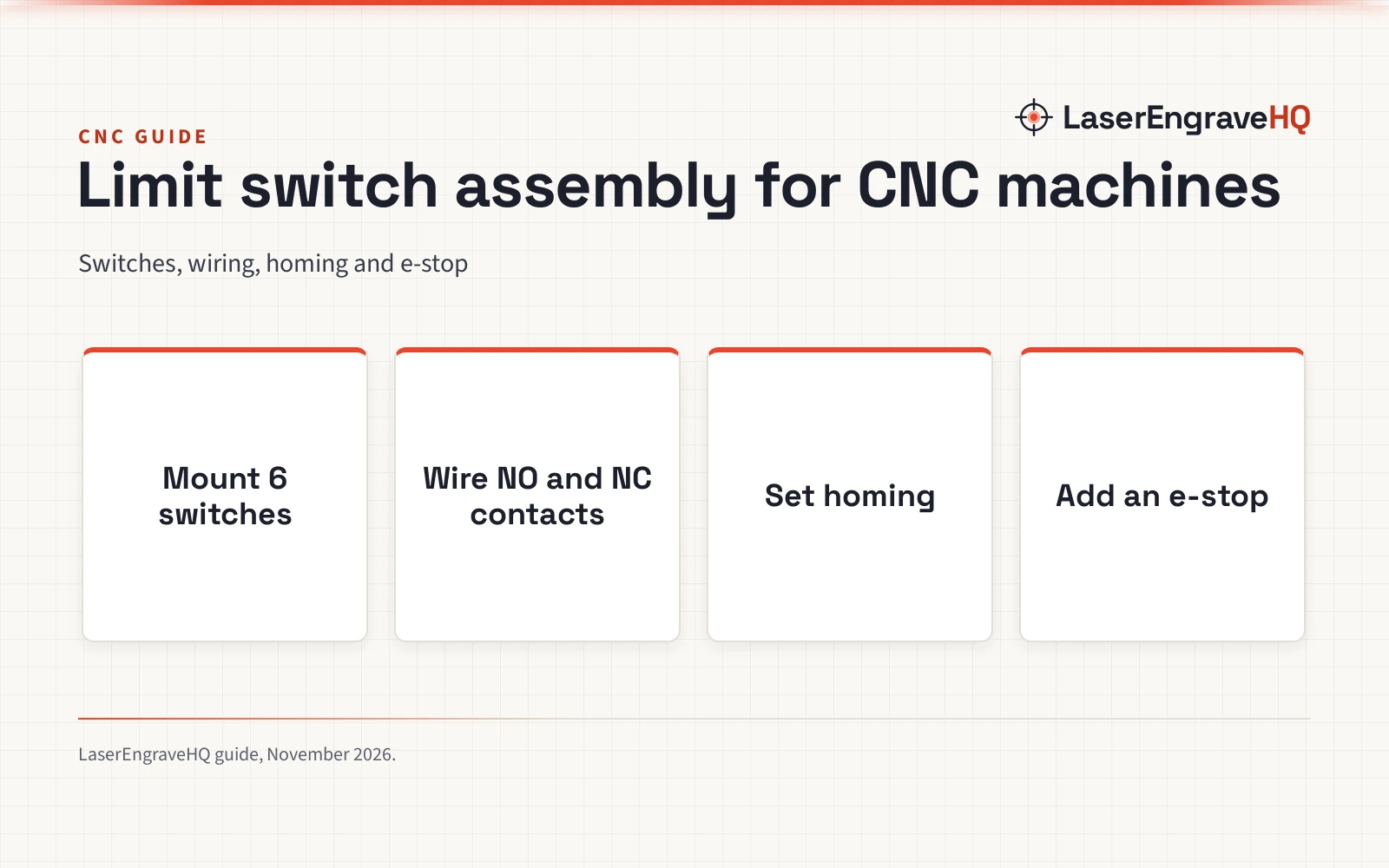
A limit switch that no longer clicks cleanly can stall a homing cycle, so this guide walks through a bench check with a multimeter and three spare switches that fit common CNC and printer builds.


On this page
Top picks at a glance
As an Amazon Associate I earn from qualifying purchases.
- 1
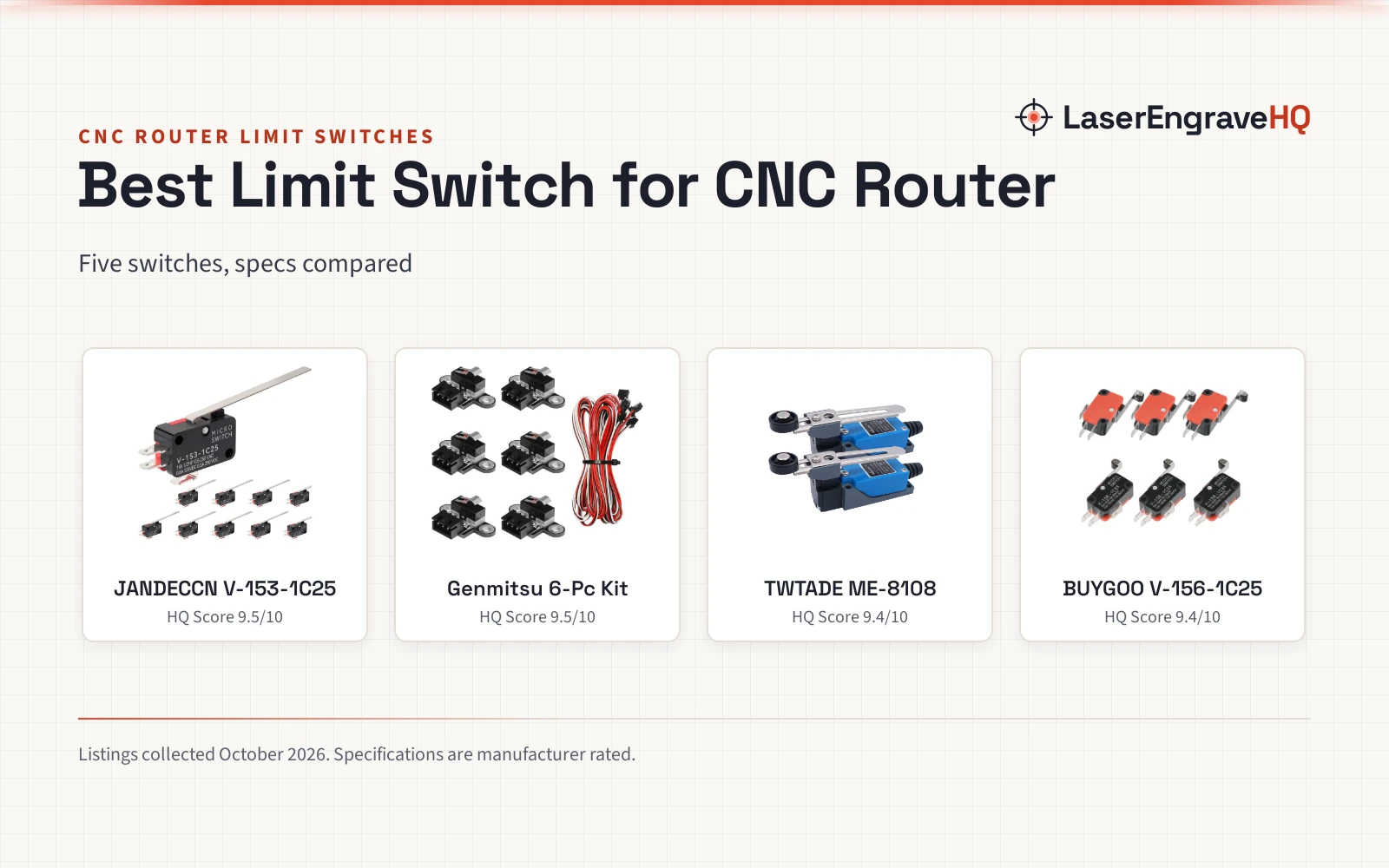
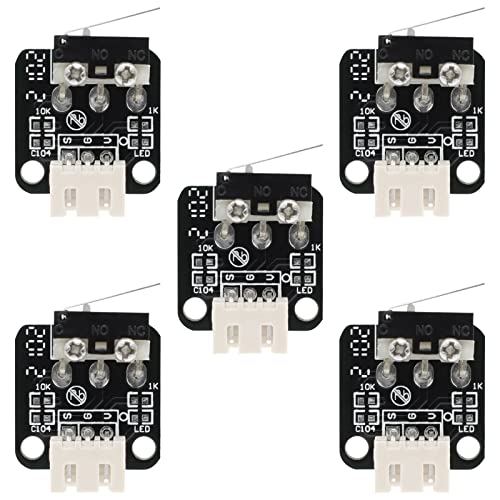 3D Printer Part End Stop Limit Switch,5 Pcs Micro9.6/10View on Amazon
- 2
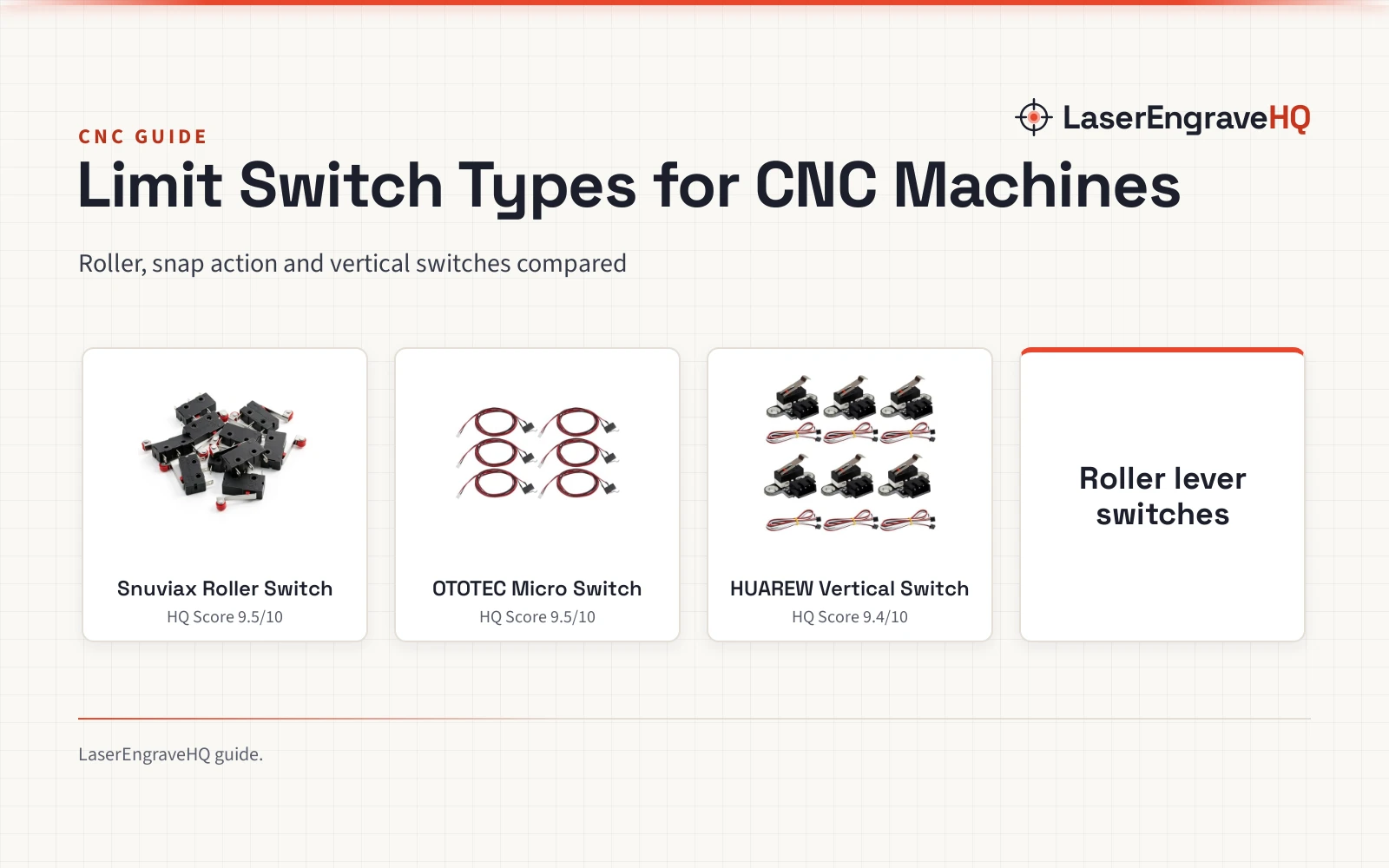
 HUAREW 3D Printer Horizontal Mechanical Limit9.5/10View on Amazon
- 3
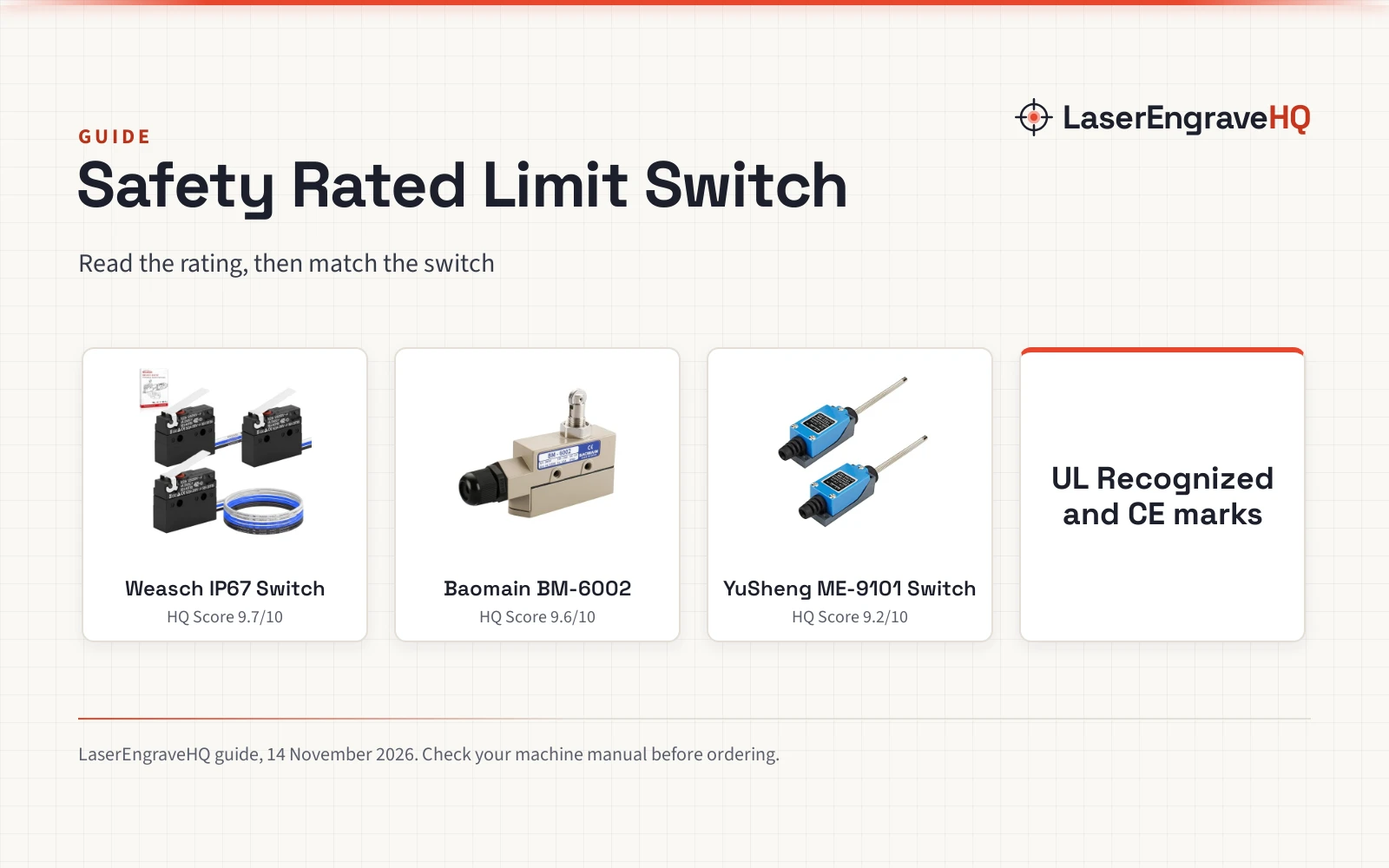
 5PCS ME-8108 Momentary Limit Switch Travel9.3/10View on Amazon
A limit switch tells a CNC router or printer where an axis ends, and when that signal goes quiet the machine can keep driving into the frame or refuse to home. How to test a limit switch comes down to a bench check with a multimeter: power the machine down, free the switch from its mount, and check continuity across its contacts as you press and release the lever. The rest of this guide walks through that check, then shows three spare switches for common CNC and printer builds.
LaserEngraveHQ earns a commission from purchases made through these links, at no extra cost to you. Read our affiliate disclosure.
3D Printer Part End Stop Limit Switch,5 Pcs Micro
A set of 5 mechanical micro switches with 3 pin contacts, normally open and normally closed, fire-retardant terminals and a stated AC 250V 1A load.
Pros
- AC 250V 1A load stated in the listing
- Normally open and normally closed contacts on a 3 pin switch
- Fire-retardant terminals
- Stated fit for Ender-3, Ender-3 Pro, Ender-3 V2, Ender-3 Max, CR-10, CR-10 V3 and CR-10 S4
Cons
- No warranty term in the listing
- Bullets mention optical switches while the listing sells a mechanical switch
- No cable is stated in the listing
- No lever arm is stated
HUAREW 3D Printer Horizontal Mechanical Limit
A set of 6 horizontal mechanical limit switches with 3 pins, 1m cables and a trigger light.
Pros
- 1m cables included, so the bench check needs no extra wiring
- Trigger light shows when the switch actuates
- Normally open contacts with momentary action
- Stated fit for Genmitsu 3018-PROVer, 3018-MX3 and 3018-PROVer Mach3
Cons
- No warranty term in the listing
- No load figure is stated
- Horizontal mount only
- Only normally open contacts are stated
5PCS ME-8108 Momentary Limit Switch Travel
A set of 5 ME-8108 momentary limit switches with an adjustable roller lever arm and NC-NO contacts.
Pros
- Adjustable roller lever arm suits mounts where the axis meets the switch at an angle
- NC-NO contacts cover the continuity check on the bench
- Set of 5 gives spares for several axes
- Momentary action matches the press-and-release check
Cons
- No warranty term in the listing
- No bullets in the listing, so fit and load are unstated
- No compatibility list is stated
- No load figure is stated
How to Test a Limit Switch with a Multimeter
Work through the steps in order, with the switch off the machine until the check is done. A switch that reads clean on the bench and still misbehaves on the machine usually has a wiring fault. See the CNC routers hub for the machines these switches fit.
- Power down and unplug the machine, then free the switch from its mount, noting which wire meets each pin.
- Set the meter to continuity and touch the probes to the common pin and the normally open pin. With the lever at rest the meter stays silent, and with the lever pressed it sounds.
- Move one probe to the normally closed pin and repeat the press: the meter sounds at rest and stays silent when pressed.
- Press the lever slowly and feel for one clean click. A lever that sticks or drags has worn out, even if the meter reads clean.
- Check the cable and the plug for nicks, loose crimps and bent pins. A cable that only works when held at an angle belongs in the bin.
What the Meter Is Telling You
The readings below are the whole check: a switch that matches the pattern is sound.
| Contact | Lever at rest | Lever pressed |
|---|---|---|
| Normally open | Silent | Sounds |
| Normally closed | Sounds | Silent |
A reading that stays the same when the lever moves points to a contact that no longer moves.
Signs a Limit Switch Has Worn Out
Most worn switches give warning before they fail outright:
- Axis keeps driving: the axis runs past the end of travel instead of stopping.
- Homing fails: the machine hunts for home and never settles.
- Stops mid-job: the machine halts during a cut or a print with no clear cause.
- Loose lever: the lever wobbles instead of springing back to rest.
Spare Limit Switches for the Bench Check
The check above needs a switch on the bench, so the three switches below are spares to keep beside the machine.
Wiring and Mounting Notes
The HUAREW and GUBCUB sets share a 3 pin layout, and the GUBCUB and YuSheng sets state normally closed contacts beside the normally open contact. The HUAREW set adds 1m cables and a trigger light for Genmitsu 3018-PROVer, 3018-MX3 and 3018-PROVer Mach3 builds, the GUBCUB set states an AC 250V 1A load and fire-retardant terminals for Ender-3, Ender-3 Pro, Ender-3 V2, Ender-3 Max, CR-10, CR-10 V3 and CR-10 S4 builds, and the YuSheng ME-8108 (on Amazon) set uses an adjustable roller lever arm for mounts where the axis meets the switch at an angle.
Mount the switch so the lever meets the moving part squarely, with enough cable slack for the axis to travel.
FAQ: lasers and CNC
Can a limit switch be checked while it is still mounted?
A quick check on the machine can catch a dead switch, but the bench check is the reliable one.
What does normally open mean on a limit switch?
A normally open contact stays silent on the meter until the lever is pressed, when it sounds. A normally closed contact does the opposite.
Why does an axis keep driving past the end?
The usual cause is a switch that no longer closes, a lever that no longer reaches the moving part, or a wire that has come loose.
Do these switches fit CNC routers and printers?
The HUAREW set names Genmitsu 3018-PROVer, 3018-MX3 and 3018-PROVer Mach3 builds, and the GUBCUB set names Ender-3, Ender-3 Pro, Ender-3 V2, Ender-3 Max, CR-10, CR-10 V3 and CR-10 S4 builds. The YuSheng set states no compatibility list.
How do I know the switch is worn and not the wiring?
A switch that reads clean on the bench yet misbehaves on the machine points to wiring; one that reads the same pressed and released points to the switch itself.
Related: the CNC routers hub, 3018 CNC setup and best laser engraver for small business.