Can You Heat Press Leather? What to Know
Yes, you can heat press genuine leather with heat transfer vinyl and the right settings, a cover sheet and a scrap piece first.

On this page
Top picks at a glance
As an Amazon Associate I earn from qualifying purchases.
- 1
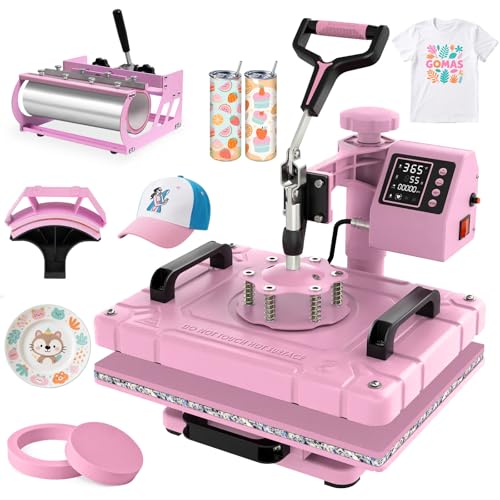 Slendor 12x15 Inch 5 in 1 Swing Away Heat Press Machine for T9.7/10View on Amazon
- 2
 HORGELU Upgraded 5 in 1 Heat Press Machine 15x15 Inch Heat9.7/10View on Amazon
- 3
 HTVRONT Auto Heat Press 29.7/10View on Amazon
A leather wallet with a name pressed into it, a patch on a jacket, a small run of key fobs for a market stall: that is the kind of project that makes people ask, can you heat press leather. The short answer is yes, genuine leather takes heat transfer vinyl in a heat press, as long as you treat it as a material with its own limits. This guide explains which leather works, what to put between the press and the leather, and how to press without scorching the piece.
LaserEngraveHQ earns a commission from purchases made through these links, at no extra cost to you.
The maker listings cited here state press sizes and pad ratings, not a pressing temperature or time for leather. Follow the settings the transfer material maker states for leather, and press a scrap piece first.
Can you heat press leather? The short answer
Yes, you can heat press leather, and heat transfer vinyl is the usual way to do it. Smooth, firm genuine leather takes vinyl well because the surface holds the adhesive. What changes from fabric is the margin for error: leather scorches, dries out and stiffens when it gets too much heat, and a mark left by a hot platen does not wash out. That is why the rest of this guide is about preparation and a scrap piece.
Which leather works with a heat press
Start with genuine leather. Veg-tan leather, the kind used for belts, wallets and patches, is the most forgiving choice because it is firm, smooth and free of coatings that melt under heat. Finished leather with a sealed surface can work too, but coatings vary, so press a scrap piece from the same hide first. Our guide to can you laser engrave leather covers the same leather types and what sets them apart.
Bonded leather, made from leather fibers held together with a binder, is a weaker choice: it can crack or peel where the press heats it, so leave it for projects that never see a press.
Faux leather and the PVC warning
Faux leather is where most heat press mistakes happen, because the name covers several different materials. Polyurethane faux leather can take a press when its maker states it tolerates heat, so read the care label on the piece before you press it. PVC faux leather is the material to avoid: heating PVC can release harmful fumes, and the surface can melt or stick to the platen. If the label does not name the material, treat the piece as unknown and do not press it. Ventilate the room whenever you press, and keep the press on a heat-proof surface.
What you need before you press
A flat heat press with a digital control panel is the right tool: the panel sets time and temperature, and an audible alarm tells you when the press cycle ends. A press with a 12 x 15 inch platen covers wallets, patches and small panels at once, and a swing-away arm that rotates 360 degrees keeps your hands clear while you place the leather. Read parts of a heat press if the parts are new to you.
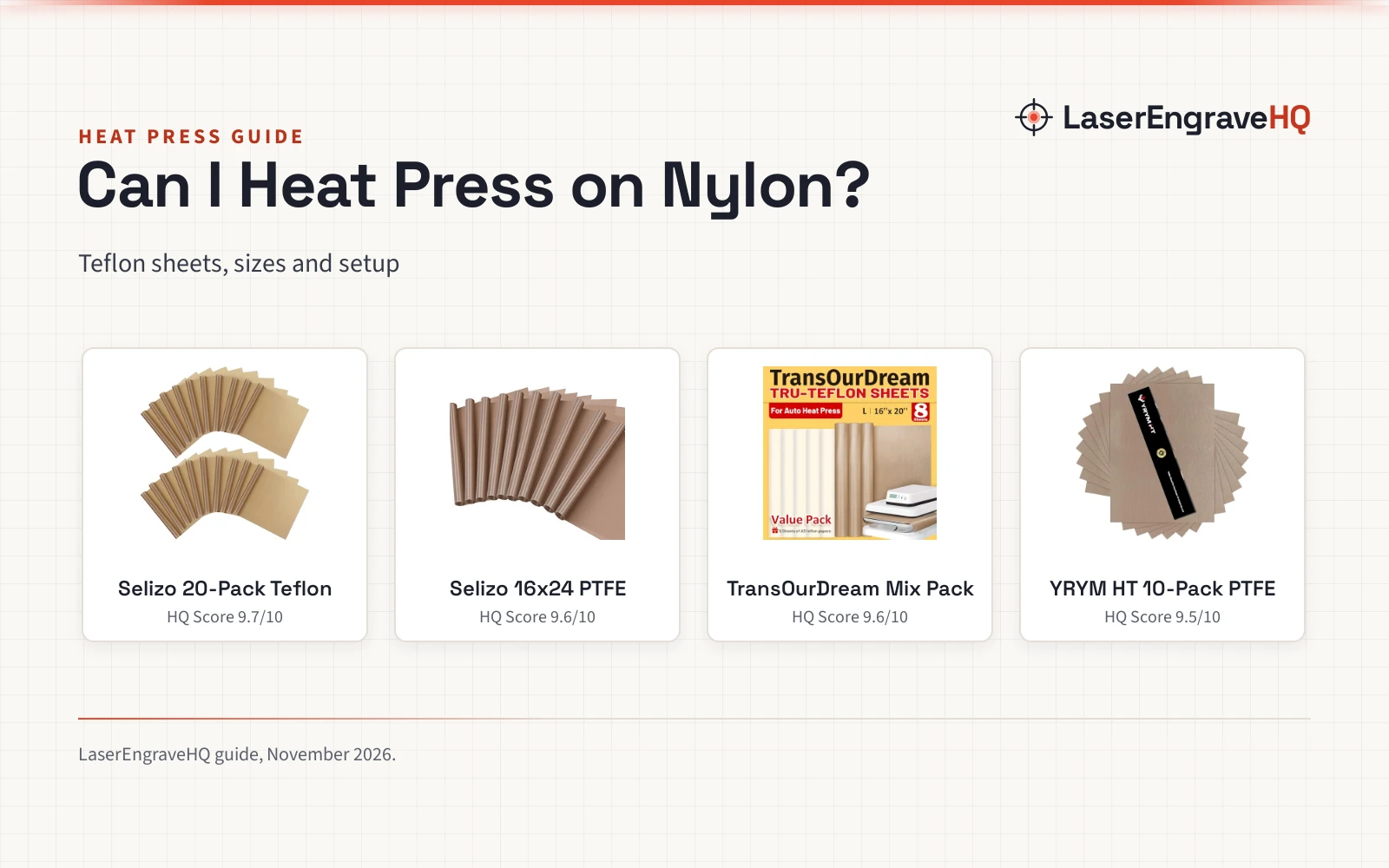
Put a Teflon sheet between the platen and the leather every time you press: it stops the vinyl and the leather from sticking to the hot plate and keeps the surface clean. The maker lists high-temperature silicone pads resistant up to 750°F with its 5-in-1 combo press, and those pads add more protection under the leather. Keep a scrap piece of the same leather beside the press for a trial run. If you still need a press, see our best heat press machine for small business guide.
How to heat press leather, in order
Work in this order, and do the scrap piece before the piece you care about:
- Cut the vinyl design and weed the extra vinyl away.
- Lay the leather flat on the press, smooth side up, and place the design where you want it.
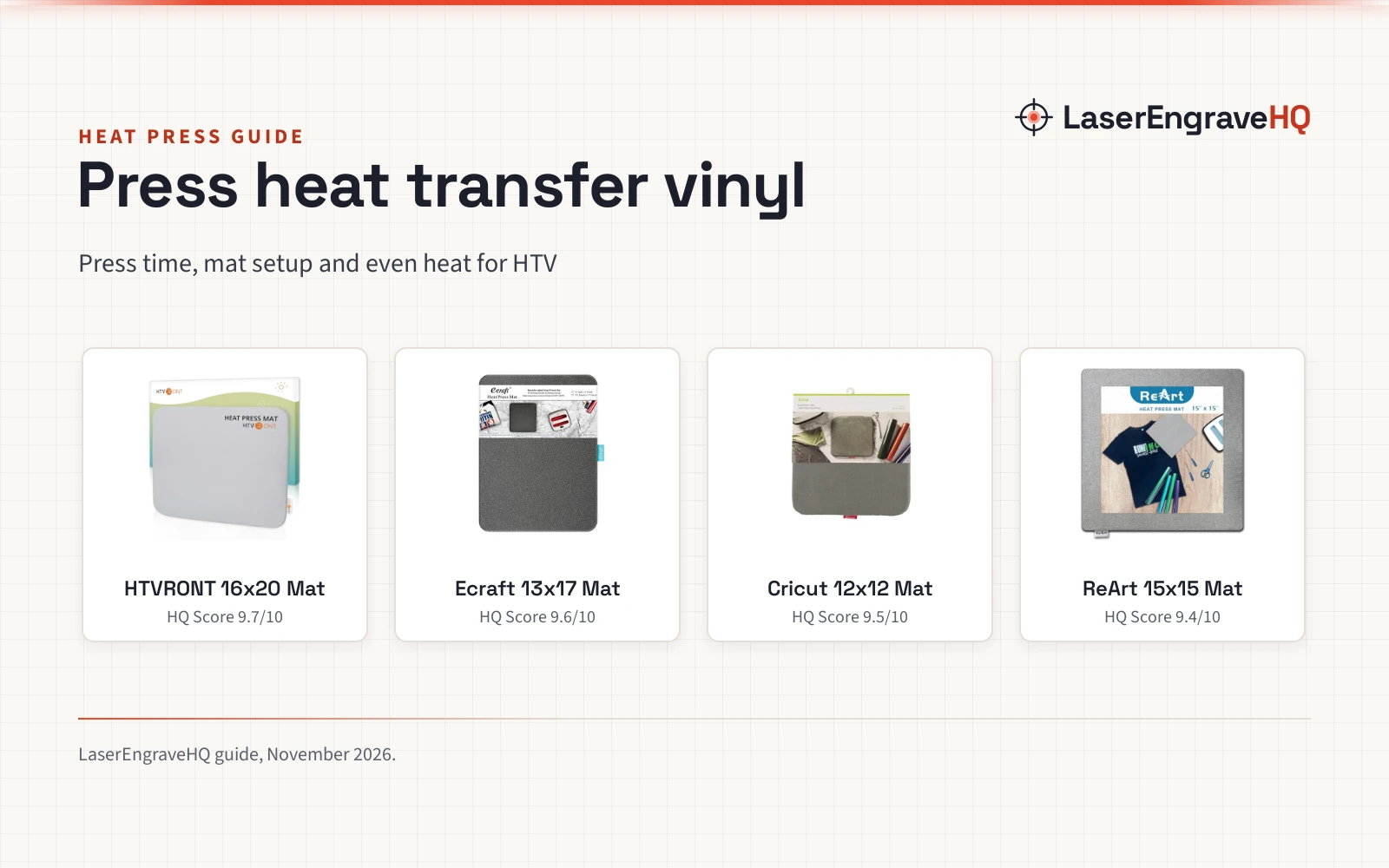
- Cover the design with a Teflon sheet so no vinyl or leather touches the platen.
- Close the press and let the alarm mark the end of the cycle.
- Open the press, lift the Teflon sheet and let the leather cool flat, then peel the carrier as the vinyl instructions state.
- Check the edges of the design: if a corner lifts, do not press that spot again, since a second pass can darken or stiffen the leather.
Set the time and temperature from the instructions that came with your vinyl, not from a fabric chart: the vinyl maker states settings for leather on the pack or the product page. If your vinyl gives no leather setting, use the lowest setting that bonds the vinyl on the scrap piece. Our temperature guide for heat press by material shows how settings change across materials.
What to avoid when you press leather
- Pressing without a cover sheet: bare vinyl sticks to the platen and bare leather scorches.
- Pressing PVC faux leather: it can melt, stick and release harmful fumes.
- Pressing the same spot again: a second pass can darken or stiffen the leather.
- Pressing over seams, rivets or thick edges: the platen cannot press evenly there, so move the design to a flat area.
- Pressing pieces in a stack: press pieces separately so the heat stays even.
Press safety and care
Treat the press like any hot tool. The swing-away arm moves the hot platen aside while you place the leather, and the slide-out base gives you a stable area to work on. Overheat protection shuts the press off if the temperature climbs too high or the voltage spikes. Keep the room ventilated while you press, keep the press on a heat-proof surface, and let each piece cool flat before you handle it.
The short version
- Use genuine leather, and read the label on any faux leather.
- Use heat transfer vinyl and a Teflon sheet.
- Follow the vinyl maker settings for leather.
- Press a scrap piece first, then press the real piece.
- Let the piece cool flat, then peel the carrier as the vinyl instructions state.
FAQ: lasers and CNC
Can you heat press leather with a regular heat press?
Yes. A flat heat press with a digital control panel works for leather, as long as you use heat transfer vinyl, a Teflon sheet and the settings the vinyl maker states for leather.
What kind of vinyl works on leather?
Heat transfer vinyl is the vinyl made for pressing, and it bonds to genuine leather when you press it with the right settings. The heat transfer vinyl for beginners guide shows how HTV differs from adhesive vinyl.
Can you heat press faux leather?
It depends on the material. Polyurethane faux leather can work when its maker states it tolerates heat. PVC faux leather should not be pressed: heating PVC can release harmful fumes and the surface can melt.
Will heat pressing damage leather?
It can, if the press runs too hot or the piece stays under the platen too long: leather can scorch, dry out or stiffen, and a scorch mark does not wash out. A Teflon sheet and a scrap piece first keep the risk low.
Do you need a Teflon sheet when you heat press leather?
Yes. The sheet sits between the platen and the leather and stops vinyl from sticking to the hot plate.
Can you heat press leather patches onto fabric?
Yes, you can press a leather patch onto fabric with heat transfer vinyl on the back of the patch, using the vinyl maker settings for leather. Press a scrap patch first, since the patch is thicker than fabric.
Related: the craft machines hub, best heat press machine for small business and what is the best heat press machine. Also see our temperature guide for heat press by material and heat gun vs heat press for HTV.