Can Resin Printers Print Multiple Colors?
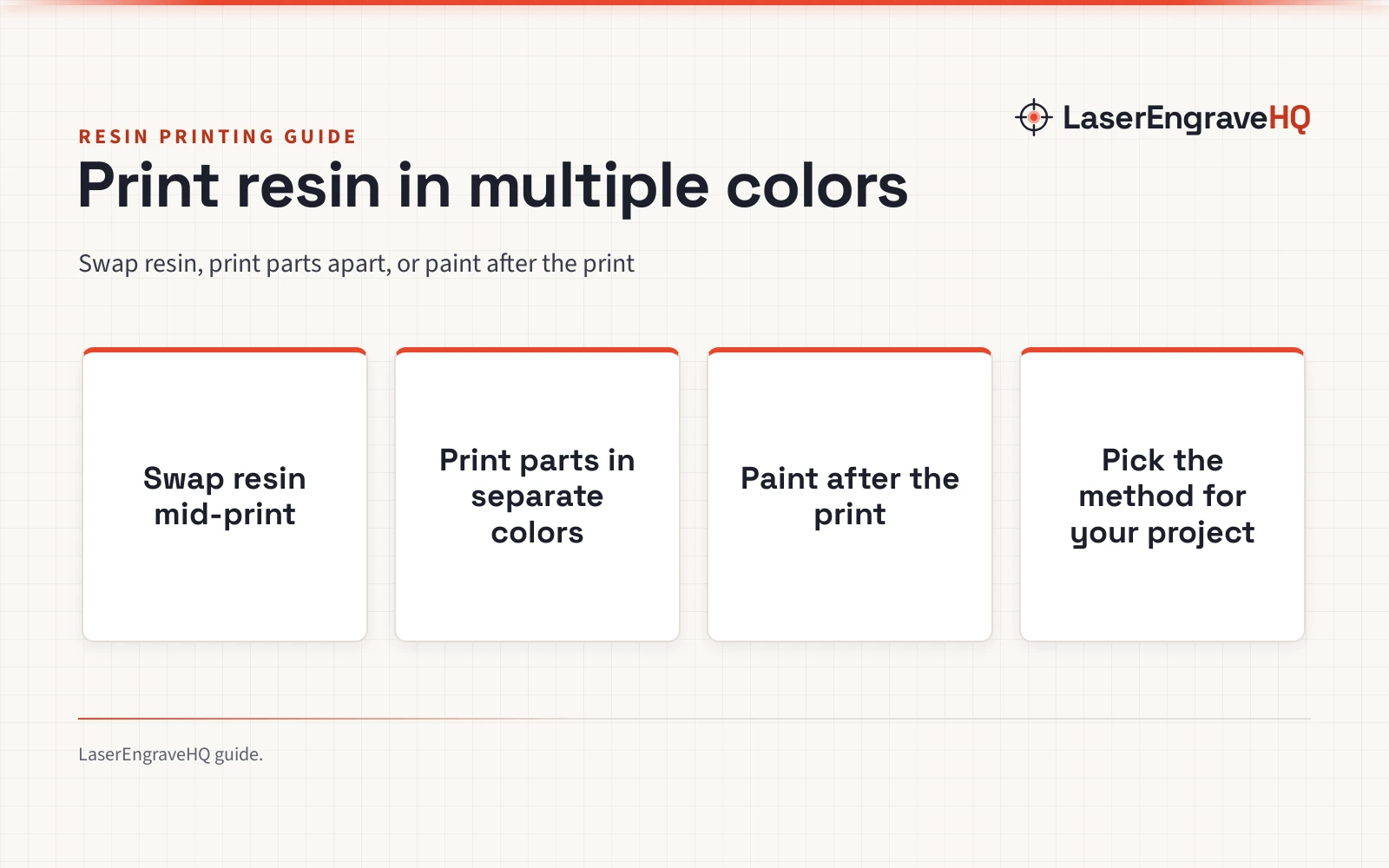
Resin printers can print in multiple colors by swapping resin mid-print, printing parts in separate colors, or painting the finished model, and this guide explains how each method works.

On this page
Can resin printers print multiple colors? Yes. A resin printer builds a model from liquid resin that hardens under ultraviolet light, and the color of the finished model comes from the resin in the vat. To add color, change the resin during the print, print parts in separate colors and join them, or paint the model after it hardens. This guide explains each method and what to watch for before you start.
As an Amazon Associate I earn from qualifying purchases. LaserEngraveHQ earns a commission from purchases made through these links, at no extra cost to you. Read our affiliate disclosure.
Resin stays liquid until ultraviolet light hardens it. Wear gloves and eye protection, keep fresh air moving, and keep liquid resin off skin. See the resin printer safety guide for gear and ventilation.
How resin printers handle color
A resin printer holds liquid resin in a vat and hardens it a layer at a time with ultraviolet light. The color of the print comes from the resin itself: gray resin gives a gray model, red resin gives a red model. Clear resin prints clear, though the shade can shift a little as the resin hardens.
That simple rule shapes every multi-color method. A vat holds resin in a color, so a print in more than a color needs a change of resin, a change of parts, or paint on the finished model. The resin types guide explains standard, tough and flexible resin.
Swap resin during a print
Swapping resin mid-print gives bands of color that change with height. Pause the print where the color should change, lift the build plate, and drain the resin left in the vat back into its bottle. Wipe the vat clean, pour in the next color, and resume the print.
Clean the vat well between colors, or the old color tints the new shade. A thin film of resin hides in corners and under the build plate, so wipe every surface the resin touches before you pour. Keep a spare vat ready, and label each bottle so the colors stay in order.
Plan the swap before you start. A color change works well at a flat layer where the shape stays the same, such as the base of a sign or the rim of a vase. A change in the middle of fine detail can leave a visible line, so pick a layer where the line looks planned.
Print parts in separate colors
Splitting a model into parts gives clean color blocks with no mixing. Design the model so each color has its own part, print each part in its own color, then wash and harden the parts and join them with glue. A figure with a red cloak and a gray sword prints as a cloak part and a sword part.
This method suits models where colors meet at a clear edge, such as a badge, a sign with raised letters, or a toy with a body and wheels in separate colors. Keep the mating faces flat and clean so the parts sit flush, and leave room for glue in the joint.
Paint after the print
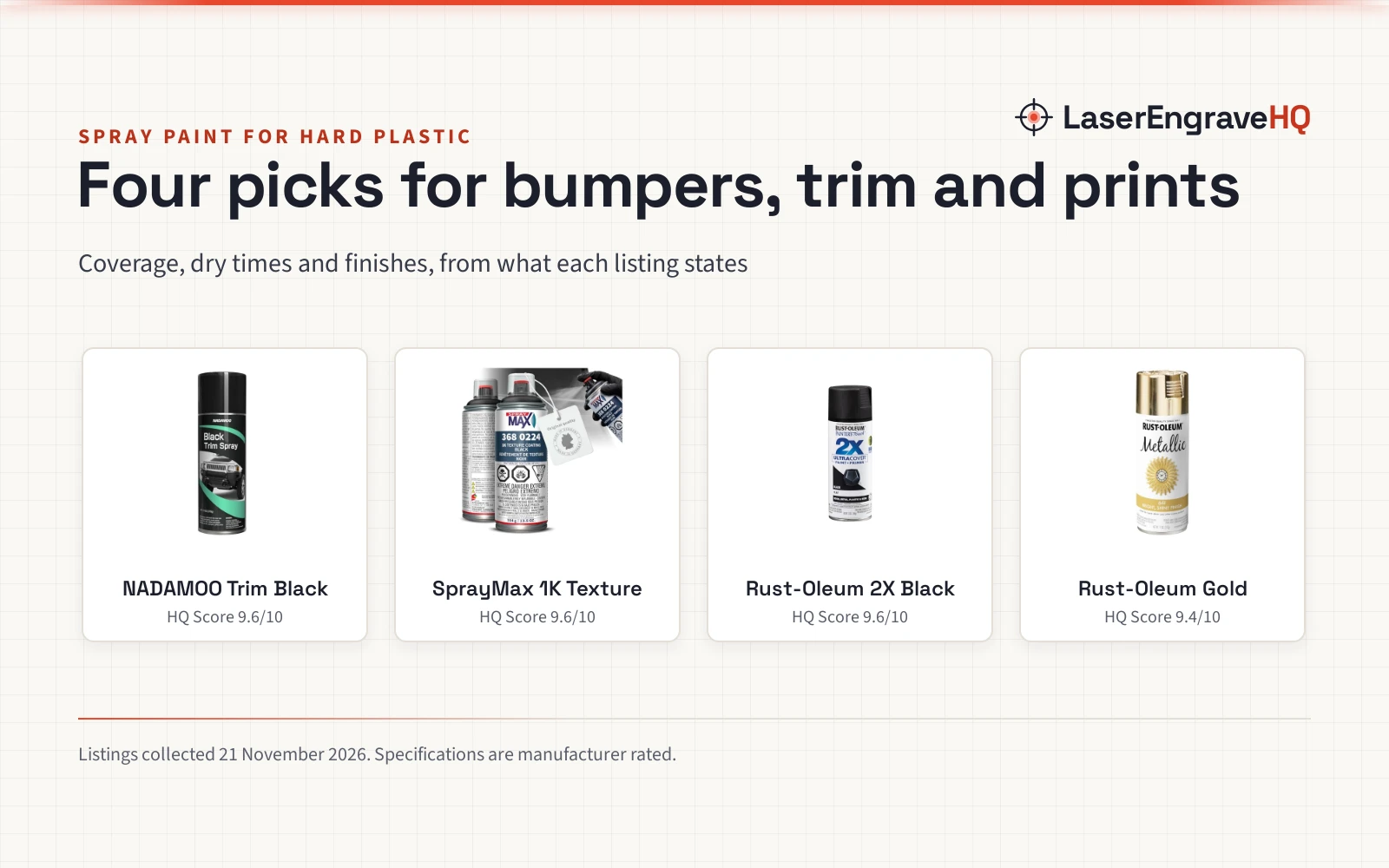
Painting gives the widest choice of color on a resin print. Wash the print, harden it fully under ultraviolet light, and let it dry. Prime the surface, then paint with acrylic paint and a brush or an airbrush.
Paint suits small details that resin swapping cannot reach, such as eyes on a miniature, lettering on a plaque, or trim on a model car. Mask areas you want to keep plain, paint light colors over a pale primer, and let each coat dry before the next.
Work safely with resin
Resin is a chemical that hardens under light, so treat it with care. Wear nitrile gloves and eye protection whenever you handle liquid resin, and work in a room with fresh air moving through it. Keep resin off skin, and wash with soap and water if resin touches it.
Clean spills right away and seal the waste in a bag before you throw it away. Harden leftover resin before disposal, and follow local rules for chemical waste. The resin printer safety guide covers gear and ventilation in detail.
Which method fits your project
Match the method to the model. A tall sign with bands of color suits a resin swap, since the color changes with height. A model with clear color edges suits separate parts, since each part prints in its own color. A miniature with fine detail suits paint, since a brush reaches places a resin swap cannot.
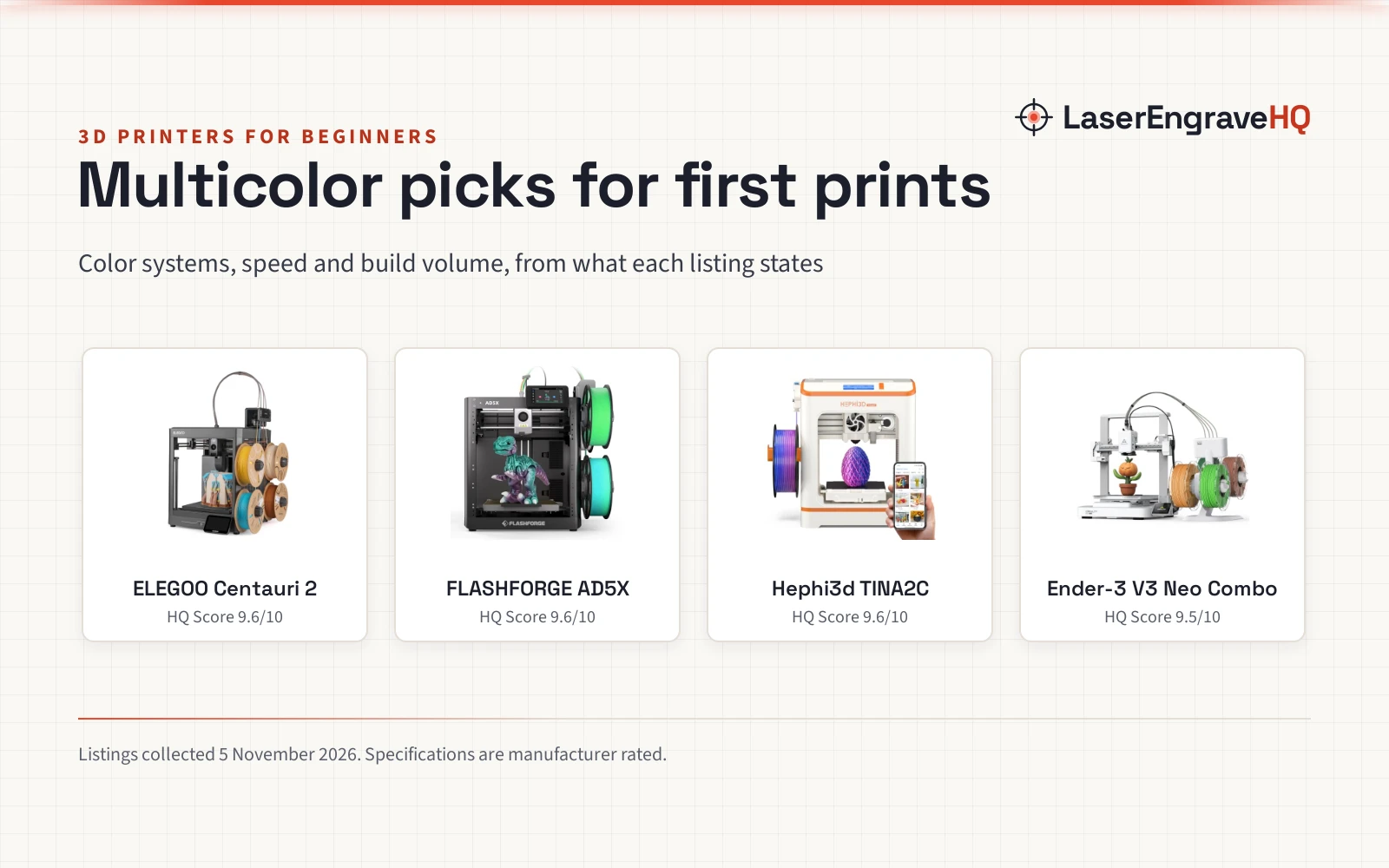
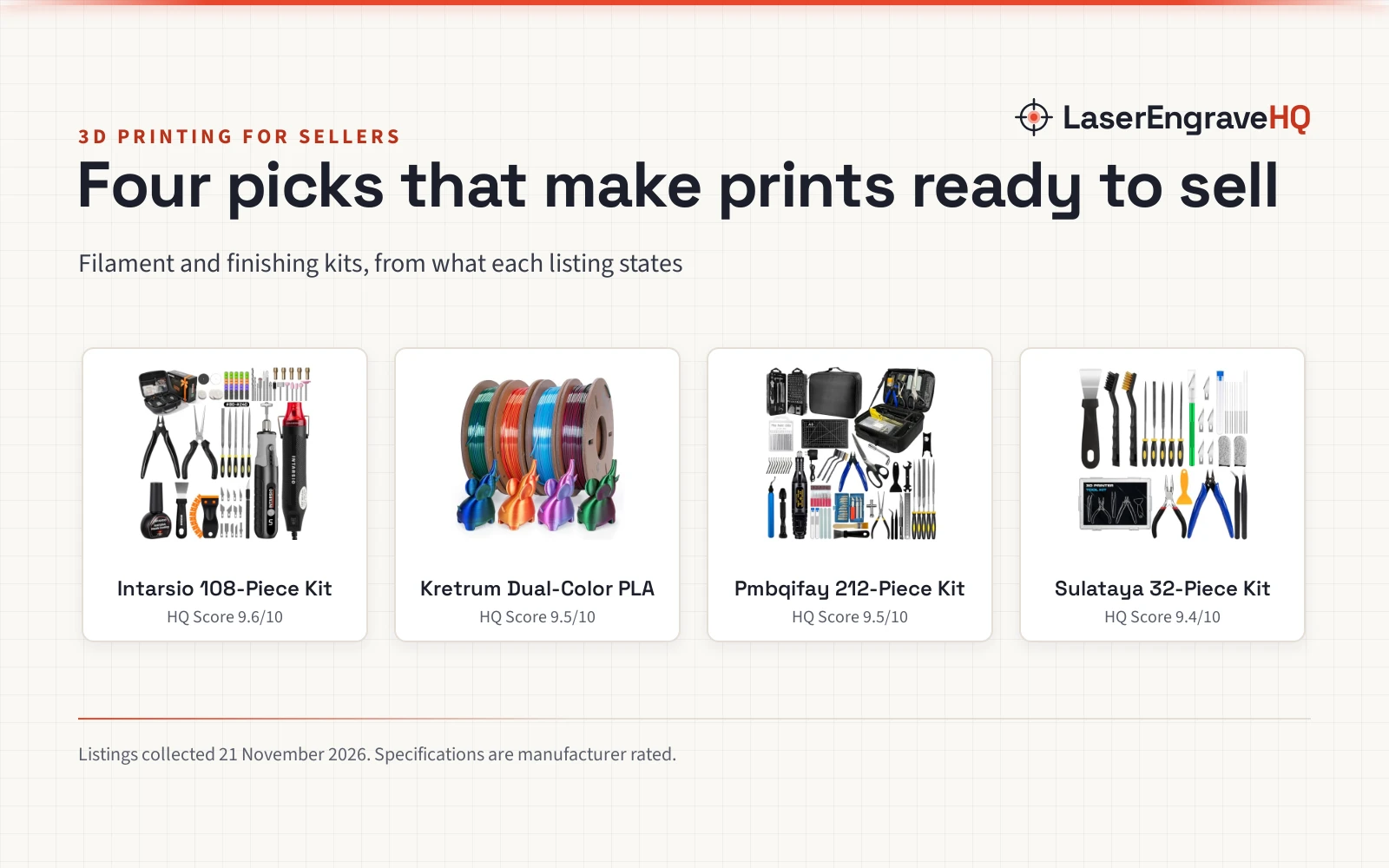
For a simple multi-color project, paint is the easiest start: it needs no change to the print and works on any resin printer. Swapping resin suits color through the whole model, while separate parts suit a model planned in pieces from the start. The best printer for beginners with multiple colors guide covers printers that handle color well, and the best resin printer accessories kit guide covers vats and cleaning gear.
Common mistakes to avoid
- Pouring a new color into a vat that still holds old resin, which tints the new color.
- Changing color in the middle of fine detail, where the line shows.
- Painting a print that is still tacky, so the paint lifts or peels.
- Skipping primer, so paint beads on the smooth resin surface.
- Storing open resin in sunlight, which hardens it in the bottle.
Can resin printers print multiple colors: the short version
- Yes. A resin printer can print in multiple colors with the right method.
- Swap resin mid-print for bands of color that change with height.
- Print parts in separate colors for clean edges and no mixing.
- Paint after the print for fine detail and the widest choice of color.
- Wear gloves and eye protection, ventilate the room, and keep liquid resin off skin.
FAQ: lasers and CNC
Can a resin printer mix colors while it prints?
Yes, in a limited way. A vat of mixed resin prints in the mixed shade, and swapping resin mid-print changes color at the swap layer. A printer cannot blend colors smoothly across a print, so a smooth gradient needs paint.
Is a special printer needed for multi-color resin prints?
No. A standard resin printer can print in multiple colors by swapping resin, printing parts apart, or painting after the print. A spare vat makes the swap easier, but it is not required for a multi-color result. The resin printer for beginners guide covers what a starter printer needs.
Can a resin print be painted after it hardens?
Yes. Wash the print, harden it fully, and prime it before you paint. Acrylic paint works well on primed resin, and a clear coat protects the finish. Let each coat dry before you add the next, and mask the areas you want to keep plain.
Why does a resin print look darker after it hardens?
Resin can darken a little as it hardens, and the shade of the liquid resin is not always the shade of the finished print. Print a small sample in the color before you commit to a large model.
Can resin colors be mixed together in the vat?
Yes, if the resins share the same type and harden the same way. Stir the mix well so the color stays even, and print a small sample before a large model. Keep notes on the mix so you can repeat it later.
Related: the printer hub, resin printer hub, resin printer for beginners and resin types guide. Also see the resin printer setup guide. Also see the resin shelf life guide.