Laser Cutter Benefits: A Workshop Guide for Makers and Small Businesses
Discover the primary laser cutter benefits for workshop makers, from non-contact cutting precision and material flexibility to rapid prototyping and custom production.

On this page
Top picks at a glance
As an Amazon Associate I earn from qualifying purchases.
- 1
 xTool S1 40W Laser Cutter and Laser Engraver for Tumblers9.7/10View on Amazon
- 2
 OMTech 100W CO2 Laser Engraver with 4 Way Pass Through Air9.7/10View on Amazon
- 3
 ATOMSTACK Swift 12W Laser Engraver Cutter for Wood & Metal9.7/10View on Amazon
Whether you cut acrylic signage, build architectural models, engrave leather patches or produce clean wooden joinery, discovering the core laser cutter benefits helps you decide if optical cutting fits your shop. The primary laser cutter benefits include non-contact cutting that eliminates tool deflection, narrow kerf widths for sharp internal corners, direct digital workflows from vector art, and high repeatability across material batches. The sections below explain these advantages step by step to help you evaluate precision, speed, and material use.
LaserEngraveHQ earns a commission from purchases made through these links, at no extra cost to you. Read our affiliate disclosure.
A laser cutter does not replace every tool. Lasers cannot cut PVC or vinyl safely, require dedicated exhaust ventilation, and demand continuous supervision to manage fire risk. Knowing where optical processing excels keeps your workshop safe and efficient.
Step 1: Exploit non-contact cutting and zero tool deflection
Traditional tools like scroll saws and CNC routers exert physical cutting force against the workpiece, requiring heavy hold-down clamps or vacuum fixtures to prevent stock from shifting. Even with clamping, thin plywood, fragile veneers, and flexible plastics can vibrate or suffer tool deflection from spinning bits.
A major laser cutter advantage is completely non-contact processing. Because the cutting medium is a focused beam of light, zero mechanical lateral force is applied to the material. Delicate blanks, thin veneers, and craft boards remain stationary on the honeycomb bed without heavy clamps, though lightweight paper and fabric may require hold-down pins to counter air assist airflow. This eliminates cutter drag, prevents tearout on wood grain, and preserves fine geometric details that mechanical bits would break.
Step 2: Capitalize on narrow kerf width and tight tolerances
In mechanical cutting, kerf width is determined by cutter diameter. A CNC end mill removes a slot equal to its bit diameter, requiring wide margins between adjacent parts and leaving rounded inside corners that demand dogbone relief cuts.
In contrast, a focused laser beam produces an exceptionally narrow kerf. Published specifications confirm minuscule focal spot dimensions: the ATOMSTACK Swift 12W lists a precision focal spot of 0.06 x 0.08 mm. Similarly, ELIDOR lists a 0.04 x 0.14 mm spot on the Z6 6W with an engraving accuracy of 0.01 mm, while the BlazeX M3 lists 0.01 mm precision. This micro-scale beam concentration allows makers to cut intricate internal cutouts with sharp interior radii.
Because the kerf is so slender, you can nest cut paths tightly across sheets, maximizing material yield, minimizing scrap on expensive hardwoods, and enabling friction-fit press joints right off the bed.
Step 3: Leverage wide material flexibility across organic and synthetic stock
A single laser cutter can transition from cutting sheet stock to marking decorative surfaces without swapping physical tooling. Makers work across birch plywood, hardwoods, leather, cardboard, and dark acrylic, while engraving dense surfaces like slate and glass. See our guide on what materials a laser engraver can cut for details.
Cutting depth scales with optical output. Entry-level units like the ELIDOR Z6 provide 6W of laser power for surface engraving and thin slicing. Mid-range units add cutting capacity: the LASER TREE K1 Mini Plus 20W lists one-pass clean cutting on 10mm plywood and 8mm acrylic (diode lasers require dark or opaque acrylic, as transparent sheets transmit blue wavelengths). Higher-power units push capacity further: the TOOCAA L2 40W lists single-pass cutting of 18mm Pinewood, while the LASER TREE K1 Pro MAX 60W lists one-pass cutting through 20mm plywood and 15mm acrylic, as well as cutting 0.5mm stainless steel.
Material boundaries are strict. Never process PVC, vinyl, PVC-based artificial leather, polycarbonate, or ABS. As explained in our guide on materials you should never laser cut, chlorinated plastics release corrosive hydrochloric acid fumes that destroy optics and rails, while ABS emits toxic airborne chemicals.
Step 4: Accelerate digital iteration from CAD to physical parts
Traditional machining requires multiple software steps: designing CAD geometry, calculating CAM toolpaths, setting stepdowns, and zeroing physical spindles. Any tweak requires recalculating G-code.
Laser cutters streamline this into an agile vector workflow. Software like LightBurn and LaserGRBL imports vector files directly (including SVG and DXF). You assign speed and power by color layer and start the job immediately. Motion systems achieve high raster speeds during engraving: ATOMSTACK lists speeds up to 400mm/s on the A20 Pro V2, while aliencell lists travel speeds up to 600mm/s with 20,000 mm/s² acceleration on the X1 40W. While through-cutting requires slower feed rates to penetrate stock, these rapid traverse speeds let makers mark details and evaluate prototypes in minutes.
Step 5: Scale from one-off prototypes to small-batch production
Because laser heads move without physical contact, the cutting beam does not suffer mechanical wear, chatter, or dulling like router bits. This optical consistency ensures repeated cuts maintain uniform dimensions across production runs.
Makers utilize this repeatability to run nested production batches. Bed dimensions accommodate varied project sizes: compact units like the Artilume T1-P offer a 200×150 mm work area, benchtop machines like the ATOMSTACK Swift and ELIDOR Z6 feature 300 x 300 mm beds, wide units like the LASER TREE K1 Mini Plus provide 400×800 mm, and larger beds like the LASER TREE K1 Pro MAX feature 800×600 mm or 26″ x 21″ on the aliencell X1.
Integrated positioning systems also eliminate layout errors. The BlazeX M3 and TOOCAA L2 include smart cameras, while the aliencell X1 features dual 8MP cameras to project live material views onto your digital workspace. This lets operators align vectors directly over scrap boards without physical jigs. For production comparisons, explore our guide to the best laser engraver for small business.
Step 6: Combine vector cutting and raster engraving in a single pass
A distinct benefit of laser machines is switching between raster engraving and vector cutting in a single program. Traditional saws only cut outlines, requiring secondary tools or stamps to add logos or serial codes.
In laser software, you set artwork to engrave as high-speed raster passes, then program boundary lines to cut through in the same cycle. The machine etches detailed graphics before tracing perimeter lines on a single blank. This dual-mode capability streamlines making personalized keychains, desk accessories, and branded goods without re-registration errors.
Step 7: Configure workshop safety, ventilation, and enclosure controls
Laser cutting vaporizes stock, creating smoke, fine particulates, and odors. Review our guide on do laser engravers need ventilation to decide between outdoor ducting and carbon filtration.
Safety configurations also dictate shop integration. Open-frame diode machines, such as the LASER TREE K1 Pro MAX, are Class 4 devices requiring wavelength-matched safety glasses for everyone present. Enclosed systems like the BlazeX M3, TOOCAA L2, and aliencell X1 are Class 1 safety certified machines featuring protective viewing panels, lid interlocks, and flame sensors. See our guide on laser classes explained to compare setups. Always keep an extinguisher nearby and supervise active jobs.
Common mistakes to avoid
- Cutting hazardous plastics like PVC, vinyl, or ABS that release corrosive or toxic gases.
- Running jobs without active exhaust ventilation, causing smoke buildup on optics and rails.
- Leaving an active laser unattended, turning flare-ups into fire hazards.
- Expecting diode beams to cut clear acrylic, which transmits blue diode light without absorbing beam energy (CO2 lasers are required).
- Skipping calibration grids on scrap cutoffs, risking scorched edges or incomplete cuts.
- Operating open-frame Class 4 lasers without certified protective eyewear matching the wavelength.
Laser cutter benefits: the short version
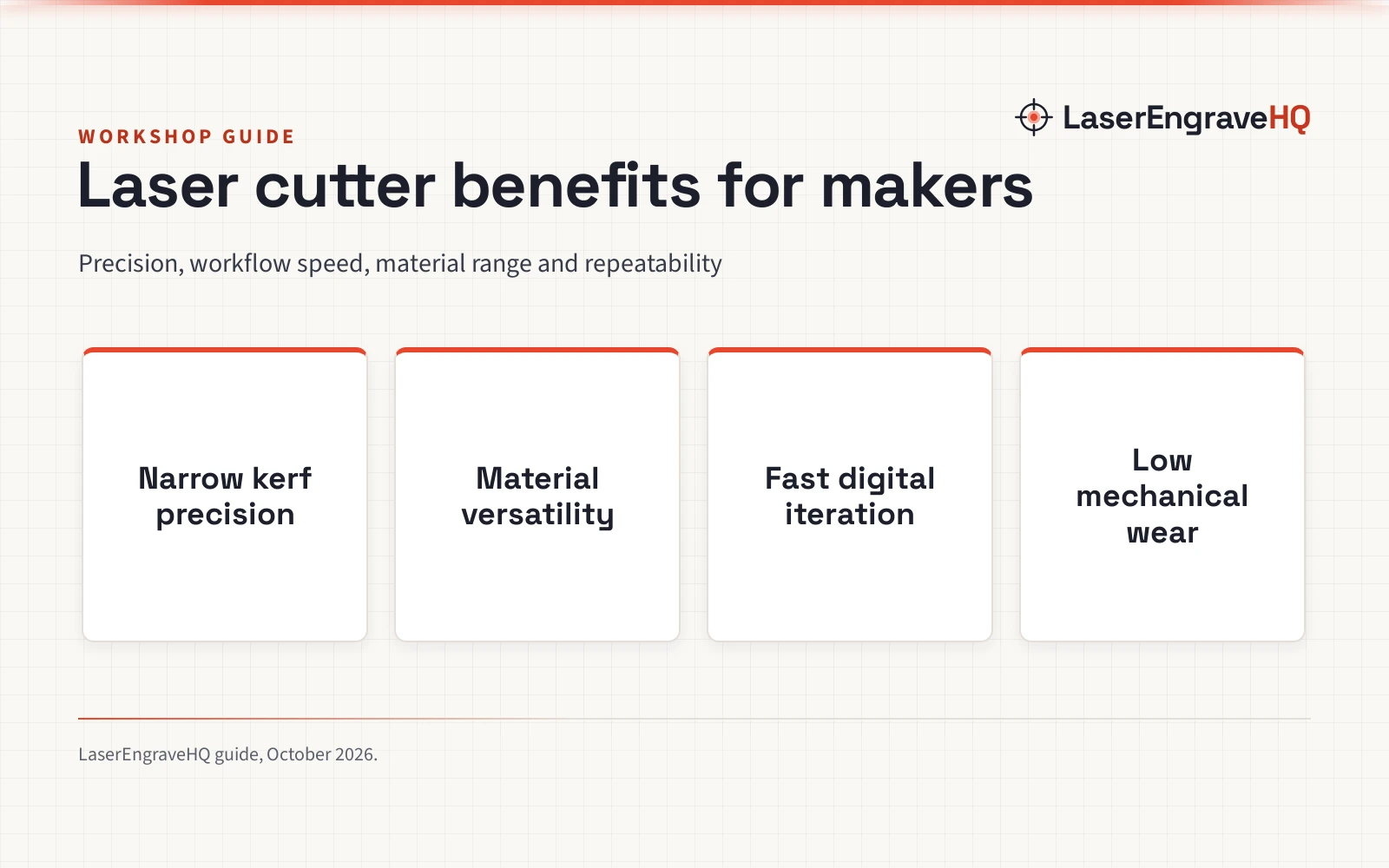
- Zero tool deflection: Non-contact light beams process fragile stock without clamp distortion.
- Narrow kerf width: Slender focal spots allow tight part nesting and sharp internal corners.
- Substrate flexibility: Cuts wood, leather, and dark acrylic, while engraving stone and glass.
- Agile digital execution: Direct vector import from SVG or DXF bypasses complex CAM steps.
- High repeatability: Contactless optical travel maintains uniform dimensions across batches.
- Combined processing: Merges raster engraving and vector outline cutting in one job.
To compare hardware, check our laser cutter types guide or read our CNC router vs laser cutter comparison.
FAQ: lasers and CNC
What are the primary laser cutter benefits over traditional saws?
Laser cutters provide non-contact cutting, tight internal corners, and automated vector repeatability without physical blades or heavy clamping.
Can a desktop laser cutter cut through metal?
In general, no. Desktop diode and CO2 lasers are designed for organic stock and acrylic. While the maker of the 60W LASER TREE K1 Pro MAX lists a capability to cut 0.5mm stainless steel foil, structural metal cutting requires industrial fiber lasers.
What materials must never be cut with a laser?
Never cut PVC, vinyl, faux leather made with PVC, polycarbonate, or ABS. Chlorinated plastics release corrosive hydrochloric acid that damages lenses and rails, while ABS emits hazardous toxins.
How does a laser cutter compare to a CNC router for makers?
A laser cutter excels at thin sheet cutting, fine engraving, and quick vector iteration without clamping. A CNC router handles deep carving, slab flattening, and non-ferrous metals like aluminum.
Are enclosed laser cutters safer than open-frame models?
Yes. Enclosed systems like the TOOCAA L2 and BlazeX M3 earn Class 1 safety ratings through protective enclosures and lid interlocks. Open-frame units are Class 4 devices requiring safety eyewear.
Do laser cutters require ongoing maintenance?
Routine care involves wiping smoke soot from optical focal lenses, keeping honeycomb work trays clear of dropped scrap, lubricating linear motion rails, and inspecting exhaust ducting for lint or residue accumulation to maintain smooth travel and fire safety.
Related: the laser engraver hub, laser cutter types guide, and best laser engraver for beginners. Also see our guides on how to choose a laser engraver and best laser engraver for small business.



