xTool P2S vs Glowforge Pro HD: Which One Should You Buy?
A practical guide comparing the xTool P2S and Glowforge Pro HD across cutting capability, software options, rotary support, and workshop safety.

On this page
Top picks at a glance
As an Amazon Associate I earn from qualifying purchases.
- 1
 xTool P2S 55W CO2 Laser Cutter9.7/10View on Amazon
- 2
 Glowforge Aura 6W Laser Engraver & Cutter with HD Camera &9.6/10View on Amazon
- 3
 xTool P3 80W Flagship CO2 Laser Cutter with Intelligent9.7/10View on Amazon
- 4
 2.0 Honeycomb Laser Bed for P2 P2S CO2 Laser Cutter SteelView on Amazon
- 5
 xTool P2S 55W CO2 Laser Cutter Versatile BundleView on Amazon
- 6
 xTool P2S 55W CO2 Laser Cutter All-in-One BundleView on Amazon
In the debate of xTool P2S vs Glowforge Pro HD, the choice comes down to software independence, material clearance, and workshop workflow. The xTool P2S is the stronger machine for production shops requiring local offline control with LightBurn, tall material clearance with a riser base, and rotary drinkware support. The Glowforge Pro HD suits makers who prefer a curated browser experience with cloud presets, but requires constant internet and lacks modular riser expansion. Below, we compare both machines step by step to help you pick the right CO2 laser.
Other machines to compare
 2.0 Honeycomb Laser Bed for P2 P2S CO2 Laser Cutter SteelCheck price on Amazon
 xTool P2S 55W CO2 Laser Cutter Versatile BundleCheck price on Amazon
 xTool P2S 55W CO2 Laser Cutter All-in-One BundleCheck price on Amazon
LaserEngraveHQ earns a commission from purchases made through these links, at no extra cost to you. Read our affiliate disclosure.
Published technical specifications for the Glowforge Pro HD do not appear in our reference listings, so this guide avoids unverified figures for that model. We compare both machines on confirmed hardware design, software ecosystems, clearance limits and safety architecture.
Step 1: Compare software ecosystems and offline control
The main operational difference lies in software control. The Glowforge Pro HD operates exclusively through a cloud web application. Remote servers calculate motion paths and send commands back to the unit. While this simplifies setup with built-in material settings, the machine requires an active internet connection. If your connection drops or servers experience downtime, the laser cannot run jobs.
In contrast, the xTool P2S provides local software independence. Operators can run jobs offline through xTool Creative Space or LightBurn over a direct USB cable or local network. For production shops, local control protects daily output from network outages. See our guide on whether LightBurn is worth it for your shop.
Step 2: Evaluate material clearance and pass-through capability
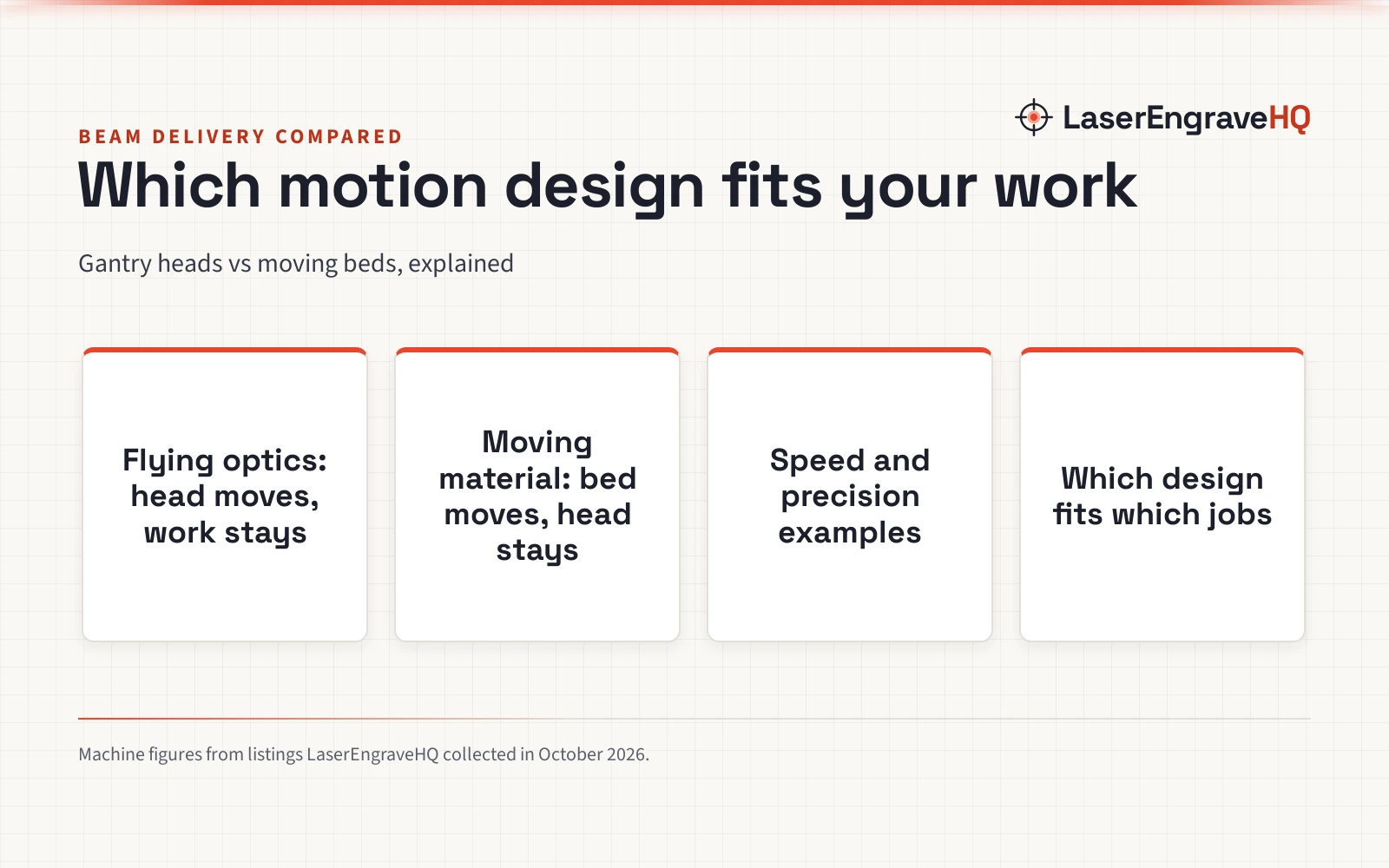
Workpiece clearance dictates what items you can personalize. The Glowforge Pro HD includes built-in front and rear pass-through slots for thin sheet stock, allowing continuous feeding of long boards. However, vertical depth remains limited: removing the internal tray gives modest extra depth, but the chassis cannot expand for deep objects.
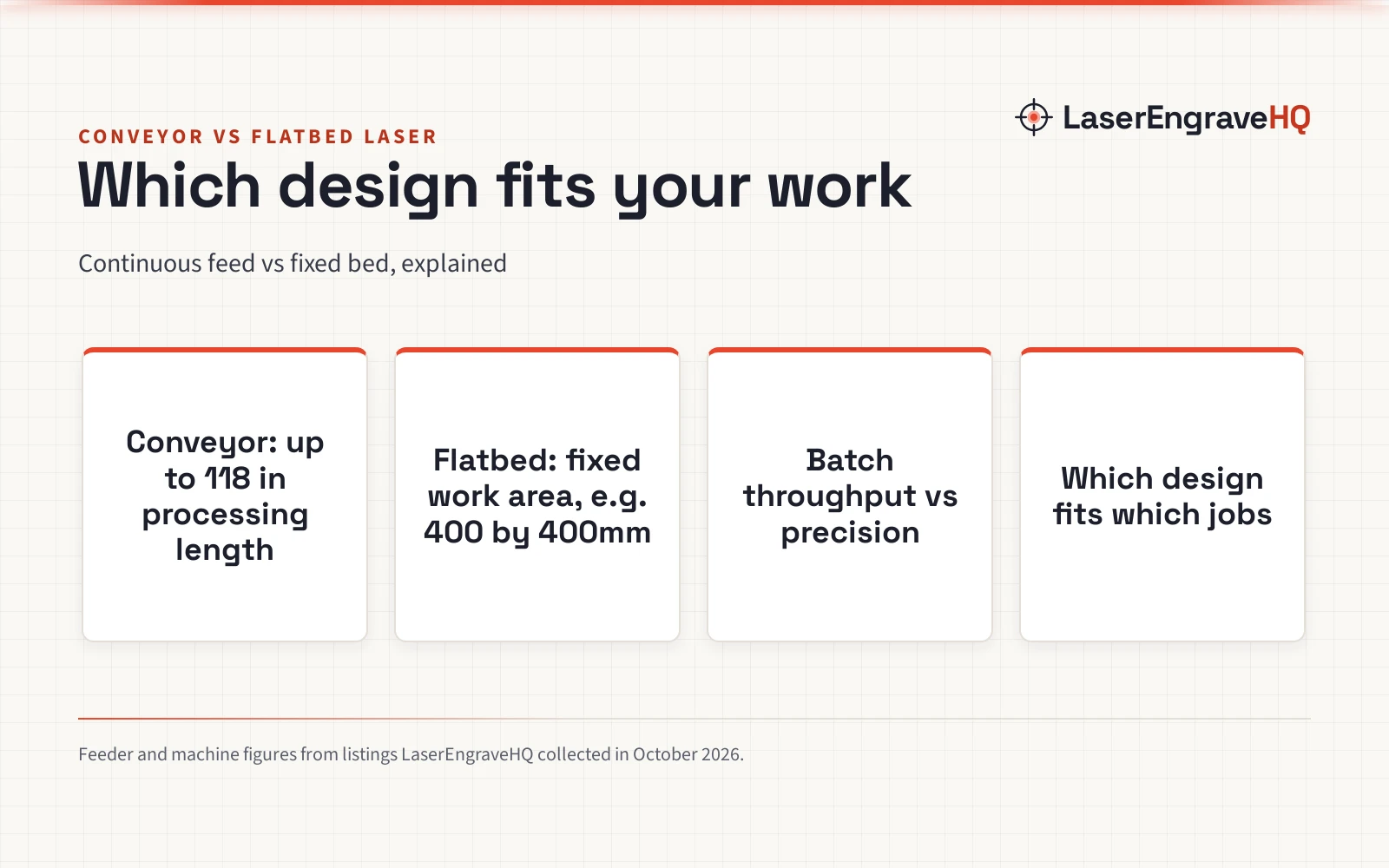
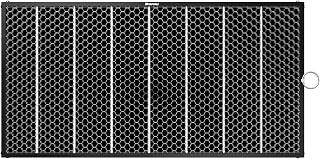
The xTool P2S uses modular expansion. Reference listings confirm the maker provides a 9-layer riser base that increases vertical material clearance up to 8.4 inches for deep objects like boxes and trunks. Listings also show pairing the riser with an automatic conveyor feeder for automated pass-through on extra-large materials. For cutout support, aftermarket listings from Dofiki specify compatible steel honeycomb beds of 630 x 325 x 17mm (24.8 x 12.8 x 0.67 inches) and 605 x 300mm (23.8 x 11.8 inches). See our guide on how to choose a laser engraver to match bed dimensions to your needs.
Step 3: Assess rotary attachment and curved engraving options
Engraving cylindrical drinkware is a major revenue stream for custom shops. The Glowforge Pro HD lacks a native drop-in rotary system because its fixed depth cannot accommodate rotary chucks beneath the lens.
The xTool P2S supports cylinders through dedicated hardware. Product listings show xTool provides the RA3 rotary attachment featuring 360 LiDAR mapping alignment and 4 core engraving attachments: chuck, roller, sphere, and ring. It includes an enlarged 130mm chuck for wide drinkware, backed by a 12 Months manufacturer warranty. Paired with the riser base, it handles drinkware smoothly. For setup steps, read our guide on how to set up a rotary on a laser engraver.
Step 4: Check camera alignment and positioning systems
Onboard cameras prevent wasted blanks by showing a live bed preview. Users drag graphics directly over materials to align cuts precisely.
The Glowforge Pro HD uses camera scanning to recognize proprietary materials via bar codes and overlay artwork onto the workspace. The xTool P2S pairs an overhead panoramic camera for the whole bed with a close-range head camera for fine alignment on curved or small surfaces, giving operators precise visual placement before firing the beam.
Step 5: Review ventilation, cooling and workshop safety
Indoor CO2 laser cutting requires careful ventilation and fire precautions. The machines differ in laser safety classification. The Glowforge Pro HD carries a Class 4 rating under federal CDRH standards because open pass-through slots allow beam escape, making certified protective eyewear mandatory for everyone in the room. See our safety guide on laser classes explained Class 1 vs Class 4.
The xTool P2S operates as an enclosed Class 1 system under normal closed use with lid interlocks, though open pass-through setups require Class 4 precautions. Eyewear protects only when its certified optical density and wavelength match CO2 emissions.
Venting is mandatory: exhaust smoke outside or use a certified filter. Consult our guides on how to vent a CO2 laser outside and the best fume extractor for laser engraver.
Material safety is critical: never cut or engrave PVC, vinyl, PVC faux leather, polycarbonate, or ABS. These release toxic chlorine fumes that ruin optics and harm lungs. Keep a fire extinguisher nearby and never leave running jobs unattended.
Step 6: Consider maintenance, mirrors and tube longevity
Glass CO2 laser tubes degrade gradually over operating hours until beam power declines. Both machines use internal liquid cooling loops to regulate tube temperatures, though warm rooms can cause thermal pauses during heavy cutting. See our guide on how long CO2 laser tubes last.
Beam performance also depends on clean optics. The CO2 beam reflects off mirrors and through a focus lens. Smoke residue absorbs energy and cracks optics if uncleaned. Follow our CO2 laser maintenance checklist to keep optics clear. For repairs, xTool supplies replacement tubes, mirrors, and belts directly to owners, whereas extensive Glowforge servicing generally requires manufacturer support.
Step 7: Match the machine to your production workflow
Choosing between these machines depends on your target products. Crafters making flat signs, decor, and personalized gifts often favor the Glowforge Pro HD for its browser interface and automated material recognition.
For commercial sellers and growing shops, the xTool P2S offers superior flexibility. Offline LightBurn control, vertical expansion up to 8.4 inches with the riser base, and rotary drinkware support handle diverse customer requests. For business planning, see our roundups of the best laser engraver for small business and best CO2 laser cutter for home use.
Common mistakes to avoid
- Relying on cloud software in workshops with unstable internet.
- Overlooking vertical clearance limits before accepting orders for tall boxes or drinkware.
- Operating a Class 4 laser without certified eye protection in the room.
- Neglecting regular mirror and lens cleaning.
- Operating an indoor CO2 laser without proper exhaust venting or filtration.
- Cutting hazardous materials like PVC, vinyl, polycarbonate, or ABS.
- Leaving an operating laser unattended.
xTool P2S vs Glowforge Pro HD: the short version
- Software: xTool P2S runs offline via LightBurn and XCS; Glowforge Pro HD requires internet for cloud browser software.
- Clearance: xTool P2S expands up to 8.4 inches with its riser base; Glowforge Pro HD has limited interior clearance for flat stock.
- Rotary: xTool P2S supports the RA3 rotary with chuck, roller, sphere, and ring modes; Glowforge Pro HD lacks a native rotary system.
- Pass-through: Glowforge Pro HD has built-in chassis slots; xTool P2S uses an optional riser and conveyor feeder.
- Safety: xTool P2S is Class 1 when closed; Glowforge Pro HD is rated Class 4 due to pass-through slots and requires protective glasses.
- Verdict: Pick xTool P2S for commercial flexibility and drinkware; pick Glowforge Pro HD for simple web-based crafting.
FAQ: lasers and CNC
Can the Glowforge Pro HD run without an internet connection?
No. The Glowforge Pro HD requires an active internet connection to process files and send commands from cloud servers. Without internet access, the machine cannot run jobs.
Does the xTool P2S work with LightBurn software?
Yes. The xTool P2S supports LightBurn and xTool Creative Space directly over USB or local network, allowing complete offline operation.
Can either machine engrave drinkware and tumblers?
The xTool P2S engraves drinkware using its RA3 rotary attachment and riser base, offering 4 engraving modes including an enlarged 130mm chuck. The Glowforge Pro HD lacks a native rotary system.
What laser safety classification applies to each machine?
The Glowforge Pro HD is rated Class 4 due to open pass-through slots, requiring certified protective eyewear during operation. The xTool P2S is Class 1 when fully closed with interlocks, but requires Class 4 precautions during open setups.
What materials are unsafe to cut in these CO2 laser machines?
Never cut or engrave PVC, vinyl, PVC faux leather, polycarbonate, or ABS. Under a laser beam, they release corrosive chlorine gas and toxic fumes that ruin optics and pose health risks.
Which machine is better for a small engraving business?
For custom businesses, the xTool P2S offers better utility with LightBurn support, offline control, rotary capability, and vertical expansion up to 8.4 inches. Glowforge Pro HD suits creators wanting an easy browser workflow.
Related: the laser engraver hub, how to choose a laser engraver and CO2 laser cutters. Also see our xTool vs Glowforge comparison, the xTool P3 vs P2S guide and our CO2 laser maintenance checklist.