Water Chiller Maintenance for CO2 Laser Tubes
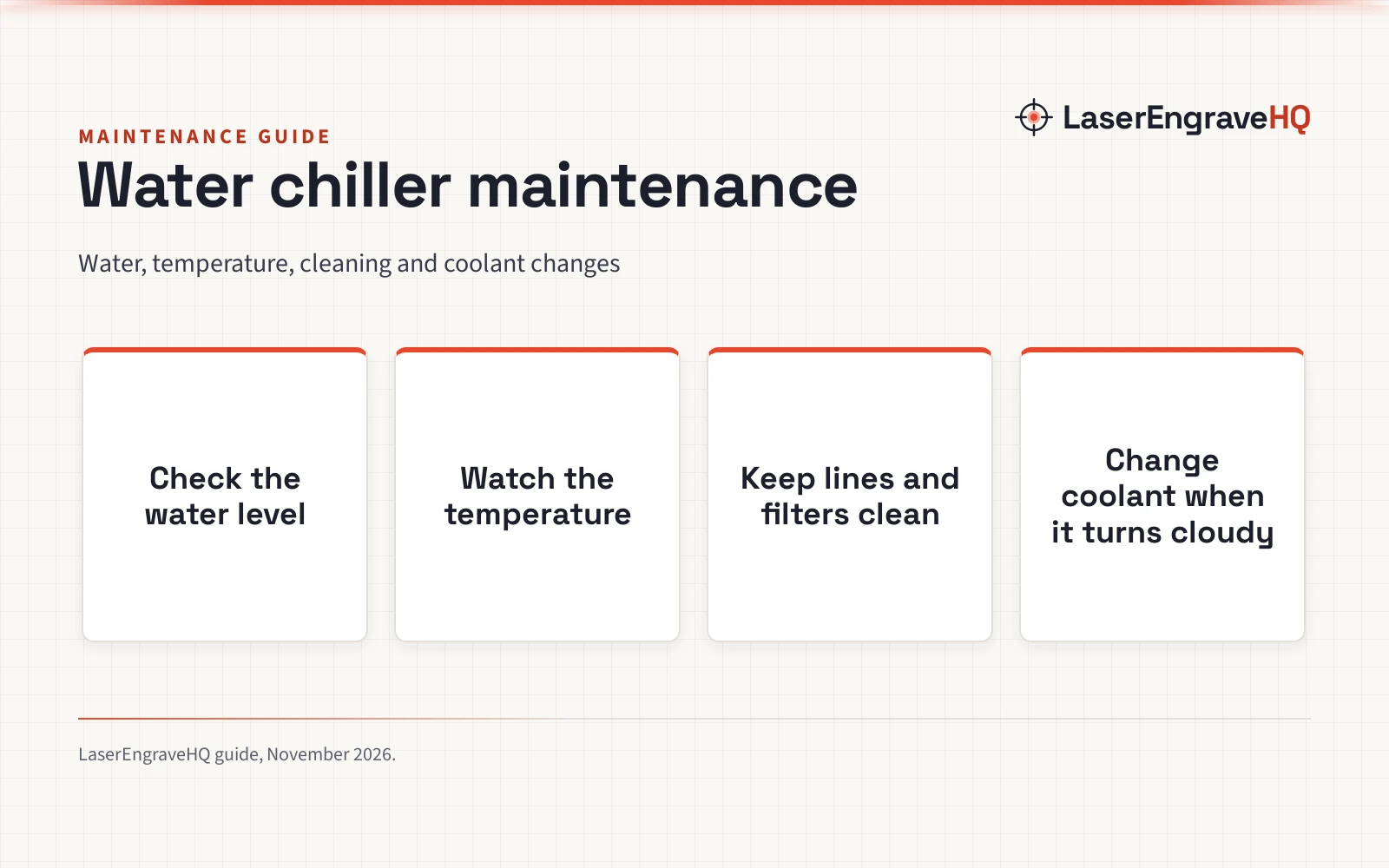
Water chiller maintenance for a CO2 laser tube: check the water level, watch the temperature, keep the lines and filters clean, and change the coolant before it turns cloudy.

On this page
Water chiller maintenance is the routine that keeps a CO2 laser tube cool, steady and ready for the next job: check the water, watch the temperature, keep the lines and filters clean, and change the coolant before it turns cloudy or stale. A chiller that runs with low water, dirty lines or tired coolant lets the tube heat up, and heat is what shortens tube life and spoils engraving quality. The steps below follow the way these chillers are built, from the enclosed tank and the sight glass to the alarms that warn when flow or temperature drift.
As an Amazon Associate I earn from qualifying purchases. LaserEngraveHQ earns a commission from purchases made through these links, at no extra cost to you. Read our affiliate disclosure.
We do not have a maker service calendar for every chiller, so this guide gives no fixed schedule. Use the sight glass, the temperature display and the alarms on your own unit as the signal, and follow the intervals the maker states for your model.
Step 1: Know your chiller type before you touch it
Not every water chiller works the same way, and the maintenance differs with the design. The CW-3000 models in the listings radiate heat away with fans rather than using refrigeration, while the CW-5200 and CW-5000 models use a compressor with refrigerant: R32 in the Cloudray CW-5200DH, R-410a in the CW-5202 models and R134a in the S&A CW-5000. A CW-3000 suits a 40W or 50W tube, while the CW-5200 models suit tubes up to 150W; the Cloudray CW-5200DH and the S&A CW-5200DH are listed for 60W to 150W, and the S&A CW-5000 covers 40W to 100W. Read our CO2 laser water chiller explained guide if you are still choosing. The CW3000 vs CW5000 water chiller comparison shows how the two designs differ in daily use.
Step 2: Check the water level and top off with the right water
Start every session at the sight glass. The tanks on these chillers hold 6L, 7L or 9L, and the enclosed design slows evaporation, so a falling level usually means a slow leak or a loose fitting rather than normal loss. The OMTech CW-5200 lists a 1.6-gallon tank, the OMTech CW-3000 (on Amazon) lists a 2.4-gallon tank, and the VEVOR models list a 1.8 gal tank, so top off with a small amount at a time and stop at the marked level. The makers state pure water, ionized water or deionized water for the loop, and the Cloudray CW-5202 (on Amazon) also allows antifreeze mixtures up to 30%. Our distilled vs deionized water for CO2 laser guide explains the difference, and distilled water vs tap water for CO2 laser explains why tap water is a poor choice for the loop.
Step 3: Watch the temperature display and the alarms
Temperature control is the chiller’s main job, and the display tells you whether it is doing it. The OMTech CW-5200 (on Amazon) and the S&A models hold temperature within 0.3°C of the set point, the Cloudray CW-3000 (on Amazon) holds within 0.1°C, and the VEVOR models hold within 0.5°F (0.28°C). The S&A models let you set the temperature between 5 and 40 degree, the Cloudray CW-5202 stays stable as low as 5°C (41°F), and the Cloudray CW-5200DH (on Amazon) warns against holding the minimum temperature of 5 degrees for an extended period, since it may cause the flow switch to break. Read the display at the start of a job and again when the job ends. If an alarm sounds, stop and find the cause: the listings describe a water flow alarm, an over-temperature alarm, an abnormal flow alarm and compressor overcurrent protection. Our standard temperature of chiller guide covers set points in more detail.
Step 4: Keep the lines, ports and filters clean
Flow is what carries heat away from the tube, so anything that narrows the loop hurts cooling. The OMTech CW-5200 lists inlet and outlet ports of 0.4 in. OD in brass, and the Cloudray CW-3000 lists OD 10mm barbed connectors, so check the fittings for drips each time you top off the tank. The Cloudray CW-3000 also lists an anti-blockage heat exchanger and an anti-clog system, and the S&A models list a dust-proof net over the intake, so keep the vents clear and brush dust off the net rather than letting it choke airflow. The VEVOR models list an aviation connector for a leak-free connection, and the S&A models list dual cooling fans, so listen for a fan that has gone quiet or a pump that sounds strained. A flow rate that drops below the maker’s stated figure, such as 3.2 gpm on the OMTech CW-5200, points to a blockage or a tired pump.
Step 5: Change the coolant and flush the loop
Coolant does not last forever, even in an enclosed tank. Change it when the water turns cloudy, when the level keeps dropping between sessions, or when the maker states a change for your model. Drain the tank, refill with fresh pure or deionized water, and run the pump briefly so the fresh water reaches every part of the loop before you start engraving. The Cloudray CW-5202 allows antifreeze mixtures up to 30%, and the same limit appears in the Cloudray CW-5200DH notes, so never mix a stronger blend in the hope of better cooling.
Step 6: Look after the outside of the unit
The outside of the chiller needs care too. The Cloudray CW-5200DH lists two sturdy handles, the Cloudray CW-5202 lists reinforced handles, and the OMTech CW-5200 lists 57.3 pounds, so lift with help and keep the unit level when you move it. The Cloudray CW-3000 lists 19.8 pounds and the OMTech CW-3000 lists 20.9 pounds, so the smaller units are easier to shift for cleaning. The OMTech CW-5200 measures 22.8 inches x 11.3 inches x 18.1 inches, so leave space around it for airflow rather than pushing it tight against a wall.
Common mistakes to avoid
- Running the laser with the tank low or the chiller switched off.
- Topping off with tap water instead of pure or deionized water.
- Holding the minimum temperature of 5 degrees for an extended period.
- Mixing antifreeze stronger than 30%.
- Ignoring a flow alarm or an over-temperature alarm.
- Blocking the vents or letting dust choke the intake net.
Water chiller maintenance: the short version
- Match the chiller to the tube: a CW-3000 suits a 40W or 50W tube, a CW-5200 suits tubes up to 150W, and the S&A CW-5000 covers 40W to 100W.
- Check the sight glass and top off with pure or deionized water.
- Watch the display and respect the alarms.
- Keep ports, lines and the intake net clean.
- Change the coolant when it turns cloudy and keep antifreeze at or below 30%.
- Leave space around the unit for airflow.
FAQ: lasers and CNC
How often should I change the water in a laser chiller?
There is no single interval that fits every shop, because use and water quality vary. Change the water when it turns cloudy, when the level keeps dropping, or when the maker states a change for your model. A clear sight glass and steady temperature are the signs the loop is healthy.
Can I use tap water in a CO2 laser chiller?
The makers state pure water, ionized water or deionized water for the loop, and tap water is not among them. Tap water leaves deposits in the lines and the heat exchanger, and those deposits narrow flow over time. See our distilled water vs tap water for CO2 laser guide for the full comparison.
What temperature should a laser water chiller run at?
The S&A models let you set the temperature between 5 and 40 degree, and the Cloudray CW-5202 stays stable as low as 5°C (41°F). Read our standard temperature of chiller guide before you change it.
What does the flow alarm mean?
A flow alarm means the chiller is not moving enough water through the loop. Check the water level first, then look for a kinked line, a blocked filter or a closed valve, and listen for the pump. The Cloudray CW-3000 lists a water flow alarm and an over-temperature alarm, and the S&A models list an abnormal flow alarm, so the exact wording depends on your unit.
Do I need a chiller for a 40W CO2 laser?
A 40W tube still needs cooling, and the Cloudray CW-3000 and the OMTech CW-3000 are both listed for 40W and 50W tubes. A CW-3000 suits that size, while the CW-5200 models suit tubes up to 150W and the S&A CW-5000 covers 40W to 100W. If you are weighing a pump instead, read our water chiller vs submersible pump laser comparison and the best water pump for K40 laser guide.
Can one chiller cool two laser tubes?
Yes, if it is built for it. The Cloudray CW-5202 and the OMTech CW-5202 both list two inlets and two outlets, and both are listed for cooling two laser tubes at once. The Cloudray CW-5202 lists a 6L tank, a 3.43 GPM flow rate and 5,186 BTU/h of cooling power, while the OMTech CW-5202 lists a 6L tank, a 3.2 gpm flow rate and 5186 BTU per hour. Check the flow and cooling figures for your own pair of tubes before you share one chiller between them.
Related: the laser accessories hub, CO2 laser water chiller explained and CW3000 vs CW5000 water chiller. Also see our distilled vs deionized water for CO2 laser.