Sublimation Printer vs Inkjet Printer: Which One Should You Buy?
Two sublimation printers and two inkjet printers compared on print size, ink, tray, speed, copy and scan functions and warranty, for makers choosing a side.

On this page
A maker who wants to sell shirts, mugs and tumblers faces a printer fork in the road, and the sublimation printer vs inkjet printer choice decides what the finished transfer can do. A sublimation printer prints with sublimation ink for heat-transfer products. An inkjet printer prints documents and photos directly, and the inkjet listings here add copy and scan. Neither side does the other side’s job on the evidence of these listings, so the choice follows the product list, not the machine.
As an Amazon Associate I earn from qualifying purchases. LaserEngraveHQ earns a commission from purchases made through these links, at no extra cost to you. Read our affiliate disclosure.
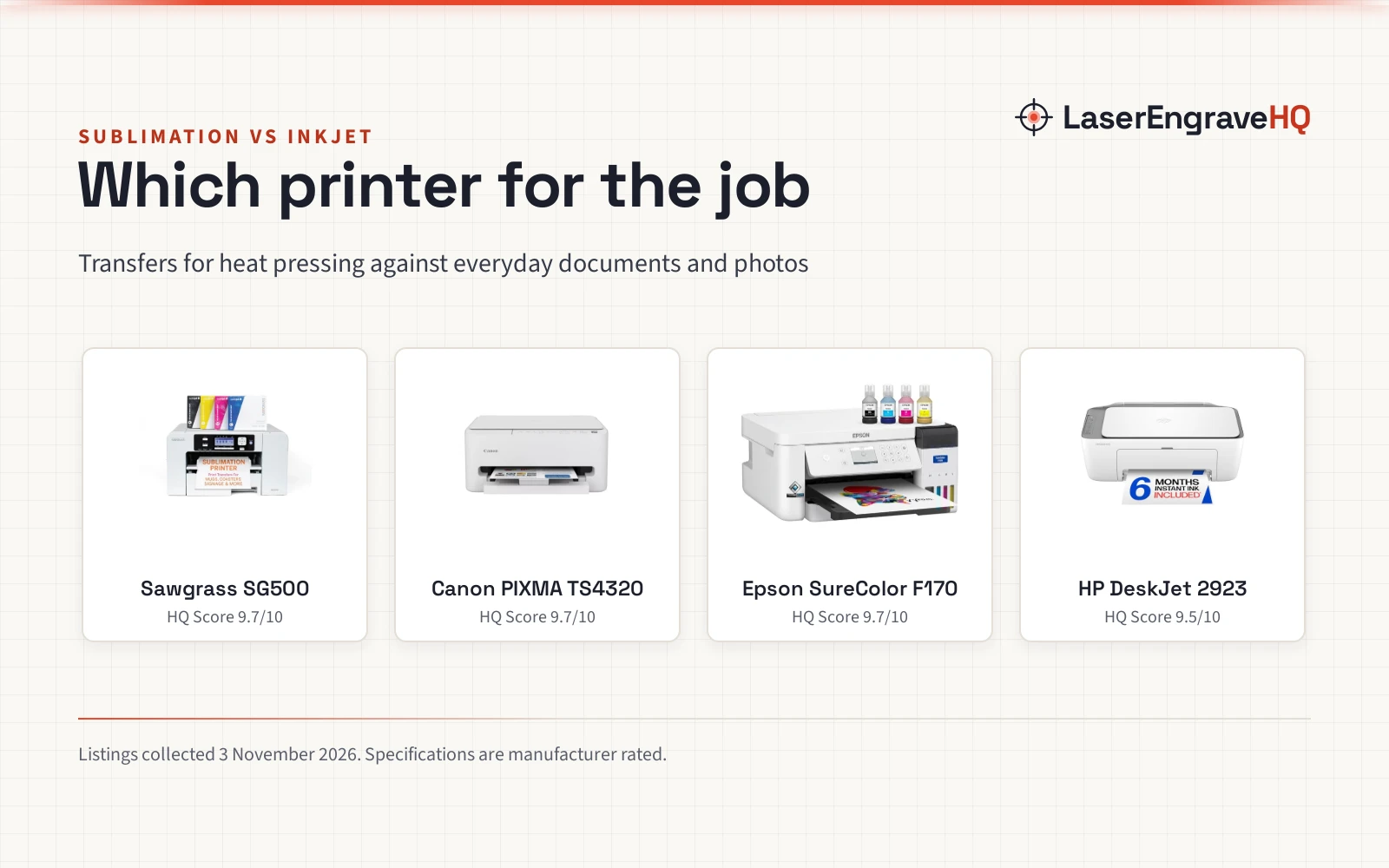
Verdict: pick a sublimation printer for heat-transfer products like shirts, mugs, drinkware and signage, and pick an inkjet printer for everyday documents and photos. The sublimation side here prints transfers for heat pressing; the inkjet side prints, copies and scans for home and office work. Choose by the job, not by the machine.
Machines on the list

Sawgrass SG500 Sublimation Printer
A sublimation printer with media up to 8.5 by 14 inches, a bypass tray to 8.5 by 51 inches, SubliJet UHD inks and print head auto-maintenance.
Pros
- Media up to 8.5 x 14 in, bypass to 8.5 x 51 in
- SubliJet UHD inks with TruePix paper in the bundle
- Print head auto-maintenance and WiFi connectivity
- MySawgrass platform with templates and Print Utility
Cons
- Title and spec table disagree on warranty term
- No tray capacity stated in the listing
- No print speed stated in the listing
- No copy or scan function stated

Canon PIXMA TS4320 – Wireless Color Inkjet Printer
A wireless color inkjet printer with print, copy and scan, a 2-cartridge hybrid ink system, auto 2-sided printing and media up to 8.5 by 11 inches.
Pros
- Print, copy and scan in one machine
- Auto 2-sided printing saves paper
- Dual-band WiFi with Canon PRINT app, AirPrint and Mopria
- 3 year manufacturer warranty stated
Cons
- No sublimation capability stated
- No tray capacity stated in the listing
- No print speed stated in the listing
- No ink bottle sizes stated in the listing

Epson SureColor F170 Dye-Sublimation Printer
A compact dye-sublimation printer in 8.5 by 11 inch format, with a PrecisionCore printhead, a 150-sheet auto-feed tray and genuine Epson sublimation ink.
Pros
- PrecisionCore printhead with Precision Droplet Control
- 150-sheet auto-feed tray in a dust resistant closed tray
- High-capacity ink bottles with auto-stop filling
- WiFi and USB with Epson Print Layout and Edge Print
Cons
- 8.5 by 11 inch format only, no larger media stated
- No direct email printing or camera connections
- Inks cannot be returned once loaded, per the listing
- No copy or scan function stated

HP DeskJet 2923 Color Inkjet Printer | Wireless
A compact wireless color inkjet printer with print, copy and scan, a 60-sheet input tray, dual-band WiFi and print speeds up to 7.5 ppm black.
Pros
- Print, copy and scan with an icon LCD panel
- Dual-band WiFi with automatic issue detection
- Print speeds up to 7.5 ppm black and 5.5 ppm color
- ENERGY STAR and EPEAT certified, made with at least 70 percent recycled plastics
Cons
- Basic printing focus, no sublimation capability stated
- 60-sheet input tray, smallest tray stated here
- Instant Ink trial runs 6 months, then a monthly fee applies
- No photo media size stated in the listing
Side by side
| Spec | Sawgrass SG500 | Canon PIXMA TS4320 | Epson SureColor F170 | HP DeskJet 2923 |
|---|---|---|---|---|
| HQ Score | 74 | 70 | 67 | 54 |
| Side | Sublimation | Inkjet | Sublimation | Inkjet |
| Print size | Up to 8.5 x 14 in, bypass to 8.5 x 51 in | Up to 8.5 x 11 in | 8.5 x 11 in format | Not stated |
| Ink | SubliJet UHD, 4 x 31 mL | 2-cartridge hybrid ink | Genuine Epson sublimation ink | Not stated |
| Tray | Not stated | Not stated | 150-sheet auto-feed tray | 60-sheet input tray |
| Print speed | Not stated | Not stated | Not stated | 7.5 ppm black, 5.5 ppm color |
| Connectivity | WiFi | Dual-band WiFi | WiFi, USB | Dual-band WiFi |
| Copy / Scan | Not stated | Print, copy, scan | Not stated | Print, copy, scan |
| Warranty | 3 year (title); 2 year (spec table) | 3 year manufacturer | 1 year | One-year limited warranty |
Specifications are manufacturer rated, as published on each listing and collected 3 November 2026.
Sublimation printer vs inkjet printer: what separates the sides
The split is ink and intent. The sublimation listings describe sublimation ink and transfers: the Sawgrass bundle includes SubliJet UHD inks and TruePix paper, and the Epson bundle includes genuine Epson sublimation ink. The inkjet listings describe documents and photos: the HP prints everyday color documents, and the Canon prints documents and photos up to 8.5 by 11 inches. A regular inkjet listing here states no sublimation capability, and a sublimation listing here states no copy or scan function, so the two sides do not cover each other.
Print size and media
Size separates the sublimation pair itself. The Sawgrass prints on media up to 8.5 by 14 inches and takes a bypass tray for prints up to 8.5 by 51 inches. The Epson holds an 8.5 by 11 inch format only, with no larger media stated. On the inkjet side, the Canon prints documents and photos up to 8.5 by 11 inches, with or without borders, while the HP listing states no media size, only everyday color documents. A maker selling long signs or banners has one pick here; a maker selling standard transfers has two.
Ink and running
Ink handling differs by side. The Sawgrass bundle includes 4 packs of 31 mL SubliJet UHD inks, and the Epson uses high-capacity bottles with auto-stop filling. The Canon runs a 2-cartridge hybrid ink system and states savings up to 70 percent on ink cost with its Moderate and Frequent plans. The HP runs an Instant Ink trial of 6 months, with a monthly fee after 6 months unless cancelled, and states ink cost reductions up to 50 percent. Only the Sawgrass bundle states an ink size, 31 mL packs; the Epson bottles and the inkjet cartridges state no size here, so running costs stay partly unstated.
Copy, scan and everyday printing
Everyday functions belong to the inkjet side. Both the HP and the Canon print, copy and scan, and the Canon adds auto 2-sided printing. The HP adds an icon LCD panel and a 60-sheet input tray, plus print speeds up to 7.5 ppm black and 5.5 ppm color, the only speeds stated anywhere here. The sublimation pair states no speeds, no copy function and no scan function. A household that prints lists, letters and recipes alongside craft work needs the inkjet side for that half of the job.
Software and connectivity
Both sides connect over WiFi. The Sawgrass pairs WiFi with print head auto-maintenance and the MySawgrass platform with templates, plus Sawgrass Print Utility for color presets. The Epson pairs WiFi and USB with Epson Print Layout and Edge Print software and the Epson iPrint app, but states no direct email printing or camera connections. The HP pairs dual-band WiFi with the HP app, and the Canon pairs dual-band WiFi at 2.4GHz and 5GHz with the Canon PRINT app, Apple AirPrint and Mopria Print Service. Software depth favors the sublimation pair for transfer work; phone printing is stated for the Epson, HP and Canon listings, while the Sawgrass listing states WiFi and an online platform with no phone app stated.
Support and warranty
Warranty terms separate the field. The Sawgrass title states a 3 year warranty while its spec table states 2 Year Manufacture, so the term reads two ways in the listing, and the title figure is used here. The Canon listing states a 3 year manufacturer warranty, the Epson listing states a 1 year warranty, and the HP listing states a one-year limited warranty. Only the Sawgrass and Canon reach past a single year on the figures used here.
Choose the sublimation side if
- You sell shirts, mugs, drinkware or signage as heat-transfer products.
- You want media past 8.5 by 11 inches, which the Sawgrass bypass tray covers up to 8.5 by 51 inches.
- You want transfer software with templates and color presets, as on the Sawgrass listing.
Choose the inkjet side if
- You print everyday documents and photos and want copy and scan in the same machine.
- You want auto 2-sided printing, as on the Canon listing.
- You want stated print speeds, which only the HP listing gives, up to 7.5 ppm black and 5.5 ppm color.
Project Match
- Shirts and drinkware transfers: Sawgrass SG500, with SubliJet UHD inks and TruePix paper.
- Long signs and banners: Sawgrass SG500, with a bypass tray for prints up to 8.5 by 51 inches.
- Documents, photos and copies: Canon PIXMA TS4320 or HP DeskJet 2923, both with print, copy and scan.
- Small-format starter transfers: Epson SureColor F170, with a 150-sheet auto-feed tray and genuine Epson sublimation ink.
FAQ: lasers and CNC
Can a regular inkjet printer do sublimation?
Not on the evidence of these listings. The HP and Canon listings describe documents, photos, copying and scanning, and neither states sublimation ink or sublimation transfers. The sublimation listings describe sublimation ink and transfer products instead.
Can a sublimation printer print normal documents?
The listings here do not say so. The Sawgrass and Epson listings describe transfers and printed products for shirts, drinkware and signage, with no document printing, copy or scan function stated. For everyday documents, the inkjet side states the job plainly.
Which side is better for t-shirts?
The sublimation side, for heat-transfer shirts. The Sawgrass listing names custom t-shirts among its products, and the Epson listing describes professional sublimation transfers. The inkjet listings describe documents and photos, not transfers.
Do I need a heat press with a sublimation printer?
The listings here do not bundle one and do not state a press step. The sublimation listings describe transfers and printed products only, so check the instructions that come with the chosen listing before ordering.
Which printer is better for a beginner?
It depends on the job. A beginner selling transfers starts on the sublimation side, with the Epson at 8.5 by 11 inches or the Sawgrass for larger media. A beginner printing documents and photos starts on the inkjet side, with copy and scan included.
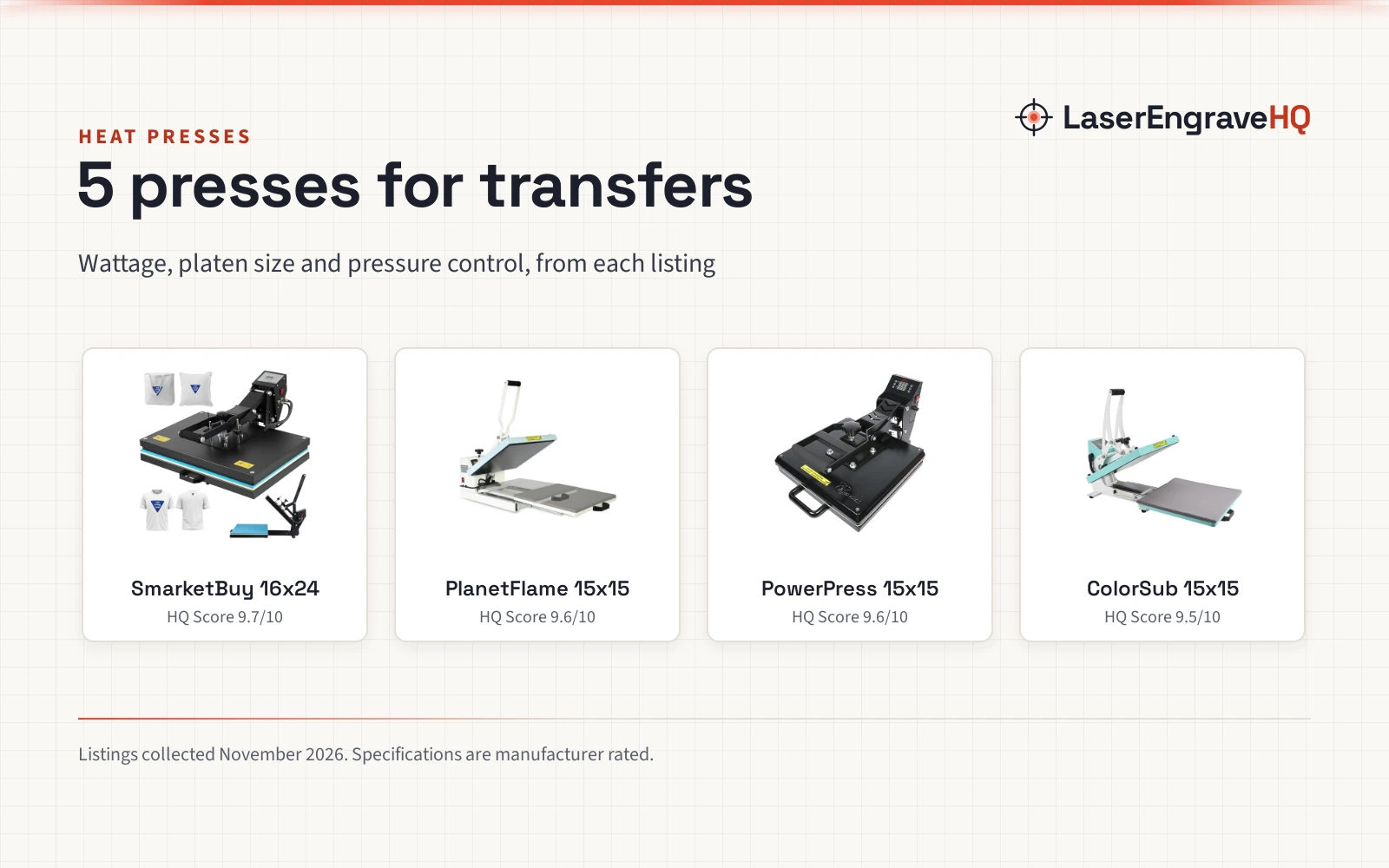
Related: how to choose a laser engraver, best laser engraver for beginners and the heat presses and sublimation hub.