Sublimation Printer Maintenance: Cleaning and Care
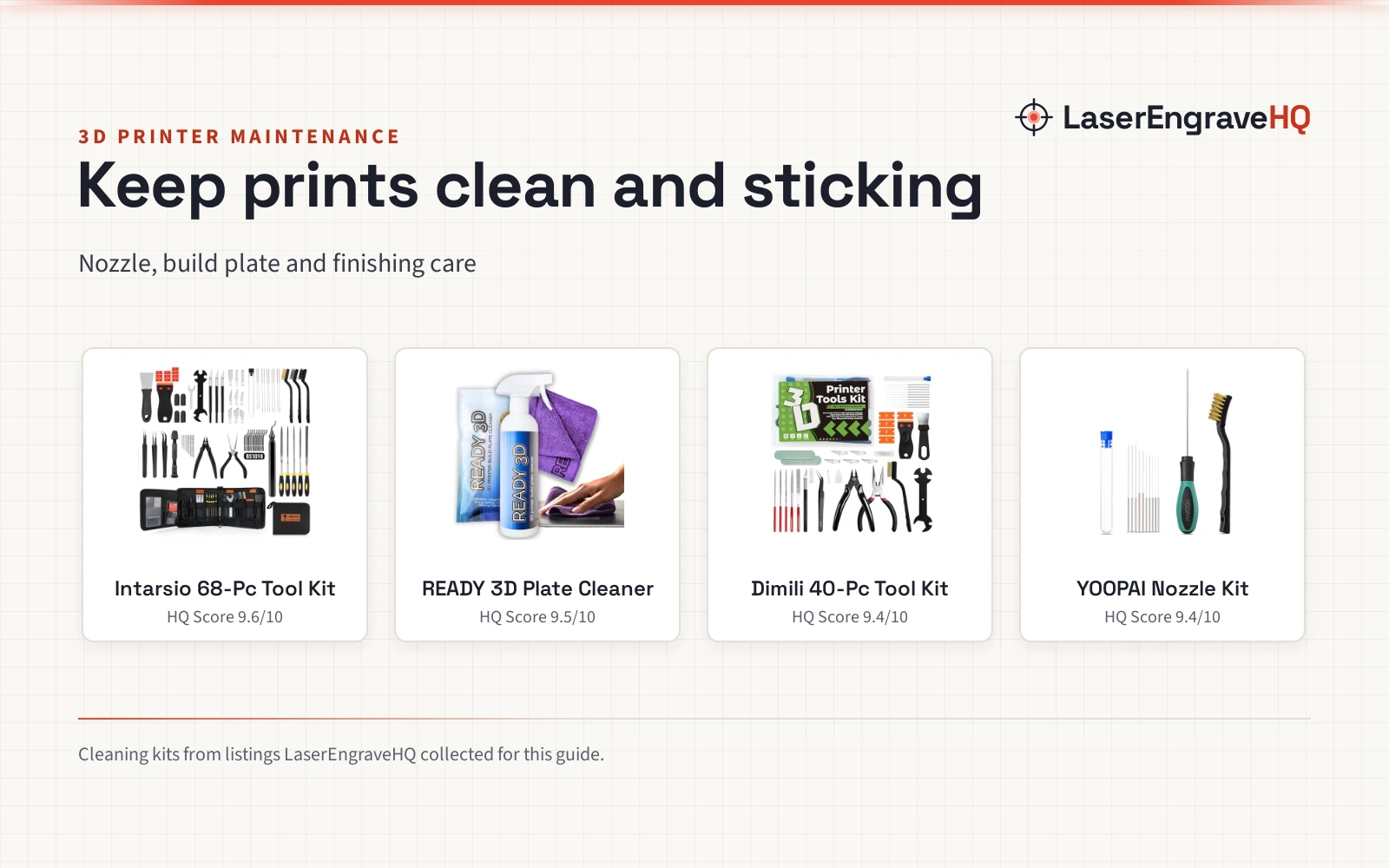
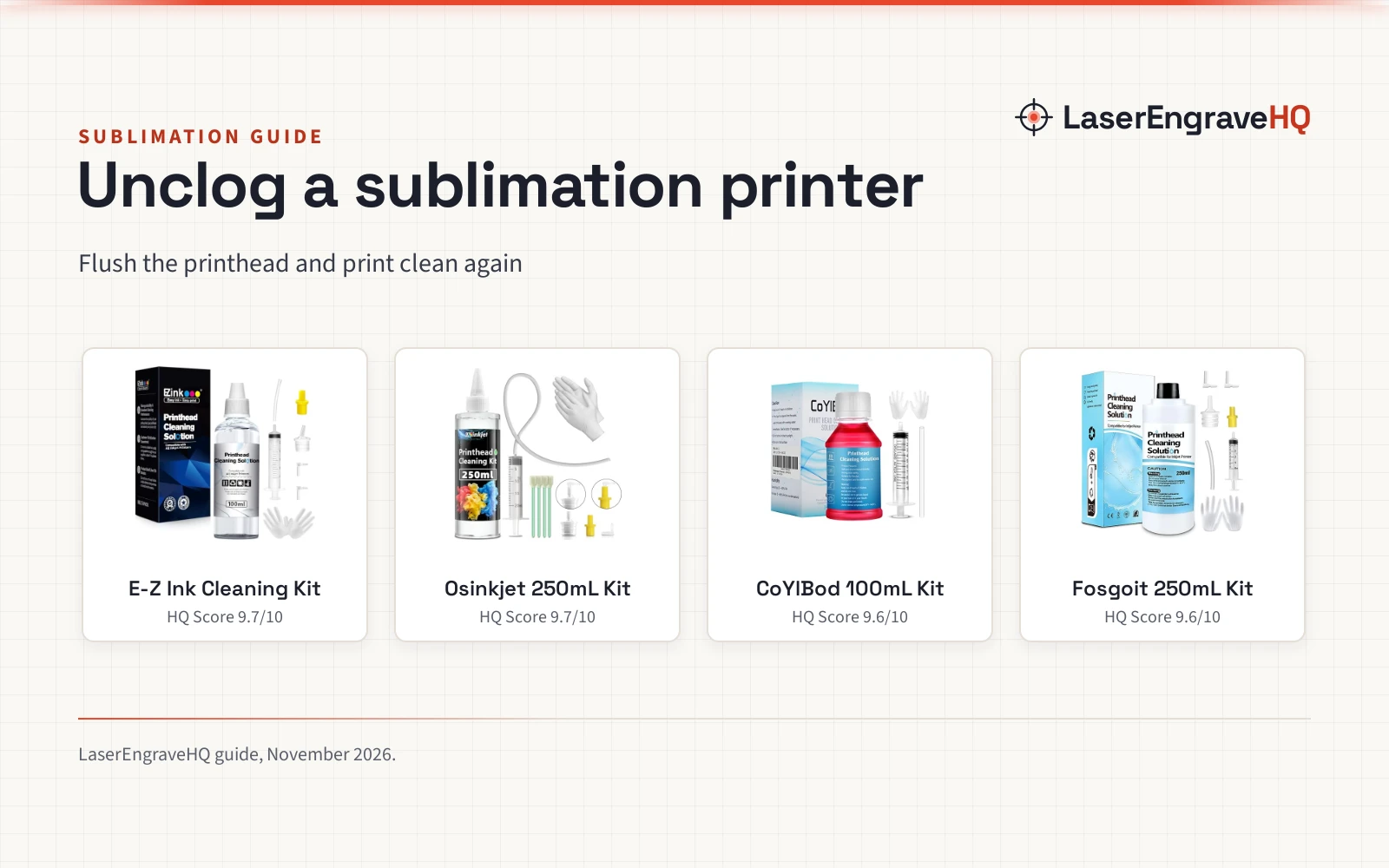
Sublimation printer maintenance means flushing a clogged printhead with cleaning fluid and picking the kit that fits your printer.

On this page
Top picks at a glance
As an Amazon Associate I earn from qualifying purchases.
- 1
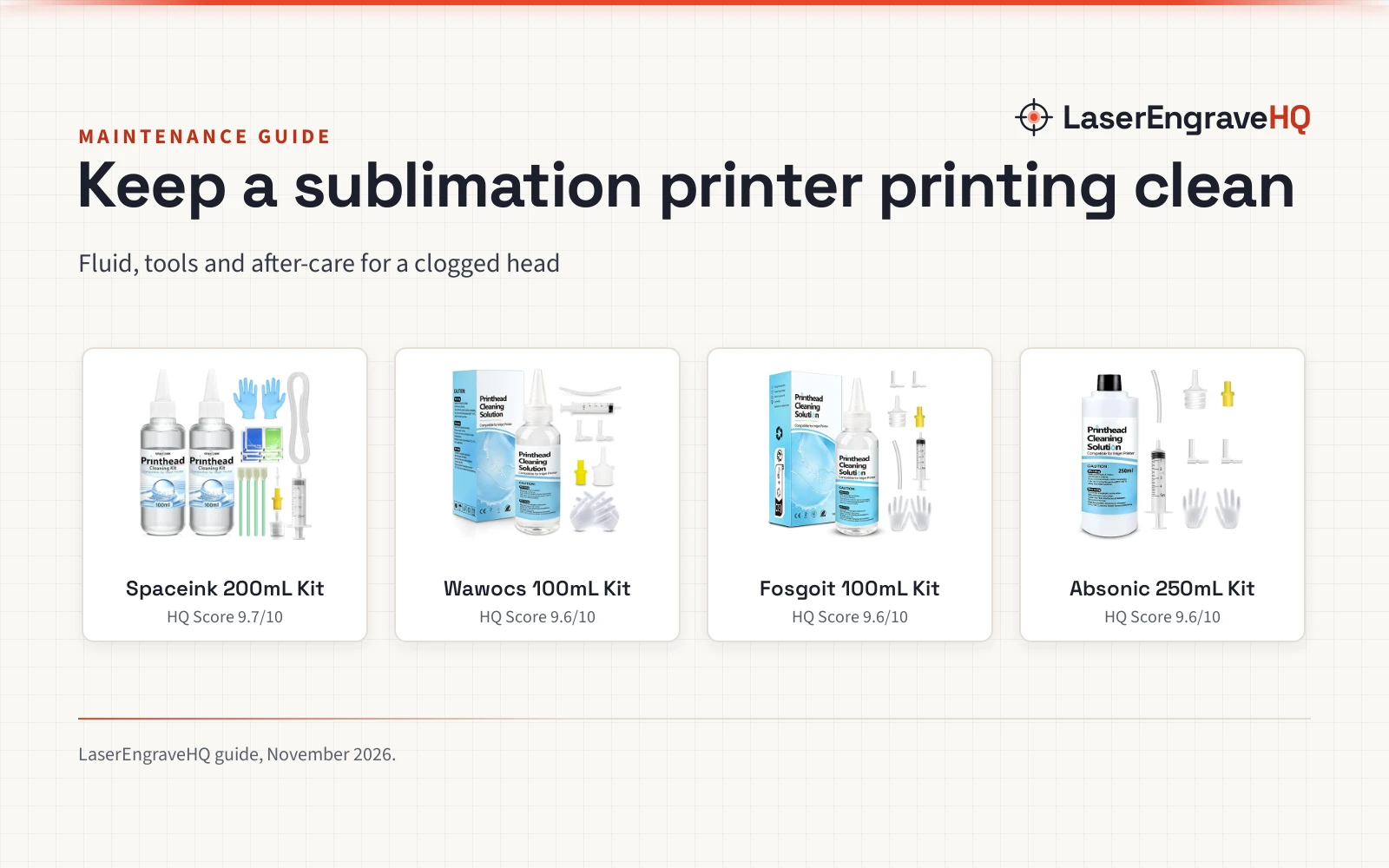
 Spaceink Printhead Cleaning kit 200mL for E pson9.7/10View on Amazon
- 2
 Printhead Cleaning Kit Work for Epson Printer9.6/10View on Amazon
- 3
 Printhead Cleaning Kits for Epson HP Canon Brother9.6/10View on Amazon
- 4
 Printhead Cleaning Kit for Epson9.6/10View on Amazon
Sublimation printer maintenance is the routine that keeps a sublimation printer laying down clean color instead of stripes and gaps. A sublimation printer moves dye ink through a printhead, and when ink dries inside the head, the print shows it. This guide explains what to clean, how to clean it, and which cleaning kit fits the job, using only what the makers state.
LaserEngraveHQ earns a commission from purchases made through these links, at no extra cost to you. Read our affiliate disclosure.
Spaceink Printhead Cleaning kit 200mL for E pson
A 200mL cleaning kit with 100mL cleaner bottles, a 20mL syringe, stoppers, swabs and wipes for Epson, HP, Canon and Brother inkjet printers.
Pros
- 200mL of fluid in 100mL bottles, with a 20mL syringe for flushing
- Enzymes dissolve dry ink and the degradation factor dissolves residue left after ink hardens
- Works with OEM inks, dyes, sublimation inks and thermal transfer inks
- Stated 1 year warranty, the only warranty term in this guide
Cons
- No color-coded nozzles for different ink-filling ports
- No L-shaped tubes are included
- No printer model numbers are stated, only brand names
- No standing time after cleaning is stated
Printhead Cleaning Kit Work for Epson Printer
A 100mL cleaning kit with a 5mL syringe, silicone tube, white and yellow nozzles, 2 L-shaped tubes and gloves, made for Epson, Canon, Brother and HP inkjet printers.
Pros
- Strong cleaning for dye ink, pigment ink and sublimation ink
- Dissolves clogging that shows as vertical stripes, horizontal stripes, text printing or incomplete patterns
- Works for DTF printers such as Epson ET-8550, XP-15000, L1800, L805, R1390 and R2400
- Clear after-care: dry the printhead, then let it stand 2-3 hours before printing
Cons
- 100mL of fluid, less than the 200mL and 250mL kits here
- The 5mL syringe is small for a full flush
- The printhead must be dry before cleaning, which adds a drying step
- No rubber stoppers are included
Printhead Cleaning Kits for Epson HP Canon Brother
A 100mL cleaning kit with a syringe, silicone hose, large and small rubber stoppers and gloves for Epson EcoTank and WorkForce, HP, Canon and Brother inkjet printers.
Pros
- Works with OEM ink, dye ink, pigment ink, sublimation ink and heat transfer ink
- Degradation factors dissolve the hard block and soluble impurities left after ink hardens
- Yellow nozzle for Epson and white nozzle for HP and Canon, sized to fit different ink-filling ports and avoid leakage
- The fluid does not corrode the print head, per the maker
Cons
- 100mL of fluid, less than the 200mL and 250mL kits here
- No warranty term is stated
- No L-shaped tubes are included
- No drying guidance is stated for a printhead that holds moisture
Printhead Cleaning Kit for Epson
A 250mL cleaning kit with a syringe, white and yellow nozzles, L-shaped tubes, silicone tubing and gloves for Epson, HP, Canon and Brother inkjet printers.
Pros
- 250mL of fluid, the largest stated amount here
- Works for factory ink, dye ink, sublimation ink and heat transfer ink
- Yellow nozzle for Epson and Brother, white nozzle for HP and Canon, sized to fit different ink-filling ports
- Solves illegible marking from clogging: vertical stripes, horizontal stripes, low-quality text or incomplete patterns
Cons
- No warranty term is stated
- No rubber stoppers are included
- No drying or standing time is stated after cleaning
- No cotton swabs or wipes are included
Sublimation printer maintenance: what it covers
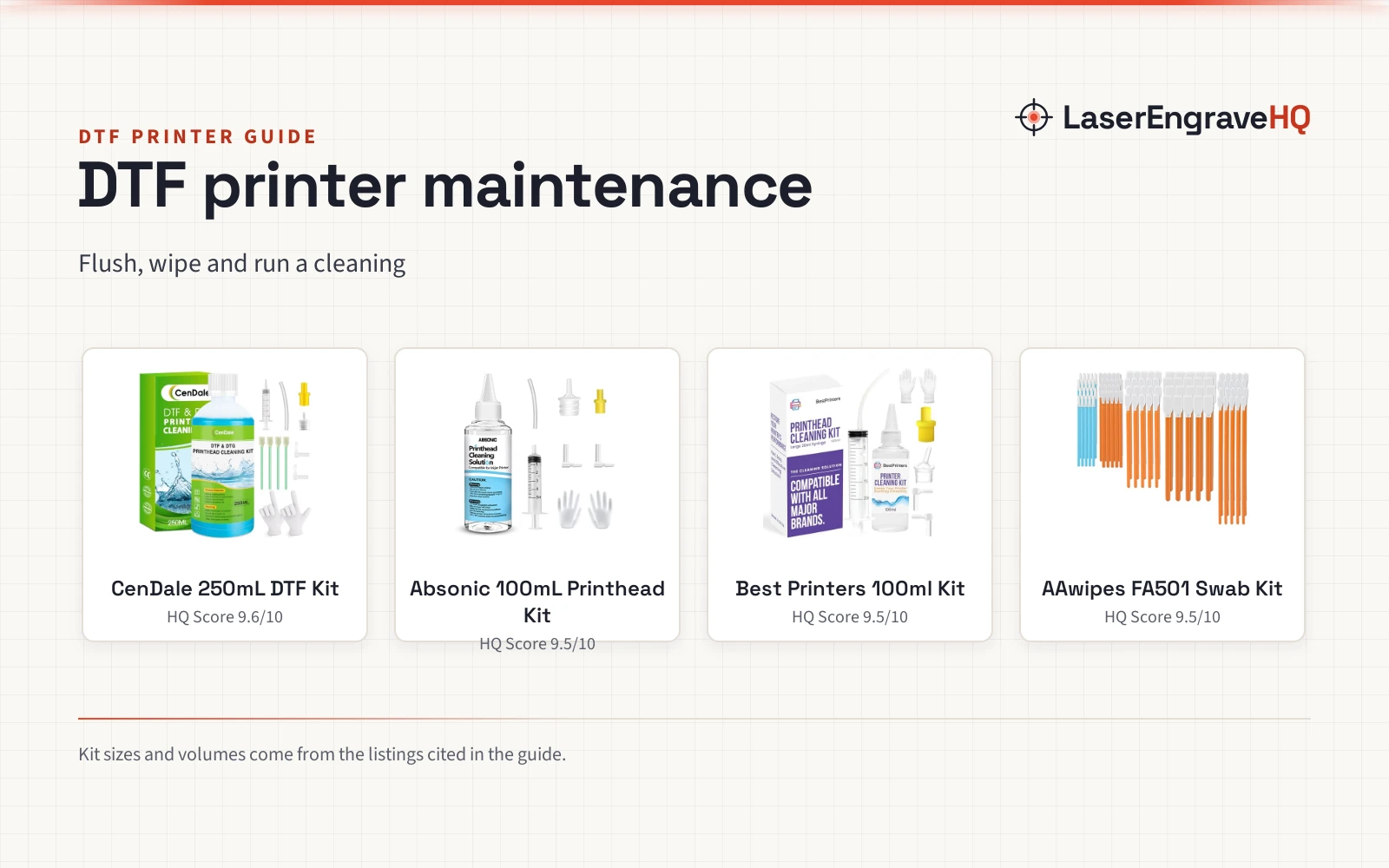
Sublimation printer maintenance covers the printhead, the ink path and the cleaning routine around them. The printhead is the part that clogs: ink hardens inside it, and the residue left after ink hardens blocks the nozzles. The kits below flush that residue out with cleaning fluid. Most use a syringe and nozzles that fit the ink-filling port, while the Spaceink kit (on Amazon) uses stoppers, swabs and wipes instead. Regular cleaning also protects the printhead and extends the printer’s service life, per the makers.
The fluid in these kits works with the inks a sublimation printer uses. Each kit here states sublimation ink and dye ink. The Fosgoit kit (on Amazon) also states pigment ink, factory ink and heat transfer ink, the Absonic kit (on Amazon) also states factory ink and heat transfer ink, and the Spaceink kit also states OEM inks and thermal transfer inks. If you need ink as well as a cleaning kit, see our best sublimation ink guide.
Signs a printhead needs cleaning
Watch the print, not the calendar. A clogged printhead shows itself in the output: vertical stripes, horizontal stripes, low-quality text printing, incomplete patterns and blurred printing traces. The Absonic and Wawocs makers name stripes and incomplete patterns as the marks of a clog, and the Spaceink maker adds blurred traces and poor text quality.
Behind those marks is dried ink. The Fosgoit and Spaceink makers state that degradation factors in the fluid dissolve the hard block and the residue left after ink hardens, so ink flows more smoothly. When the print shows stripes or gaps, flush the head with cleaning fluid.
How to clean a clogged printhead
Start by unplugging the power supply. The Fosgoit, Absonic and Wawocs makers all state it: unplug before cleaning, to prevent short circuit damage. Pick the nozzle that fits your printer: yellow for Epson, white for HP and Canon, with each size made to fit a different ink-filling port and avoid leakage. The Absonic kit also fits its yellow nozzle to Brother printers.
Flush the head with the cleaning fluid, using the syringe and the nozzle or stopper that fits your printer. The Wawocs maker states the printhead must be dry, and to dry it with a towel or paper if it holds moisture, and not to add water or other water-related liquid during cleaning. After cleaning, drain the kit and let the printhead stand 2-3 hours before using the printer.
The Wawocs kit (on Amazon) also works for DTF printers, so if your printer runs DTF work, see our DTF printer set up guide for the film, ink and powder side.
What to look for in a cleaning kit
Start with the fluid amount. The kits here hold 100mL, 200mL and 250mL of cleaning fluid: the Fosgoit and Wawocs kits hold 100mL, the Spaceink kit holds 200mL in 100mL bottles, and the Absonic kit is sold as a 250mL kit. More fluid means more flushes from the box, so a maker who cleans often wants the larger amount.
Next, check the nozzle set. The Fosgoit kit ships a yellow nozzle for Epson and a white nozzle for HP and Canon, and the Absonic kit ships a yellow nozzle for Epson and Brother and a white nozzle for HP and Canon, with each size made to fit a different ink-filling port. The Wawocs kit ships a white nozzle, a yellow nozzle and 2 L-shaped tubes, while the Spaceink kit ships no nozzles and instead packs 4 large rubber stoppers, 4 cotton swabs and dry and wet wipes.
Then look at the syringe and the after-care guidance. The Spaceink kit ships a 20mL syringe and the Wawocs kit ships a 5mL syringe, while the Fosgoit and Absonic kits state a syringe with no size. The Wawocs kit is the only one here that states the after-care steps: dry the printhead with a towel or paper if it holds moisture, drain the kit, and let the printhead stand 2-3 hours before using the printer.
Cleaning kits for sublimation printer maintenance
Each kit below flushes a clogged printhead with cleaning fluid, and the box contents decide which one fits your printer: fluid amount, nozzle set, syringe size and after-care guidance.
FAQ: lasers and CNC
How do I know my sublimation printer needs cleaning?
Look for vertical stripes, horizontal stripes, low-quality text printing, incomplete patterns or blurred traces in the print. Those are the marks the makers name for a clogged printhead, and they mean the head needs a flush with cleaning fluid.
Can I use a printhead cleaning kit with sublimation ink?
Yes. Each kit here states sublimation ink and dye ink. The fluid dissolves the residue left after ink hardens, so ink flows more smoothly.
Do I need to unplug the printer before cleaning?
Yes. The Fosgoit, Absonic and Wawocs makers state to unplug the power supply before cleaning, to prevent short circuit damage.
How long should a printhead stand after cleaning?
The Wawocs maker states to drain the kit and let the printhead stand 2-3 hours before using the printer. The other kits here state no standing time.
Which nozzle fits my printer?
Yellow for Epson, white for HP and Canon, per the Fosgoit and Absonic makers; Absonic also fits its yellow nozzle to Brother printers. Each nozzle size is made to fit a different ink-filling port and avoid leakage.
Related: the best sublimation ink, best mugs for mug press and craft machines hub. Also see our printer maintenance kit guide.