Laser Wood Cutting Machine for Beginners: How to Choose a First Cutter
A beginner guide to choosing a laser wood cutting machine: match power and work area to the first wood projects, then check safety and software before buying.

On this page
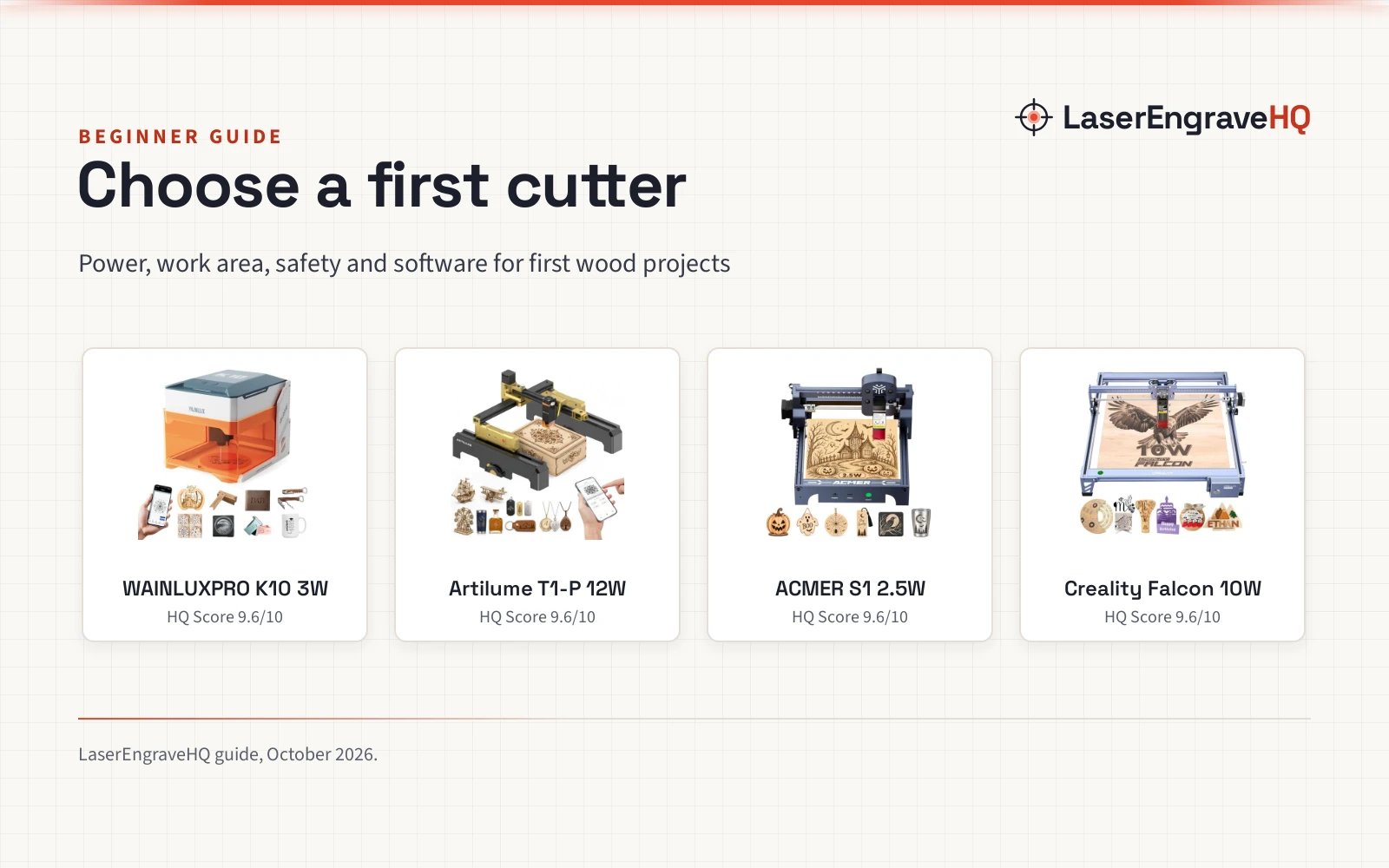
Top picks at a glance
As an Amazon Associate I earn from qualifying purchases.
- 1
 WAINLUXPRO 3000mW Laser Engraving Machine9.6/10View on Amazon
- 2
 Artilume T1-P Foldable Laser Engraver 12000mW9.6/10View on Amazon
- 3
 ACMER S1 2500mW Laser Engraver Machine9.6/10View on Amazon
- 4
 Creality Falcon 10W Laser Engraver Machine9.6/10View on Amazon
A first wood project usually starts small: a name sign, a set of coasters, a gift tag cut from a thin board. A laser wood cutting machine for beginners turns that idea into a finished piece, and the right first machine is the one that fits the projects on the list and the desk it will sit on.
Choose by power and work area first, then check the safety listing and the software. The 4 machines below cover that range, from a 2.5W engraver for small gifts to a 12W cutter for wood signs.
LaserEngraveHQ earns a commission from purchases made through these links, at no extra cost to you. Read our affiliate disclosure.
WAINLUXPRO 3000mW Laser Engraving Machine
A 3W Class 1 engraver with an 80 x 80mm work area, WiFi and offline control and a filtered viewing window.
Pros
- Class 1 with auto-stop, tilt detection and a filtered window
- WiFi, USB and SD card offline control through the CutlabX app
- 0.01mm precision for fine text and small designs
- Video tutorials and preset parameters for first projects
Cons
- 80 x 80mm work area, the smallest here
- No cutting depth for wood is stated
- No rotary is stated
- Filtered window blocks 99.7% of blue light, but no optical density is stated
Artilume T1-P Foldable Laser Engraver 12000mW
A 12W foldable laser engraver with a 200 x 150mm work area, app control and a cover and riser in the box.
Pros
- 12W laser for cutting and engraving wood, leather and dark acrylic
- 200 x 150mm work area for coasters, signs and small gifts
- App control from a phone, plus LaserGRBL and LightBurn
- 0.01mm precision with speeds up to 10000mm/min
Cons
- No laser class is stated
- No maximum riser height is stated
- No offline mode is stated
ACMER S1 2500mW Laser Engraver Machine
A 2.5W Class 1 diode engraver with a 130 x 130mm work area, ACMER Studio software and a 2kg desktop design.
Pros
- Class 1 laser with a 0.04mm laser spot for crisp lines
- 130 x 130mm work area for ornaments, signs and gift tags
- ACMER Studio included, with LightBurn and LaserGRBL support
- 2kg design that fits a home desk or classroom
Cons
- 2.5W, the lowest power here
- No air assist is stated
- No rotary is stated
- No safety features beyond Class 1 are stated
Creality Falcon 10W Laser Engraver Machine
A desktop laser engraver and cutter with a 15.7×16.3 in / 400×415 mm work area, a rated 10000mm/min speed and one-pass cutting of 12mm wood and 5mm black acrylic.
Pros
- 15.7×16.3 in / 400×415 mm work area, rated 10000mm/min work speed
- Cuts 12mm wood boards and 5mm black acrylic in one pass, per the listing
- Engraves more than 200 types of materials, including wood, leather, acrylic, metals and fabrics
- Anti-UV filter acrylic stated to reduce 97% of ultraviolet rays
Cons
- Listing names both 10W and 72W, with no explanation of which is the optical output
- No laser class, interlock or flame detection is stated
- Goggles included without a stated OD or wavelength range
- No machine dimensions in the title or bullets
What to look for in a laser wood cutting machine for beginners
Start with the work area and the materials: work areas here run from 80 x 80mm to 15.7 x 16.3 in, and materials include wood, leather, acrylic, bamboo, MDF, paper and cardboard. A small area suits phone cases, coasters and keychains, while a larger bed takes signs and gift tags.
Power comes next. The listings here state power from 2.5W to 12W: the 12W Artilume listing describes cutting and engraving wood, while the 3W and 2.5W listings describe engraving. Match the machine to the job the listing describes, and read the diode vs CO2 laser for wood comparison before choosing a laser type.
Set up a safe workspace
The ACMER S1 (on Amazon) and the WAINLUXPRO K10 state Class 1, and the WAINLUXPRO listing also states an automatic stop when the protective shield opens or the machine tilts more than 13 degrees. The Artilume listing states a protective cover that shields the engraving area, but no laser class.
Ventilation matters with every machine here: the WAINLUXPRO listing says to use the machine in a well-ventilated area or near a window. Never leave a running job unattended, and never laser PVC, vinyl, PVC-based faux leather, polycarbonate or ABS: those materials can release harmful fumes and damage the machine. None of the listings here states an optical density or wavelength range for eye protection.
Laser wood cutting machine for beginners: the gear
The cutting step is where the gear earns its place: pick the machine whose power and work area fit the projects on the list.
Common mistakes to avoid
- Buying for power alone while the work area fits none of the first projects.
- Skipping ventilation: the WAINLUXPRO listing says to use the machine in a well-ventilated area or near a window.
- Lasering PVC, vinyl, PVC-based faux leather, polycarbonate or ABS.
- Expecting the 2.5W ACMER listing to cut like the 12W Artilume listing.
FAQ: lasers and CNC
How much laser power does a beginner need for cutting wood?
The listings in this guide state power from 2.5W to 12W. The 12W Artilume listing describes cutting and engraving wood, while the 3W and 2.5W listings describe engraving. The Creality Falcon 10W (on Amazon) listing also calls itself a laser cutter and engraver, but gives title details only.
What size work area should a beginner choose?
The listings here state 80 x 80mm for phone cases, coasters and keychains, 130 x 130mm for ornaments, signs and gift tags, 200 x 150mm for coasters, signs and small gifts, and 15.7 x 16.3 in for the Creality Falcon workspace.
What software do beginner laser engravers use?
LaserGRBL and LightBurn are stated for the Artilume, ACMER and WAINLUXPRO listings; the Creality Falcon listing states no software. The Artilume listing states app control from a phone, the ACMER listing includes ACMER Studio, and the WAINLUXPRO listing works with the CutlabX app over WiFi or USB, or offline from an SD card.
Do I need ventilation for a laser cutter?
Yes, plan for it before the first job. The WAINLUXPRO listing says to use the machine in a well-ventilated area or near a window, and smoke from engraving needs to leave the room.
What materials can a beginner laser cut?
The listings here state wood, leather, acrylic, bamboo, MDF, paper, cardboard, rubber, plastic and ceramic-coated items. Never laser PVC, vinyl, PVC-based faux leather, polycarbonate or ABS: those materials can release harmful fumes and damage the machine.
Related: the best laser engraver for wood guide, the diode vs CO2 laser for wood comparison and laser engraver maintenance. Also see the how to engrave photos on wood with a laser guide.