Laser Engraver Types: Diode, CO2 and Fiber Compared
Laser engraver types compared: diode, CO2 and fiber, with the materials, output, work area and safety figures the listings state.

On this page
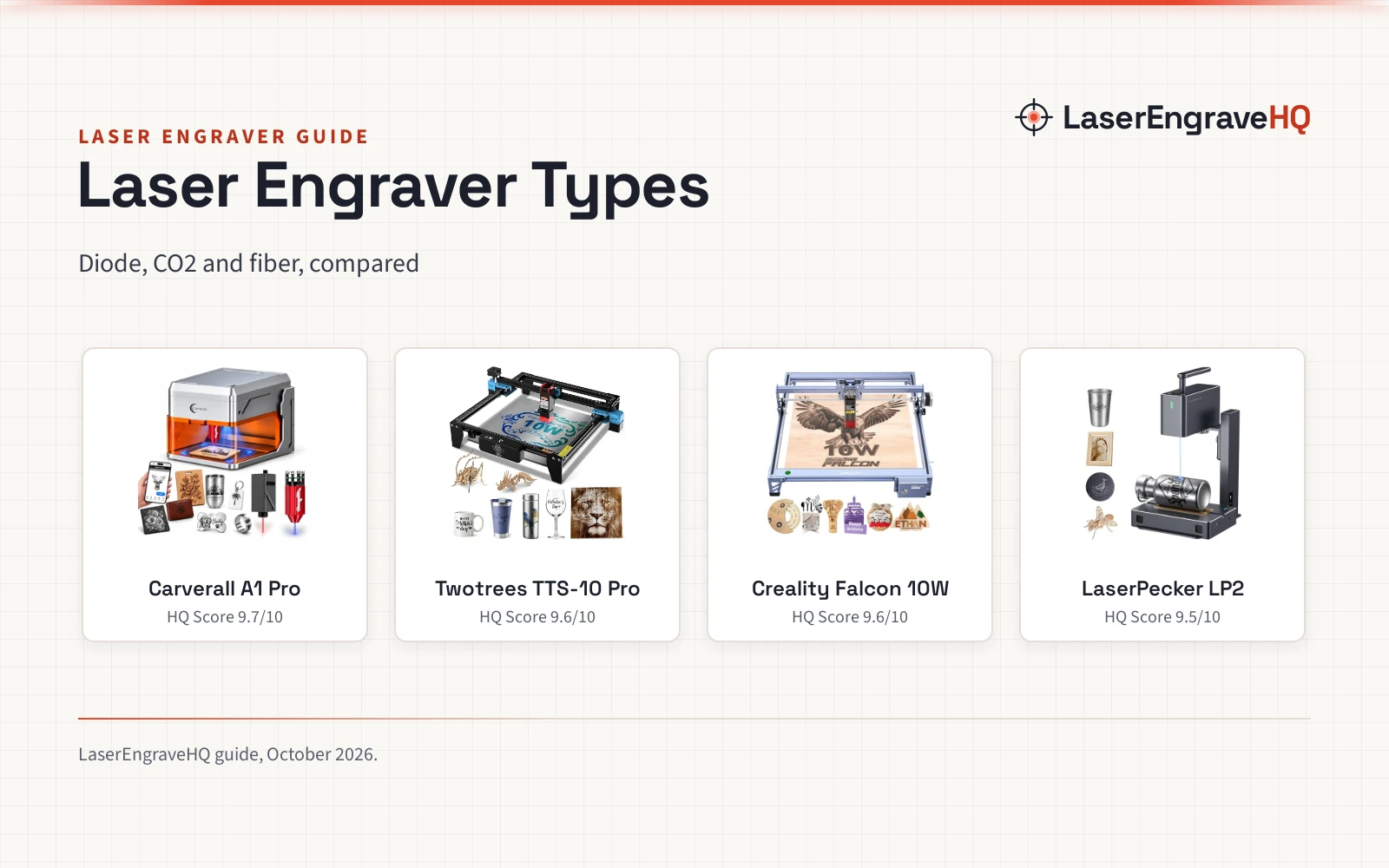
Top picks at a glance
As an Amazon Associate I earn from qualifying purchases.
- 1
 Dual Laser Engraver with 7W Diode & 1W IR9.7/10View on Amazon
- 2
 Twotrees TTS-10 Pro Laser Engraver,10000mW High9.6/10View on Amazon
- 3
 Creality Falcon 10W Laser Engraver Machine9.6/10View on Amazon
- 4
 LaserPecker LP2 Diode Laser Engraver Laser9.5/10View on Amazon
A sign for a shop door, a tumbler with a name on it, a leather patch for a jacket: the project picks the laser, not the other way round. Laser engraver types are the first choice to make, because each type handles different materials, and the wrong type leaves the project unfinished.
LaserEngraveHQ earns a commission from purchases made through these links, at no extra cost to you. Read our affiliate disclosure.
Dual Laser Engraver with 7W Diode & 1W IR
A dual-laser desktop engraver with a 7W blue diode and an infrared laser for bare metal, in a Class 1 enclosure.
Pros
- Two lasers in one machine: a 7W blue diode at 455nm and an infrared laser at 1064nm
- Class 1 enclosure with lid-open stop, tilt shutoff and air assist
- HD camera with 0.01mm precision for pet tags and micro text
- Offline batch jobs from a TF card
Cons
- Work area is 3.94×3.94 inches
- Laser heads swap manually between diode and infrared
- Cutting is recommended only for 3mm or less beech plywood

Twotrees TTS-10 Pro Laser Engraver,10000mW High
10W laser engraver, 300x300mm area, 30000mm/min, air assist, 12-month warranty.
Pros
- 300x300mm area stated
- 30000mm/min speed stated
- Air assist pump included
- 12-month warranty stated
Cons
- 0.069mm spot is coarser
- No safety glasses stated
- Bare steel needs marking spray
- 10W below the 20W pick
Creality Falcon 10W Laser Engraver Machine
A desktop laser engraver and cutter with a 15.7×16.3 in / 400×415 mm work area, a rated 10000mm/min speed and one-pass cutting of 12mm wood and 5mm black acrylic.
Pros
- 15.7×16.3 in / 400×415 mm work area, rated 10000mm/min work speed
- Cuts 12mm wood boards and 5mm black acrylic in one pass, per the listing
- Engraves more than 200 types of materials, including wood, leather, acrylic, metals and fabrics
- Anti-UV filter acrylic stated to reduce 97% of ultraviolet rays
Cons
- Listing names both 10W and 72W, with no explanation of which is the optical output
- No laser class, interlock or flame detection is stated
- Goggles included without a stated OD or wavelength range
- No machine dimensions in the title or bullets
LaserPecker LP2 Diode Laser Engraver Laser
A portable diode engraver with a 450nm blue laser, a versatile electric roller for cylinders and apps for phones and PCs.
Pros
- 450nm semiconductor blue laser with engraving accuracy up to 0.05mm
- Versatile electric roller engraves cylinders with 360-degree rotation
- Roller expands the engraving area to 2000*100mm
- Engraves 100+ materials and cuts wood up to 5mm thick
Cons
- No laser output power is stated
- No laser class or enclosure is stated
- Flat work area is not stated
- No air assist or exhaust is stated
Laser engraver types: the short answer
Three laser types cover most engraving work: a diode laser for wood, leather and acrylic; a CO2 laser for cutting and glass; and a fiber laser for bare metal. Two of the engravers below use diode lasers, and one adds an infrared laser that marks bare metal without a separate fiber laser. The other two list no laser type. Match the type to the material first.
Step 1: Match the laser type to the material
Start with the material. The Carverall blue diode handles wood, leather, acrylic, glass, fabric and coated metals; its infrared laser marks bare stainless steel, aluminum, brass and jewelry. The LaserPecker LP2 (on Amazon) engraves 100+ materials, including wood, leather and acrylic, and cuts wood up to 5mm thick. The Twotrees title lists wood, metal, acrylic, glass and stainless steel, and the Creality title lists wood, metal, acrylic and leather. A CO2 laser covers cutting and glass work, while a fiber laser covers bare-metal marking.
Step 2: Check the optical output, not the input
Laser power means optical output. The Carverall title lists a 7W diode and a 1W infrared laser, while the bullets list a 1.2W infrared laser, so the infrared output is stated two ways in one listing. The Twotrees title lists 10000mW, and the Creality title lists both 10W and 72W with no spec table to separate output from input. The LaserPecker LP2 states no output power at all. Read the output figure, and never convert an input figure into an output figure.
Step 3: Check the work area and the speed
The Carverall lists a 3.94×3.94-inch work area with three heights up to 10.63 inches, and runs at 12,000mm/min. The Creality title lists a 15.7 x 16.3 inch workspace. The LaserPecker LP2 gives no flat work area, but its roller expands the engraving area to 2000*100mm for cylinders. The Twotrees title lists a speed of 30000mm/min and no work area.
Step 4: Set up a safe workspace
The Carverall lists a fully enclosed Class 1 design, a laser that stops when opened, auto-shut if tilted over 15 degrees and built-in air assist. The other listings state no laser class or enclosure. Never laser PVC, vinyl or PVC-based faux leather, and do not cut polycarbonate or ABS. Never leave a running job unattended. Eyewear protects only if its listing states an optical density and a wavelength range that matches the laser; see the best laser safety glasses for diode lasers guide.
The engravers behind the types
The engravers below put the types above to work: diode, infrared metal marking, portable roller work and the title-only figures.
Common mistakes to avoid
- Reading an input figure as optical output: the Creality title lists 72W beside 10W with no stated meaning.
- Expecting a blue diode to mark bare metal: the Carverall listing says its infrared laser does that work, not the blue diode.
- Skipping the work-area check: 3.94×3.94 inches on the Carverall against 15.7 x 16.3 inches on the Creality.
- Lasering PVC or vinyl, or cutting polycarbonate or ABS.
FAQ: lasers and CNC
What are the main types of laser engravers?
Diode, CO2 and fiber are the main types: diode for wood, leather and acrylic; CO2 for cutting and glass; fiber for bare metal. The Carverall adds an infrared laser for bare metal.
Can a diode laser engrave metal?
A blue diode engraves coated metals. For bare metal, the Carverall listing says its infrared laser marks bare stainless steel, aluminum, brass and jewelry, which blue diode lasers cannot do.
What is the difference between optical output and input power?
Optical output is the laser power that does the work; input power is what the machine draws. The Creality title lists both 10W and 72W with no stated meaning, so never convert one figure into the other.
How big a work area do I need?
The Carverall work area is 3.94×3.94 inches, the Creality workspace is 15.7 x 16.3 inches, and the LaserPecker roller expands the engraving area to 2000*100mm for cylinders.
Related: the laser engraver hub, best laser engraver for small business and best laser engraver for wood.