CNC Router Feeds and Speeds Calculator: How to Use One
A CNC router feeds and speeds calculator turns the bit, the material and the spindle speed into a starting feed rate, and this guide shows which stated bit figures go into it.

On this page
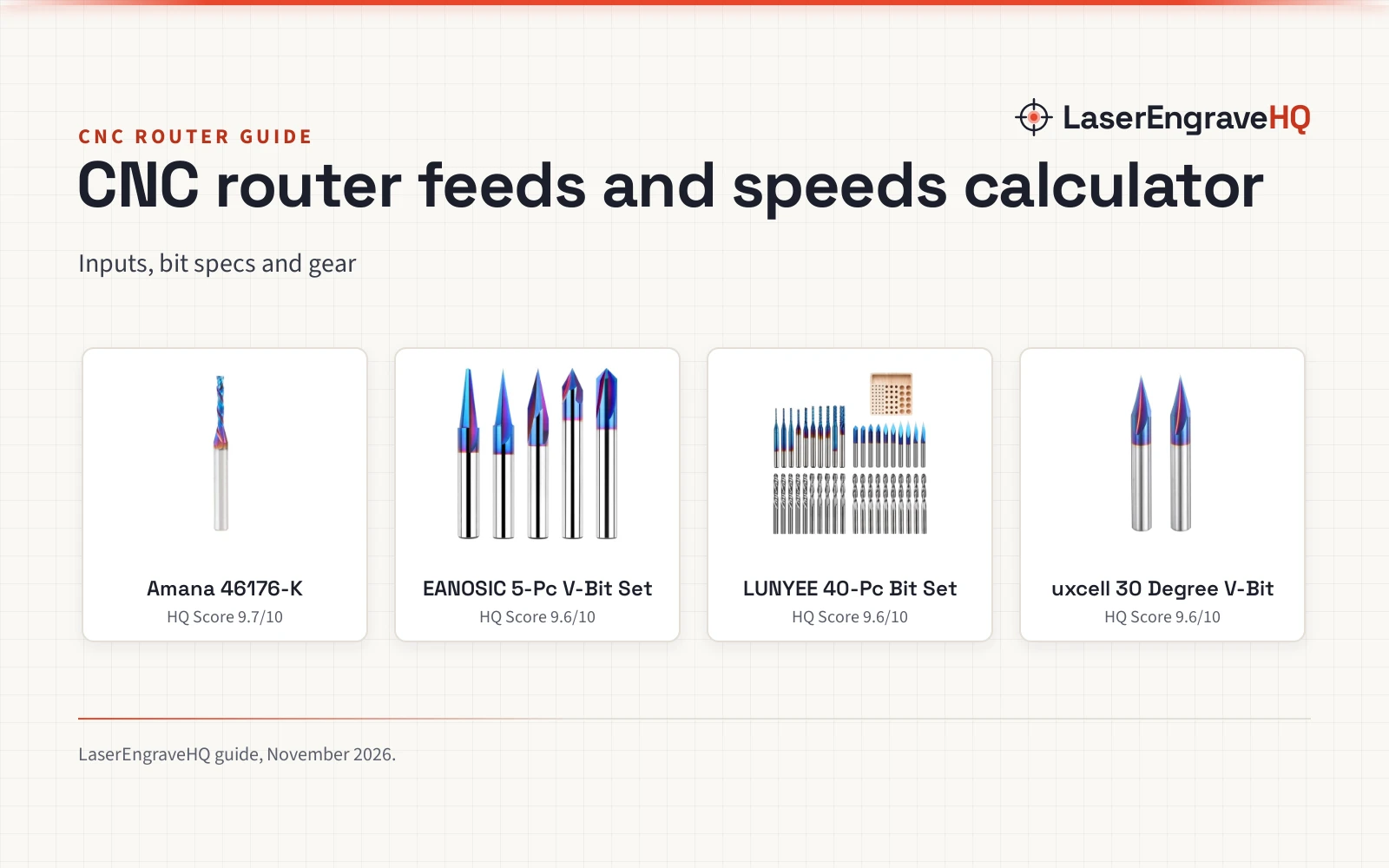
Top picks at a glance
As an Amazon Associate I earn from qualifying purchases.
- 1
 Amana Tool Spektra Extreme Tool Life Solid Carbide9.7/10View on Amazon
- 2
 EANOSIC 5PCS CNC Wood Carving Router Bits Set9.6/10View on Amazon
- 3
 LUNYEE 40Pcs End Mills CNC Router Bits9.6/10View on Amazon
- 4
 uxcell 2 Pcs 30 Degree V Groove Engraving Router9.6/10View on Amazon
Cutting a sign or a part on a CNC router starts with a feed rate that fits the bit, the material and the spindle speed, and a cnc router feeds and speeds calculator turns those inputs into a starting feed rate. You enter the bit size, the flute count, the material and the spindle speed, and the calculator gives a feed rate to start from. This guide walks through each input and shows which stated bit figures a calculator asks for.
LaserEngraveHQ earns a commission from purchases made through these links, at no extra cost to you. Read our affiliate disclosure.
None of the bit listings in this guide states a feed rate, so this guide gives no feed numbers of its own. It shows which stated bit figures go into a calculator.
Amana Tool Spektra Extreme Tool Life Solid Carbide
A solid carbide compression spiral bit, 1/8 D x 13/16 CH x 1/4 shank x 2-1/2 in long, with a Spektra coating for sheet goods.
Pros
- Solid carbide with Spektra nACo coating
- Compression spiral shape for sheet goods
- Lists CFRP, melamine, laminate, MDF, OSB and veneered plywood
- Made in the USA
Cons
- Single bit, not a set
- No max RPM stated
- No flute count stated
- 1/8 in cutting diameter suits narrow cuts
EANOSIC 5PCS CNC Wood Carving Router Bits Set
A 5-piece solid carbide V-groove set, 1/4 in shank, 2-1/2 in long, with 15, 20, 30, 60 and 90 degree bits and a max RPM of 24000.
Pros
- 5 V-bit angles: 15, 20, 30, 60 and 90 degrees
- Max RPM of 24000 stated
- Solid carbide with nano blue coating
- Suits soft and hard woods, MDF, plywood, laminate and acrylic
Cons
- No flute count stated
- No warranty term is stated
- 1/4 in shank fits 1/4 in collets only
- V-bits only, no flat or ball nose shape
LUNYEE 40Pcs End Mills CNC Router Bits
A 40-piece 1/8 in shank set with V-bits, 2-flute flat and ball nose end mills and corn bits for CNC milling, carving and engraving.
Pros
- 40 pieces across V-bit, flat, ball nose and corn shapes
- 2-flute flat and ball nose mills, 0.125 in cutting diameter
- V-bits in 20/30/45/60/90 degree with 0.1 mm tips
- Corn bits in 0.8/1.0/1.2/1.4/1.6/1.8/2.0/2.2/2.5/3.0mm with nano blue coating
Cons
- No max RPM stated
- 1/8 in shank only
- No coating stated for the flat and ball nose mills
- 40 pieces need sorting and storage
uxcell 2 Pcs 30 Degree V Groove Engraving Router
A 2-piece 30 degree V-groove bit, 3 flutes, 1/4 in shank, 2 in long, in nano coated carbide for carving and engraving.
Pros
- 3 flutes, stated for a smoother cutting surface
- 30 degree V-groove angle stated
- 1/4 in shank, 2 in total length
- Nano coated YG6 carbide
Cons
- No max RPM stated
- No warranty term is stated
- 2 pieces only, one angle
- 30 degree angle suits V-groove work only
Step 1: What a cnc router feeds and speeds calculator asks for
A cnc router feeds and speeds calculator asks for the bit, the material and the spindle speed. The bit side needs the cutting diameter and the flute count, and a V-bit also needs its angle. The material side needs the material on the bed: hardwood, plywood, MDF, acrylic and aluminum cut differently. Enter the figures the bit maker states.
Step 2: Match the bit to the material
Match the bit shape to the cut. A compression spiral suits sheet goods such as melamine, laminate, MDF and veneered plywood, and the Amana bit here lists them. V-bits suit lettering, signs and V-groove work. Ball nose end mills suit 3D carving, flat end mills suit 2D cutting and slotting, and the LUNYEE set holds both. Our ball nose vs flat end mill guide compares the two shapes.
Step 3: Set the spindle speed
Spindle speed is the RPM the calculator uses, and it must stay inside the range the bit maker states. The EANOSIC set lists a max RPM of 24000, so that set never runs above that speed. The calculator multiplies the spindle speed by the flute count and the chip load to give the feed rate.
Step 4: Read the result and check the cut
Read the feed rate the calculator returns as a starting point, not as a fixed setting. Run the cut on a spare piece of the same material, listen for chatter and look at the edge, then adjust the feed rate or the speed until the edge looks clean.
The bits that feed the calculator
Each bit below lists the figures its maker states for a calculator, so the numbers you enter come from the bit in the collet.
Common mistakes to avoid
- Entering a bit diameter the maker does not state.
- Running a bit above its stated max RPM.
- Using one bit’s figures for a different bit.
- Skipping the check on a spare piece.
- Mixing up shank size and cutting diameter.
CNC router feeds and speeds calculator: the short version
- Enter the bit diameter, flute count, material and spindle speed.
- Match the bit shape to the material and the cut.
- Stay inside the max RPM the maker states.
- Read the feed rate as a starting point.
- Check the result on a spare piece before the full cut.
FAQ: lasers and CNC
What does a CNC router feeds and speeds calculator do?
It turns the bit diameter, flute count, material and spindle speed into a feed rate to start from.
What numbers go into a feeds and speeds calculator?
The cutting diameter, the flute count, the material and the spindle speed in RPM. A V-bit also needs its angle.
What is the max RPM for a CNC router bit?
It depends on the bit. The EANOSIC set lists a max RPM of 24000. Check the maker listing for the bit you hold.
Can one calculator setting work for every bit?
No. The feed rate belongs to one bit, one material and one speed. Change any of them and the result changes.
Do I need a different bit for hardwood and plywood?
Not always. The bits here list hardwood and plywood among their materials. Match the bit shape to the cut, then enter the material into the calculator.
Related: the CNC tooling hub, the best CNC bit set for beginners guide, the best CNC bit set for engraving guide and the ball nose vs flat end mill guide.