Can You Print Shipping Label at USPS: Post Office Options and Home Printers
Yes, USPS can print a shipping label at the counter or a self-service kiosk, and a thermal printer can print the same label at home.

On this page
Can you print shipping label at USPS? Yes. A clerk at the counter can print the label when postage is bought there, and a self-service kiosk can print it as well. The sections below walk through the counter, the kiosk, and the home option, so the label is ready before the package is handed over.
As an Amazon Associate I earn from qualifying purchases. LaserEngraveHQ earns a commission from purchases made through these links, at no extra cost to you. Read our affiliate disclosure.
Services vary by location. A small branch may have no kiosk, and counter hours change by branch, so check the location before a visit with a packed box in hand.
Can you print shipping label at USPS at the counter
The counter is the simplest option for a label that is needed right away. Bring the packed box, the delivery address and the return address. The clerk weighs the package, takes payment for postage and prints the label on the spot. The label goes on the box, and the package stays at the post office for pickup and delivery.
This suits a label that was never printed at home, or a package that needs weighing. The shipping weight guide covers how to weigh packages before a visit, and the best shipping scale guide covers scales for a home packing bench.
Use the self-service kiosk
A self-service kiosk prints labels without a wait in the counter line. The screen asks for the destination, the package details and payment, then prints the label. The kiosk suits a plain shipment with no special handling, and it works outside counter hours at branches that keep the lobby open.
Bring the same details as for the counter: the delivery address, the return address and the packed box. When the kiosk cannot read an address or the package needs a form the kiosk does not offer, the counter is the fallback.
Print the label at home with a thermal printer
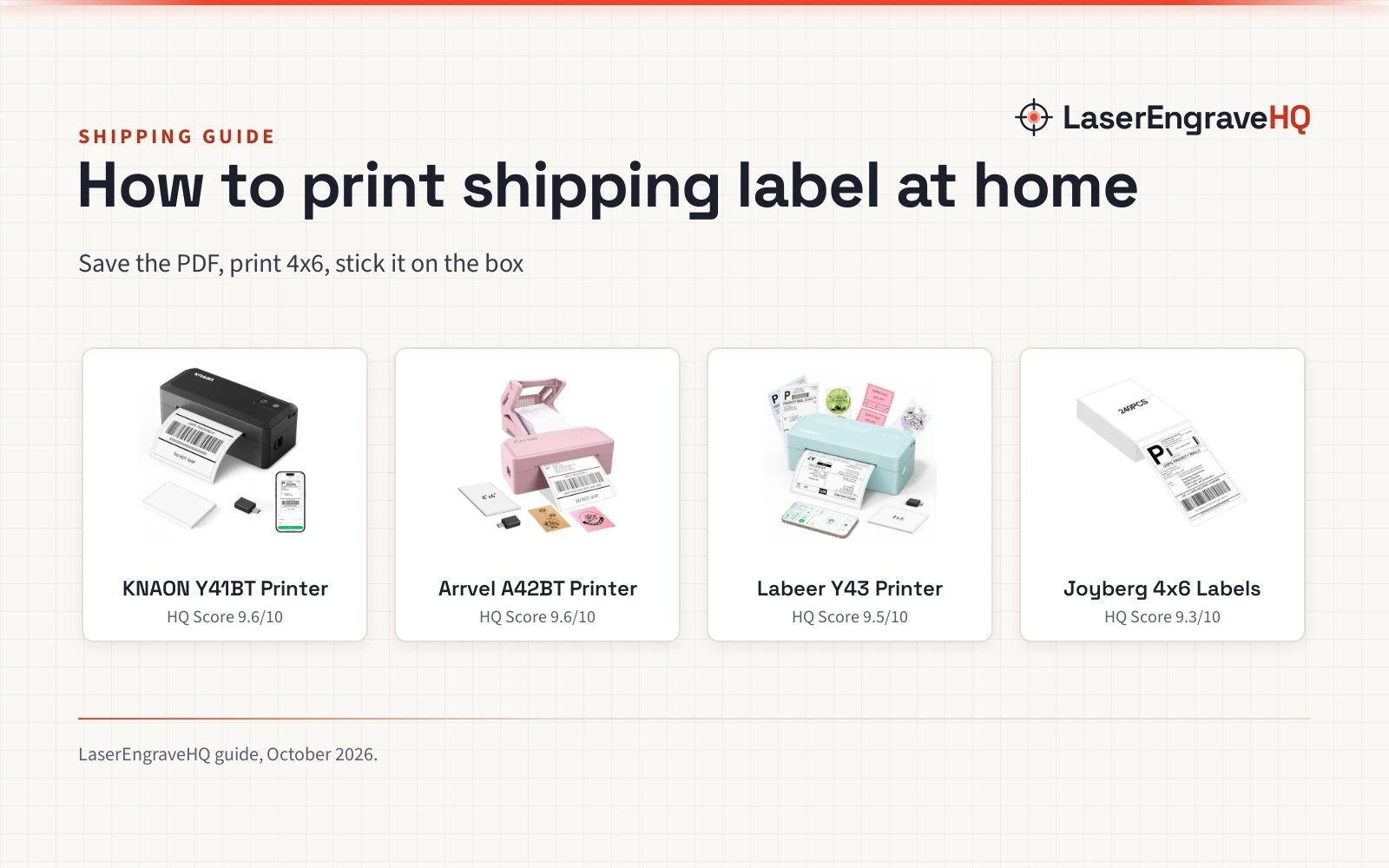
A thermal printer prints the label at home before the trip to the post office. Direct thermal printers need no ink or toner, and they print on 4×6 thermal labels that peel and stick to the box. The NULLTONEX printer prints at 203 DPI and up to 150 mm/s, which the maker rates at 72 labels per minute, and the box includes 25 sheets of 4×6 thermal labels. JADENS lists the same 203 DPI and 150 mm/s speed, also rated at 72 labels per minute, with a 1 year warranty. Hoorola also lists 203 DPI and 150 mm/s at 72 labels per minute, backed by a 2-Year Warranty.
KNAON lists a faster top speed of up to 180 mm/s, with 3,000+ templates, 5,000+ icons and 100+ fonts in the app. NULLTONEX lists 1,800+ templates and 300+ fonts. Templates help with return labels, address labels and barcode labels, and the app tools crop and rotate a PDF label before printing.
These printers connect by Bluetooth to an iPhone or Android phone, or by USB to a Windows or Mac computer. The label file usually arrives as a PDF from the shop or marketplace, and the printer app imports the PDF and prints it. The best 4×6 thermal label printer guide compares models for this job, and the best shipping label printer guide covers printers for small business shipping.
A thermal printer suits a seller who prints labels in batches. The NULLTONEX, JADENS and Hoorola models list up to 72 labels per minute, so a stack of orders clears fast, with no ink or toner to replace.
Pick the right label size
The standard shipping label measures 4×6, and that size fits the label printers in the listings above. Label stock also comes in 4×4, 4×2 and 2×1 sizes for return labels, address labels and product tags. The labelhive and Labeer printers accept widths from 1.57 to 4.41 inches, and the NULLTONEX printer accepts widths from 1.57 to 4.3 inches.
Match the label size to the label stock on hand. A 4×6 label printed on narrower stock cuts off the edges, and a small label on wide stock wastes space. The shipping label size guide shows the common dimensions in a chart, and the how to print a shipping label guide walks through the steps from file to finished label.
What to bring to the post office
For a counter visit, bring the packed and sealed box, the delivery address and the return address. A printed label can go on the box at home, or the counter can print it. Keep the tracking number from the receipt, since it is the proof of mailing and the way to follow the package.
For packing, the best poly mailers guide and the best bubble mailers guide cover mailers for soft goods, and the packaging hub gathers the rest of the packing guides.
Common mistakes to avoid
- Printing on plain paper and taping over the barcode: tape over the barcode can blur the scan, so print on label stock or keep tape clear of the code.
- Using the wrong label size: a label that does not fit the stock comes out cut off or unreadable, so check the size in the printer app before printing.
- Leaving the label until the trip: print at home when the file is ready, so a dead phone battery or a missing file does not stall the visit.
- Skipping the return address: a return address lets the post office send the package back when delivery fails.
The short version
- Buy postage at the counter or a kiosk and let USPS print the label.
- Or print the label at home on a 4×6 thermal printer before the trip.
- Use the standard 4×6 size, and keep tape clear of the barcode.
- Keep the tracking number from the receipt.
FAQ: lasers and CNC
Can you print a shipping label at USPS without buying postage?
No, the label is printed when postage is bought at the counter or a kiosk. A label printed at home still needs its postage bought online before the package can be mailed.
Can you print a shipping label at USPS from a phone?
At the post office, the kiosk handles the printing, and a phone is not needed. At home, a Bluetooth thermal printer prints from an iPhone or Android phone through the printer app, using the PDF label file from the shop or marketplace.
What size is a USPS shipping label?
The standard size is 4×6. The labelhive and Labeer printers accept widths from 1.57 to 4.41 inches, and they also print 4×4, 4×2 and 2×1 labels for returns, addresses and product tags.
Do you need a thermal printer to print a shipping label?
No. A home printer can print a label on paper, and the label can be taped to the box with the barcode left clear. A thermal printer is the neater option for repeat shipping, since models like the NULLTONEX, JADENS and Hoorola print 4×6 labels at 203 DPI with no ink or toner, at up to 72 labels per minute.
How fast can a thermal label printer print?
The NULLTONEX, JADENS and Hoorola printers list speeds up to 150 mm/s, rated at 72 labels per minute. KNAON lists a top speed of up to 180 mm/s. The 72-per-minute figures are maker ratings for 4×6 labels.
Can a thermal printer print labels for marketplaces?
Yes. Across the listings above, the named platforms include Amazon, Shopify, Etsy, USPS, UPS and eBay, and the label file is imported as a PDF into the printer app.
Related: the packaging hub, how to print a shipping label and best 4×6 thermal label printer. Also see the shipping label size guide. Also see the best thermal label printer for small business guide.