Creality Falcon T1 Review: Pros, Cons and Who It Is For
A research-based look at the Creality Falcon T1 20W fiber laser engraver: what the specs mean, listing gaps to watch, and who should skip it.

On this page
Top picks at a glance
As an Amazon Associate I earn from qualifying purchases.
- 1
 Creality Falcon T1 Class 1 Enclosed Laser Engraver9.5/10View on Amazon
- 2
 Creality Falcon T1 20W Fiber Laser Engraver with HD Smart9.4/10View on Amazon
- 3
 Creality Falcon A1 Pro 20W Laser EngraverView on Amazon
- 4
 Creality Falcon A1C 5W AI Laser Engraver with AI CameraView on Amazon
- 5
 CREALITY FALCON A1 10W Laser EngraverView on Amazon
- 6
 CREALITY FALCON A1 White 10W Laser EngraverView on Amazon
- 7
 Creality Falcon Extra Risers for Laser Engraver 5WView on Amazon
- 8
 Creality Falcon 5W Laser Engraver MachineView on Amazon
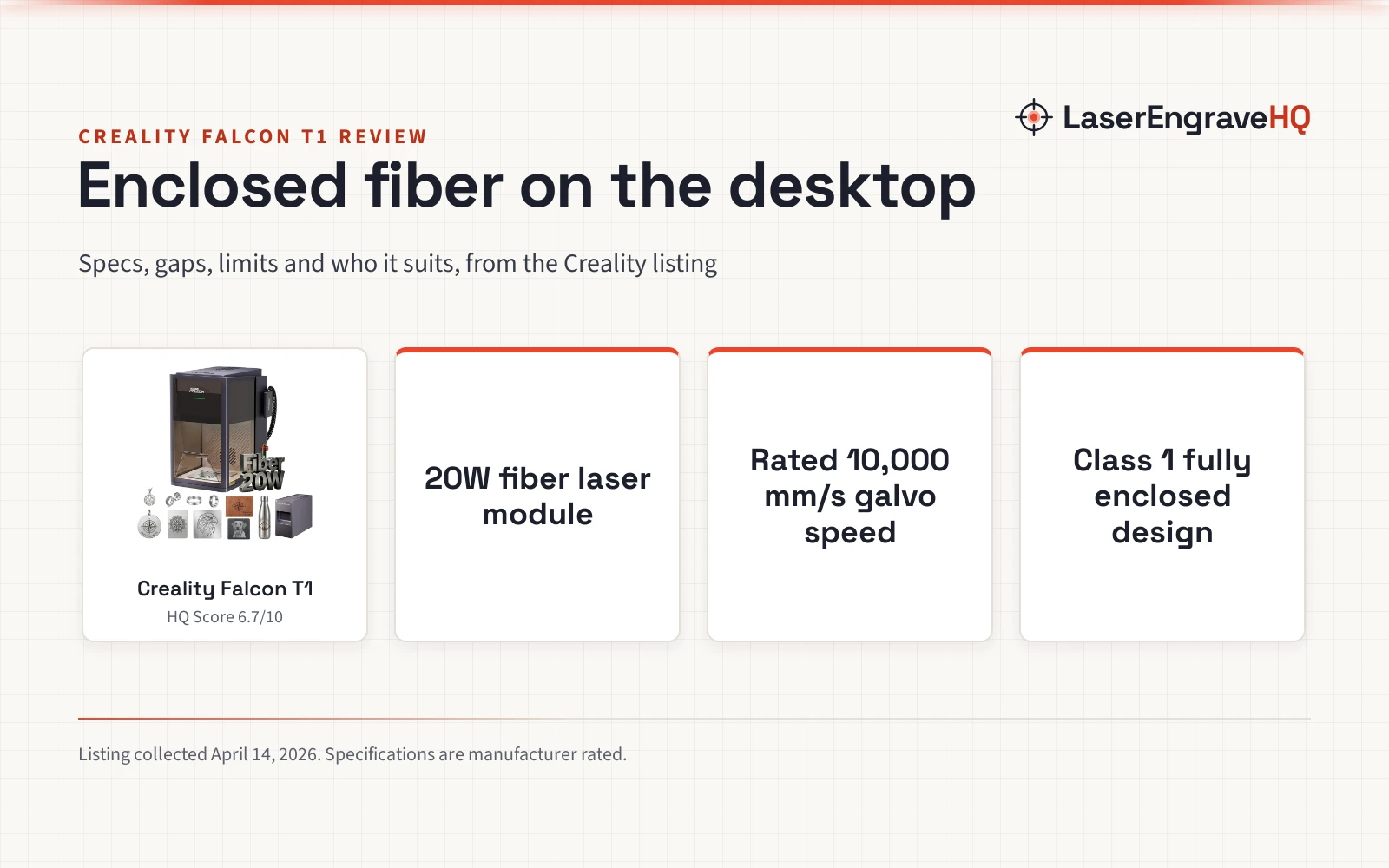
This Creality Falcon T1 review comes down to this: the Falcon T1 is designed as a desktop galvo workstation with an enclosed Class 1 safety rating and a 20W fiber laser module for marking metal and jewelry. Buyers who expect a large cutting bed or who need to cut thick wood will want a different machine. We have not used the machine ourselves; this review is based on Creality’s Amazon listing and the specs Creality publishes there.
LaserEngraveHQ earns a commission from purchases made through these links, at no extra cost to you. Read our affiliate disclosure.

Creality Falcon T1 20W Fiber Laser Engraver
A Class 1 fully enclosed desktop galvo engraver with a 20W fiber module, 10,000 mm/s rated speed, and an HD smart camera.
Pros
- 20W fiber laser output with galvo scanning rated up to 10,000 mm/s and 0.001 mm repeat accuracy
- Class 1 certified fully enclosed design with flame detection, emergency stop, and airflow monitoring
- HD smart camera with automatic calibration and auto laser focus adjustment
- Tool-free 15-second module swap system compatible with optional diode, MOPA, and UV heads
Cons
- No warranty term is stated on the listing
- Work area is not stated, while spec table lists contradictory dimensions of 8 x 8 x 10 inches
- SKU includes only the 20W fiber module; other modules and the conveyor must be purchased separately
- Fiber laser light is limited to metal and stone and will not engrave or cut bare organic wood effectively
Other machines to compare
 Creality Falcon A1 Pro 20W Laser EngraverCheck price on Amazon
 Creality Falcon A1C 5W AI Laser Engraver with AI CameraCheck price on Amazon
 CREALITY FALCON A1 10W Laser EngraverCheck price on Amazon
 CREALITY FALCON A1 White 10W Laser EngraverCheck price on Amazon
 Creality Falcon Extra Risers for Laser Engraver 5WCheck price on Amazon
 Creality Falcon 5W Laser Engraver MachineCheck price on Amazon
Creality Falcon T1 review: the short verdict
The Falcon T1 is a galvo laser system housed in a fully enclosed cabinet. Galvo machines direct the beam with high-speed mirrors rather than moving a heavy carriage on rails, which is why the maker rates it at line speeds up to 10,000 mm/s. The included 20W fiber module focuses on metal marking, deep engraving and oxide color on stainless steel, aluminum, coated metals and jewelry. For a maker marking serial tags, custom knives, rings or metal business blanks, the speed and fine beam offer clear benefits.
The trade-offs are significant. The listing does not clearly state an official work area, while the spec table lists contradictory dimensions of 8 x 8 x 10 inches for a machine listed at 77.9 pounds. Although Creality promotes a 5-in-1 modular platform, this SKU includes only the Fiber 20W head, meaning diode and UV modules require separate purchases. Finally, no warranty term is stated anywhere on the listing.
Key specs
| Spec | Creality Falcon T1 (Fiber 20W) | Falcon T1 (MOPA 60W) | Falcon T1 (Diode 40W) |
|---|---|---|---|
| Laser sources | 20W fiber laser module | 60W MOPA laser module | 40W diode laser module |
| Stated output | 20W fiber laser output | 60W MOPA laser output | 40W diode laser output |
| Laser class | Class 1 | Class 1 | Class 1 |
| Work area | Not stated (spec table: 8 x 8 x 10 in) | Not stated | Not stated |
| Rated speed | Up to 10,000 mm/s | Up to 10,000 mm/s | Up to 10,000 mm/s |
| Rated cutting | 0.2 mm anodized aluminum | Not stated | Not stated |
| Camera | HD Smart Camera | HD Smart Camera | HD Smart Camera |
| Primary focus | Metals, jewelry, sintered stone | Metal color, deep engraving | Wood, dark acrylic, leather |
| Weight | 77.9 pounds | Not stated | Not stated |
| Warranty | Not stated on listing | Not stated on listing | Not stated on listing |
Specifications are manufacturer rated, as published on the Creality listing and collected 9 October 2026. Creality lists the fiber laser output as 20W, so this figure represents optical output power rather than electrical input.
The machine
What the Falcon T1 does well
Color and depth on metal
The included 20W fiber module is built for metal marking, jewelry and fine detail. Creality states that optimized low power density combined with high-speed scanning forms a smooth, dense oxide layer that produces vibrant colors on stainless steel. The listing also highlights deep engraving and embossing on aluminum and coated metals, backed by a stated 0.001 mm repeat accuracy. While primarily an engraving machine, the maker states the 20W fiber output can cut 0.2 mm anodized aluminum for thin craft pieces.
Swappable modular system
Creality advertises the Falcon T1 line around a 5-in-1 concept, allowing 1 machine to swap between 5 laser modules and tools without tools in a stated 15-second swap. The maker notes the ecosystem supports a 60W MOPA head, 20W and 40W diode heads, the 20W fiber head, and a 5W UV head. This architecture gives owners an upgrade path, though buyers must note this specific SKU includes only the 20W fiber module.
Camera alignment and automated setup
An integrated HD smart camera provides visual alignment and what-you-see-is-what-you-engrave positioning. According to the listing, the camera uses a quick-calibration algorithm that recalibrates automatically after a module change. The system also features automatic laser focus adjustment across varying materials, which eliminates manual focal spacer blocks. Control runs through an onboard touchscreen or a mobile app with connected workflow tools.
Galvo speed for production
Standard gantry diode engravers move along mechanical belts, limiting travel speed. The Falcon T1 uses high-speed galvo mirrors rated up to 10,000 mm/s, which the maker notes is 8x faster than standard machines. For workshops producing batches of personalized metal tags, keychains, or jewelry, fast galvo passes cut project cycle times noticeably.
Limitations
- Unclear work area and contradictory dimensions. The listing omits a clear work area specification for engraving. Meanwhile, the spec table reports Product Dimensions of 8 x 8 x 10 inches alongside an Item Weight of 77.9 pounds, which contradicts realistic outer dimensions for a heavy enclosed cabinet.
- Fiber 20W module only. Although marketing materials highlight a 5-in-1 workstation, the listing notes clearly that this SKU includes only the main unit and the Fiber 20W laser module. Diode modules for cutting thick wood or organic sheets require extra purchases.
- Warranty term not stated. The listing does not state a warranty duration. Buyers should clarify coverage terms with Creality before purchasing.
- Material limits. Fiber lasers operate efficiently on metals, coated surfaces and sintered stone, but they do not process bare light wood or clear plastics cleanly. Diode or CO2 lasers remain necessary for general woodworking.
- Optional accessories sold separately. The listing title mentions auto feed and convey, but the bullets clarify that the Falcon Conveyor TC1, Creality Purifier AP1 Mini, and Rotary Attachment Kit are separate optional accessories.
Which Falcon T1 version to buy
The Falcon T1 series is designed around swappable heads, but this specific package is the 20W fiber model. If your primary goal is engraving stainless steel tumblers, marking aluminum cards, or detailing jewelry, this base configuration delivers the necessary wavelength and speed. If you also need to cut plywood or dark acrylic, budget for adding a 20W or 40W diode module. For cylindrical objects like flasks, the maker lists a compatible Rotary Attachment Kit. If you operate in a workshop without an exterior vent wall, consider pairing the unit with the Creality Purifier AP1 Mini.
Falcon T1 vs gantry diode engravers
Traditional diode engravers use an open gantry frame that rolls on rails, providing large bed areas but slower movement. The Falcon T1 uses high-speed galvo scanning mirrors rated up to 10,000 mm/s in a fully enclosed cabinet. While a gantry diode excels at cutting craft wood sheets, the Falcon T1 fiber configuration is specialized for precision surface marking, metal color annealing, and shallow 0.2 mm aluminum cutting. If you primarily build large wooden decor, a gantry machine remains more practical.
Who should buy it, and who should skip it
Buy it if you specialize in metal engraving, jewelry, custom knives, or coated metal gifts, and want high galvo speeds inside a certified Class 1 safety enclosure. It also fits workshops that value automated camera calibration and plan to expand into other module types later.
Skip it if your core business revolves around cutting plywood, large signage, or thick acrylics, or if you need an expansive working area confirmed in writing. A dedicated enclosed laser engraver with a diode source or a CO2 laser cutter for home use will serve general craft cutting far better.
Alternatives
For dedicated metal marking, review the models in our best fiber laser engraver and best laser engraver for metal guides. If you are comparing versatile machines for a commercial shop, see our best laser engraver for small business guide. Anyone still evaluating optical sources, enclosure formats, and power ratings should read our comprehensive guide on how to choose a laser engraver.
The Creality Falcon T1 is listed with a Class 1 laser safety certification, featuring a fully enclosed, radiation-blocking cabinet. Active safeguards reported by the maker include flame detection, an emergency stop button, and airflow monitoring. While Class 1 enclosures shield optical radiation during standard operation, thermal processing of metals and coated substrates generates airborne particulates and smoke. Always connect an active exhaust vent or dedicated filter unit like the Creality Purifier AP1 Mini, and keep a fire extinguisher nearby. Never laser PVC, vinyl, ABS, or polycarbonate, as these materials release hazardous corrosive fumes. Follow standard FDA CDRH and OSHA workshop safety recommendations for all laser equipment.
FAQ: lasers and CNC
What are the Creality Falcon T1 specs?
The reviewed SKU includes a 20W fiber laser module, galvo scanning rated up to 10,000 mm/s, an HD smart camera with auto calibration, and a Class 1 enclosed housing. The spec table lists Product Dimensions of 8 x 8 x 10 inches and an Item Weight of 77.9 pounds, while the work area is not stated.
Can the Creality Falcon T1 cut metal?
The listing states that the 20W fiber module can cut 0.2 mm anodized aluminum. It is primarily built for engraving, marking, and color annealing rather than heavy plate cutting.
Is the Creality Falcon T1 fully enclosed?
Yes. The Falcon T1 listing specifies a fully enclosed, radiation-blocking design with Class 1 laser safety certification, along with flame detection, an emergency stop button, and airflow monitoring.
Does this package include all five laser modules?
No. While the Falcon T1 platform supports 5 swappable heads (60W MOPA, 20W diode, 40W diode, 20W fiber, and 5W UV), the listing notes that this specific SKU includes only the main unit and the Fiber 20W module.
Can the 20W fiber module engrave wood?
Creality lists hard woods among compatible materials, but fiber laser wavelengths interact poorly with organic cellulose compared to diode or CO2 lasers. For deep wood engraving or cutting, adding an optional diode module is recommended.
Related: the laser engraver hub, the fiber laser hub and fume extractors.