Laser Cutter Size: Work Area and Bed Dimensions
Laser cutter size is the work area inside the machine and the footprint it takes on the desk, and the right size is the one that fits the projects you want to make.

On this page
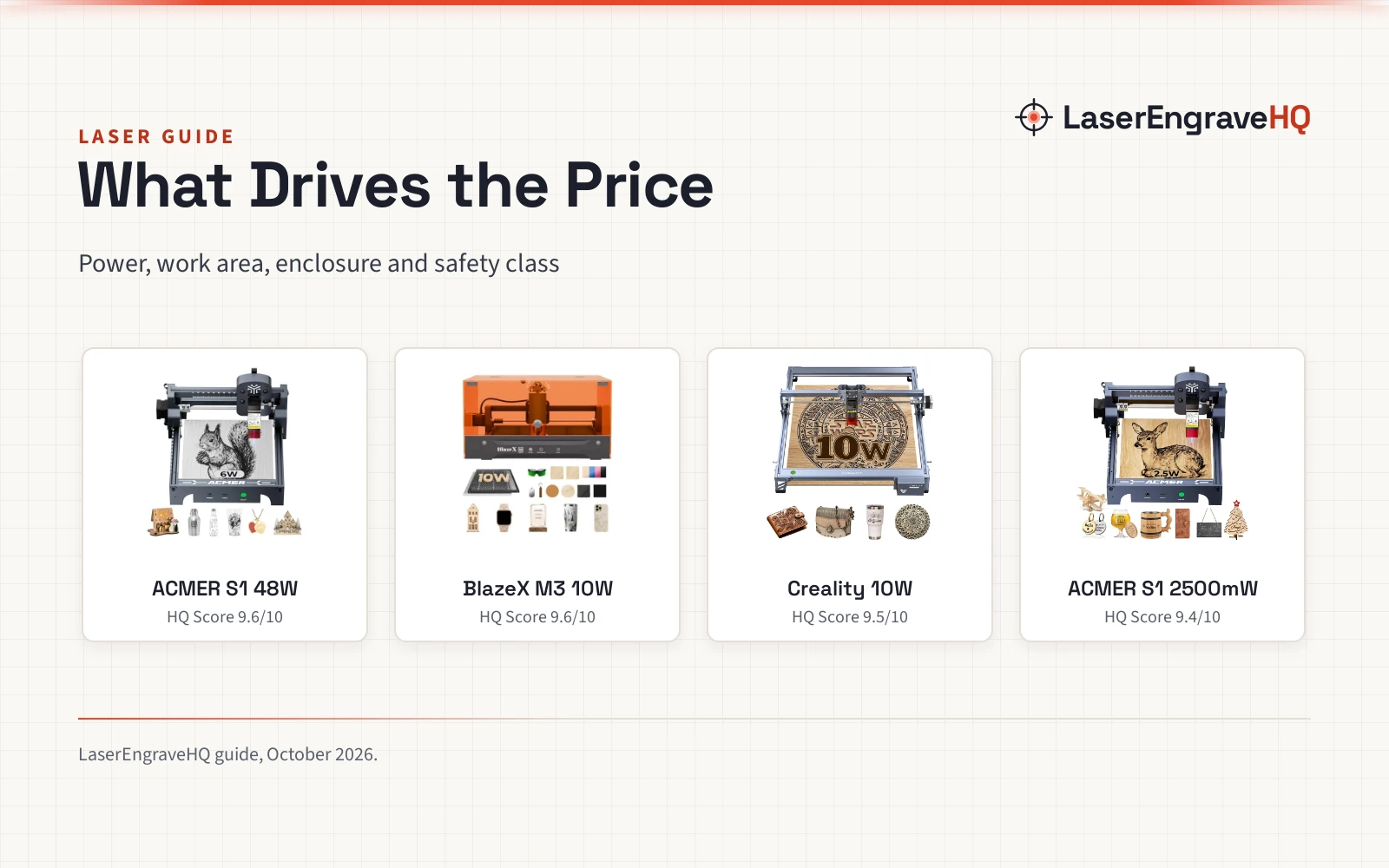
Top picks at a glance
As an Amazon Associate I earn from qualifying purchases.
- 1
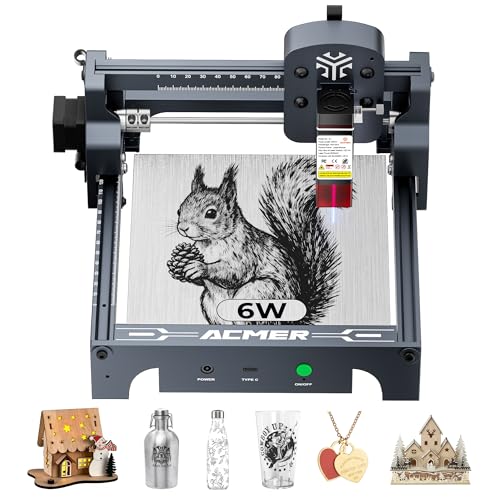 ACMER S1 Laser Engraver Machine9.6/10View on Amazon
- 2
 BlazeX M3 10W Laser Engraver Machine9.6/10View on Amazon
- 3
 Creality Laser Engraver Machine 10W Output Power9.5/10View on Amazon
You have a sign to cut and a stack of leather patches to engrave, and the laser on your desk has to fit the work. Laser cutter size is the work area inside the machine and the footprint the machine takes on the desk, and the right size is the one that fits the projects you want to make. This guide explains how to read the work area, the machine size and the cut depth, and how to match them to the work.
LaserEngraveHQ earns a commission from purchases made through these links, at no extra cost to you. Read our affiliate disclosure.
Laser cutter size: start with the work area
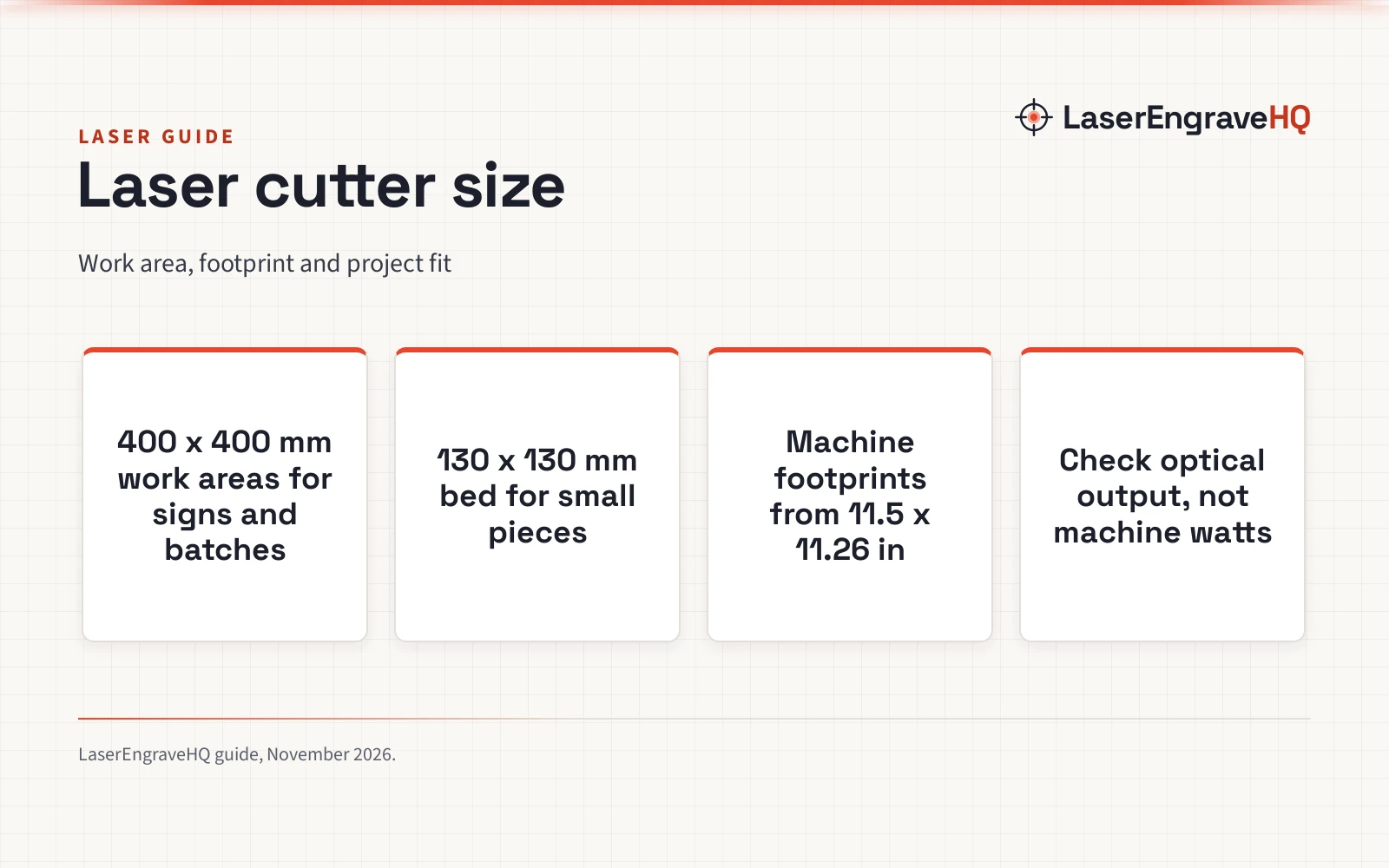
Work area is the rectangle the laser can reach, and it is the first size to check. The AlgoLaser MK3 and the Longer RAY5 both list a 400 x 400 mm work area, which fits a larger sign, matching gifts or several small pieces in a batch. The Longer Ray5 Mini lists a 130 x 130 mm work area, which fits coasters, keychains and other small pieces. A bigger work area lets you lay out more pieces at once. Desk room is a separate question, decided by the machine footprint, not the work area. Read the work area in the listing before you look at anything else, since it decides what fits inside the machine.
Machine size is the footprint on your desk
Work area is not machine size. The machine takes more room than the bed alone, since the frame, the gantry and the electronics sit around it. The Longer Ray5 Mini lists machine dimensions of 11.5 x 11.26 x 6.5 in, so it fits a small desk or a dorm room. The Longer RAY5 lists 14.0 x 5.51 x 24.5 in, so check the listing’s dimensions against the desk before you buy. The AlgoLaser MK3 lists a 400 x 400 mm work area and a 3.5-inch touchscreen built into the machine. Measure the desk before you buy, and leave room around the machine for access.
Match the bed to the project
Start from the largest piece you plan to make. A 400 x 400 mm bed fits signs, layered craft pieces and batches of small gifts, as the AlgoLaser and Longer listings state. A 130 x 130 mm bed fits coasters, keychains, mandalas and small portraits, as the Longer Mini listing states. Tumblers need a rotary attachment rather than a bigger bed: the Longer Mini listing states a rotary roller and chuck for 360-degree tumbler and mug engraving. If your work is mostly small pieces, the Mini’s 130 x 130 mm bed fits them, and its 11.5 x 11.26 x 6.5 in size fits a small desk; if your work is signs and batches, a bigger bed lets you lay out more pieces in a run. For drinkware sellers, the best laser engraver for tumblers page covers rotary support.
Size, power and cut depth are separate numbers
A big bed does not mean a strong cut. The Longer RAY5 lists a 20W module, while the Longer Mini lists a 5.5W diode laser and the AlgoLaser MK3 lists a 15W diode laser, and the bed sizes do not follow the power: the 20W and 15W machines both list a 400 x 400 mm work area, while the 5.5W machine lists a 130 x 130 mm work area. Cut depth is another number. The Longer RAY5 states single-pass cutting through 15mm pine wood, 0.05mm stainless steel and 8mm acrylic, and multiple passes for 25mm wood and 35mm acrylic. The Longer RAY5 also lists a 130W machine figure next to the 20W module: the cutting power is the 20W output, not the 130W figure. Check the work area, the optical output and the cut depth as separate numbers before you buy.
Set up a safe workspace
Safety is part of sizing, since a bigger machine needs more room around it. Plan these basics before the first job:
- Ventilation: exhaust outdoors or use a filter designed for laser fumes. See the fume extractor guide.
- Fire safety: keep a suitable extinguisher within reach and never leave a running job unattended.
- Eye protection: use eyewear only if its listing states an optical density and a wavelength range that matches your laser.
- Materials: never laser PVC, vinyl, PVC-based faux leather, polycarbonate or ABS.
The Longer RAY5 lists a protective cover that filters more than 95% of laser emissions, safety glasses, emergency shutdown, motion protection and heat protection. The Longer Mini lists protective glasses and an emergency stop button. The Longer RAY5 is a laser class II machine, as its listing states. Confirm the laser class and whether the listing states FDA or CDRH compliance before you buy.
A short checklist before you buy
- Work area fits the largest piece you plan to make
- Machine footprint fits the desk, with room around it
- Optical output and cut depth match the material
- Laser class stated, with eye protection that lists optical density and wavelength
- Ventilation and fire safety planned before the first job
FAQ: lasers and CNC
What laser cutter size do I need for signs?
A 400 x 400 mm work area fits a larger sign, as the AlgoLaser and Longer listings state, with room for matching gifts or several small pieces in the same batch. Measure the largest sign you plan to make and check it against the stated work area.
Is a 400 x 400 mm work area big enough?
It depends on the project. A 400 x 400 mm bed fits signs and batches of small pieces, as the AlgoLaser and Longer listings state. For work larger than the bed, the piece will not fit inside the machine, so check the work area against the largest piece before you buy.
What is the difference between work area and machine size?
Work area is the rectangle the laser can reach inside the machine. Machine size is the footprint the machine takes on the desk. The Longer Ray5 Mini lists a 130 x 130 mm work area in a machine 11.5 x 11.26 x 6.5 in, so the machine takes more desk room than the bed alone.
Can a small laser cutter cut thick wood?
Cut depth depends on the laser, not the bed size. The Longer RAY5 states single-pass cutting through 15mm pine wood and multiple passes for 25mm wood. Check the cut depth in the listing for the material and the thickness you need.
Do I need a bigger bed for tumblers?
No. Tumblers need a rotary attachment, not a bigger bed. The Longer Mini listing states a rotary roller and chuck for 360-degree tumbler and mug engraving. Check that the listing states rotary support before you buy for tumblers.
Related: the laser engraver hub, best laser engraver for small business and best laser engraver for wood. Also see how to choose a laser engraver.