How to Use Printable Heat Transfer Vinyl
Print a design on transfer paper, cut and peel it, then press it onto fabric for a custom shirt that holds up in the wash.

On this page
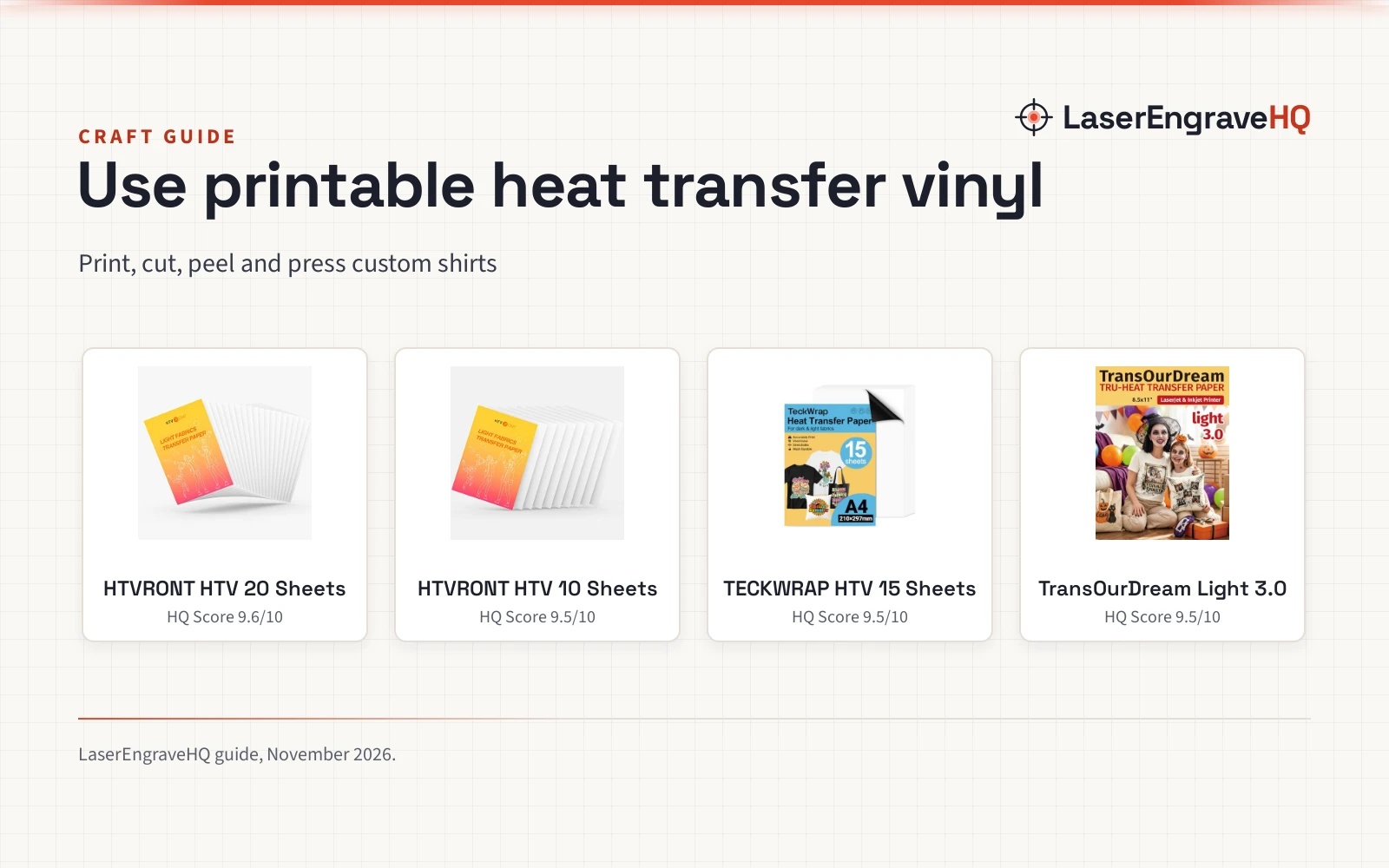
Top picks at a glance
As an Amazon Associate I earn from qualifying purchases.
- 1
 HTVRONT Heat Transfer Paper for Light T Shirts9.6/10View on Amazon
- 2
 HTVRONT Heat Transfer Paper for Light T Shirts -109.5/10View on Amazon
- 3
 TECKWRAP Printable Heat Transfer Paper9.5/10View on Amazon
- 4
 TransOurDream Heat Transfer Paper for Inkjet9.5/10View on Amazon
How to use printable heat transfer vinyl comes down to a plain sequence: print a design on transfer paper, cut around it, peel it from its backing, and press it onto fabric. The paper carries the ink, the press bonds it to the cloth, and the right settings keep the design in place. This guide walks through each move.
LaserEngraveHQ earns a commission from purchases made through these links, at no extra cost to you. Read our affiliate disclosure.
HTVRONT Heat Transfer Paper for Light T Shirts
20 sheets of 8.5 by 11 inch inkjet transfer paper for light cotton and nylon fabric, pressed at 320 to 338 degrees Fahrenheit for 8 to 12 seconds.
Pros
- 20 sheets of 8.5 by 11 inch paper
- Press settings stated: 320 to 338 degrees Fahrenheit for 8 to 12 seconds
- Works with dye ink and pigment ink
- Compatible with all cutting machines
Cons
- Inkjet printers only
- Light-colored fabric only
- No Teflon or parchment sheet in the pack
- No warranty term is stated
HTVRONT Heat Transfer Paper for Light T Shirts -10
A 10-sheet pack of 8.5 by 11 inch inkjet transfer paper for light cotton and nylon fabric, SGS certified by the maker.
Pros
- SGS certified, as stated by the maker
- Works with dye ink and pigment ink
- Compatible with all cutting machines
- Beginner-friendly workflow, as stated by the maker
Cons
- Inkjet printers only
- Light-colored fabric only
- No Teflon or parchment sheet in the pack
- 10 sheets, fewer than the 20-sheet pack
TECKWRAP Printable Heat Transfer Paper
A 15-sheet pack of 8.3 by 11.7 inch inkjet transfer paper for light and dark fabric, with parchment and 2 masks for alignment.
Pros
- Works on light and dark fabric
- 15 sheets, plus parchment and 2 masks
- Press settings stated: 310 to 330 degrees Fahrenheit for 15 to 20 seconds
- Cold peel with no mirror needed
Cons
- Inkjet printers only; no sublimation ink
- 15 sheets, fewer than the 20-sheet pack
- 8.3 by 11.7 inch sheets, narrower than the 8.5 by 11 inch packs
- No warranty term is stated
TransOurDream Heat Transfer Paper for Inkjet
A 10-sheet pack of 8.5 by 11 inch transfer paper for inkjet and laser printers, with a Teflon sheet for pressing.
Pros
- Works with inkjet and laser printers
- A Teflon sheet is included
- Instructions on the cover paper and a video tutorial
- Machine washable with cold water
Cons
- 10 sheets, the smallest pack here
- No tumble dry
- Light or white fabric only
- Cold water wash only
How to use printable heat transfer vinyl
The work runs print, cut, peel, press. Start with paper matched to the printer and the fabric.
Step 1: Print the design on transfer paper
Printable heat transfer vinyl runs through a printer. The HTVRONT and TECKWRAP packs run in inkjet printers with dye ink or pigment ink; the TransOurDream pack runs in inkjet and laser printers. TECKWRAP states no sublimation ink. The HTVRONT and TransOurDream sheets (on Amazon) measure 8.5 by 11 inches, while the TECKWRAP sheets measure 8.3 by 11.7 inches.
Step 2: Cut and peel the design
Cut around the printed design with scissors or a cutting machine. The HTVRONT packs work with all cutting machines; the TransOurDream pack works with scissors and cutting machines. TECKWRAP includes 2 masks for alignment and a reusable parchment sheet. Peel the design from its backing: TECKWRAP states a cold peel with no mirror, and TransOurDream places the printed image facing upward on the fabric under the Teflon sheet.
Step 3: Press the design onto fabric
Press with a heat press or a home iron at the settings the maker states. HTVRONT lists 320 to 338 degrees Fahrenheit for 8 to 12 seconds for its 20-sheet pack; TECKWRAP lists 310 to 330 degrees Fahrenheit for 15 to 20 seconds. The HTVRONT 10-sheet pack states no press temperature or time. Cover the design: TransOurDream includes an 11 by 17 inch Teflon sheet, and TECKWRAP a reusable parchment sheet. Light fabric takes the HTVRONT and TransOurDream papers; TECKWRAP also covers dark fabric.
Step 4: Wash the finished shirt
Wash the finished shirt as the maker of your pack states. TransOurDream states cold water washing in Full Cycle mode and no tumble dry. HTVRONT and TECKWRAP claim their papers withstand repeated washes without cracking, fading or peeling.
The transfer paper that carries the design
The press step needs paper matched to the printer and the fabric: the packs below cover inkjet and laser printers, light and dark fabric, and sheet counts from 10 to 20.
Common mistakes to avoid
- Printing inkjet-only paper in a laser printer.
- Pressing without the Teflon or parchment sheet when the pack includes one.
- Using sublimation ink where the pack states dye ink or pigment ink.
- Tumble drying a shirt the maker says to keep out of the dryer.
FAQ: lasers and CNC
Can printable heat transfer vinyl go in a laser printer?
TransOurDream Light 3.0 works with inkjet and laser printers, and names HP, OKI and Brother for laser. The HTVRONT packs and the TECKWRAP pack are inkjet only.
What temperature and time does a heat press need for printable heat transfer vinyl?
HTVRONT lists 320 to 338 degrees Fahrenheit for 8 to 12 seconds for its 20-sheet pack, and TECKWRAP lists 310 to 330 degrees Fahrenheit for 15 to 20 seconds.
Does printable heat transfer vinyl work on dark fabric?
TECKWRAP works on light and dark fabric. The HTVRONT packs cover light-colored cotton and nylon, and TransOurDream covers light or white shirts and fabric.
Do you mirror printable heat transfer vinyl?
TECKWRAP states no mirror, with a cold peel. TransOurDream places the printed image facing upward under the Teflon sheet. The HTVRONT packs state no mirror guidance.
How do you wash a shirt with printable heat transfer vinyl?
TransOurDream states cold water washing in Full Cycle mode and no tumble dry. HTVRONT and TECKWRAP claim their papers withstand repeated washes without cracking, fading or peeling.
What printer ink works with printable heat transfer vinyl?
Dye ink and pigment ink. HTVRONT and TransOurDream state dye ink or pigment ink, and TECKWRAP states pigment or dye ink with no sublimation ink.
Related: the craft machines hub, best vinyl for heat transfer, how to cut heat transfer vinyl, the temperature guide for heat press and the best heat press machine for small business.