How to Cut Heat Transfer Vinyl on a Cutting Machine
Cut heat transfer vinyl on a cutting machine: load the roll, cut the design, weed away the extra vinyl and press it onto fabric.

On this page
Top picks at a glance
As an Amazon Associate I earn from qualifying purchases.
- 1
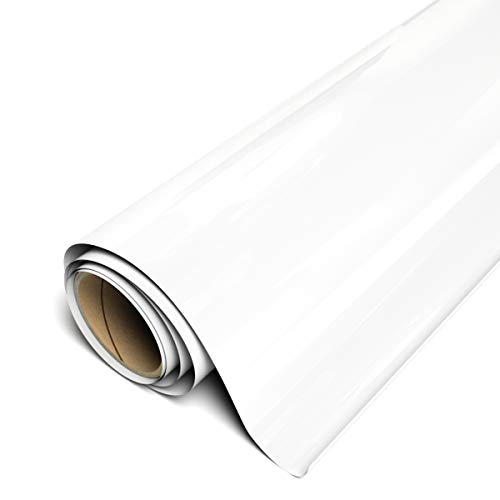 Siser EasyWeed Heat Transfer Vinyl 11.8" x 15ft9.6/10View on Amazon
- 2Siser EasyWeed Heat Transfer Vinyl 11.8" x 10ft9.6/10View on Amazon
- 3
 RANCOVY Vinyl Roll Holder with Trimmer for Cricut9.5/10View on Amazon
- 4
 PYD Life 2 Pack Safety Cutter for Heat Transfer9.5/10View on Amazon
A shirt turns into a custom shirt when a vinyl design bonds to the fabric, and the cutting step decides whether the design weeds cleanly or tears. How to cut heat transfer vinyl comes down to a short sequence: set the design up on a cutting machine, cut through the vinyl layer without cutting the carrier, weed away the extra vinyl, then press it onto the fabric.
LaserEngraveHQ earns a commission from purchases made through these links, at no extra cost to you. Read our affiliate disclosure.
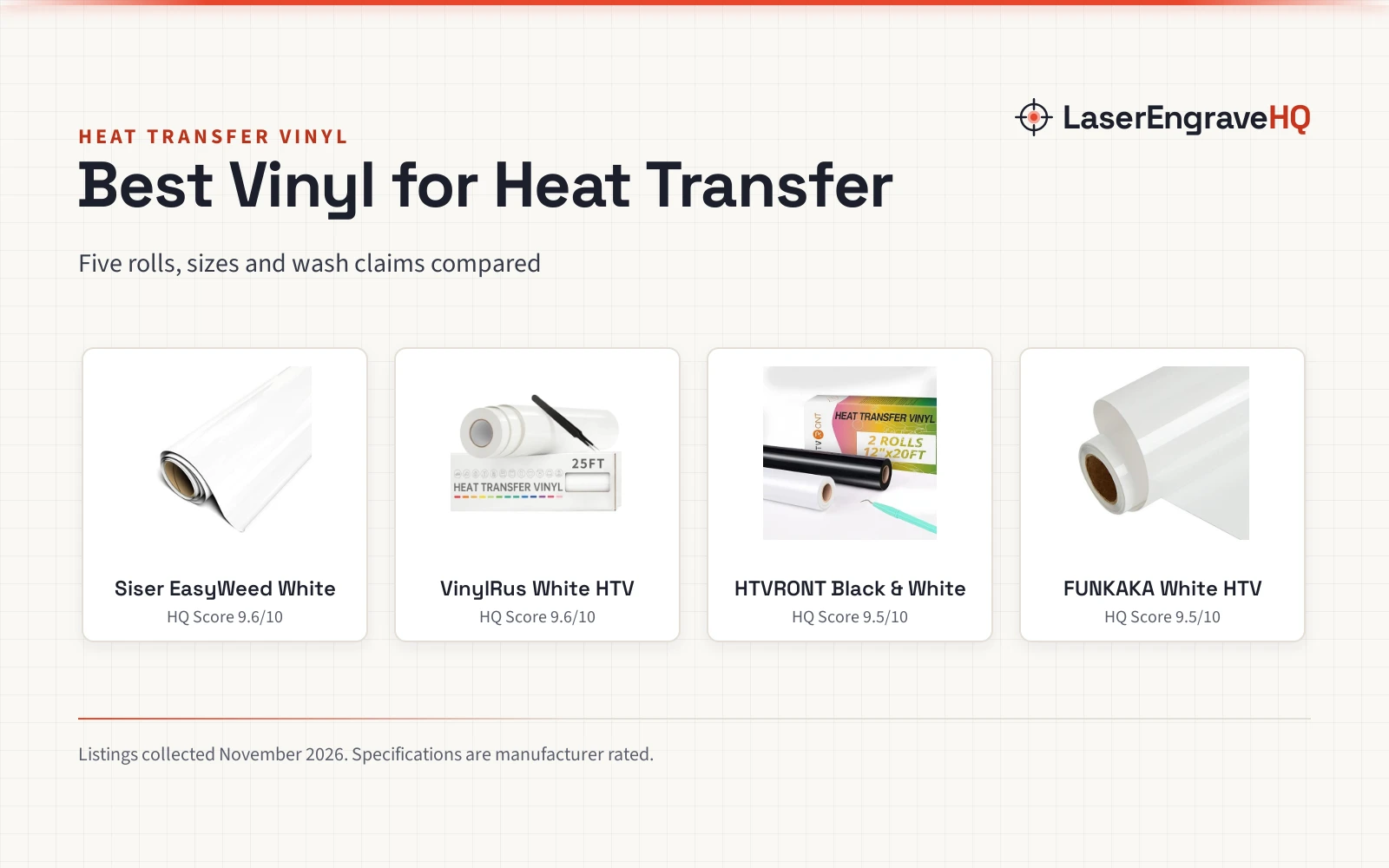
Siser EasyWeed Heat Transfer Vinyl 11.8" x 15ft
A 15 ft roll of white heat transfer vinyl, 11.8 in wide and 90 microns thin.
Pros
- 15 ft roll suits Cricut, Silhouette and other cutters
- 90 microns thin, so designs feel lightweight
- Sticky carrier backing makes weeding small details easier
- 1-second tack for layering, peels hot with no cooldown
Cons
- White only in this listing
- No warranty term is stated
- Needs a separate heat press or home iron
- More vinyl than a small project needs
Siser EasyWeed Heat Transfer Vinyl 11.8" x 10ft
A 10 ft roll of white heat transfer vinyl, 11.8 in wide and 90 microns thin.
Pros
- 10 ft roll suits Cricut, Silhouette and other cutters
- 90 microns thin, so designs feel lightweight
- Sticky carrier backing makes weeding small details easier
- 1-second tack for layering, peels hot with no cooldown
Cons
- White only in this listing
- No warranty term is stated
- Needs a separate heat press or home iron
- The 10 ft roll runs out sooner
RANCOVY Vinyl Roll Holder with Trimmer for Cricut
A roll holder with a built-in safety trimmer for Cricut Maker 3 and Explore 3, holding rolls from 4 to 75 ft.
Pros
- Trimmer cuts vinyl to the exact width the project needs
- Holds rolls from 4 to 75 ft without rolling off the table
- Keeps rolls aligned on Cricut Maker 3 and Explore 3
- Non-slip rubberized feet keep the holder steady
Cons
- Fits Cricut Maker 3 and Explore 3 only
- Blue only in this listing
- Rolls longer than 75 ft do not fit the holder
- Feeds and trims the roll; it does not cut the design
PYD Life 2 Pack Safety Cutter for Heat Transfer
A 2-pack of mint green safety cutters, 2.6 x 1.77 x 0.4 in, with a shielded blade.
Pros
- Shielded blade cuts only the intended material
- 2-pack, so a spare cutter is on hand when a blade dulls
- Small and portable at 2.6 x 1.77 x 0.4 in
- Suits heat transfer vinyl film and other thin products
Cons
- Mint green only in this listing
- Suits thin products only; thicker material is outside the stated use
- No spare blades are included in the 2-pack
- Trims film to size; it does not cut the design
Set up the vinyl and the cutter
Start with the roll feeding straight into the cutter. A roll holder keeps the roll aligned as it feeds, and the holder in the gear section below fits rolls from 4 to 75 ft and feeds them into a Cricut Maker 3 or Explore 3, with a built-in trimmer. The vinyl is Siser EasyWeed, a white heat transfer vinyl 11.8 in wide in 10 ft and 15 ft rolls for Cricut, Silhouette and other craft cutters. It is 90 microns thin, and its sticky carrier backing holds the design in place.
Cut the design
Send the design to the cutter and cut through the vinyl layer while the carrier stays whole. The carrier holds the design together after the cut, so a cut through it leaves loose pieces that are hard to place. When the cut is done, trim the sheet to size with the safety cutter below: its shielded blade cuts only the intended material, and it suits heat transfer vinyl film, DTF film and other thin products.
Weed the design
Weeding means peeling away the vinyl that is not part of the design. The sticky carrier backing holds the small details while the extra vinyl lifts away, so fine lines and small letters survive the weed. Check the design before pressing, since missed extra vinyl presses onto the fabric too.
Press the design onto the fabric
Pressing bonds the vinyl to the fabric. For this vinyl, Siser EasyWeed, use a heat press set to 305°F with medium pressure for 15 seconds. A home iron set to Cotton or High also applies this vinyl. The vinyl suits cotton, polyester, blends and leather, and the listing names t-shirts, hoodies, pants, hats and bags. For layering, this vinyl applies with a 1-second tack and peels hot with no cooldown.
The gear for cutting heat transfer vinyl
Each piece below handles a part of the job: the vinyl, the holder and the safety cutter.
Mistakes that spoil a vinyl cut
- Cutting through the carrier.
- Skipping the weed check on small details before pressing.
- Pressing this vinyl with the wrong setting instead of 305°F, medium pressure and 15 seconds.
- Never laser vinyl: it can release harmful fumes. Use a blade cutter.
How to cut heat transfer vinyl: the short version
- Feed the roll straight into the cutter.
- Cut through the vinyl layer and leave the carrier whole.
- Weed away the extra vinyl, keeping the small details.
- Press the EasyWeed vinyl at 305°F with medium pressure for 15 seconds, then peel hot.
FAQ: lasers and CNC
Can I use a home iron instead of a heat press?
Yes, for pressing. A home iron set to Cotton or High applies the vinyl after you cut and weed it; the iron does not cut the vinyl.
What fabrics does heat transfer vinyl work on?
The listing names cotton, polyester, blends and leather, for t-shirts, hoodies, pants, hats and bags.
How do I weed small details without tearing the design?
Let the sticky carrier backing hold the design while the extra vinyl lifts away.
What size vinyl roll fits a Cricut Maker 3?
The roll holder fits Cricut Maker 3 and Explore 3 and holds rolls from 4 to 75 ft.
Can I laser cut heat transfer vinyl?
No. Never laser vinyl: it can release harmful fumes. Cut heat transfer vinyl with a blade cutter.
Related: vinyl cutter vs sticker cutting machine and heat transfer vinyl vs adhesive vinyl.