How to Use Cricut Mug Press with Sublimation
A short guide to using a Cricut mug press with sublimation: print the design, tape it to a coated mug, wrap a small blank for a snug fit and press it.

On this page
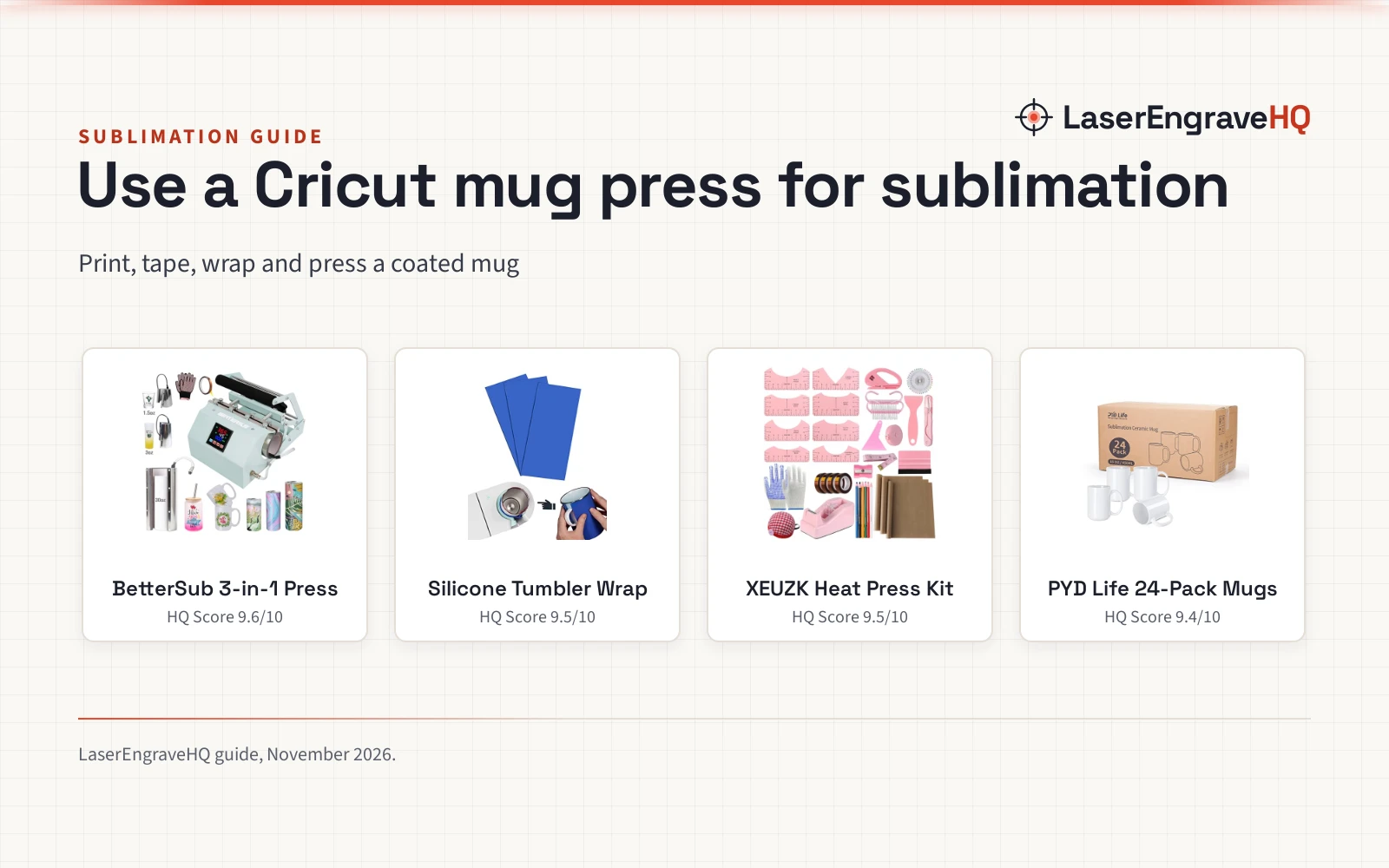
Top picks at a glance
As an Amazon Associate I earn from qualifying purchases.
- 1
 BetterSub 3in1 Tumbler Mug Heat Press Machine 309.6/10View on Amazon
- 2
 Sublimation Tumblers Wrap for Cricut Mug Press9.5/10View on Amazon
- 3
 XEUZK Sublimation Shirts Tool Pink Kit With 8T9.5/10View on Amazon
- 4
 PYD Life 24 Pack Sublimation Mugs Blanks 15 OZ9.4/10View on Amazon
A custom mug is a simple product for a small maker to sell: a blank, a printed design and a press run. How to use Cricut mug press with sublimation comes down to a short workflow: print the design on sublimation paper, tape it tight around a coated mug, add a wrap if the blank runs small, press it, then peel the paper and let the mug cool.
LaserEngraveHQ earns a commission from purchases made through these links, at no extra cost to you. Read our affiliate disclosure.
BetterSub 3in1 Tumbler Mug Heat Press Machine 30
A 500W tumbler and mug heat press with three attachments, a 0 to 482°F temp range, a 0 to 999 s timer and an LCD panel.
Pros
- Three attachments for 1.5 oz shot glasses, 3 oz shot glasses and 20 to 30 oz tumblers
- Temp range 0 to 482°F and time range 0 to 999 s on an LCD panel
- Double pressure knob for even pressure
- Suits skinny tumblers, ceramic mugs, glass cups, metal cups and aluminum bottles
Cons
- Heating an attachment without a cup can deform the pad
- Temperature drops when a cold tumbler goes in
- Only three attachments in the box; other sizes need separate BetterSub attachments
- Takes up bench space in a small craft room
Sublimation Tumblers Wrap for Cricut Mug Press
A silicone wrap in three thicknesses that fills the gap between a smaller blank and the mug press for even heating.
Pros
- Three thicknesses (0.06, 0.13 and 0.17 inch) fill gaps for a snug fit
- Fits smaller blanks: mugs, sippy cups, water bottles, can coolers and skinny tumblers
- Heat resistant up to 430°F (200°C)
- Silicone, wear-resistant, and easy to wrap evenly around a mug
Cons
- No warranty term is stated
- Only suits smaller blanks, so full-size mugs gain nothing from it
- Single wrap in the pack, so a batch needs more than one
- Adds a wrapping step before every press
XEUZK Sublimation Shirts Tool Pink Kit With 8T
A heat press tool kit with Teflon sheets, heat-resistant tape and gloves, rulers, pins and a tape dispenser.
Pros
- Rulers, Teflon sheets, tape, gloves, pins and a dispenser in one kit
- Three Teflon sheets, 12 x 16 in, shield the press from ink transfer
- Heat-resistant gloves with silicone bumps for handling hot blanks
- Four rolls of heat-resistant tape plus a tape dispenser for securing prints
Cons
- Eight shirt rulers and 50 pins are shirt tools, not mug tools
- 12 x 16 in Teflon sheets are flat-press size, oversized for a mug
- No mug press, blank or wrap in the kit
- Return window is 15 days
PYD Life 24 Pack Sublimation Mugs Blanks 15 OZ
A pack of 24 ceramic 15 oz sublimation mugs with a coated surface, printable handles and an individual box per mug.
Pros
- 24 coated 15 oz ceramic mugs, one box per mug
- Sublimation coating gives bright color, not foggy
- Printable handle for a full-wrap design
- Glossy white ceramic with a strong, comfortable handle
Cons
- No warranty term is stated
- 15 oz only; no other mug size in the pack
- Ceramic only; no tumbler, glass or metal blanks
- White only; no colored blank in the pack
How to use Cricut mug press with sublimation
Start with a coated blank and a printed design: the mugs in this guide carry a sublimation coating, and the print goes on sublimation paper.
- Print the design. Print it on sublimation paper and cut it to fit the mug.
- Tape the print to the mug. Hold the paper tight around the blank with heat-resistant tape, and lay a Teflon sheet over the print so ink stays off the press.
- Add a wrap for a small blank. If the blank sits loose in the press, pick the wrap thickness that fills the gap so the heat stays even.
- Set the press and press the mug. On the BetterSub press, set the time and temperature on the panel, then close the press.
- Peel and cool. Open the press with the heat-resistant gloves, peel the paper and set the mug aside to cool.
Pick the right blank and wrap
The mugs in this guide are 15 oz ceramic blanks with a sublimation coating and a printable handle, sold as a pack of 24 with one box per mug. The 11oz vs 15oz sublimation mugs guide compares the two common sizes. For a smaller blank, the wrap in this guide comes in three thicknesses, 0.06, 0.13 and 0.17 inch, and fills the gap between the cup and the machine so the heat stays even. Pick the thickness that gives a snug fit.
Tape the print so it does not move
Heat-resistant tape holds the paper against the blank while the press runs, and the kit in this guide includes four rolls of it with a dispenser, plus 50 positioning pins. Lay a Teflon sheet over the print before closing the press: the sheets act as a protective barrier that keeps ink off the press. The best mugs for mug press guide shows which blanks press well, and the best heat press machine for small business guide covers presses for shirts, mugs, hats and tumblers.
The gear for this job
Each piece below handles one step above: the press does the heating, the wrap fixes the fit, the kit covers taping and protection, and the mugs are the blanks.
FAQ: lasers and CNC
Can I use a Cricut mug press with sublimation?
Yes. Print the design on sublimation paper, tape it around a coated mug blank and press it. For a smaller blank, add a silicone wrap so it fits snugly and heats evenly.
What size mug fits a Cricut mug press?
The mugs in this guide are 15 oz ceramic blanks with a printable handle. Smaller blanks need a wrap in the right thickness to fill the gap.
Do I need a special printer for sublimation?
Yes, the design must be printed with sublimation ink on sublimation paper. The do you need a special printer for sublimation guide covers the setup.
Why does my print look faded after pressing?
A gap between the blank and the press heats the print unevenly. Wrap the blank so it fits snugly and tape the paper tight so it cannot shift.
What temperature and time should I use?
On the BetterSub press in this guide, set both on its panel: it runs 0 to 482°F with a 0 to 999 s timer. Run a spare blank first.
Related: the craft machines hub, best mugs for mug press and best heat press machine for small business. Also see the do you need a special printer for sublimation guide and the temperature guide for heat press.