How to Print on Magnet Sheets (2026): Inkjet Guide
Print photos on 8.5 x 11 inch magnetic sheets with an inkjet printer, then dry, cut and stick them on a fridge, board or car.

On this page
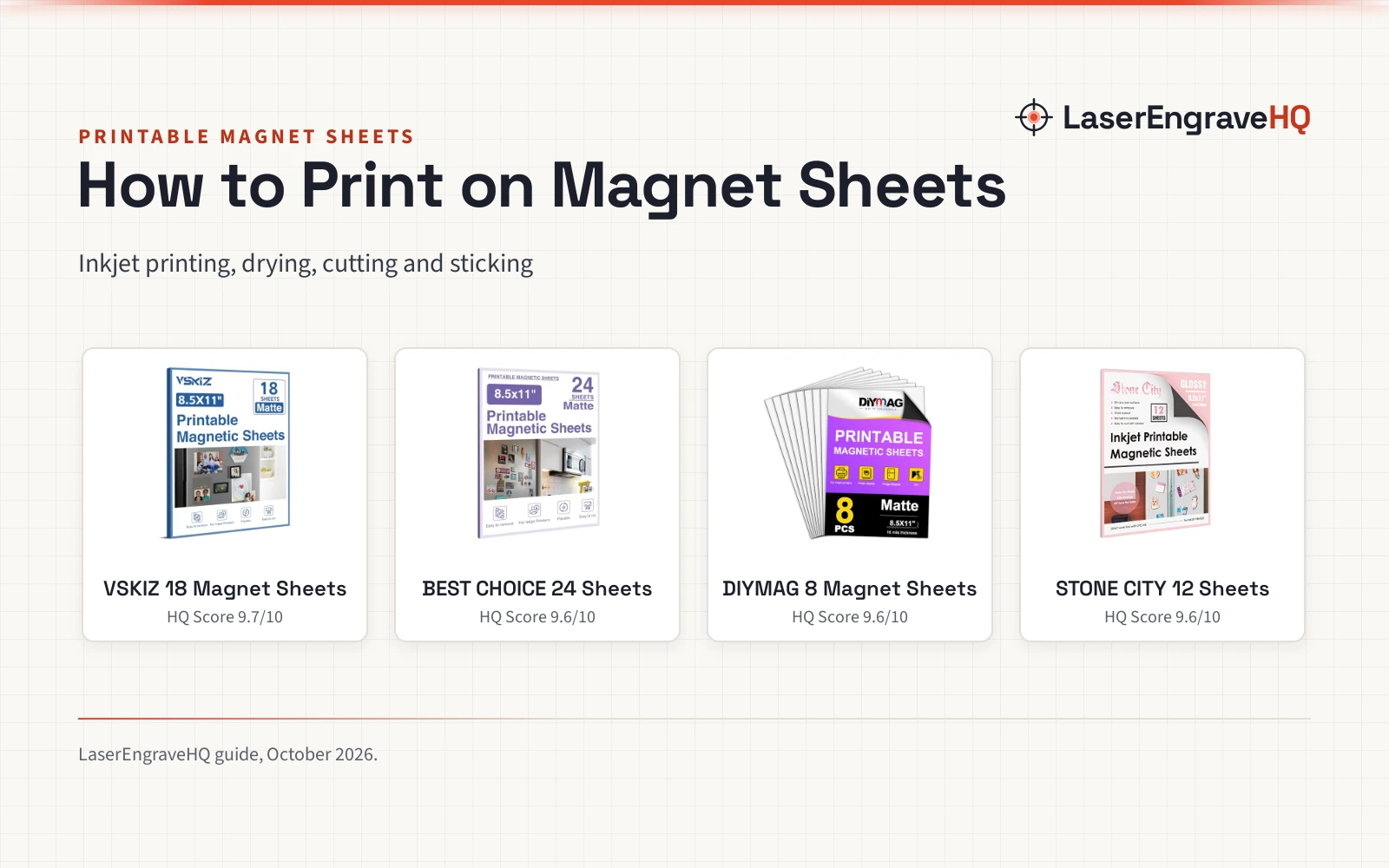
Top picks at a glance
As an Amazon Associate I earn from qualifying purchases.
- 1
 VSKIZ 18 Pcs Printable Magnetic Sheets 8.5x11 Inch9.7/10View on Amazon
- 2
 BEST CHOICE MAGNETS 24 Pcs Printable Magnetic9.6/10View on Amazon
- 3
 DIYMAG Printable Magnetic Sheets9.6/10View on Amazon
- 4
 Stone City Printable Magnetic Sheets Glossy 129.6/10View on Amazon
Learning how to print on magnet sheets is simple: print your design on the printable side with an inkjet printer, let the ink dry, cut the sheet to shape and stick it on a fridge, board or car.
LaserEngraveHQ earns a commission from purchases made through these links, at no extra cost to you. Read our affiliate disclosure.
VSKIZ 18 Pcs Printable Magnetic Sheets 8.5x11 Inch
An 18-pack of matte 8.5 x 11 inch magnetic sheets at 16 mil that prints on most inkjet printers, cuts with scissors or electronic cutters, and holds photos on a fridge or magnetic board.
Pros
- 16 mil thickness holds shape and feeds through most inkjet printers
- Matte surface resists curling after printing
- Strong, reusable hold on refrigerators and magnetic boards
- Cuts cleanly with scissors or electronic cutters
Cons
- Sticks only to iron and steel, not glass, plastic, aluminum, copper or wood
- Inkjet only, not for laser printers
- 18 sheets cover fewer projects than the 24-sheet pack
- Non-adhesive backing gives no stick-on option for non-magnetic surfaces
BEST CHOICE MAGNETS 24 Pcs Printable Magnetic
A 24-pack of matte 8.5 x 11 inch magnetic sheets for inkjet printers that covers large batches of photos, cartoon patterns and schedules.
Pros
- 24 sheets cover the largest batches here
- Matte surface gives a soft-light effect for clear images
- Works with most inkjet printers
- Cuts to any size for crisp output
Cons
- Dye ink made for glossy paper can float on these matte sheets
- Prints must dry fully before a protective film goes on
- The 24-sheet pack weighs 3.99 pounds
- Non-adhesive backing gives no stick-on option for non-magnetic surfaces
DIYMAG Printable Magnetic Sheets
An 8-pack of matte 8.5 x 11 inch magnetic sheets at 16 mil with a waterproof printed side that dries fast for fridge magnets and photo walls.
Pros
- 16 mil thickness with a waterproof printed side
- Even ink absorption with bright colors and fast drying
- Matte surface shows more detail in landscapes and art
- Cuts fine with scissors for custom shapes
Cons
- 8 sheets cover the fewest projects here
- Not compatible with laser printers
- Non-adhesive backing gives no stick-on option for non-magnetic surfaces
- Matte finish looks softer than the glossy Stone City sheets
Stone City Printable Magnetic Sheets Glossy 12
A 12-pack of glossy 8.5 x 11 inch magnetic sheets at 12 mil for inkjet printers with dye ink, for bright fridge magnets and photo projects.
Pros
- Glossy surface gives vibrant colors and clear displays
- 12 mil thickness stays durable yet feeds through most inkjet printers
- Flexible and bendable, cuts into any shape with scissors or cutting machines
- Print and cut with no gluing
Cons
- Works only with dye ink
- 12 mil is thinner than the 16 mil sheets
- 12 sheets cover fewer projects than the larger packs
- Magnetic hold works only on iron surfaces
Step 1: Check the printer
Magnet sheets print on inkjet printers. The DIYMAG and VSKIZ sheets state inkjet only and not for laser printers. Check that your printer takes 8.5 x 11 inch sheets before you load one.
Step 2: Print on the printable side
Each sheet is magnetic on one side and printable on the other, so load it with the white side facing the print heads. The DIYMAG sheets state even ink absorption with bright colors. The Stone City sheets state vibrant colors and work only with dye ink.
Step 3: Let the print dry
Let the print dry before you touch it or cut it. The DIYMAG sheets state fast drying, and the Stone City sheets state quick drying. The BEST CHOICE MAGNETS sheets suggest drying fully before a protective film, and warn that dye ink for glossy paper may float on matte sheets.
Step 4: Cut the sheet to shape
Cut the printed sheet with scissors or a cutting machine. The DIYMAG sheets cut fine with scissors, the VSKIZ sheets cut cleanly with scissors or electronic cutters, and the Stone City sheets cut into any shape with scissors or cutting machines.
Step 5: Stick it on iron or steel
Stick the magnet on a fridge door, a magnetic board or another iron surface. The VSKIZ sheets stick only to iron and steel, not glass, plastic, aluminum, copper, wood or non-magnetic stainless steel. The VSKIZ hold is strong and reusable.
How to print on magnet sheets: the sheets to use
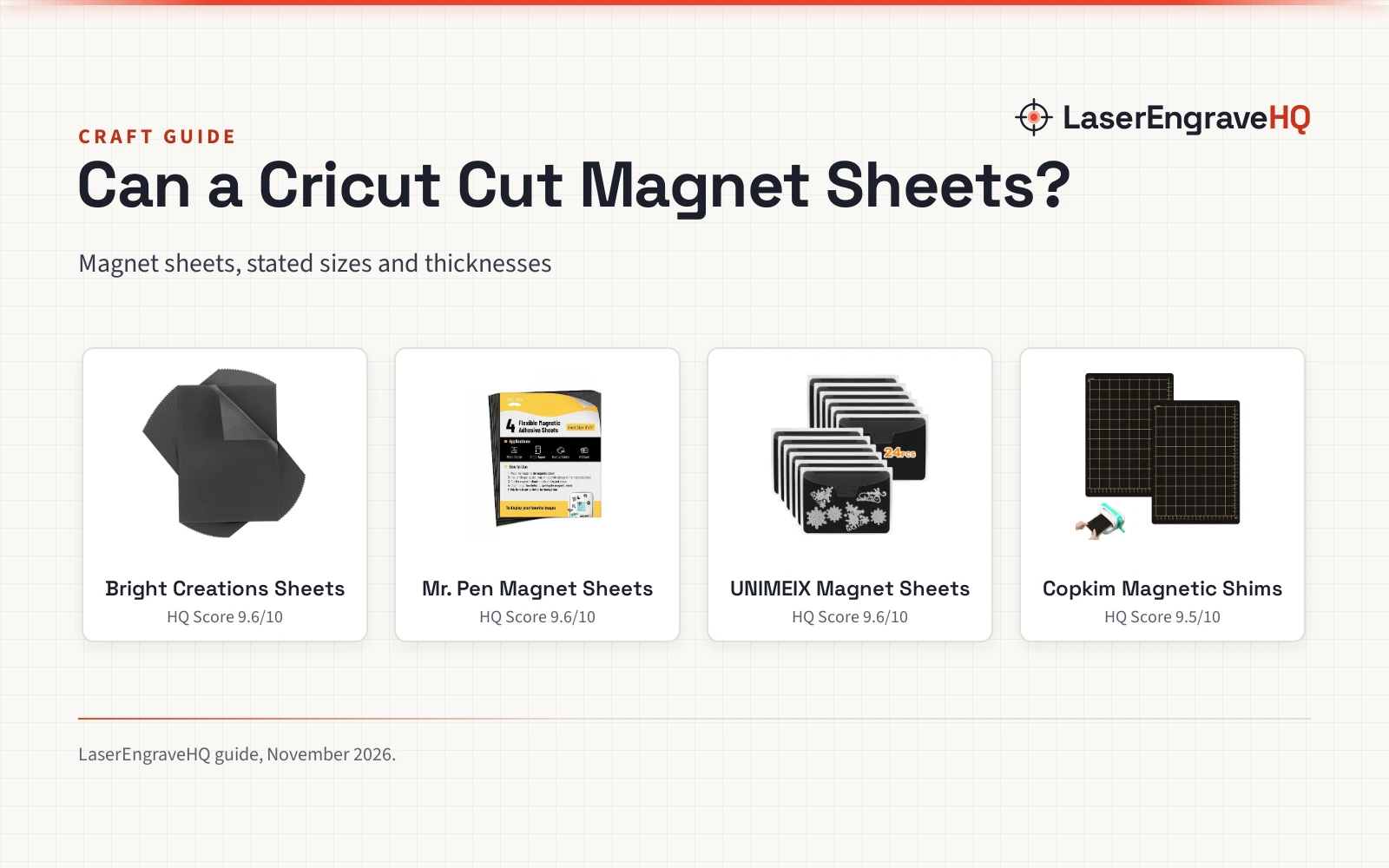
The sheets below handle the steps above: each one prints on an inkjet printer, cuts to shape and holds on iron surfaces.
Common mistakes to avoid
- Loading a magnet sheet into a laser printer, which the DIYMAG and VSKIZ sheets do not support.
- Printing with dye ink made for glossy paper on a matte sheet, which can float.
- Sticking a magnet on glass, plastic, aluminum, copper or wood, where it will not hold.
How to print on magnet sheets: the short version
- Check the printer is an inkjet printer.
- Print on the white printable side.
- Let the ink dry fully.
- Cut the sheet to shape.
- Stick it on a fridge door or magnetic board.
FAQ: lasers and CNC
Can I print on magnet sheets with a laser printer?
No. The DIYMAG and VSKIZ sheets state inkjet only and not for laser printers. Use an inkjet printer for every sheet in this guide.
What size are printable magnet sheets?
All four sheets in this guide measure 8.5 x 11 inches, or 216 x 280 mm.
How thick are magnet sheets?
The DIYMAG and VSKIZ sheets are 16 mil, and the Stone City sheets are 12 mil. The BEST CHOICE MAGNETS thickness is not stated.
Do magnet sheets stick to any surface?
No. They stick to iron and steel such as refrigerator doors and magnetic boards, not glass, plastic, aluminum, copper, wood or non-magnetic stainless steel.
Can I cut magnet sheets to size?
Yes. The DIYMAG sheets cut fine with scissors, the VSKIZ sheets cut cleanly with scissors or electronic cutters, and the Stone City sheets cut into any shape.
What ink works on magnet sheets?
The Stone City sheets work only with dye ink. On matte sheets, dye ink made for glossy paper can float and penetrate unevenly, so let prints dry fully.
Related: can Cricut cut magnet sheets, best photo inkjet printer and best craft machines for stickers. Also see our craft machines hub.