Engraving Pen vs Laser Engraver: Which One Should You Buy?
A handheld engraving pen suits small detail work by hand, while a laser engraver cuts and marks larger batches, so the right pick depends on the material and the size of the job.

On this page
Top picks at a glance
As an Amazon Associate I earn from qualifying purchases.
- 1
 xTool S1 40W Laser Cutter and Laser Engraver for Tumblers9.7/10View on Amazon
- 2
 xTool M2 20W Color Craft Laser Engraver9.7/10View on Amazon
- 3
 OMTech 100W CO2 Laser Engraver with 4 Way Pass Through Air9.7/10View on Amazon
- 4
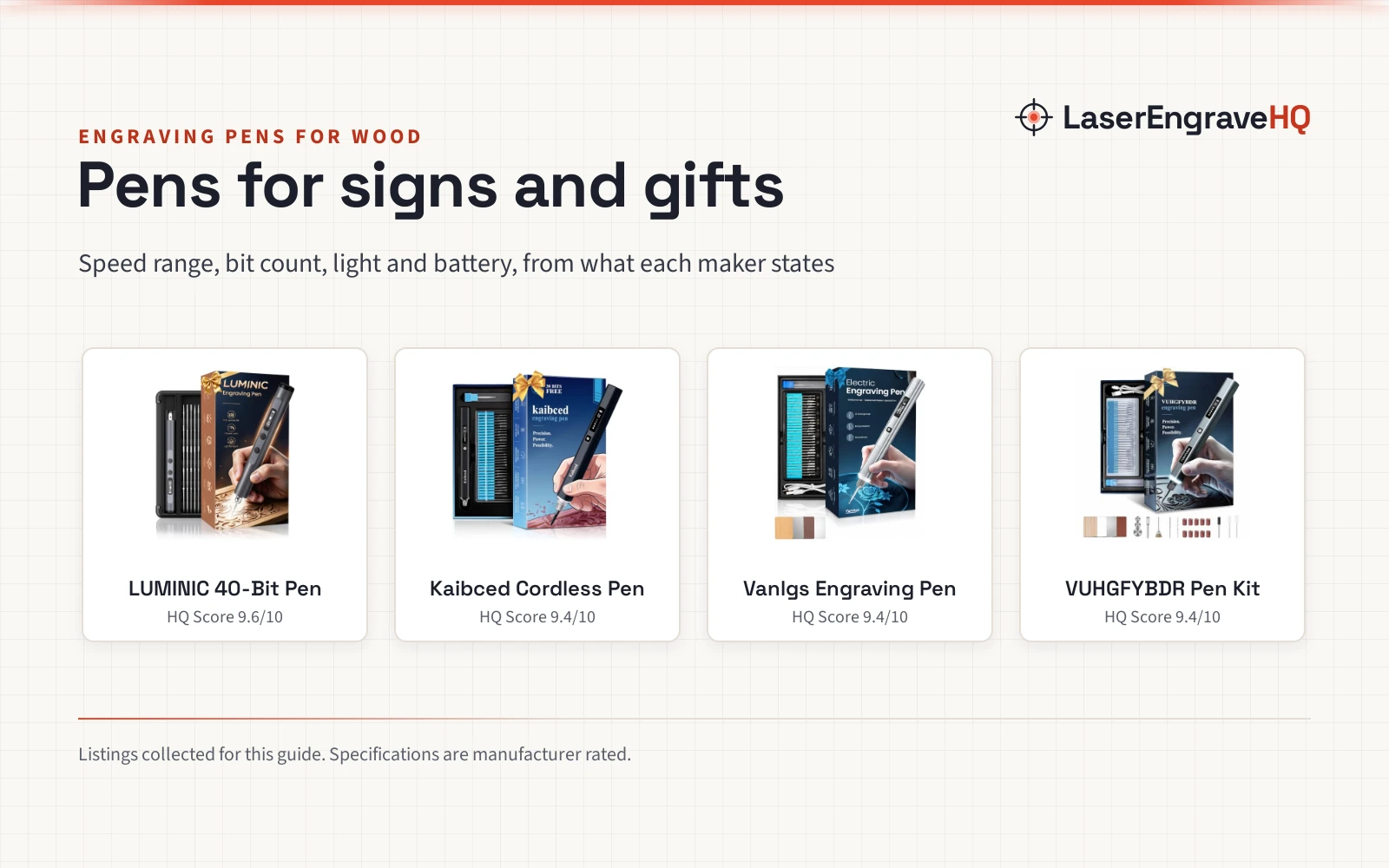
 Kaibced Cordless Engraving Pen with 48 Kits & LED ScreenView on Amazon
- 5
 LUMINIC Engraving Pen 5-Speed & 40 Bits LED LightView on Amazon
- 6
 xTool M2 40W Color Craft Laser Engraver and CutterView on Amazon
- 7
 ORTUR Laser Master 2 S2 LU2-10A Laser Engraver LaserView on Amazon
- 8
 Electric Engraving Pen with 37 BitsView on Amazon
Engraving pen vs laser engraver is the choice between a handheld rotary tool and a machine that marks with light. A pen suits small, personal marks made by hand on beads, jewelry, tumblers and wooden gifts. A laser engraver suits repeat work, larger pieces and cutting, with the machine doing the moving while the maker sets up the file and the material. The sections below compare both tool types on how they mark, what they handle and what they ask of the workspace.
Other machines to compare
 Kaibced Cordless Engraving Pen with 48 Kits & LED ScreenCheck price on Amazon
 LUMINIC Engraving Pen 5-Speed & 40 Bits LED LightCheck price on Amazon
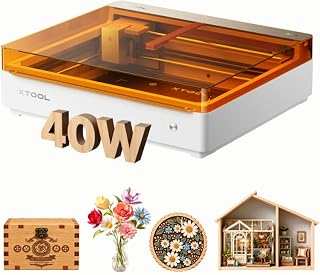 xTool M2 40W Color Craft Laser Engraver and CutterCheck price on Amazon
 ORTUR Laser Master 2 S2 LU2-10A Laser Engraver LaserCheck price on Amazon
 Electric Engraving Pen with 37 BitsCheck price on Amazon
LaserEngraveHQ earns a commission from purchases made through these links, at no extra cost to you. Read our affiliate disclosure.
This guide compares both tool types from what their listings state. A pen marks by contact, a laser marks by light, and the right pick depends on the material and the size of the batch.
What an engraving pen does well
An engraving pen is a handheld rotary tool with a small bit that spins against the surface. The maker holds the pen like a marker, guides it by hand and feels the cut through the grip. That direct control suits names on jewelry, small marks on beads, personal notes on tumblers and fine lines on wood and glass.
The AM ARROWMAX Mini Engraving Pen lists a top speed of 30,000 RPM from a 4-speed motor that runs at 15k-30k RPM. Its kit holds 30 diamond bits, and the listing states it works on 50+ surfaces, including metal, ceramic, stone and leather. A small OLED display shows speed, battery life and rotation direction, and the pen runs on a 500mAh LiPo battery for up to 2 hours. Forward and reverse rotation lets left-handed makers switch the bit direction with a single click, and the listing states a 1 Year Manufacturer warranty.
The Resparked Customizer Engraving Pen runs on a 3-speed motor with up to 2 hours of rechargeable battery life and USB-C fast charging. Its kit includes 30 bits, a carbide burr and a Mastery Guide, and the listing states it works on 50+ surfaces. The CBVCBV Wireless Engraving Pen Kit takes a different shape: it ships with 30 metal grinding bits, 1 ceramic grinding bit and 3 cutting saw blades, runs on 3 speed levels and charges over USB for up to 30 minutes of cordless use. A built-in protection circuit cuts power when resistance runs too high, and the pen weighs 0.09 pounds.
What a laser engraver does well
A laser engraver moves a focused beam across the material while the maker stays clear of the beam path. The machine follows a file, so the same design lands in the same place on every blank in the batch. That repeatability suits signs, leather patches, cut parts and rows of matching gifts.
The ORTUR Laser Master 2 S2 LU2-10A lists 10000mW of laser power, with optical power reaching 10W and a compressed point of 0.05mm x 0.1mm. Its engraving area is 390*410mm. The listing states it can cut 30mm acrylic and 20mm wood, and the laser module has a built-in air-assist interface for cutting. Assembly takes about 10-15 minutes, and the full metal structure uses a modular design for assembly, repair and part replacement. The machine works with LaserGRBL and LightBurn.
Safety gear matters more here because the listing names this machine Class 4. A G-sensor on the motherboard stops the laser when the machine is displaced or tilted, and the beam stops if the computer halts or the USB cable disconnects while the machine stops moving. The listing does not state eyewear optical density or a wavelength range, so eye protection should only come from eyewear whose listing states both. Ventilate the workspace, keep a suitable extinguisher within reach, never leave a running job unattended, and never laser PVC, vinyl, PVC-based faux leather, polycarbonate or ABS.
Engraving pen vs laser engraver: side by side
The engraving pen vs laser engraver comparison below lines up the two tool types on the points that decide most purchases. The pen column describes the three pens in this guide, and the laser column describes the ORTUR machine.
| What to compare | Engraving pen | Laser engraver |
|---|---|---|
| How it marks | Spinning bit, guided by hand | Focused beam, guided by a file |
| Detail work | Fine lines on beads, jewelry and small gifts | Lines from a 0.05mm x 0.1mm point |
| Cutting | Saw blades in the CBVCBV kit for small cuts | Lists cutting 30mm acrylic and 20mm wood |
| Work area | The size of the piece in hand | 390*410mm engraving area |
| Repeat work | Each mark is made by hand | Same file, same place on every blank |
| Setup | Charge, then mark by hand | Assembly takes about 10-15 minutes |
The gear in this guide
The tools below appear in the order the listings rank for this comparison, from the machine with the widest stated capability to the smallest pen.
ORTUR Laser Master 2 S2 LU2-10A. The ORTUR Laser Master 2 S2 LU2-10A brings 10W of optical power and a 390*410mm engraving area to this guide, and the listing states it cuts 30mm acrylic and 20mm wood. Its Class 4 status and G-sensor tilt stop suit a maker who wants cutting power with stated safety stops, while assembly takes about 10-15 minutes and the machine works with LaserGRBL and LightBurn.
AM ARROWMAX Mini Engraving Pen. The AM ARROWMAX Mini Engraving Pen pairs a 30,000 RPM top speed with a 4-speed motor that runs at 15k-30k RPM, and its kit holds 30 diamond bits for 50+ surfaces. The OLED display shows speed, battery life and rotation direction, the 500mAh battery runs for up to 2 hours, and the listing states a 1 Year Manufacturer warranty. Forward and reverse rotation suits left-handed makers, and the pen measures 8.07 inches x 4.33 inches x 1.18 inches.
Resparked Customizer Engraving Pen. The Resparked Customizer Engraving Pen keeps the kit simple: a 3-speed motor, up to 2 hours of battery life with USB-C fast charging, 30 bits, a carbide burr and a Mastery Guide. The listing states it works on 50+ surfaces, from wood and metal to glass and plastic.
CBVCBV Wireless Engraving Pen Kit. The CBVCBV Wireless Engraving Pen Kit is the compact pick of this guide, at 0.09 pounds and 4.8 inches x 0.64 inches x 0.64 inches. Its kit holds 30 metal grinding bits, 1 ceramic grinding bit and 3 cutting saw blades, the pen runs on 3 speed levels, and a full charge gives up to 30 minutes of cordless use over USB. A protection circuit cuts power when resistance runs too high.
Which one should you buy?
Pick the pen when the work is small, personal and one of a kind: names on jewelry, marks on beads, a note on a tumbler or a design on a wooden gift. The pen travels to the piece, needs no file, and the setup is a charge and a chosen bit and speed level, with the maker controlling every line by hand.
Pick the laser engraver when the work repeats or needs cutting: matching signs, rows of leather patches, cut parts and batches of gifts with the same design. The machine holds the file steady while the maker loads blanks, and the 390*410mm area takes pieces sized to the bed.
Some makers keep both. The pen handles the odd curved piece and the quick personal mark, while the laser handles the batch and the cut. When the choice is still open, the how to choose a laser engraver guide walks through the machine side of the decision.
FAQ: lasers and CNC
Can an engraving pen mark metal?
Yes. The pens in this guide list metal among the surfaces they mark, and the ARROWMAX pen lists 50+ surfaces including metal, ceramic, stone and leather. The ORTUR laser also lists marking for metal, so both tool types cover it, with the pen marking by contact and the laser marking by light.
Can a laser engraver cut wood?
Yes, when the listing states it. The ORTUR Laser Master 2 S2 LU2-10A lists cutting 20mm wood and 30mm acrylic, with a built-in air-assist interface for cutting. An engraving pen carves and etches the surface, and the CBVCBV kit’s saw blades handle only small cuts, so cutting through sheet material belongs on the laser side of this comparison.
Which tool suits tumblers?
An engraving pen suits a single tumbler marked by hand: the ARROWMAX listing names custom tumblers among its gift ideas. A laser engraver suits tumblers in a batch, but the ORTUR listing in this guide does not state a rotary attachment, so check the listing for rotary support before planning drinkware work.
What safety gear does a laser engraver need?
A Class 4 machine needs a ventilated workspace, a suitable extinguisher within reach and eye protection whose listing states an optical density and a wavelength range that match the laser. The ORTUR listing states a G-sensor tilt stop and a beam stop on disconnect, but it does not state eyewear optical density or a wavelength range. Never leave a running job unattended.
Can an engraving pen replace a laser engraver for a small business?
For single personal marks, yes. For repeat orders, the laser fits better, with the same file landing in the same place on every blank. The ARROWMAX and Resparked pens run up to 2 hours per charge, while the CBVCBV kit gives up to 30 minutes, so long sessions need charging breaks.
Related: the laser engraver hub, best laser engraver for small business and best laser engraver for tumblers. Also see the best laser engraver for wood and fume extractor guide.