CNC Milling Machine Parts: Components and Upgrades
A guide to CNC milling machine parts: the frame, spindle, axes, controller and add-ons that turn a desktop mill into a working shop tool, with the figures the makers state.


On this page
Top picks at a glance
As an Amazon Associate I earn from qualifying purchases.
- 1
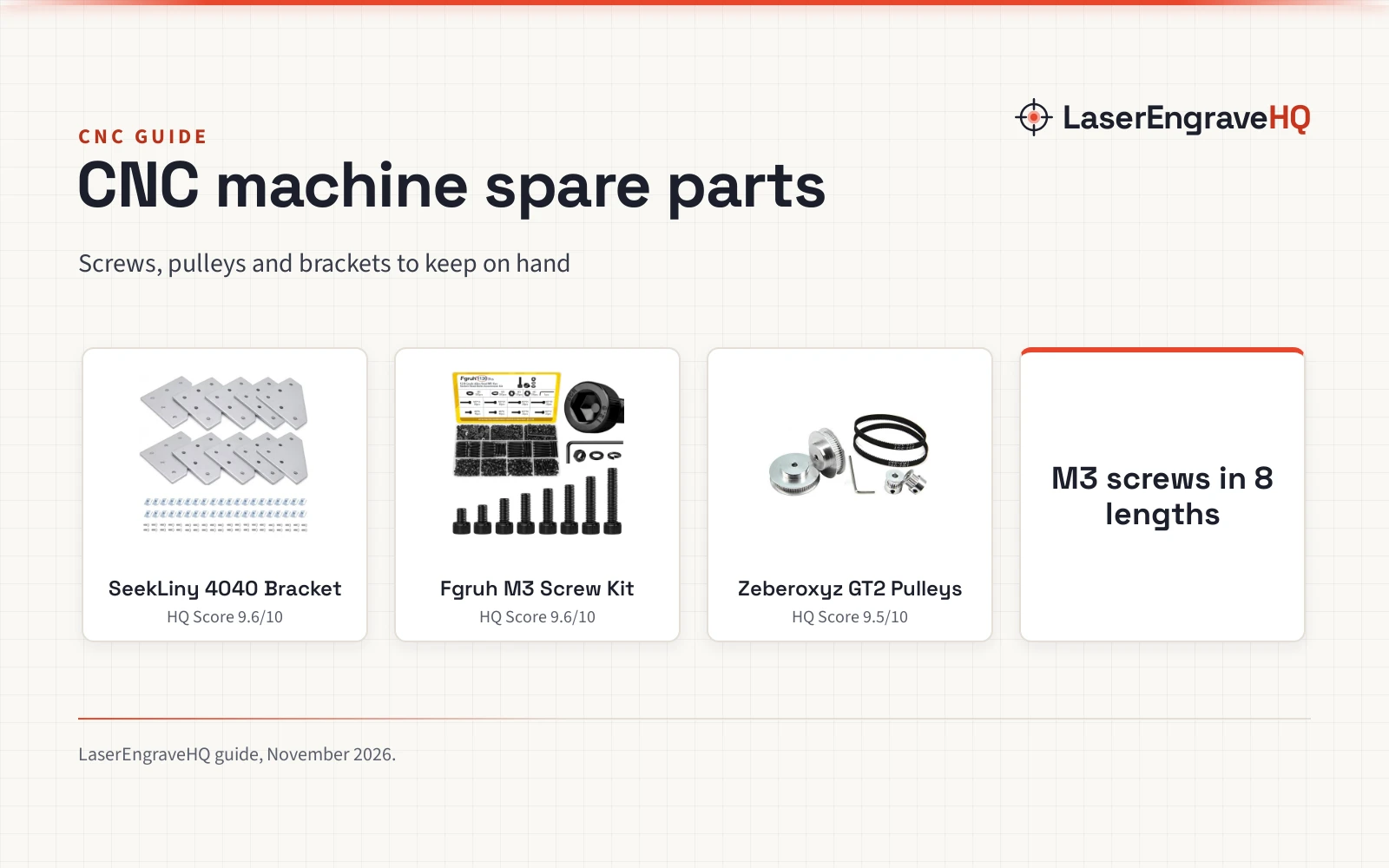
 SeekLiny 10pcs 4040 L Corner Bracket Joint Plate Connector9.6/10View on Amazon
- 2
 Fgruh 1120PCS M3 Socket Screws Assortment Kit9.6/10View on Amazon
- 3
 Zeberoxyz 2PCS Set GT2 Synchronous Wheel 20&60 Teeth 5mm Bore9.5/10View on Amazon
A desktop mill arrives as a set of parts that only work as a team: a frame that holds still, a spindle that spins the cutter, axes that move the spindle and the bed, and a controller that turns a design into motion. CNC milling machine parts are those pieces, and this guide names each part, explains what it does, and shows how the pieces fit together, using the figures the makers state in their listings.
LaserEngraveHQ earns a commission from purchases made through these links, at no extra cost to you. Read our affiliate disclosure.
Every figure in this guide comes from a maker listing cited in the text. Where a listing states no figure for a part, the guide says so instead of filling in a number.
CNC Milling Machine Parts: What Each Part Does
A CNC mill is a frame, a bed, a spindle, axes with motors, and a controller, with add-ons for probing, dust and a rotary axis. The frame holds the rest still while the spindle cuts. The bed holds the work. The axes move the spindle or the bed along set paths. The motors drive the axes, the drivers control the motors, and the controller reads the toolpath and sends the moves. The listings in this guide show how those parts look on desktop mills from Makera and Genmitsu, and on a Lysee motor kit for DIY builds.
The frame, the bed and the work area
The frame sets the work area, which limits the size of each job the mill can take in one setup. The Carvera Air from Makera is a fully enclosed desktop mill with a work area of 11.8 x 7.9 x 5.1 inches inside a footprint of 19.7 x 17.7 x 17.7 inches. The enclosed design helps reduce noise, contain chips and dust, and improve safety for home workshops, desktops, maker spaces, labs and small studios, per the listing. The Genmitsu 3018-PROVer V2 (on Amazon) lists a working area of 11.2 x 7.1 x 1.6 inches with an aluminum spoilboard that the work clamps to. Compare bed styles in the aluminum T-track vs MDF spoilboard guide, and browse machine sizes in the CNC routers hub.
The spindle and the tool changer
The spindle spins the cutting bit, so its steadiness shapes the finish of the cut. The Carvera Air lists spindle runout under 0.0004 in and motor resolution of 0.0002 in, with automatic probing and surface leveling that calibrates the workpiece. Its built-in quick tool changer swaps milling bits in 10 seconds, which speeds up jobs that need engraving, drilling and cutting in a single project. A dull or wrong bit shows up in the cut long before the frame does, so match the bit to the material and the job; the best CNC bit set for beginners guide covers starter sets.
The axes, the motors and the controller
These desktop mills cut on three axes: across the work, along it, and down into it. The Carvera Air also comes in a version with a 4th axis rotary add-on, and the Makera Z1Pro (on Amazon) comes with a 4-axis set, for work that turns around a rotary axis. The motors and drivers move the axes: the Genmitsu 3018-PROVer V2 lists Toshiba TB6S109 drivers with 32-bit chips and a redesigned Z axis carriage. Lysee lists an electronic combo for OX CNC router mills in size 4×23, a motor kit for DIY builds. The controller takes the toolpath and drives the machine: the Carvera Air runs Makera CAM software over Wi-Fi or USB, and the Z1 series runs Makera Studio. The listings also name Fusion360, SolidWorks, VCarve Pro, Carveco and Easel as compatible CAD/CAM software. The ball screw vs lead screw guide explains the drive parts inside the axes.
Probing, dust collection and the camera
Small parts punish small errors, so desktop mills add parts that keep cuts honest. The Carvera Air lists automatic probing and surface leveling, which calibrates the workpiece so cuts stay accurate on uneven material. The Makera Z1 and Z1Pro list a machining accuracy of 0.05 mm and a positioning precision of 0.02 mm. The Z1 series pairs an integrated camera with the AeroDust Collection System, so the maker can watch the cut and keep debris under control. The Genmitsu 3018-PROVer V2 lists limit switches and an emergency stop, plus a 1 Year Warranty. Where a listing states no figure for a part, this guide leaves it unstated rather than guessing.
Setting up a desktop mill
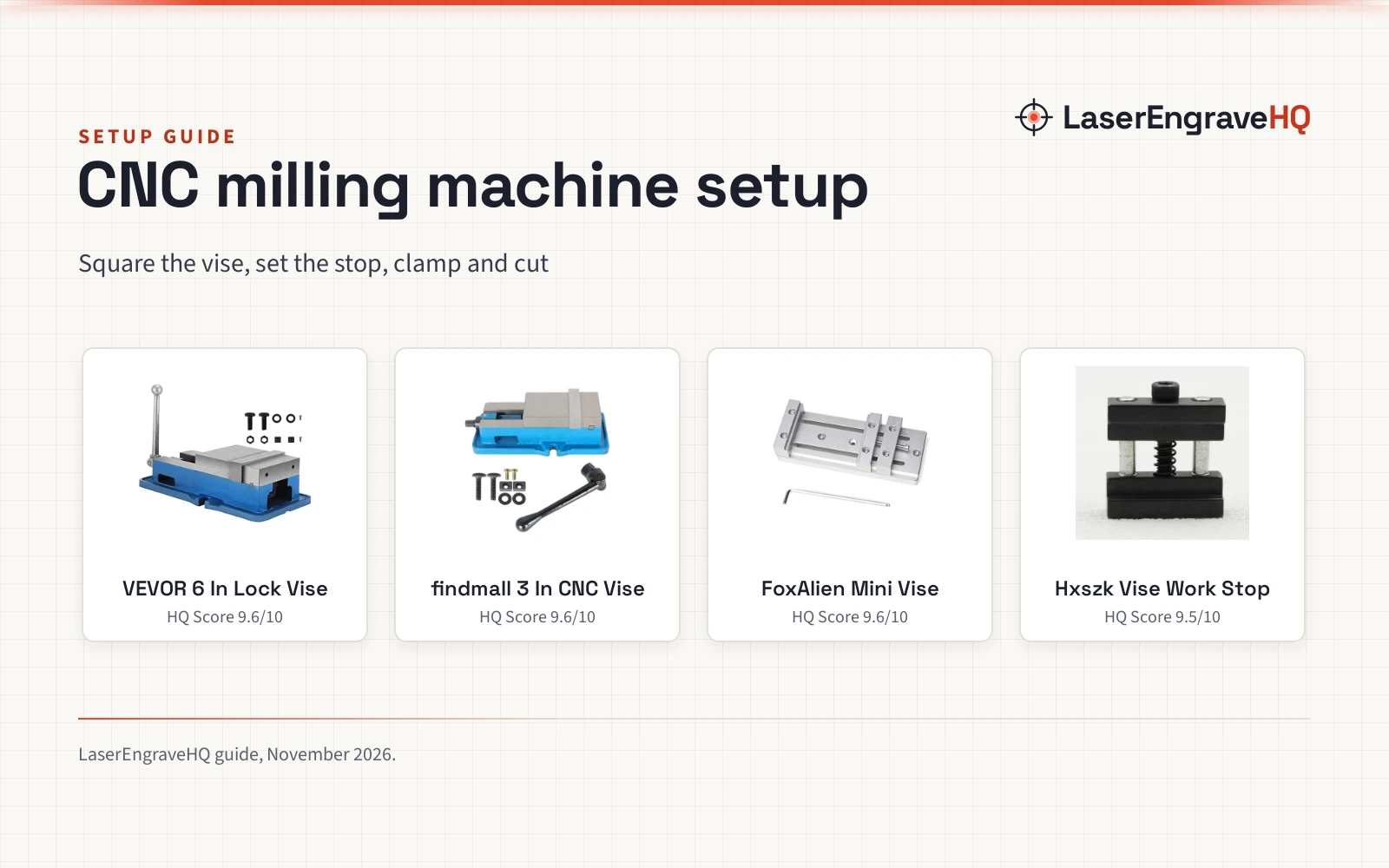
Setup is mostly assembly and alignment. The Genmitsu 3018-PROVer V2 ships semi-preinstalled and the maker lists setup in about 35 minutes. Before the first cut, check the work area against the job, clamp the work to the spoilboard, and confirm the bit, the material and the design file agree. The Carvera Air lists hardwoods, softwoods, MDF, acrylic, carbon fiber, aluminum and brass among its materials, and the Z1 series lists wood, acrylic, PCB, plastics and soft metals such as aluminum. The 3018 CNC setup guide walks through the same steps on a small machine.
Upgrades that fit a desktop mill
Desktop mills can grow by add-on rather than by replacement. The 4th axis rotary add-on lets a 3-axis mill cut round parts by rotating the work. The Genmitsu accessories range lets the 3018-PROVer V2 grow as needs change, per the listing. Makera points Z1 users toward Carvera Air and Carvera as more advanced steps. When weighing an upgrade, match it to a job already waiting: a rotary axis for round parts, dust collection for long cutting sessions, and a camera for watching the cut without standing over the machine.
Common mistakes to avoid
- Buying the mill before knowing the largest part it must cut.
- Skipping the work area check and finding the job does not fit the bed.
- Running the wrong bit for the material.
- Ignoring dust and chips until they reach the moving parts.
- Adding a 4th axis before any round job needs it.
CNC milling machine parts: the short version
- Frame and bed: hold the work still and set the work area.
- Spindle and tool changer: spin the bit and swap it fast.
- Axes, motors and drivers: move the spindle and the bed.
- Controller and software: turn the design into a toolpath and the toolpath into motion.
- Probing, dust collection and camera: keep cuts accurate and visible.
Start with the work area and the materials, then match the spindle, the axes and the add-ons to the jobs already planned.
FAQ: lasers and CNC
What are the main parts of a CNC milling machine?
The frame, the bed, the spindle, the axes with motors and drivers, and the controller with its software. Add-ons such as a probe, dust collection, a camera and a 4th axis rotary kit fit around that core.
What work area does a desktop CNC mill have?
The Carvera Air lists a work area of 11.8 x 7.9 x 5.1 inches, and the Genmitsu 3018-PROVer V2 lists a working area of 11.2 x 7.1 x 1.6 inches. Measure the largest part before choosing between them.
What is a 4th axis on a CNC mill?
A rotary add-on that turns the work around an axis so the mill can cut round parts. The Carvera Air comes in a version with a 4th axis rotary add-on, and the Makera Z1Pro comes with a 4-axis set.
How accurate is a desktop CNC mill?
The Makera Z1 and Z1Pro list a machining accuracy of 0.05 mm and a positioning precision of 0.02 mm. The Carvera Air lists spindle runout under 0.0004 in and motor resolution of 0.0002 in. Figures vary by machine, so read the listing for the model in hand.
What materials can a desktop CNC mill cut?
The Carvera Air lists hardwoods, softwoods, MDF, acrylic, carbon fiber, aluminum and brass. The Z1 series lists wood, acrylic, PCB, plastics and soft metals such as aluminum. Match the material to the bit and the machine before cutting.
How long does setup take?
The Genmitsu 3018-PROVer V2 ships semi-preinstalled and the maker lists setup in about 35 minutes. Setup time varies with the model and the bench space, so leave room for alignment and a first cut.
Related: the CNC routers hub, the 3018 CNC setup guide and the best CNC bit set for beginners. Also see the ball screw vs lead screw guide.